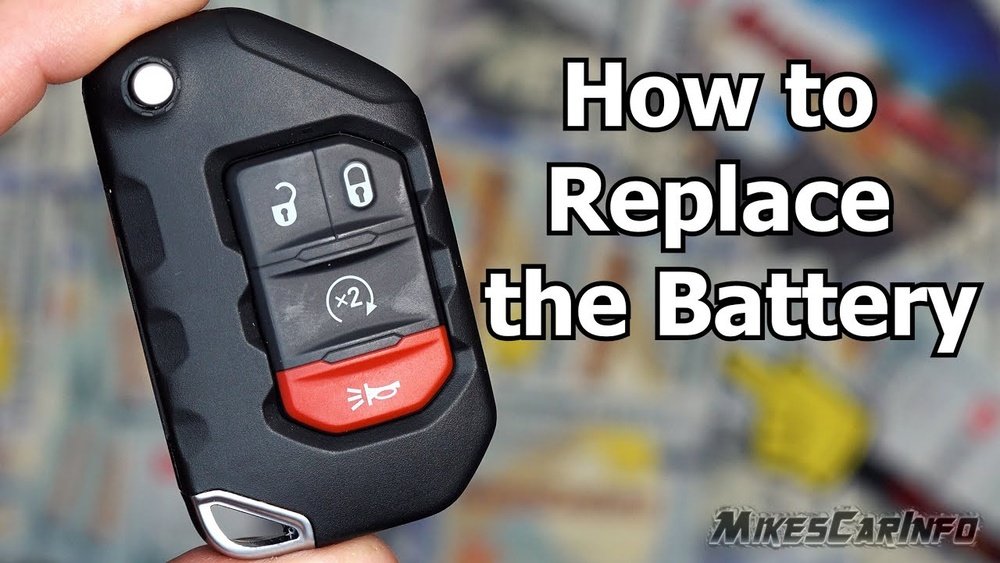
If your Jeep key fob stops unlocking doors or starting the engine, it’s often a simple battery issue. Many drivers worry they’ll need a costly replacement at the dealership, but changing the battery yourself is quick and easy.
With just a few tools and a new battery, you can have your key fob working like new in minutes.
This guide will show you exactly how to do it, avoid common mistakes, and understand the differences between Jeep key fob models.
Why Replace Your Jeep Key Fob Battery?
A weak or dead battery is the most common cause of a non-working key fob. Signs include:
- The key fob not responding
- Decreased remote range
- Intermittent operation
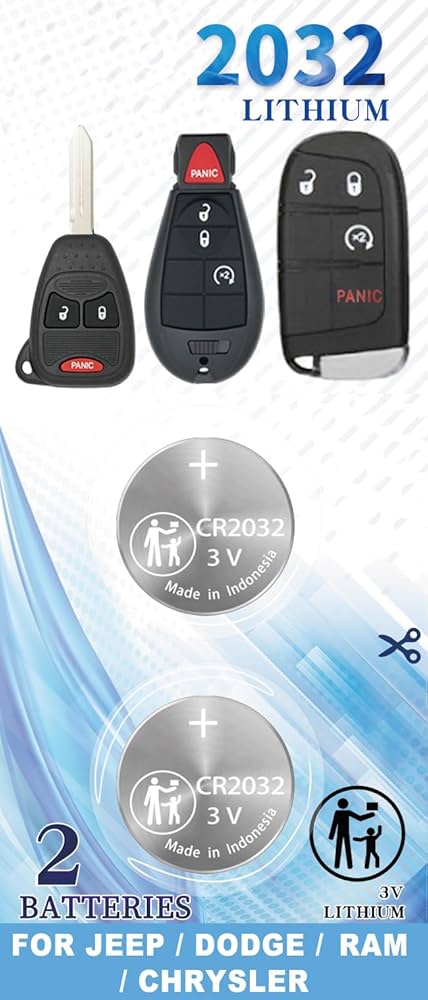
Most Jeep key fobs use a CR2032 or CR2025 coin battery. These batteries last about 2-3 years, but frequent use, extreme temperatures, or age can shorten their life. Replacing the battery yourself saves time and money—dealerships often charge $20–$50 for a simple swap.
Tools And Materials Needed
Before starting, gather these items:
- A small flathead screwdriver or coin
- One new CR2032 (or CR2025) battery
- A clean, dry workspace
Avoid using sharp knives they can damage the fob’s case or internal components.
Identifying Your Jeep Key Fob Type
Not all Jeep key fobs open the same way. There are two main types:
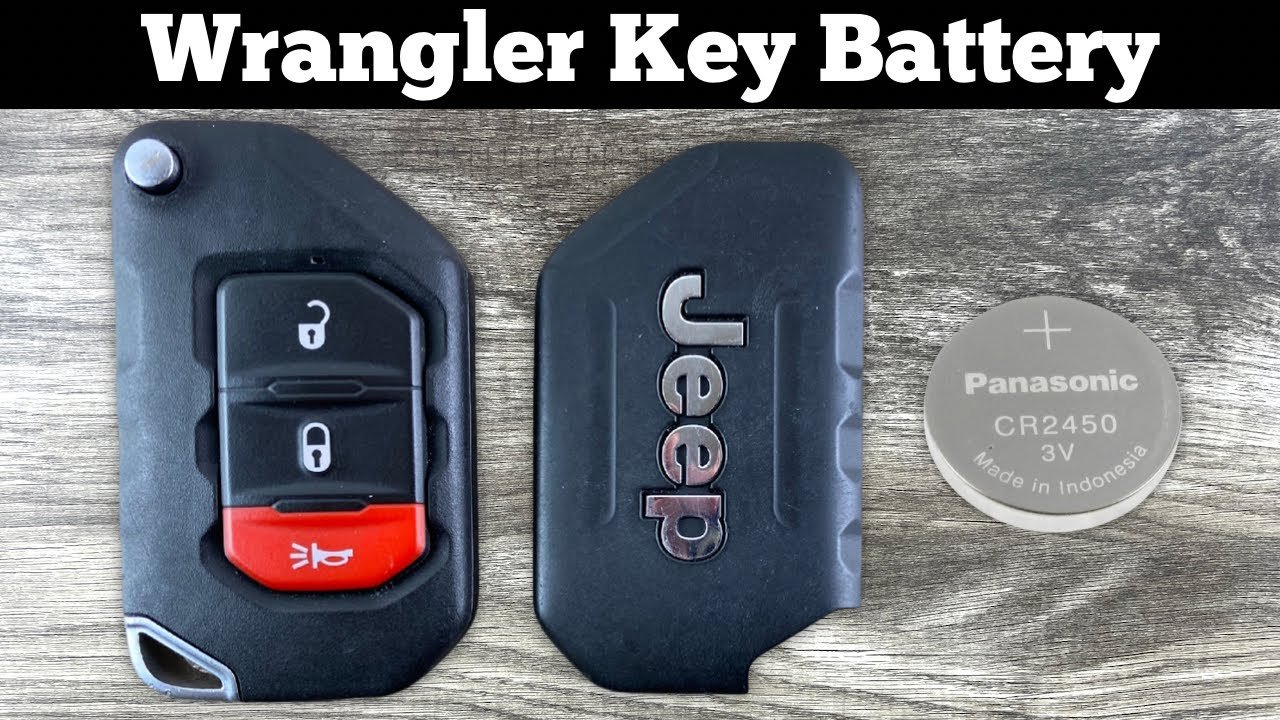
- Flip key fob – Key flips out with a button. Common in Jeep Compass, Renegade, or older Wrangler models.
- Smart key fob – No visible key blade, usually for push-to-start systems (e.g., Cherokee, Grand Cherokee, Gladiator).
Check your fob’s shape and buttons before starting, as the battery access may differ.
| Fob Type | Battery Model | Access Method |
|---|---|---|
| Flip Key Fob | CR2032 | Back cover pops open |
| Smart Key Fob | CR2032 or CR2025 | Internal compartment after removing key blade |
Step-by-step: Replacing The Battery
Follow these steps for a safe and successful replacement.
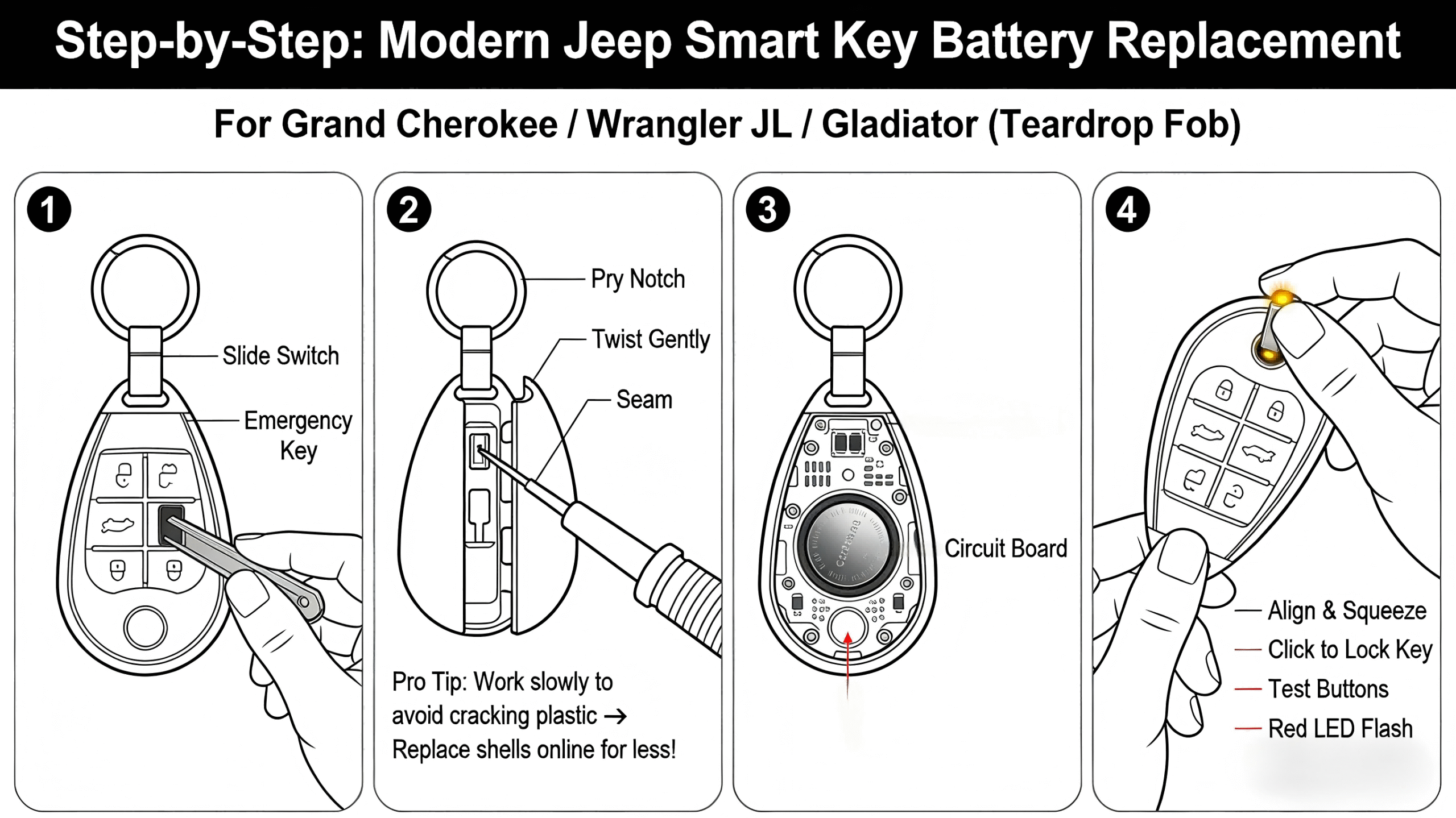
1. Open The Key Fob
For flip key fobs, look for a small slot at the seam. Insert the flathead screwdriver or coin, gently twist, and the cover will pop open.
For smart key fobs, press the button to release the mechanical key blade. With the blade removed, locate the seam or slot and gently pry open the case. Go slowly to avoid snapping plastic clips.
2. Remove The Old Battery
Note the battery’s position—positive (+) side usually faces up, but check your fob. Gently lift the battery with the screwdriver or your fingernail. Avoid touching the circuit board.
3. Insert The New Battery
Place the new battery in the same orientation as the old one. Press it gently until it sits firmly.
Make sure the battery is flat and secure, not at an angle.
4. Close The Key Fob
Align the two halves of the fob and press firmly until you hear a click. For smart fobs, re-insert the mechanical key blade.
5. Test The Key Fob
Try locking and unlocking your Jeep from a few feet away. If your fob has a remote start or panic button, test those as well. Everything should work instantly. If not, double-check the battery is installed correctly.
| Step | Common Mistake | How to Avoid |
|---|---|---|
| Opening fob | Forcing case open | Use gentle pressure, find correct slot |
| Battery install | Wrong polarity | Match old battery orientation |
| Closing case | Misaligned halves | Check edges before snapping shut |
Extra Tips For A Smooth Battery Replacement
- Use a quality battery from a trusted brand. Cheap batteries may not last as long.
- Wipe the battery with a dry cloth before installing to remove fingerprints or oil.
- Keep the circuit board dry. Even small moisture can cause failure.
- If you lose the spring or any small part, check the floor and workspace before reassembling.
- If the fob still does not work, check if the battery is fresh—sometimes store-bought batteries are old stock.
When To Seek Professional Help
Most Jeep owners can handle this task, but a few situations call for expert help:
- The key fob is physically damaged or won’t open.
- Buttons or functions are not working even after battery replacement.
- The fob needs reprogramming (rare, but some newer models require this after battery change).
In these cases, contact your local Jeep dealer or a certified locksmith.
Cost Comparison: Diy Vs Dealership
| Option | Estimated Cost | Time Needed |
|---|---|---|
| DIY Replacement | $3–$7 (battery only) | 5–10 minutes |
| Dealership | $20–$50 | 30–60 minutes (including wait) |
Replacing the battery yourself is much cheaper and saves time.
Frequently Asked Questions
How Do I Know Which Battery My Jeep Key Fob Uses?
Check your owner’s manual or look at the current battery for the model number (usually CR2032 or CR2025). If unsure, bring the fob or old battery to an auto parts store—they can match it for you.
Will Changing The Battery Erase My Jeep’s Programming?
No, replacing the battery will not erase your key fob’s programming. Your Jeep should recognize the fob as soon as the new battery is installed.
What If My Key Fob Still Doesn’t Work After Battery Replacement?
Double-check the battery orientation and ensure the case is fully closed. If problems continue, the fob may be damaged or require reprogramming visit a Jeep dealer for help.
How Often Should I Replace My Jeep Key Fob Battery?
Most batteries last 2 3 years. If you notice the remote range decreasing or have to press buttons several times, it’s time to change the battery.
Can I Use A Rechargeable Battery In My Key Fob?
No, always use a standard, non-rechargeable coin cell battery. Rechargeable batteries have a different voltage and can damage your fob.
Replacing the battery in your Jeep key fob is a simple, cost-effective task. With the right battery, basic tools, and these step-by-step instructions, you can fix most issues in minutes. If you have a newer model or run into trouble, your dealer can help—but in most cases, you’ll be back on the road faster and cheaper by doing it yourself. For more information on key fobs and battery types, you can check the Wikipedia guide to remote keyless systems.