A cracked or malfunctioning screen in your Jeep Renegade can quickly turn a smooth drive into a frustrating experience. Whether your touchscreen stopped responding or the display is damaged, fixing it is important for both comfort and safety.
Many drivers worry about the cost, process, and whether they can do it themselves.
Here’s a clear, practical guide to Jeep Renegade screen replacement—what you need to know before you start, how to get it done, and how to avoid common mistakes.
Understanding Your Jeep Renegade’s Screen
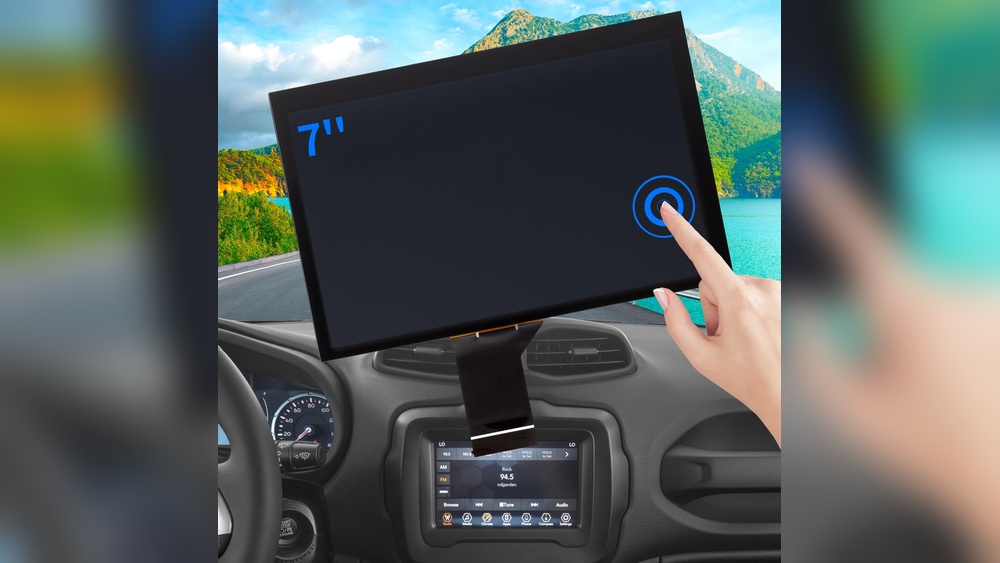
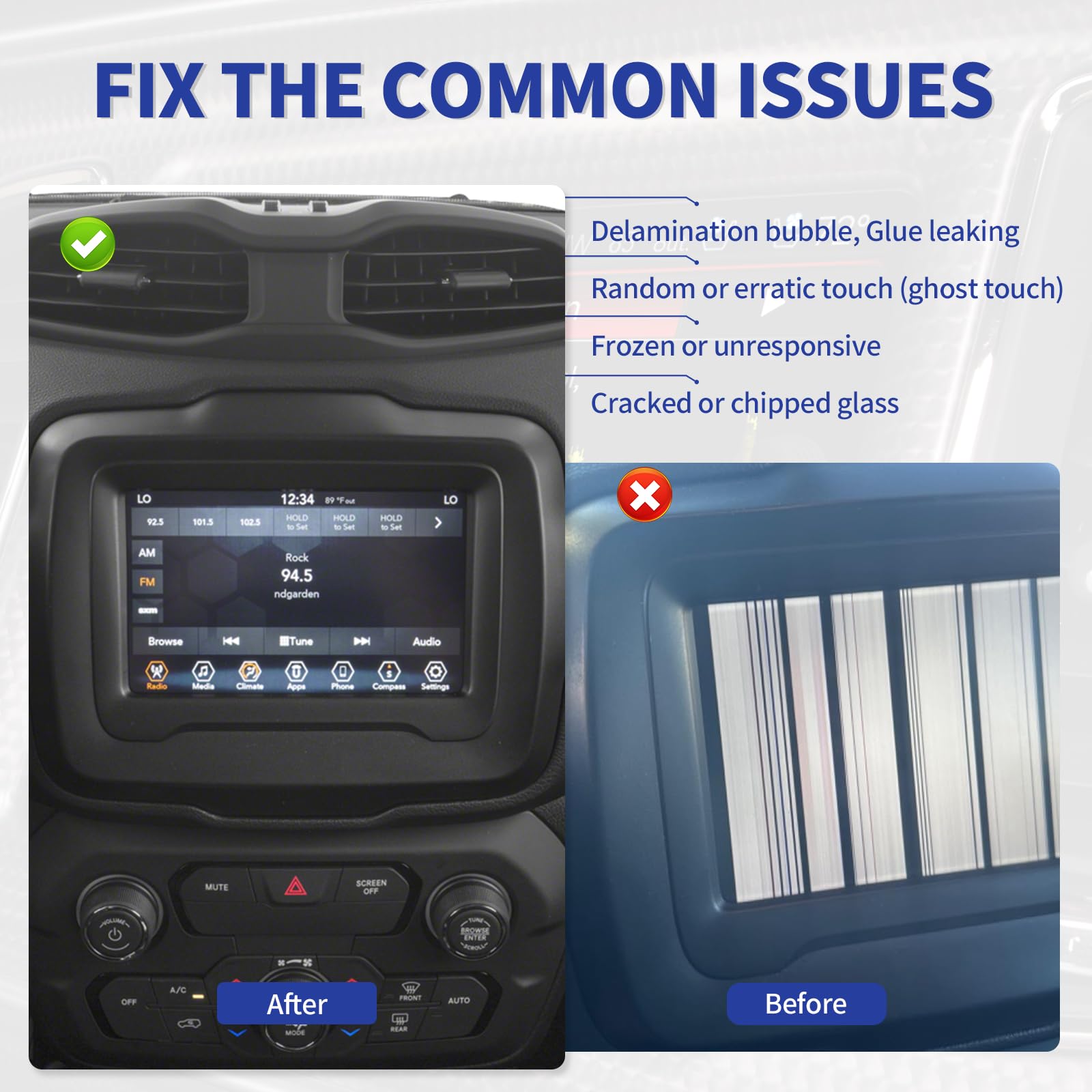
The Jeep Renegade uses a Uconnect infotainment system, which comes in different sizes—most common are 5-inch, 7-inch, and 8.4-inch screens, depending on the model year. These screens control media, navigation, and sometimes climate functions. If your screen is cracked, freezing, or won’t power on, it may need replacement rather than a simple reset.
Common Screen Issues
- Cracks or physical damage
- Touchscreen not responding
- Screen flickering or blank
- Software glitches (sometimes fixed by reset, but not always)
Physical damage usually means you need to replace the screen. For software problems, try a reset first. If that fails, replacement is likely.
Should You Replace The Screen Yourself?
Replacing the screen can be a DIY project if you’re comfortable with simple tools and careful work. However, if your Jeep is under warranty, replacing the screen yourself might void it. Always check your warranty terms before starting.
Diy Vs Professional Replacement
| Aspect | DIY Replacement | Professional Service |
|---|---|---|
| Cost | Lower (just parts) | Higher (parts + labor) |
| Skill Required | Moderate | Low (just drop off car) |
| Time | 1–2 hours | Usually same day |
| Warranty | May void | Usually preserved |
If you’re not confident, a professional can ensure a safe, clean installation.
How Much Does Jeep Renegade Screen Replacement Cost?
Prices vary by screen size and whether you choose OEM or aftermarket parts. Here’s a simple comparison:
| Screen Size | OEM Replacement Cost | Aftermarket Cost |
|---|---|---|
| 5-inch | $350–$550 | $200–$350 |
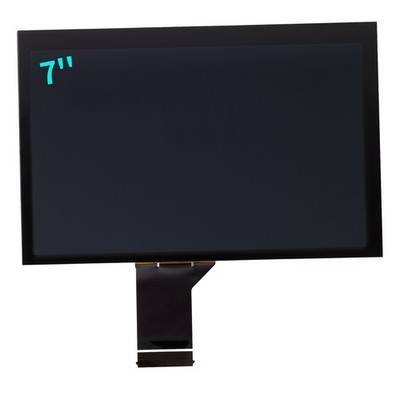
| 7-inch | $450–$700 | $250–$400 |
| 8.4-inch | $600–$1,000 | $350–$600 |
OEM screens are original parts from Jeep. Aftermarket screens can be cheaper, but check reviews and compatibility. Labor from a repair shop can add $100–$300. If your insurance covers glass or electronics, it may help with the cost.
Step-by-step: Diy Jeep Renegade Screen Replacement
If you decide to replace the screen yourself, follow these steps. Always disconnect your battery before working with electronics.
What You Need
- Replacement screen (matching your Renegade’s year and size)
- Trim removal tools
- Screwdrivers (Phillips and Torx)
- Clean microfiber cloth
Step 1: Disconnect The Battery
Remove the negative terminal from the battery. This protects your electronics and yourself.
Step 2: Remove Trim Panels
Use the plastic trim tool to gently pry off the dash panels around the screen. Work slowly to avoid cracking the plastic.
Step 3: Unscrew The Old Screen
Most screens are held by 4 screws. Remove these and keep them safe.
Step 4: Disconnect Wiring Harnesses
Carefully unplug the wiring from the back of the screen. Don’t pull on wires—use the clip release.
Step 5: Install The New Screen
Plug in all connectors to the new screen. Attach it with the screws.
Step 6: Reassemble And Test
Snap the trim panels back in place. Reconnect the battery and start the car.
Test the screen for touch, brightness, and all functions.
Two Tips Most Beginners Miss
- Check Software Compatibility: Some screens need a software update or programming after installation. If your new screen doesn’t work, ask the seller or a dealer about compatibility.
- Inspect Connectors for Damage: Bent pins or loose plugs can cause new screens to fail. Always check these before final assembly.

How To Avoid Common Mistakes
- Don’t rush—forcing trim panels can break clips.
- Double-check the part number—Renegade screens look similar but aren’t always interchangeable.
- Keep the work area clean—dust or fingerprints can get trapped behind the new screen.
A common error is buying a cheap aftermarket screen without checking reviews or compatibility. Poor quality screens can have touch lag, low brightness, or even fail within months.
When To See A Professional
If you’re not comfortable with car electronics, or if you have a newer Renegade with advanced features, a professional service is safer. Dealerships and specialized audio shops can install and program the screen correctly.
This also helps protect your warranty and resale value.
For more detailed Jeep electronics info, visit the official Jeep website.
Frequently Asked Questions
Can I Use Any Screen From Another Jeep Renegade?
No, you must match the model year and screen size. Some newer screens need special programming, so check compatibility before buying.
How Long Does It Take To Replace The Screen?
If you have all the tools and the right part, most people finish in 1–2 hours. Professionals may be quicker.
Will Replacing The Screen Erase My Settings?
Usually, your radio presets and Bluetooth connections stay saved, but some advanced settings may reset. Take photos of your settings before starting, just in case.
Is A Cracked Screen Dangerous To Use?
A cracked screen usually works, but it can get worse over time and may affect touch sensitivity. In rare cases, sharp glass could cause injury.
Where Can I Buy A Replacement Screen?
You can buy screens from a Jeep dealership, online auto parts stores, or trusted sellers on eBay. Always check return policies and reviews before purchase.
Replacing a Jeep Renegade screen isn’t as complicated as many think, but it does require patience, the right parts, and careful hands. Whether you choose DIY or professional service, understanding the process helps you avoid extra costs and get back to enjoying your drive with a clear, working display.