The Jeep Grand Cherokee is known for its comfort, advanced features, and modern infotainment systems. But as technology improves, so do the challenges.
Many owners experience issues with their touchscreen displays—from unresponsive touch, cracks, or display glitches to total failure. Replacing the screen can restore your driving experience, but it’s not as simple as swapping a phone screen.
This article gives you a clear, practical guide to Jeep Grand Cherokee screen replacement—explaining costs, options, steps, and tips that help you make the right decision.
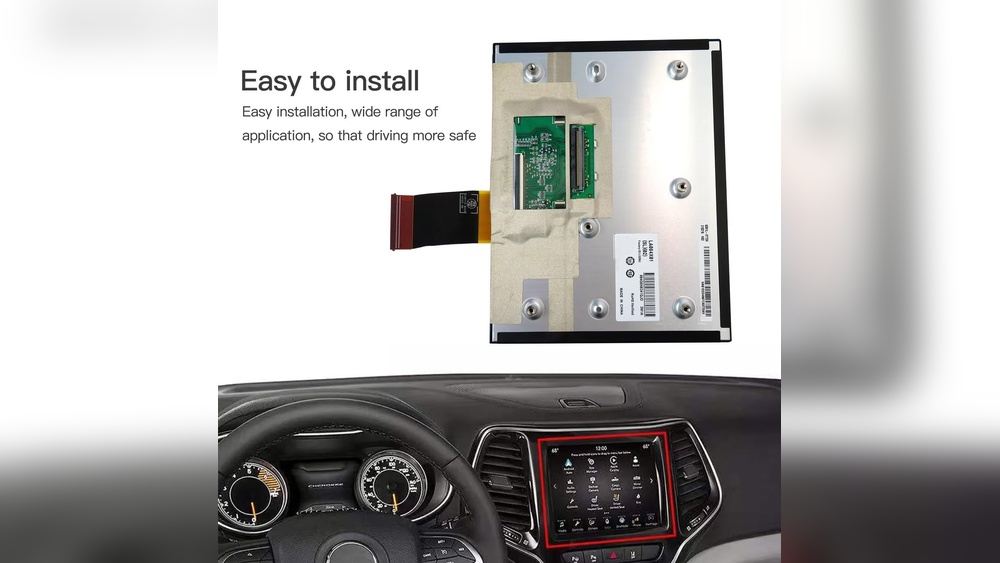
Common Jeep Grand Cherokee Screen Problems
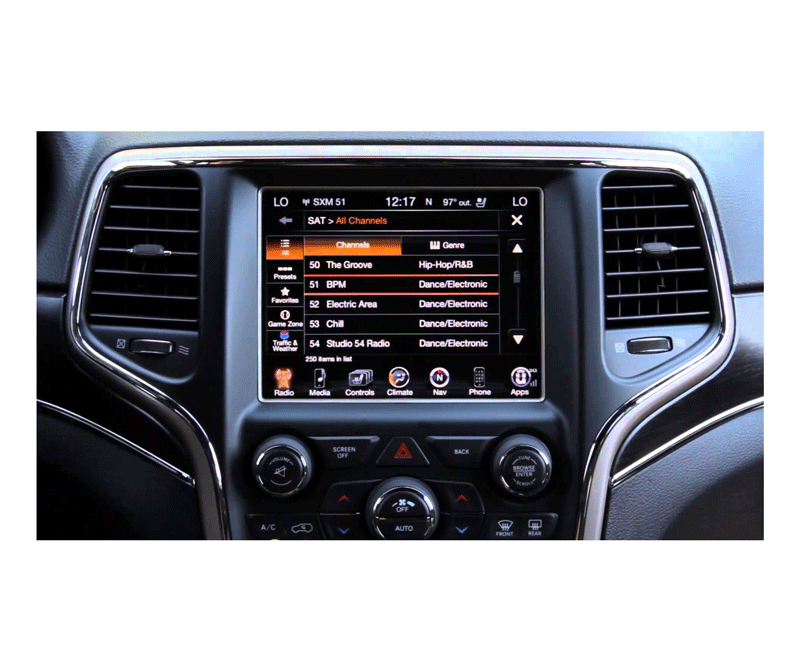
Touchscreens are central to the Grand Cherokee’s interior. They control navigation, music, climate, and more. Here are the most common problems:
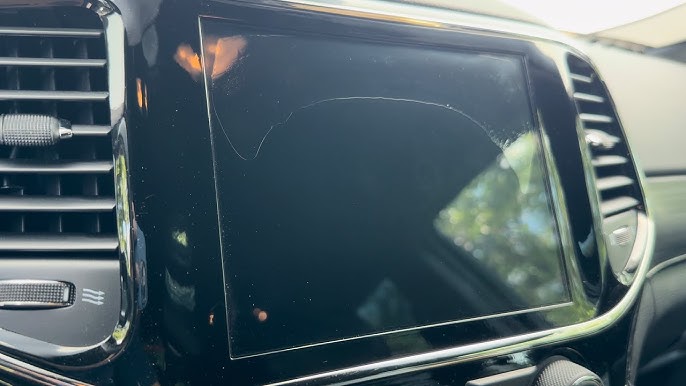
- Cracked or shattered glass: Even small impacts can damage the surface.
- Unresponsive touch: The screen may not react, freeze, or lag.
- Dead pixels or discoloration: Parts of the screen stay black, flicker, or show wrong colors.
- System glitches: The display may randomly reboot or turn off.
Some issues are just cosmetic, but others can affect safety and comfort. For example, a faulty climate control display can make driving uncomfortable in extreme weather.
Should You Repair Or Replace The Screen?
You might wonder if you can fix the screen instead of replacing it. Here’s a quick comparison:
| Repair Option | When to Choose | Estimated Cost |
|---|---|---|
| Screen Replacement | Cracks, total failure, or major touch issues | $400–$1,300 |
| Software Reset | Glitches, freezing, or minor bugs | Free–$100 |
| Glass-Only Repair | Cosmetic cracks, but screen works fine | $150–$400 |
Insight: Many owners don’t realize that Grand Cherokee screens are often a single unit—if the glass cracks, you’ll likely need the whole display replaced.
Oem Vs Aftermarket Screens: What’s Best?
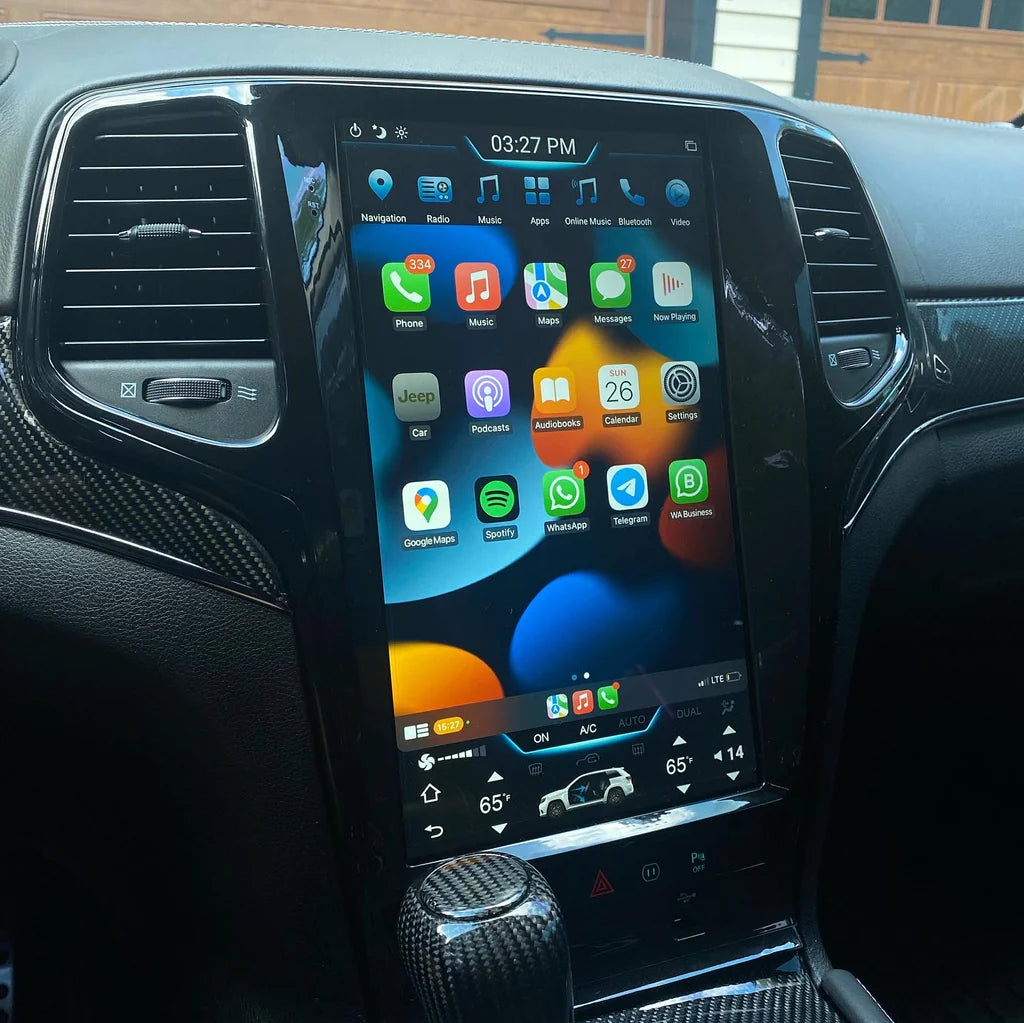
When replacing your Jeep Grand Cherokee screen, you can choose OEM (Original Equipment Manufacturer) or aftermarket parts. Each has pros and cons.
| Feature | OEM Screen | Aftermarket Screen |
|---|---|---|
| Quality | Factory-standard, guaranteed fit | Varies—some match OEM, some don’t |
| Warranty | Usually included | Depends on brand |
| Cost | Higher ($700–$1,300) | Lower ($400–$800) |
| Compatibility | Perfect | Check details—may lack some features |
Tip: Always check that the replacement matches your Grand Cherokee’s model year and screen size (7-inch, 8.4-inch, or 10.1-inch for newer models).
Diy Replacement Vs Professional Service
Some owners want to save money by doing the replacement themselves. Here’s what you need to know:
| Aspect | DIY Replacement | Professional Service |
|---|---|---|
| Tools Needed | Screwdrivers, trim tools, patience | All tools provided |
| Skill Level | Intermediate to advanced | Expert |
| Time Required | 2–4 hours | 1–2 hours |
| Warranty Impact | May void warranty | Usually protected |
Insight: Many beginners forget that Jeep infotainment systems are connected to important vehicle electronics. Incorrect installation can cause errors or even drain your battery.
Step-by-step: How The Screen Replacement Happens
Whether you hire a pro or try it yourself, the process is similar:
- Disconnect the battery for safety.
- Remove trim panels around the display using plastic tools.
- Unscrew and detach the old screen from its frame.
- Disconnect wiring harnesses carefully.
- Install the new screen, reconnect all cables, and test before full assembly.
- Reattach trim and reconnect the battery.
Tip: Take photos at each step so you can remember where each screw and clip belongs.
Cost Breakdown And Real-world Examples
Screen replacement costs depend on your model year, screen size, and where you get the work done.
- Dealerships: $900–$1,300 (parts and labor)
- Independent shops: $500–$900
- DIY with aftermarket parts: $400–$700
For a 2018 Grand Cherokee with an 8.4-inch Uconnect screen, most owners report paying around $700 at local repair shops, while newer models with larger screens (10.1-inch) can cost over $1,200 at the dealership.
Example: Sarah, a Grand Cherokee owner in Texas, replaced her cracked 8.4-inch screen at a third-party shop for $650, including labor. The dealer quoted her $1,100 for the same job.
Where To Buy Replacement Screens
You can find screens at:
- Jeep dealerships (OEM)
- Auto parts stores
- Online retailers (Amazon, eBay, specialized sites)
Always check the seller’s reviews and return policy. Avoid very low-priced screens—they may have poor touch sensitivity or display issues.
For official specifications and compatibility details, visit the Jeep Uconnect page.
Preventing Future Screen Damage
A new screen is a big investment. Keep it safe with these simple steps:
- Use a screen protector: Reduces risk of scratches or cracks.
- Clean with a microfiber cloth: Avoid harsh chemicals.
- Be gentle: Don’t tap hard or use sharp objects.
- Park in the shade: Extreme heat can damage sensitive electronics.
Many owners don’t realize that even air freshener leaks or cleaning sprays can cause touchscreen malfunctions if not used carefully.
Frequently Asked Questions
How Do I Know If My Jeep Grand Cherokee Screen Needs Replacement?
If your screen is cracked, unresponsive, shows lines or dead spots, or won’t turn on, it likely needs replacement. Minor glitches may just need a system reset.
Can I Replace The Screen Myself?
Yes, if you have basic tools and patience. However, mistakes can damage the new screen or cause errors. For most people, professional installation is safer.
Will Replacing The Screen Affect My Warranty?
DIY replacement can void your warranty, especially if you damage other components. Dealer or authorized repair keeps your warranty safe.
Is It Safe To Buy Aftermarket Screens?
Some aftermarket screens are high quality, but others may lack features or fit poorly. Always check reviews and make sure the part matches your Jeep’s model year.
How Long Does Screen Replacement Take?
Professional shops usually finish in 1–2 hours. DIY replacement can take 2–4 hours, depending on your skill and tools.
Replacing your Jeep Grand Cherokee screen restores your vehicle’s tech and comfort. Make sure to choose the right parts, consider professional help if you’re unsure, and protect your investment with smart care. A little planning prevents future headaches and keeps your driving experience smooth and enjoyable.