Replacing the USB port in your Jeep Cherokee can solve annoying problems like charging failures, music interruptions, or connectivity issues. Many drivers depend on these ports to power devices and connect to infotainment systems, so a broken USB port can quickly become a daily hassle.
If you’re noticing your phone doesn’t charge, or the port feels loose, it’s likely time for a replacement. The process isn’t as complex as you might think, and with the right guidance, you can restore your Cherokee’s tech features in just a couple of hours.
Signs Your Jeep Cherokee Usb Port Needs Replacement
Many owners miss early signs of USB port failure. Watch for these clues:
- Devices don’t charge or connect consistently
- The port feels loose or wobbles when inserting a cable
- Error messages appear on the infotainment screen
- Physical damage, like bent pins or cracks
If any of these issues appear, replacing the USB port can prevent further electrical problems.
Choosing The Right Replacement Usb Port
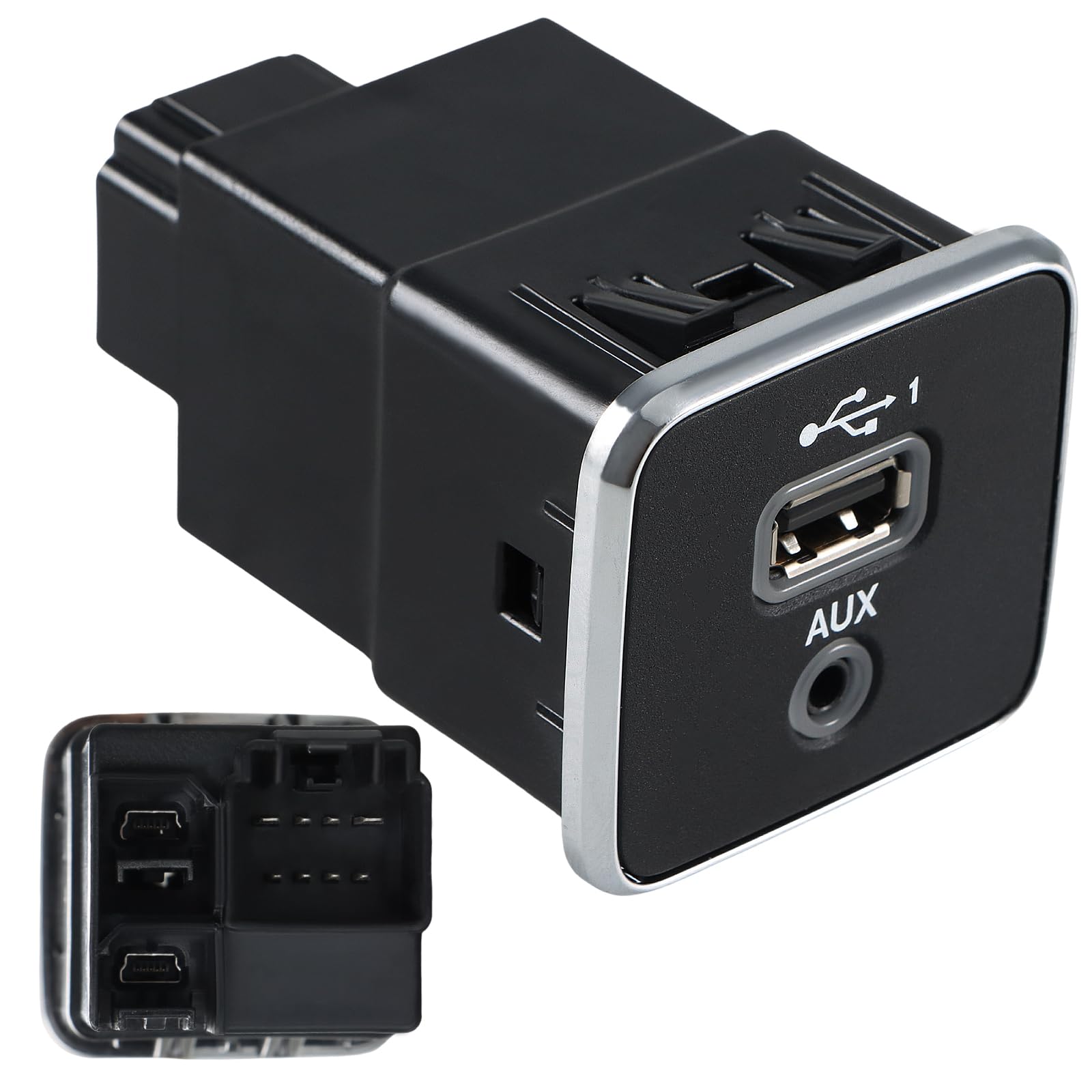
Not every USB port fits every Jeep Cherokee model. It’s important to check your vehicle’s year and trim. For example, the 2014–2020 Jeep Cherokee often uses a dual USB module, while older models might have single ports. Make sure you match:
- Port type: USB-A, USB-C, or both
- Location: Center console, dashboard, or rear seat area
- OEM vs aftermarket: Genuine parts keep compatibility, but aftermarket options can be cheaper
If possible, use your vehicle’s VIN to confirm the exact part. Check online forums and the official Jeep parts catalog for guidance.
| Model Year | Port Type | Location | Estimated Cost |
|---|---|---|---|
| 2014–2020 | USB-A & USB-C | Center Console | $35–$70 |
| 2011–2013 | USB-A | Dashboard | $25–$50 |

Tools And Materials Needed
Before starting, gather these tools:
- Trim removal tool (plastic)
- Phillips screwdriver
- Replacement USB port module
- Electrical tape (optional)
- Flashlight
Using plastic tools prevents scratches on your Cherokee’s interior.
Step-by-step Usb Port Replacement
Follow these steps to replace your Jeep Cherokee’s USB port:
1. Disconnect The Battery
Always start by unplugging the negative battery terminal. This prevents electrical shorts.
2. Remove Interior Trim
Use a trim removal tool to carefully pry off the panel covering the USB port. Be gentle to avoid breaking clips.
3. Unscrew The Usb Module
Locate the screws holding the USB port module in place. Remove them using a Phillips screwdriver.
4. Unplug The Old Port
Gently pull out the module and disconnect the wiring harness. Take note of how it’s plugged in; snapping a photo helps for later.
5. Install The New Port
Connect the wiring harness to the new USB module. Secure the module with screws.
6. Reattach Trim And Reconnect Battery
Snap the trim panel back into place and reconnect the battery terminal.
7. Test The Port
Turn on your Cherokee, plug in a phone or USB device, and check for charging and connection.
Most replacements take 45–90 minutes. If you’re unsure, watch a model-specific video or ask a mechanic for guidance.
| Step | Time Estimate | Difficulty |
|---|---|---|
| Disconnect battery | 5 min | Easy |
| Remove trim | 15 min | Medium |
| Replace module | 40 min | Medium |
| Test port | 10 min | Easy |
Practical Tips For A Smooth Replacement
Many beginners overlook these practical tips:
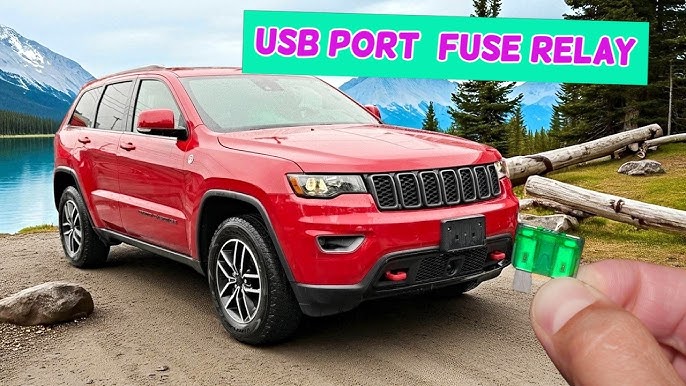
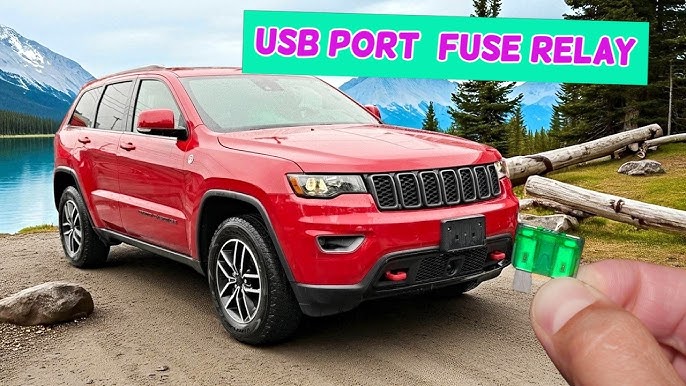
- Check the fuse before replacing. Sometimes, a blown fuse causes USB failure, not the port itself.
- Use the correct tool. Metal tools scratch panels easily; always use plastic.
- Label screws and parts. Jeep interiors have similar-looking screws—use a small tray or label to avoid confusion.
- Don’t force connectors. If the new module doesn’t fit, check alignment or part number again.
If you’re using an aftermarket port, test compatibility with your devices before final assembly.
Cost Comparison: Diy Vs Professional Replacement
Replacing a USB port yourself is usually cheaper than visiting a dealership or shop. Here’s a quick cost breakdown:
| Method | Parts Cost | Labor Cost | Total Cost |
|---|---|---|---|
| DIY | $25–$70 | $0 | $25–$70 |
| Dealer/Shop | $35–$90 | $80–$120 | $115–$210 |
Most Jeep Cherokee owners can do this task themselves if they have basic tools and patience.
Common Mistakes And How To Avoid Them
Even experienced DIYers can make mistakes:
- Skipping battery disconnect: This can cause short circuits or damage electronics.
- Using metal tools: Scratches and broken clips are common with the wrong tools.
- Forcing parts: If the port doesn’t fit, double-check the part number and orientation.
Remember, patience and careful handling go a long way. If you’re unsure about any step, consult the Jeep Cherokee owner’s manual or visit an official Jeep resource like Jeep Owners Manual.
Frequently Asked Questions
How Can I Tell If My Usb Port Is Faulty?
If your devices don’t charge or connect, or the port feels loose, it’s likely faulty. Physical damage, error messages, or repeated failures are strong signs.
Can I Upgrade To Usb-c Ports In My Jeep Cherokee?
Yes, some aftermarket modules offer USB-C upgrades. Make sure the module fits your Cherokee’s console and wiring harness.
Is It Safe To Replace The Usb Port Myself?
It’s safe if you disconnect the battery and use proper tools. Avoid metal tools and follow step-by-step instructions for best results.
What If The New Port Doesn’t Work After Installation?
Double-check connections, ensure the fuse is intact, and confirm you installed the correct part. Sometimes, a reset of the infotainment system helps.
Where Can I Buy Genuine Jeep Cherokee Usb Port Replacements?
You can buy from dealerships, online stores like Amazon, or official Jeep parts websites. Use your VIN for exact matching.
Replacing your Jeep Cherokee’s USB port restores your vehicle’s convenience and connectivity. With the right preparation and a careful approach, most drivers can handle the job themselves.
Always check compatibility and follow safe practices. When in doubt, professional help is available, but DIY saves money and gives you confidence for future repairs.