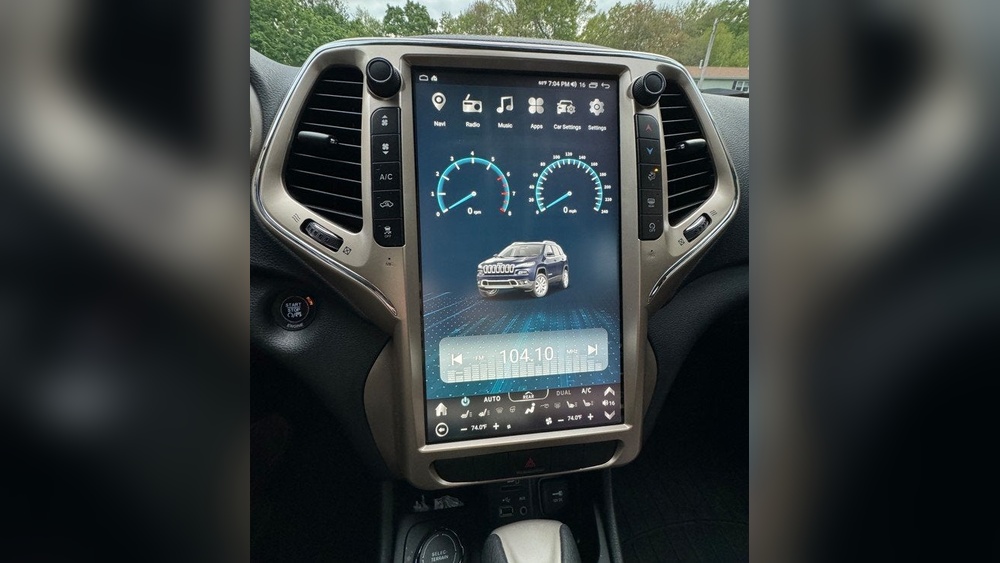
Replacing the screen in your Jeep Cherokee can feel stressful, especially if you rely on it every day for navigation, music, or climate controls. Modern Jeep Cherokees use touchscreen displays for many important features.
When the screen cracks, stops responding, or goes completely black, it’s more than just a small problem—it can affect your whole driving experience. But with the right information, you can make a smart decision about repair or replacement.
Common Issues With Jeep Cherokee Screens
Touchscreens in vehicles are more sensitive than many people expect. Some common problems Jeep Cherokee owners face include:
- Unresponsive touch: The screen does not react to finger taps.
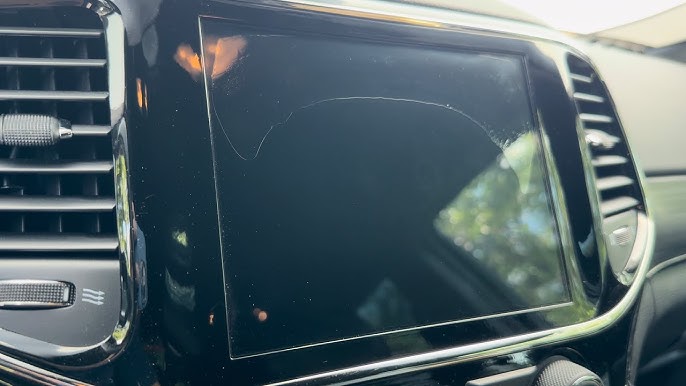
- Cracked or shattered glass: Even small impacts can break the glass.
- Blank or flickering display: The screen turns black, flashes, or only shows part of the image.
- Ghost touches: The screen acts as if it’s being touched in random places.
These issues are frustrating. Sometimes, a simple reset or software update helps. But physical damage or complete screen failure usually means you need a screen replacement.
When To Replace Your Jeep Cherokee Screen
Not every screen problem means you must replace the unit. Consider replacement if:
- The screen is cracked or shattered.
- The display is permanently blank or shows strange colors.
- Touch controls do not work after a reset or update.
- There is visible liquid damage inside the screen.
If your screen only glitches sometimes, a dealer software update may fix it. But if the display is physically broken or stays black, replacement is often the only option.
Replacement Options: Oem Vs Aftermarket
You’ll find two main types of screens for the Jeep Cherokee:
| Type | Pros | Cons |
|---|---|---|
| OEM (Original Equipment Manufacturer) | Perfect fit, guaranteed compatibility, keeps vehicle warranty | Expensive, may have long wait times |
| Aftermarket | Cheaper, sometimes more features (Apple CarPlay/Android Auto) | May not fit perfectly, can void warranty, varying quality |
OEM screens are made by Jeep or their official partners. They are the safest choice if you want everything to work exactly as before. Aftermarket screens come from third-party companies. Some are high-quality and add smart features, but others can be unreliable.
Most owners choose OEM for newer vehicles to keep the car’s value and warranty. If your Cherokee is older or out of warranty, a good aftermarket screen can save money.
How Much Does A Jeep Cherokee Screen Replacement Cost?
The cost depends on your vehicle’s model year, the size of the screen, and whether you choose OEM or aftermarket. Here’s a rough idea:
| Screen Type | Estimated Cost (Parts Only) | Labor Cost | Total Cost Range |
|---|---|---|---|
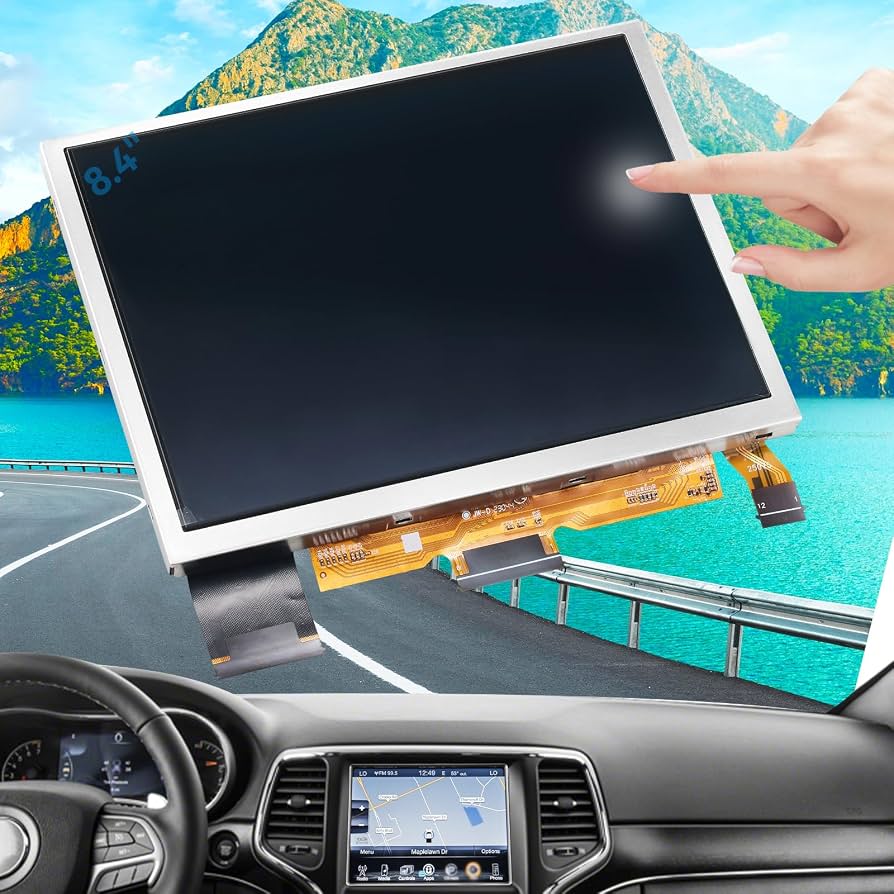
| OEM 8.4-inch Uconnect | $700 – $1,200 | $150 – $300 | $850 – $1,500 |
| Aftermarket 8.4-inch | $300 – $700 | $150 – $300 | $450 – $1,000 |
Some smaller screens cost less, but premium models (with navigation or advanced features) can be more expensive. Prices may change based on your location and the installer you choose.
Diy Vs Professional Installation
Replacing a Jeep Cherokee screen is not easy for most people. The process requires:
- Removing dashboard panels without breaking clips
- Disconnecting and reconnecting wiring harnesses
- Reprogramming the system in some cases
A mistake can damage your dashboard or electronics. Many owners try DIY installation to save money, but this often leads to new problems—like loose connections or even a non-working radio.
Professional installation is usually worth the extra cost. Dealers and experienced auto-electronics shops have the right tools and can update the vehicle’s software if needed. The cost for labor is typically $150–$300, but you get a working system and peace of mind.
What To Expect During Replacement
Here’s how the process usually works:
- Diagnosis: The technician checks to confirm the screen is the problem.
- Screen removal: Dashboard panels are carefully removed.
- Wiring disconnect: The old screen is unplugged.
- New screen install: The replacement is fitted and connected.
- Testing: All features (radio, navigation, climate) are checked.
- Software update: Some new screens need a software refresh to work correctly.
The whole process usually takes 1–3 hours. If the installer needs to order a part, it may take a few days longer.
Common Mistakes To Avoid
Many Jeep Cherokee owners make simple mistakes that increase costs or lead to more problems:
- Buying the wrong screen: Not all Cherokees use the same screen. Check the exact model, year, and features.
- Ignoring the warranty: Replacing with non-OEM parts can void your Jeep’s warranty.
- Skipping professional help: A bad installation can break your dashboard or cause electrical issues.
- Not updating software: Some screens need a dealer software update to work with your car’s computer.
Always ask the installer if they have experience with your Cherokee’s year and trim. Bring your VIN (vehicle identification number) to make sure you get the right part.
Practical Tips For A Smoother Replacement
- Keep your old screen until you confirm the new one works perfectly.
- Check your insurance: Some full-coverage policies help pay for screen damage.
- Ask about warranties: Good shops offer at least a 1-year warranty on parts and labor.
- Update your Uconnect system after replacement for the latest features and best performance.
If you’re interested in learning more about Uconnect systems, you can visit the official Jeep Uconnect page for details.
Frequently Asked Questions
How Do I Know If My Jeep Cherokee Screen Needs Replacement Or Just A Reset?
If the screen is cracked, stays black, or touch does not work after a reset, it likely needs replacement. If the problem is only sometimes, try a software update or battery reset first.
Most replacements keep your settings if installed correctly. However, some may require you to reset radio presets or re-enter navigation destinations.
Can I Upgrade My Jeep Cherokee Screen To A Bigger Or Newer Version?
It is sometimes possible but not always easy. Upgrading may need extra wiring, new trim pieces, or software changes.
Always ask a professional before buying an upgrade kit.
How Long Does A Jeep Cherokee Screen Replacement Take?
A simple replacement usually takes 1–3 hours. If special parts or programming are needed, it may take longer.
Will My Jeep Warranty Cover Screen Replacement?
If your Cherokee is still under warranty and the damage is not your fault (not broken by impact), the warranty may cover it. Always check with your dealer first.
Replacing your Jeep Cherokee screen can restore your vehicle’s comfort and safety. Whether you choose OEM or aftermarket, and DIY or professional installation, make sure you use the right parts and get expert help if needed. Taking time to research and prepare will save money and avoid frustration, keeping your Jeep’s technology working as it should.