If you drive a Jeep Cherokee, you expect reliability not just from the engine, but also from the features that make every trip comfortable—like your radio. But what if the radio suddenly stops working? This issue is more common than you might think, affecting both older and newer models. When you lose sound, touchscreen function, or the radio won’t turn on, it can turn a simple drive into a frustrating experience. Let’s look at why this happens, what you can check yourself, and when you should seek professional help.
Common Reasons Your Jeep Cherokee Radio Isn’t Working
Several factors can cause your Jeep Cherokee radio to stop functioning. Understanding these can save you time and money.
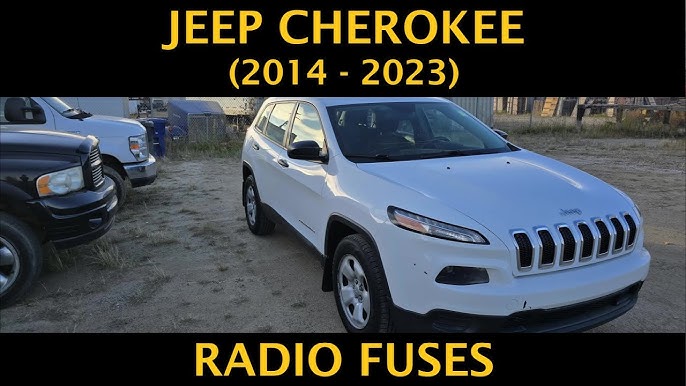
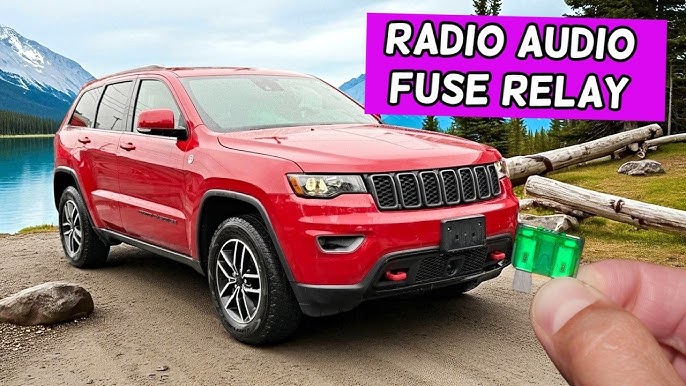
1. Blown Fuse
The radio is powered by a fuse in the fuse box. If there’s a short or power surge, the fuse may blow, cutting off power to the radio.
2. Software Glitches
Modern Jeep Cherokees often have Uconnect or other infotainment systems. Like any tech, these systems can freeze or crash.
3. Wiring Issues
Loose connections or damaged wires behind the dashboard can stop the radio from working, especially after repairs or accidents.
4. Antenna Problems
A broken or disconnected antenna may lead to poor reception or no sound.
5. Faulty Radio Unit
Sometimes, the radio itself can fail due to age, moisture, or manufacturing defects.
6. Battery Or Electrical Issues
If your car’s battery is weak or there are problems with the electrical system, the radio may turn off or act strange.
Example:
A 2018 Jeep Cherokee owner reported the radio randomly shutting off after a heavy rain. The cause?
Moisture had entered the dashboard and corroded a key wire.
Quick Checks Before Visiting A Mechanic
Before spending money on repairs, try these simple checks.
1. Inspect The Fuses
- Locate the fuse box (usually under the dashboard or hood).
- Find the radio fuse using your owner’s manual.
- Pull the fuse and inspect it. If the metal strip is broken, replace it with one of the same rating.
2. Restart The System
- For Uconnect systems, hold the volume and tuner knobs at the same time for about 10 seconds. The screen should go black and restart.
- For older radios, turn off the car, wait two minutes, and turn it back on.
3. Check The Battery
- If your battery is old or weak, electronics may act up.
- Look for dashboard warning lights or dim lights when starting.
4. Test For Loose Connections
- Gently tap near the radio or dashboard. If the radio flickers, a connection may be loose.
5. Try Other Audio Sources
- Does the CD player, Bluetooth, or USB work? If only the FM/AM radio fails, the issue might be the antenna.
Comparing Common Fixes
Here’s a side-by-side look at solutions, cost, and difficulty:
| Solution | Estimated Cost | DIY Difficulty |
|---|---|---|
| Replace Fuse | $5–$10 | Very Easy |
| System Reset | Free | Very Easy |
| Replace Radio Unit | $200–$600 | Hard |
| Professional Diagnosis | $100–$200 | — |
Non-obvious tip: If your radio works but only for a few minutes, your battery may be about to fail. Radios often show issues before the rest of the car does.
When To Call A Professional
Some problems are hard to fix at home. Here’s how to know when to seek help:
- You replaced the fuse, but it blew again.
- The radio is still dead after a system reset.
- You notice burning smells or smoke.
- The screen is cracked or water-damaged.
Professional mechanics have tools to test wiring, check for software updates, and replace parts safely. Attempting advanced repairs yourself can void warranties or cause more damage.
Understanding Uconnect Issues
If you own a 2014 or newer Jeep Cherokee, you probably have Uconnect. This system controls not just your radio, but navigation, Bluetooth, and more.
Known Uconnect Problems
- Blank screen: Sometimes the screen stays black, even when the car is on.
- Touchscreen not responding: Usually caused by software glitches.
- Bluetooth connection drops: May need a software update.
Comparing Uconnect Vs. Basic Radios
| Feature | Uconnect | Basic Radio |
|---|---|---|
| Touchscreen | Yes | No |
| Software Updates | Yes | No |
| Reset Method | Button Combo | Power Cycle |
Extra insight: Some Jeep Cherokee owners fix Uconnect freeze issues by disconnecting the car battery for 15 minutes. But this can erase saved settings and may require a radio code to reactivate.
Preventing Future Radio Problems
You can reduce the risk of radio issues with a few easy habits:
- Keep liquids away from the dashboard.
- Don’t push buttons too hard—modern touchscreens are sensitive.
- Update Uconnect or other infotainment software regularly.
- Check your battery’s health each year, especially before winter.
- Use only recommended accessories (chargers, cables).
Dealing With Warranty And Recalls
If your Jeep Cherokee is under warranty, radio problems might be covered. Some models have had recalls related to infotainment issues. Always check your VIN on the official Jeep website for recalls.
Tip: Keep records of all repairs and updates. This can help if you need to claim warranty service.
Frequently Asked Questions