Getting the most out of your Jeep means understanding the unique tools it offers. The Jeep Terrain Management System is one of these smart features, helping drivers handle tough surfaces like mud, sand, snow, and rocks. If you’re new to Jeeps or off-roading, using this system may feel confusing. But with a little knowledge, you can enjoy safer trips, better control, and more fun whether you’re driving in the city or exploring wild trails.
What Is Jeep Terrain Management System?
This system lets you choose driving modes for different environments. Each mode changes how your Jeep uses engine power, traction control, and braking. The main modes are usually Auto, Snow, Sand, Mud, and Rock. Some Jeep models may have extra modes, like Sport or Tow.
Here’s a quick comparison of the main modes:

| Mode | Best For | Key Adjustments |
|---|---|---|
| Auto | Regular roads | Balanced power and traction |
| Snow | Ice, snow | Smoother throttle, more grip |
| Sand | Loose sand | Higher wheel spin, less traction control |
| Mud | Muddy paths | More wheel slip, quick recovery |
| Rock | Rocky terrain | Low-speed torque, precise control |
How To Select The Right Mode
Choosing the right mode is easy, but many drivers overlook key details. First, stop or slow down your Jeep to switch modes. Most systems have a dial or button near the gear shift. Turn or press it to pick your mode.
Practical Steps
- Check your surroundings. Is the road slippery? Are you entering deep sand or rocky hills?
- Stop or slow to under 5 mph for safe mode changes.
- Turn the dial to the matching mode.
- Wait for the dashboard to confirm the mode.
Some drivers try switching modes while speeding. This can cause the system to ignore your input or even damage parts over time.

How Each Mode Works In Real Situations
Understanding the purpose of each mode helps you use them wisely. Here are practical examples:
- Auto: Great for highways, city streets, and light rain. The system adjusts automatically for small changes.
- Snow: Use when you see ice, packed snow, or frost. It reduces wheel spin and helps you start without sliding.
- Sand: Perfect for beach trips or desert roads. The system allows more wheel spin to avoid getting stuck.
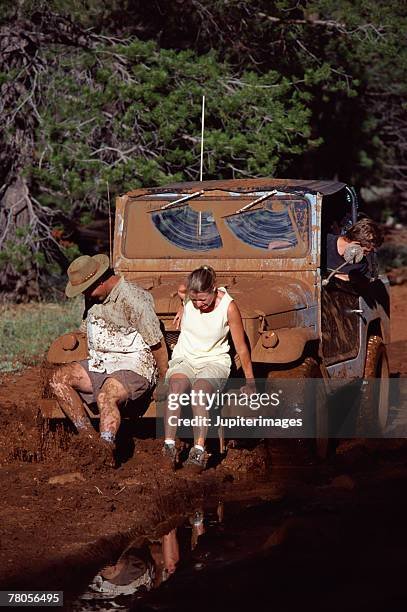
- Mud: Useful after heavy rain or on forest trails. It lets your wheels slip just enough to clear mud.
- Rock: Ideal for steep, rocky climbs. It boosts torque and traction, giving you slow, steady movement.
Here’s a comparison of how modes affect performance:
| Mode | Acceleration | Braking | Traction |
|---|---|---|---|
| Auto | Normal | Normal | Balanced |
| Snow | Reduced | Gentle | High |
| Sand | Increased | Standard | Moderate |
| Mud | Moderate | Quick | Variable |
| Rock | Low | Precise | Very High |
Tips For Effective Use
Many Jeep owners only use Auto mode and miss the benefits of other modes. Here are some expert tips:
- Practice: Try each mode in a safe place before your first adventure.
- Read the manual: Each Jeep model has small differences.
- Keep tires in good condition: Modes work best with enough tread.
- Slow down when switching: Changing modes at high speed can cause errors.
- Don’t override the system: Avoid turning off traction control unless you know why.
- Use the right gear: For rocky terrain, select low gear for extra power.
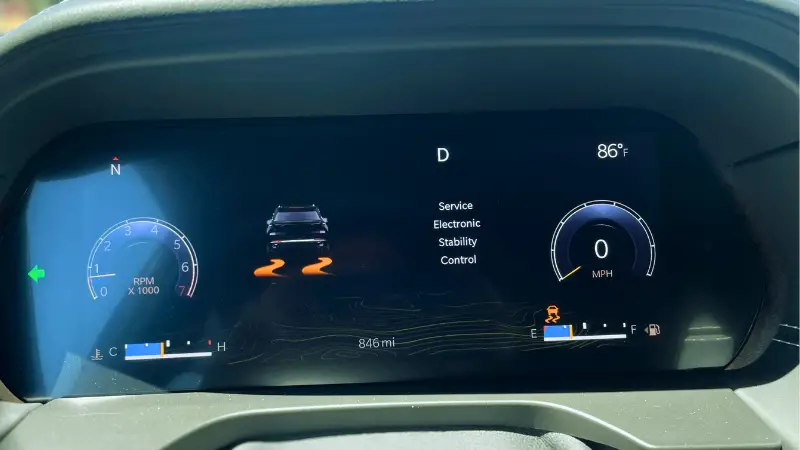
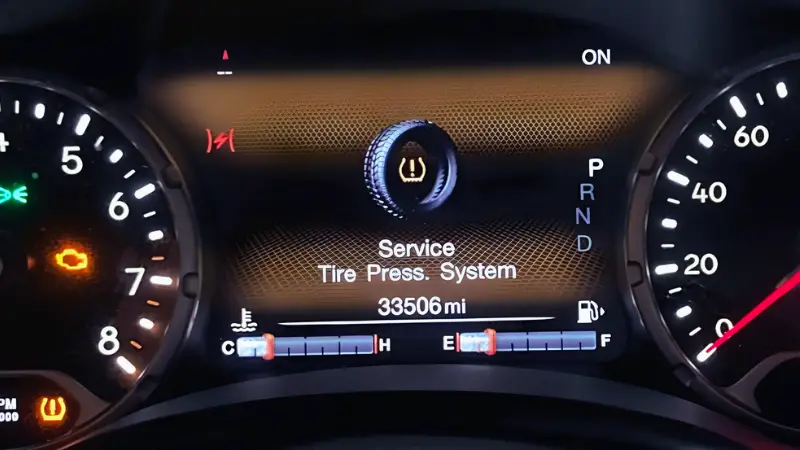
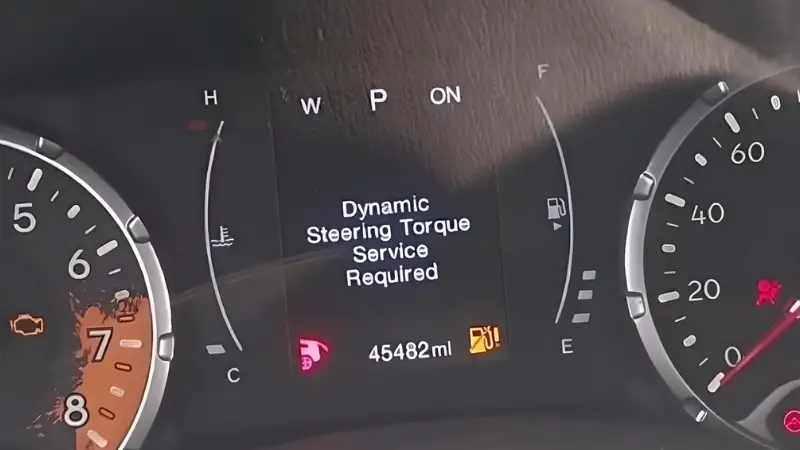
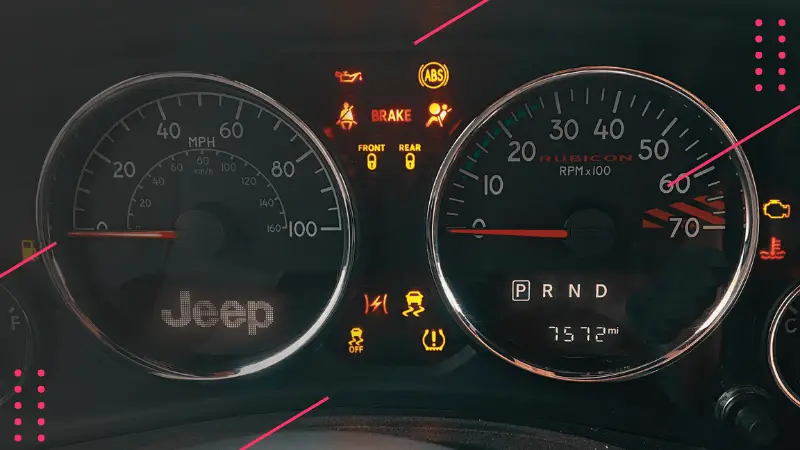
- Watch the dashboard alerts: These messages warn you if a mode isn’t working.
One thing beginners miss is that the system also adjusts suspension height in some models. This can help clear obstacles, but only works in certain modes. Always check your Jeep’s settings before using the system.

Common Mistakes To Avoid
Making mistakes with the Terrain Management System can lead to trouble. Here are a few to avoid:
- Using Auto mode for deep mud or sand. You risk getting stuck.
- Switching modes too late, after entering tough terrain.
- Ignoring tire pressure. Low or uneven tires reduce effectiveness.
- Assuming the system solves everything. Skilled driving still matters.
Many people forget to reset the system after off-road trips. Leaving your Jeep in Rock or Mud mode on paved roads can cause rough handling and wear down parts faster.
Maintaining Your System
Keeping the Terrain Management System working well requires some care:
- Update software if your Jeep offers it.
- Inspect the selector dial and related electronics regularly.
- Clean sensors after off-road trips, especially mud and sand.
Here’s a simple maintenance checklist:
| Task | Frequency |
|---|---|
| Check sensors | Monthly |
| Inspect dial/button | Quarterly |
| Update software | Annually |
| Read system alerts | As needed |
Neglecting these steps can cause the system to fail when you need it most. For more details on Jeep systems, check the official Jeep website.
Frequently Asked Questions
What Is The Main Purpose Of Jeep Terrain Management System?
It helps your Jeep adapt to different surfaces like snow, mud, sand, or rocks by adjusting power, traction, and braking.
Can I Switch Modes While Driving?
Yes, but you should slow down to under 5 mph for safe and reliable mode changes.
Will The System Work If My Tires Are Worn Out?
No. Good tire tread and correct pressure are needed for the system to function well.
Do All Jeep Models Have This System?
Most newer Jeep SUVs have it, but some older models or trims may not. Always check before buying.
What Should I Do If The System Shows An Error?
Stop safely, check your manual, and restart the Jeep. If the error continues, visit a dealer.
Mastering the Jeep Terrain Management System makes every journey safer and more exciting. With careful mode selection, regular maintenance, and a bit of practice, you can face nearly any challenge the road throws at you. Remember, the smartest Jeep owners use technology and skill together for the best results.