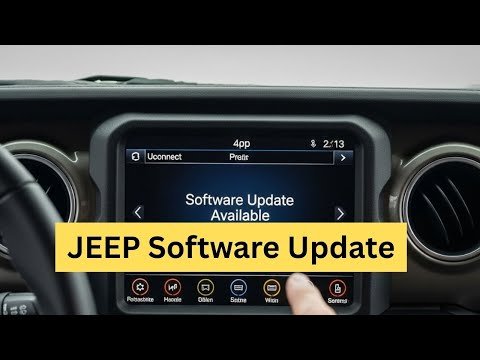
Upgrading your Jeep radio can change your driving experience. Many Jeep owners want better sound, easier smartphone connection, or new navigation features. Some want to update old radios for safety reasons, like adding hands-free calling. Today, many Jeep radios support software updates, while others need full hardware replacements. This guide explains both—so you can enjoy the best audio and tech your Jeep can offer.
Know Your Jeep Radio System
Before starting, you need to know your current radio type. Jeep models use different systems depending on the year and trim. Common options include:
- Uconnect touchscreen radios (common in 2014+ Jeeps)
- Standard CD/MP3 radios
- Aftermarket stereos (previously changed by an owner)
Not all update the same way. Uconnect radios often get software updates.
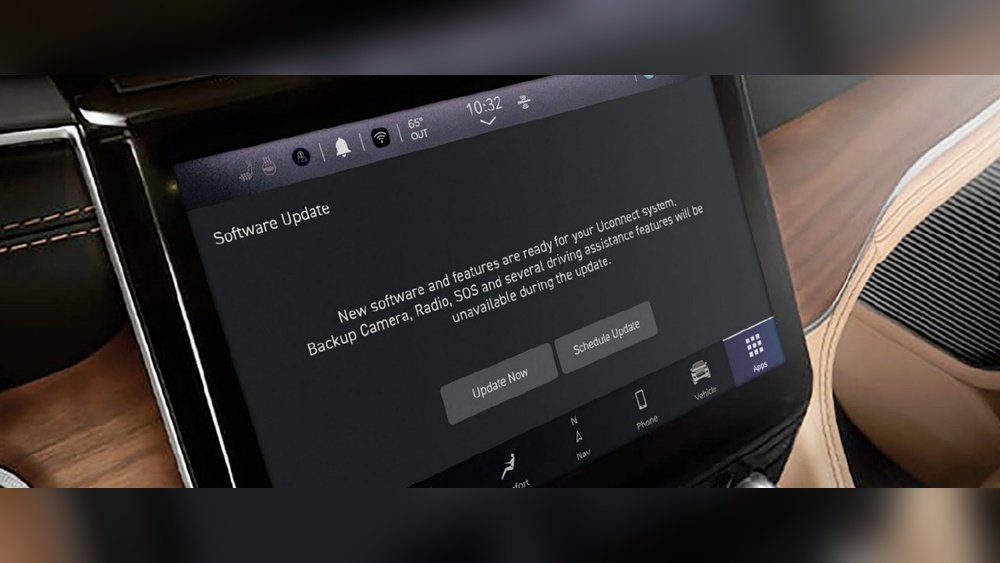
Older basic radios usually need hardware replacement for new features.
How To Identify Your Radio
Check your owner’s manual for the radio name. If you see a big touchscreen, you likely have Uconnect. If it’s just buttons and a small display, it’s a standard unit. The radio’s “About” or “System Info” screen often shows the model number.
Why Update Your Jeep Radio?
Upgrading your Jeep radio offers many benefits:
- Improved sound quality – Newer radios and speakers boost clarity.
- Modern features – Add Bluetooth, Apple CarPlay, Android Auto, or navigation.
- Safety – Hands-free calling and voice commands let you keep your focus on the road.
- Security – Software updates fix bugs or possible hacking risks.
A 2019 JD Power study showed that 54% of car owners want better infotainment and smartphone integration. That’s why updating your Jeep’s radio is more popular than ever.
Ways To Update Your Jeep Radio
There are two main paths: software updates and hardware upgrades. Each has different steps.
Software Update: For Uconnect And Modern Radios
If your Jeep has a Uconnect system, you can often update the radio’s software yourself.
Step-by-step Software Update
1. Check For Updates
Visit the Jeep Uconnect website. Enter your VIN to see if updates are available.
2. Download Update To Usb Drive
Use a blank, FAT32-formatted USB drive (8GB+). Download the update file and copy it to the drive’s root folder.
3. Start Your Jeep
Turn the vehicle on but keep it in Park. Turn off any accessories (A/C, lights).
4. Insert Usb Drive
Plug the USB into your radio’s USB port. The system will detect the update.
5. Follow On-screen Prompts
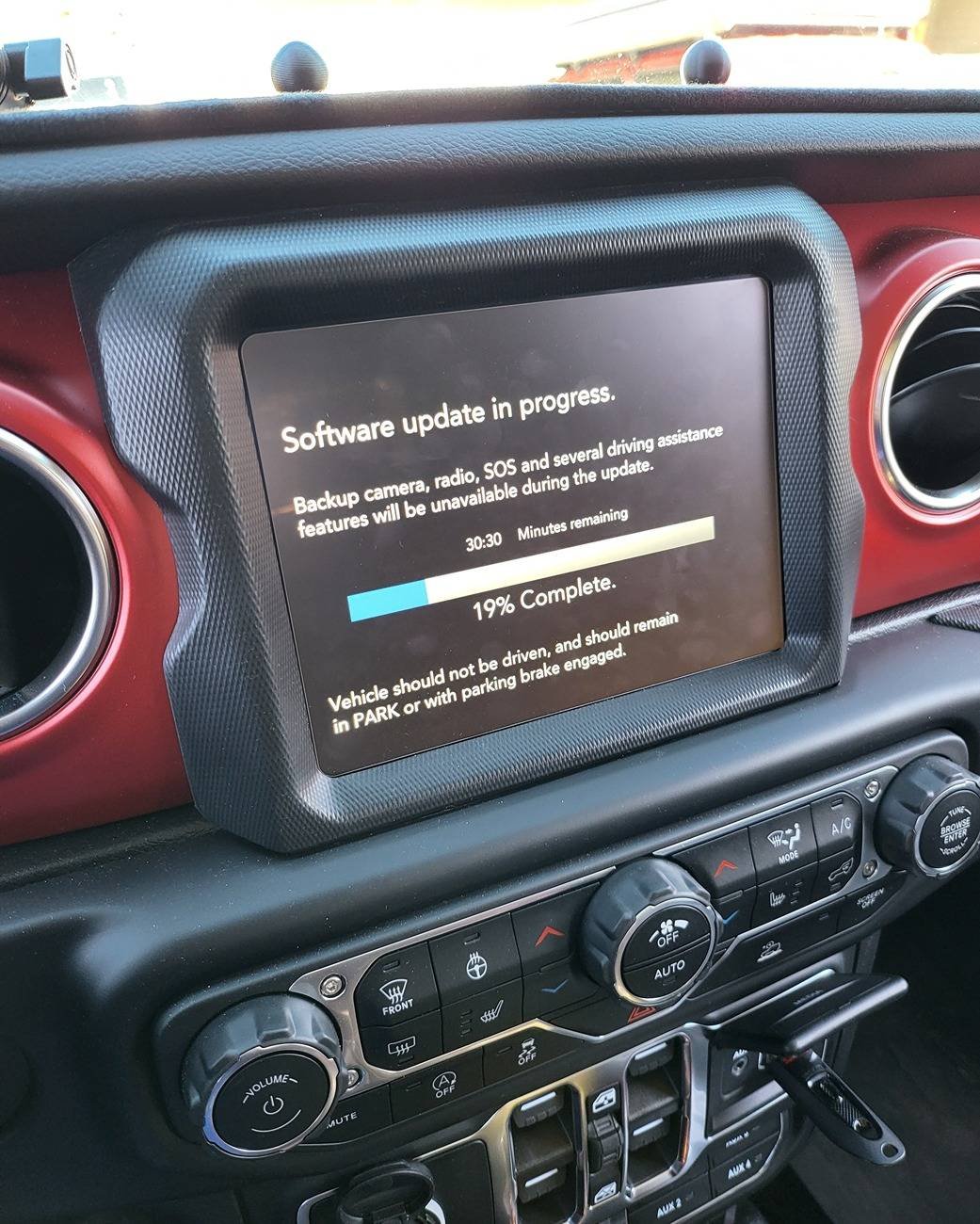
Agree to the update. The process may take 20 45 minutes.
Don’t turn off the Jeep or remove the USB.
6. Finish And Reboot
When complete, the radio will restart. Remove the USB drive.
Key Tips
- Use a fully charged battery or keep your Jeep running.
- Never interrupt the update; it can damage the radio software.
- Write down your radio presets—they may reset after updating.
Hardware Upgrade: Changing The Radio Unit
Older Jeeps or radios without software updates need a new stereo for modern features.
Choosing A New Radio
Compare your options for a hardware upgrade:
| Radio Type | Main Features | Estimated Cost |
|---|---|---|
| OEM Uconnect Replacement | Factory look, touchscreen, navigation | $400–$900 |
| Aftermarket Touchscreen | Apple CarPlay, Android Auto, apps | $250–$700 |
| Basic Bluetooth Stereo | Hands-free, basic media streaming | $100–$200 |
What You Need
- The new radio unit
- Wiring harness adapter for your Jeep model
- Dash kit (for clean installation)
- Basic tools: Screwdrivers, panel removal tools
Installation Steps
1. Disconnect The Battery
Always disconnect the negative battery terminal to avoid electrical shorts.
2. Remove Old Radio
Carefully remove the trim panel. Unscrew and slide out the old radio.
3. Connect Wiring Harness
Match wires from the Jeep’s harness to the new radio’s harness. Use crimp connectors or solder for the best connection.
4. Install New Radio
Slide the new unit into place. Attach the dash kit if needed.
5. Reconnect The Battery And Test
Check that the radio works, sound is clear, and all features (Bluetooth, backup camera) function.
Many Jeep owners install radios themselves, but if you’re unsure, a car audio shop can help for $75 $150 in labor.
Upgrading Jeep Wrangler Jl And Gladiator Radios
The Jeep Wrangler JL (2018+) and Gladiator models use advanced Uconnect systems. Updating or upgrading these radios needs special care.
- Software updates can add off-road pages, navigation maps, or bug fixes.
- Hardware upgrades often need adapters for cameras and steering wheel controls.
A good example: A 2020 Gladiator owner upgraded from a 5-inch to an 8.4-inch Uconnect screen for better maps and sound. This required a new screen, programming, and a special harness.
Common Problems And Solutions
Upgrading your Jeep radio can bring up some issues. Here’s what to watch for:
| Problem | Possible Cause | Solution |
|---|---|---|
| Radio won’t turn on | Loose harness, blown fuse | Check all connections, replace fuse |
| No sound | Speaker wires not connected | Reconnect wires, check speaker settings |
| Steering wheel buttons don’t work | No adapter used | Add a steering wheel control adapter |
| Backup camera not working | Wrong harness, settings | Check wiring, enable camera in radio menu |
Non-obvious insight: Some aftermarket radios need a software “CAN bus” adapter to work with Jeep electronics. Skipping this can break important features.
Another tip: Always keep your factory radio. If you sell your Jeep or need warranty service, putting the original radio back in is sometimes required.
When To Seek Professional Help
If your Jeep is under warranty, check if radio updates or upgrades can be done by the dealer. Some updates are free during the warranty period.
For advanced installs (like adding navigation or cameras), a professional installer can save you time and protect your Jeep’s wiring.
You can find more about Jeep radio systems and updates on the official Jeep Uconnect page.
Frequently Asked Questions
How Do I Know If My Jeep Radio Needs A Software Update?
Check the “System Info” screen on your radio for the current version. Visit the Jeep Uconnect site and enter your VIN.
If there’s a newer version, you should update for better features and security.
Can I Add Apple Carplay Or Android Auto To My Old Jeep Radio?
Only if you replace the factory radio with a new unit that supports these features. Most older radios do not support CarPlay or Android Auto through software updates alone.
Will Updating My Radio Erase My Settings?
Some updates reset radio presets and saved Bluetooth devices. Write down your favorite stations and re-pair your phone after the update.
What If My Radio Stops Working After An Update?
First, try resetting the radio by holding the power button for 10 seconds. If this fails, contact your dealer or an experienced installer for help.
Never try to reinstall a failed update multiple times.
Is It Worth Upgrading My Jeep Radio Myself?
If you enjoy DIY projects and basic car work, upgrading can save you money. But if you want advanced features (like cameras, navigation, or keeping steering wheel controls), a pro install is often best.
Upgrading your Jeep radio opens up a new world of sound and convenience. With the right steps and a little patience, you can enjoy all the latest features on your next adventure.