Starting your Jeep Compass for the first time can be exciting, but figuring out how to turn on the screen can sometimes be confusing. Whether you’re setting up navigation, connecting your phone, or just want to listen to music, the main display is your control center. Many new owners expect the screen to turn on automatically, but sometimes it stays dark. Knowing how to activate it quickly saves time and avoids frustration.
This guide will walk you through the steps for different Jeep Compass models, what to do if your screen doesn’t turn on, and extra features you might not know about.
You’ll also learn how to avoid common mistakes and find solutions for typical problems.
By the end, you’ll have the confidence to operate your Jeep’s screen easily, even if you’re not a tech expert.
Understanding The Jeep Compass Screen
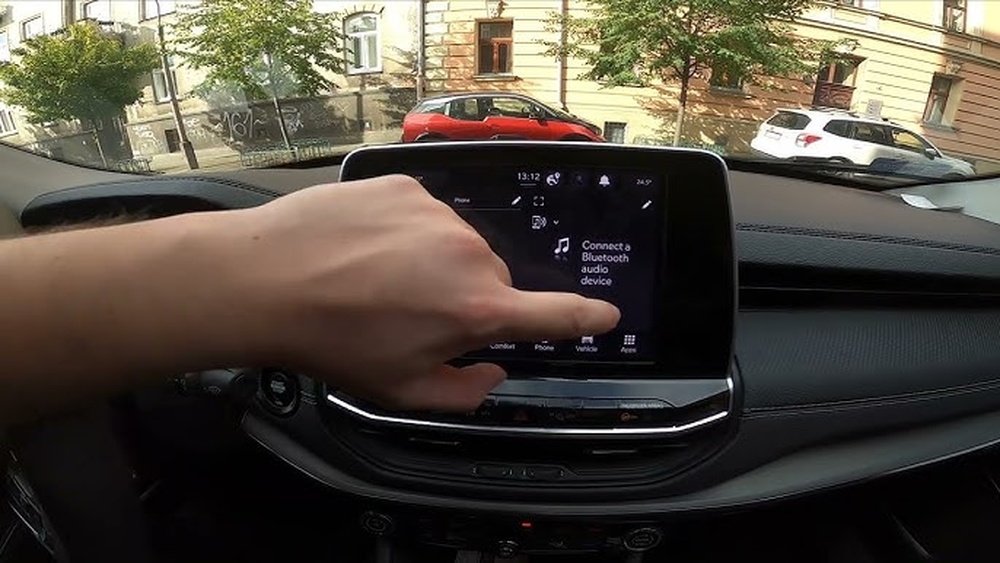
The main display in the Jeep Compass is called the Uconnect system. It comes in different sizes, usually between 7 to 10.1 inches, depending on your model year and trim. This touchscreen controls:
- Navigation
- Audio (radio, Bluetooth, USB)
- Phone calls
- Vehicle settings
- Climate control (in some models)
Newer Compass models (2018 and later) have a more advanced Uconnect system with faster response and brighter screens. Older models may have smaller, simpler displays.
Knowing which system you have helps you use it better and solve issues if they come up.
How To Turn On The Jeep Compass Screen
Turning on the screen is usually simple, but the process can change a bit depending on your Jeep Compass year and options.
Step-by-step Instructions
- Enter the vehicle and sit in the driver’s seat.
- Insert the key fob (if required) or keep it in your pocket/bag if you have push-button start.
- Press the brake pedal.
- Start the engine by turning the key or pressing the Start/Stop button.
- The Uconnect screen should light up automatically within a few seconds.
If you don’t want to start the engine, but still want to use the screen (for example, to listen to the radio):
- Press the Start/Stop button once (without pressing the brake). This is called “accessory mode.”
- The screen should power on, and you can use most functions except driving features.
Quick Comparison: Start Modes And Screen Activation
Here’s a simple overview of how the screen responds in different ignition modes:
| Ignition Mode | How to Activate | Does the Screen Turn On? |
|---|---|---|
| Off | No action | No |
| Accessory | Press Start/Stop once (no brake) | Yes |
| Run/On | Press Start/Stop with brake or turn key | Yes |
| Engine Start | Fully start vehicle | Yes |
What To Do If The Screen Won’t Turn On
Sometimes the Jeep Compass screen does not come on right away. Here are steps to troubleshoot:
- Check the brightness knob. Sometimes the screen is dimmed all the way down. Look for a small dial near the headlight control.
- Try restarting the vehicle. Turn everything off, wait a minute, and start again.
- Press the screen’s power button (if available). Some Uconnect systems have a small power symbol on the screen’s bezel.
- Disconnect and reconnect the car battery. This can reset the system. Only try this if you’re comfortable with basic car maintenance.
- Check fuses. A blown fuse can stop the screen from working.
If these steps do not work, it’s best to visit a Jeep dealer or a qualified technician. Sometimes the issue is with software or internal wiring.
Common Mistakes To Avoid
New Jeep owners often make these errors:
- Forgetting to check the accessory mode. Many try to use the screen with the car fully off.
- Not knowing about the brightness control. The display can look “dead” if brightness is set to the lowest.
- Using the screen with wet or dirty hands. This can cause the touchscreen to respond poorly or get damaged.
- Disconnecting the battery without proper tools or knowledge, which can create new issues.

Extra Features And Tips
Many owners miss out on helpful Uconnect features. Here are a few you might not know:
- Soft reset: Hold the volume and tuner (browse/enter) knobs together for 10-20 seconds. This can solve minor glitches without disconnecting the battery.
- Screen cleaning mode: Some models have a setting to lock the screen for cleaning. Check your settings menu.
- Voice commands: Press the voice button on your steering wheel to control navigation, calls, and music without touching the screen.
- Software updates: Regular updates improve stability and add features. Dealers can update your system, or you can check the Jeep website for instructions.
Feature Comparison By Model Year
Jeep Compass Uconnect features vary by year. Here is a quick comparison of popular model years:
| Model Year | Screen Size | Navigation | Wireless Apple CarPlay/Android Auto |
|---|---|---|---|
| 2017 | 5″ or 7″ | Optional | No |
| 2019 | 7″ or 8.4″ | Optional | No |
| 2021 | 7″ or 8.4″ | Optional | No |
| 2022+ | 8.4″ or 10.1″ | Standard/Optional | Yes |
When To Seek Professional Help
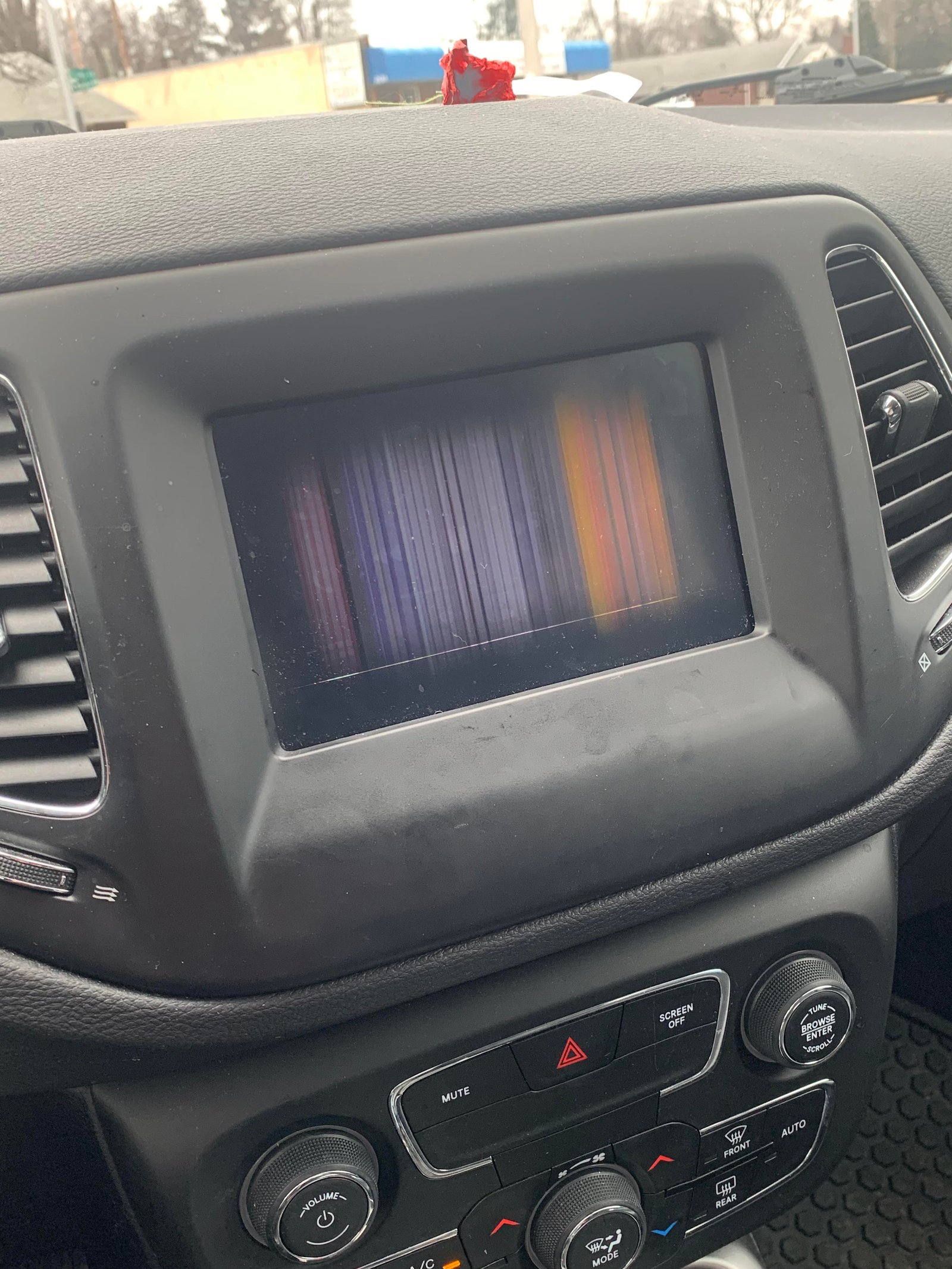
If your screen stays black, freezes, or reboots often, don’t keep trying random fixes. Persistent problems can mean a hardware failure or software issue that only a dealer can solve. Modern Uconnect systems are complex, and repairs may require special tools or updates.
Real-world Example
Sarah bought a 2022 Jeep Compass. On her first day, the screen didn’t turn on even though she started the car.
She checked the brightness dial and found it was turned down. After adjusting the knob, the screen worked perfectly.
She now always checks this before calling for help.
Frequently Asked Questions
How Do I Reset My Jeep Compass Screen?
To perform a soft reset, hold the volume and tuner (browse/enter) knobs together for about 10-20 seconds. The screen should turn off and restart.
Why Does My Screen Stay Black When I Start The Car?
The most common reason is the brightness knob being set too low. Other reasons include a software glitch, blown fuse, or battery issue.
Can I Use The Screen Without Starting The Engine?
Yes. Press the Start/Stop button once (without pressing the brake) to enter accessory mode. The screen and radio will work.
How Do I Clean The Jeep Compass Screen Safely?
Use a soft, dry microfiber cloth. Some Uconnect systems have a screen cleaning mode in the settings to lock the display while you clean.
Where Can I Find The Latest Software Updates For My Uconnect System?
Visit the official Mopar Uconnect Update page for instructions and downloads.
Getting comfortable with your Jeep Compass screen can make driving much more enjoyable and less stressful. Take a few minutes to learn the controls and settings. If problems continue, don’t hesitate to get help from your dealer—sometimes a small issue can need expert attention. With these tips, you’ll be able to turn on and use your screen with confidence.