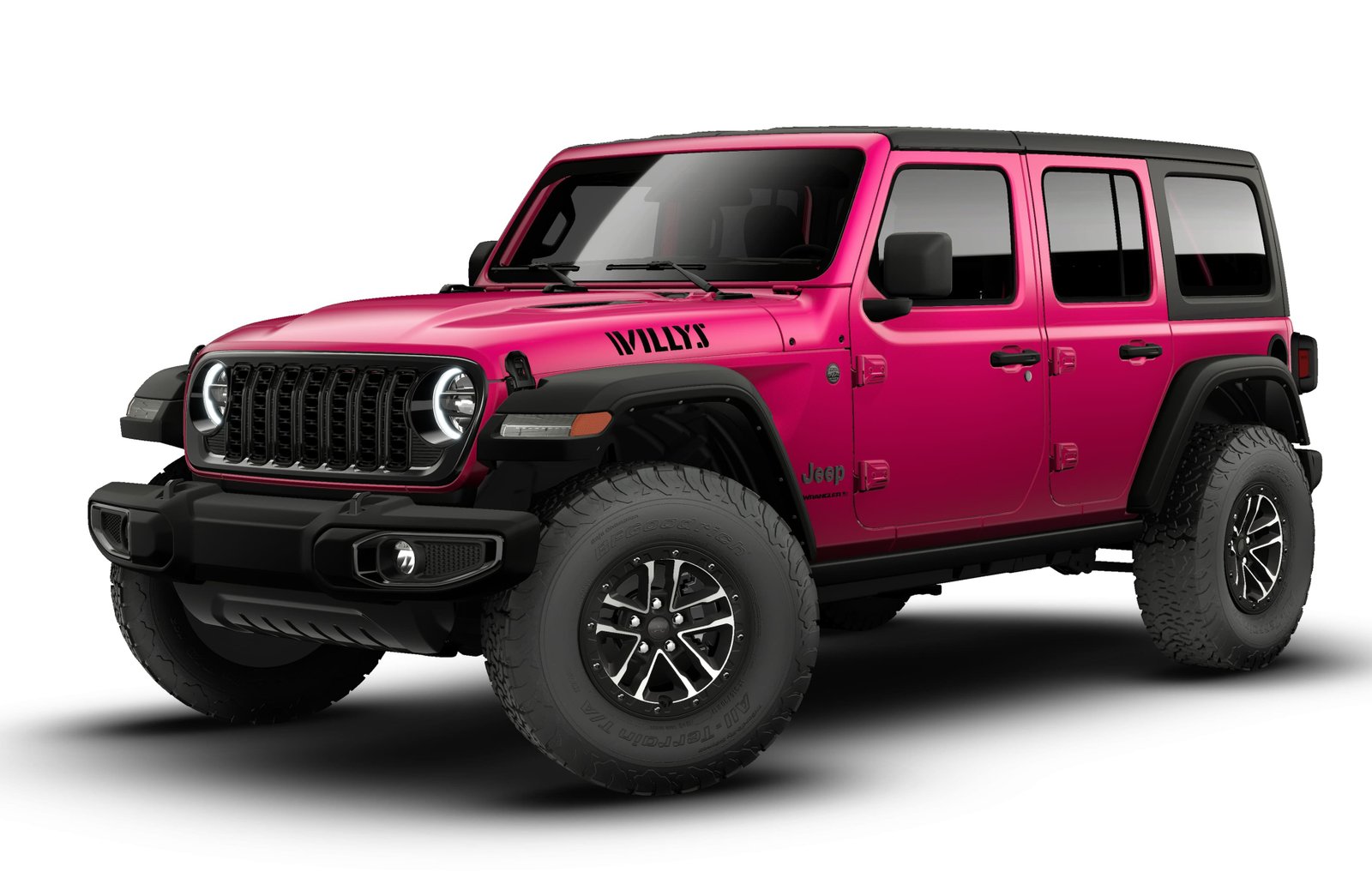
Setting up Bluetooth in your Jeep Wrangler can make your driving experience much more enjoyable and safe. With Bluetooth, you can connect your phone to your Wrangler’s infotainment system, make hands-free calls, stream music, and use voice commands.
Many Wrangler owners find the process confusing, especially if they are not familiar with car technology.
This guide will help you connect your device to your Jeep Wrangler, avoid common mistakes, and get the most out of your Bluetooth system.
Understanding Your Jeep Wrangler’s Bluetooth System
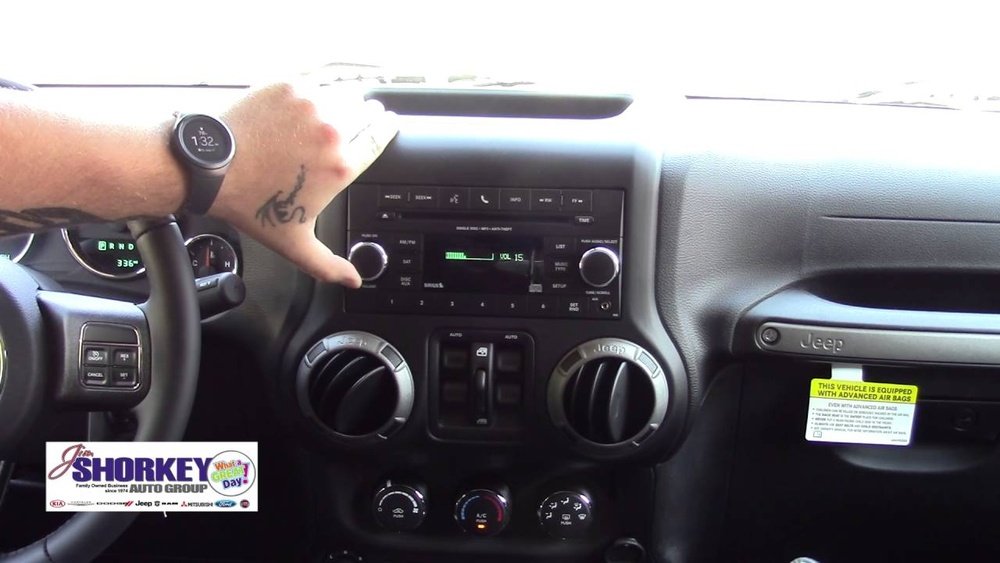
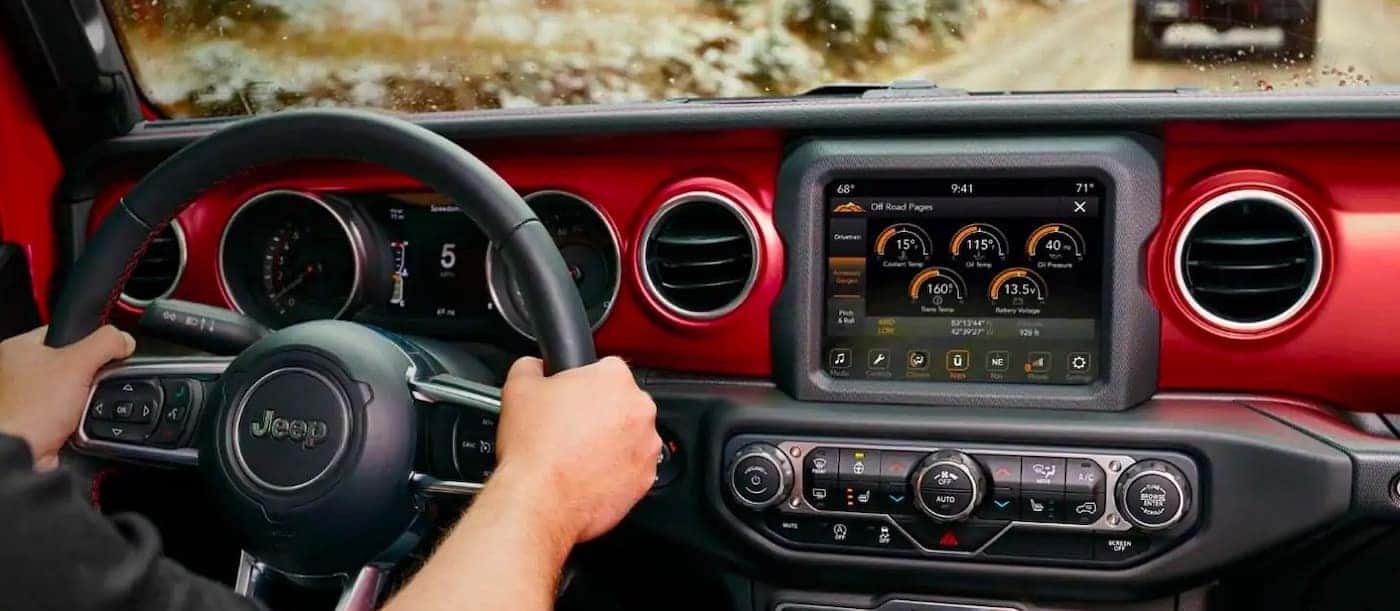
Most Jeep Wrangler models from 2011 onwards offer Bluetooth connectivity. However, the setup process can vary depending on your model year and the type of infotainment system installed. The most common systems are Uconnect 3, Uconnect 4, and Uconnect 5. Each has its own menu layout and features. Before starting, check your Wrangler’s manual to confirm which system you have. If you don’t have the manual, you can identify your system by the appearance of your dashboard screen and the options available.
Here’s a quick comparison of the most common Jeep Wrangler Bluetooth systems:
| System | Model Years | Screen Size | Main Features |
|---|---|---|---|
| Uconnect 3 | 2011–2017 | 5-inch | Bluetooth, basic navigation, voice command |
| Uconnect 4 | 2018–2021 | 7- or 8.4-inch | Bluetooth, Apple CarPlay, Android Auto, HD radio |
| Uconnect 5 | 2021–present | 8.4- or 10.1-inch | Bluetooth, wireless CarPlay/Android Auto, Alexa, advanced navigation |
Older models may not support Bluetooth audio streaming, only hands-free calling. If you have a very old Wrangler (pre-2011), your vehicle may not have Bluetooth at all.
Preparing Your Devices For Pairing
Before starting the pairing process, make sure both your Jeep and your smartphone are ready. This avoids many common problems and saves time.
- Turn on your Jeep Wrangler. It’s best to keep the engine running or the ignition in the “ON” position.
- Enable Bluetooth on your phone. Go to your phone’s settings and make sure Bluetooth is turned on and your device is visible to other devices.
- Check for existing connections. If your phone is connected to another Bluetooth device (like headphones or a speaker), disconnect it first.
- Update your phone and Uconnect system. Old software can cause compatibility issues. Update your phone’s operating system and check the Jeep website for Uconnect updates if you have trouble.
- Keep your phone close. Bluetooth pairing works best when your phone is within a few feet of the infotainment screen.
Step-by-step Guide: Pairing Bluetooth On Jeep Wrangler
The exact steps depend on your Uconnect version. Below are directions for the most common systems.
Uconnect 3 (2011–2017)
- Press the ‘Phone’ button on your dashboard or steering wheel.
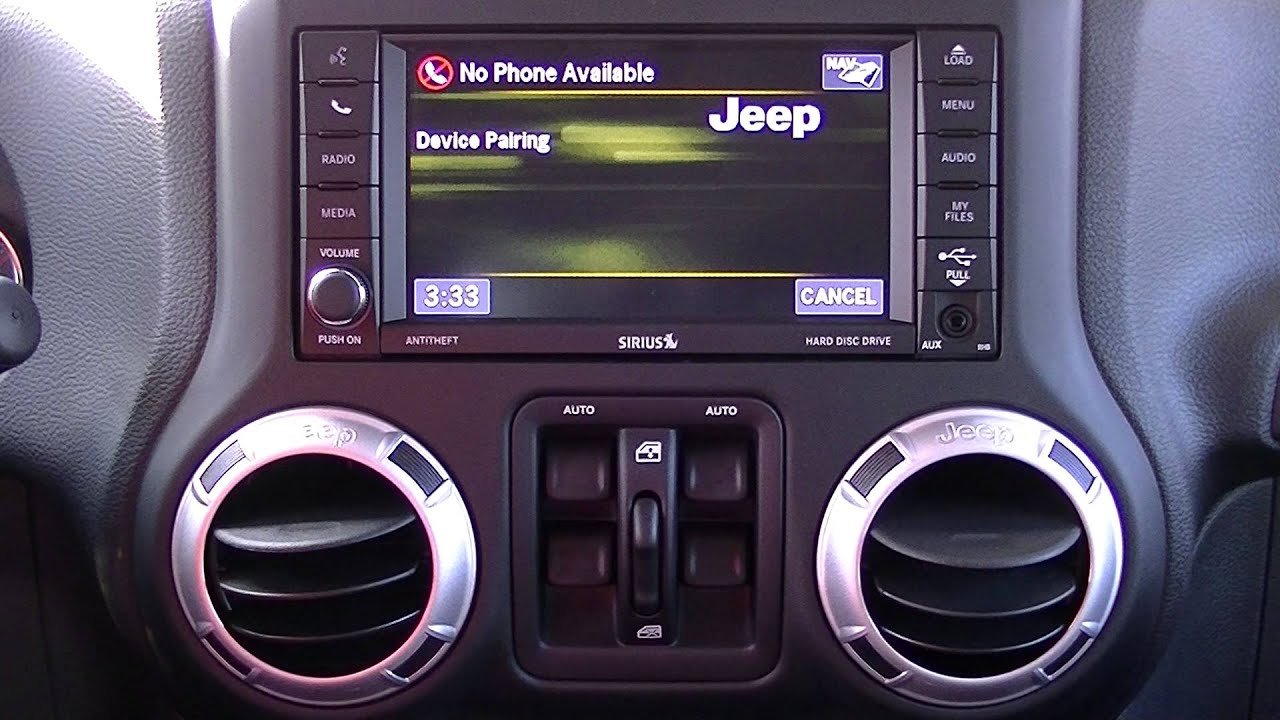
- On the Uconnect screen, select “Add Device” or “Pair a Device.”
- The system will display a PIN code.
- On your phone, go to Bluetooth settings and select “Uconnect” from the list of available devices.
- Enter the PIN code shown on your Jeep’s screen when prompted.
- Confirm pairing on both your phone and the Jeep’s screen.
Uconnect 4 (2018–2021)
- Tap the ‘Phone’ icon on your touchscreen.
- Select “Add Device” or “Pair Device.”
- The system will display a unique PIN.
- Open Bluetooth settings on your phone and select your Jeep’s Uconnect system.
- Enter or confirm the PIN on your phone.
- Allow access to contacts and messages if you want hands-free calling and text features.
Uconnect 5 (2021–present)
- Press the ‘Phone’ button or tap ‘Phone’ on the touchscreen.
- Choose “Pair New Device.”
- The system will display a list of available devices and a pairing code.
- On your phone, select your Jeep’s Uconnect and confirm the pairing request.
- Confirm or enter the code as required.
- Grant permission to sync contacts, messages, and other features.
If pairing is successful, your phone will be listed as a connected device. The system may also ask if you want to set your phone as the primary device.
Key Features You Unlock With Bluetooth
Once your phone is connected, you can use a range of features that make driving safer and more convenient.
- Hands-free calling lets you answer and make calls using voice commands or steering wheel buttons.
- Wireless music streaming allows you to play music from apps like Spotify, Apple Music, or your phone’s library.
- Text message access (if supported) lets you listen to and reply to texts using voice commands.
- Voice commands can control many functions, like calling contacts or starting navigation.
Here’s a quick overview of common Bluetooth features by Uconnect version:
| Feature | Uconnect 3 | Uconnect 4 | Uconnect 5 |
|---|---|---|---|
| Hands-Free Calling | Yes | Yes | Yes |
| Music Streaming | Limited | Yes | Yes |
| Text Messaging | No | Yes | Yes |
| Voice Commands | Basic | Advanced | Advanced |
Common Problems And How To Fix Them
Bluetooth pairing doesn’t always work smoothly. Many Jeep Wrangler owners report similar issues, but most are easy to fix with a few steps.
1. Device Not Found
If your Jeep can’t find your phone:
- Make sure Bluetooth is enabled and your phone is “discoverable.”
- Restart both your phone and the Jeep’s infotainment system.
- Move your phone closer to the dashboard.
2. Pairing Fails Or Disconnects
If you can’t connect or keep losing the connection:
- Remove the device from both your Jeep and your phone, then try pairing again.
- Check for software updates for both your phone and Uconnect.
- Delete old or unused devices from your Jeep’s Bluetooth list (usually limited to 5–10 devices).
3. Audio Or Call Quality Is Poor
Sound issues can be frustrating:
- Make sure your phone’s volume and the Jeep’s media volume are both turned up.
- Try another phone to see if the problem is with your device.
- Interference from USB chargers or other electronics can sometimes cause static—unplug them and test again.
4. Contacts Not Syncing
If you can’t see your contacts or call history:
- Make sure you allowed access to contacts during pairing.
- On your phone, go to Bluetooth settings, tap your Jeep’s device, and check that contact sharing is enabled.
5. System Freezes Or Lags
Sometimes the Uconnect system may freeze:
- Restart your Jeep and wait for the system to reboot.
- If problems persist, a dealer can perform a hard reset or update the software.
Tips To Get The Most From Jeep Wrangler Bluetooth
Many drivers never use all the features available through Bluetooth. Here’s how to make the most of your setup:
- Set up voice commands. This keeps your hands on the wheel and your eyes on the road.
- Update your phone contacts. Use clear names so the voice system can recognize them easily.
- Customize notifications. Choose which alerts (calls, texts) you want to hear while driving.
- Use Bluetooth for navigation. Google Maps or Apple Maps instructions will play through your Jeep’s speakers.
- Pair multiple devices. You can pair more than one phone, but only one can be active at a time. Switch between them in the Uconnect menu.
Two things many owners miss: If you use streaming apps, some require extra permissions for Bluetooth audio. And, if you want the best audio quality, set your phone’s Bluetooth audio output to “High Quality” in your settings if your phone allows it.
When Bluetooth Won’t Work: Alternatives And Add-ons
Not all Jeep Wranglers have Bluetooth, especially older models. If your system doesn’t support it, you’re not out of options.
- Aftermarket head units: Many third-party stereos fit Jeep Wranglers and offer full Bluetooth support. Look for well-reviewed brands that fit your Wrangler’s model year.
- Bluetooth adapters: Devices like AUX or USB Bluetooth adapters can add wireless audio streaming to older systems.
- Professional installation: If you’re not comfortable with car electronics, a car audio shop can install and set up Bluetooth for you.
Here’s a quick look at the pros and cons of each alternative:
| Option | Pros | Cons |
|---|---|---|
| Aftermarket head unit | Modern features, best sound, adds CarPlay/Android Auto | More expensive, requires installation |
| Bluetooth adapter | Low cost, simple setup, works with most stereos | Audio only, no hands-free calling, may need USB power |
| Professional install | Done right, warranty, advice from experts | Service cost, time without your vehicle |
Safety And Security Considerations
Bluetooth adds convenience, but remember to use it safely. Don’t try to pair devices while driving. Set up everything before you start moving. If your Jeep has a voice command system, practice using it so you’re not distracted by the touchscreen.
Security is also important. Remove old devices you no longer use, especially if you sell your Jeep. This keeps your data private.
Keeping Your System Up To Date
Jeep releases updates for Uconnect systems to add features and fix bugs. Check the official Jeep website or your dealer for updates at least once a year. Updated software can improve Bluetooth stability and add support for new phones. For more details, you can visit the official Jeep Uconnect page.
Frequently Asked Questions
How Many Phones Can I Pair With My Jeep Wrangler?
You can usually pair up to eight devices with Uconnect, but only one can be connected for calls and audio at a time. To switch, go to the Uconnect Bluetooth menu and select the device you want to use.
Why Won’t My Jeep Wrangler Find My Phone?
Check that your phone’s Bluetooth is turned on and set to “discoverable.” If you still have trouble, restart your phone and the Uconnect system. Sometimes deleting old devices helps.
Can I Play Music From My Phone Using Bluetooth?
Yes. Once paired, you can stream music from apps or your music library.
For the best sound, increase the volume on both your phone and the Jeep’s stereo.
Is Bluetooth Calling Safe To Use While Driving?
Bluetooth calling is safer than holding your phone, but it’s best to use voice commands or steering wheel controls. Don’t dial numbers or read texts while driving.
What Should I Do If My Contacts Don’t Show Up On Uconnect?
Check your phone’s Bluetooth settings for your Jeep’s device. Make sure contact sharing is enabled. If needed, remove and re-pair your device, allowing access to contacts during the process.
Setting up Bluetooth on your Jeep Wrangler makes every drive more enjoyable and safer. With the right setup, you can focus on the road and make the most of your vehicle’s tech features.
Take your time, follow the steps, and enjoy hands-free control and wireless music on all your adventures.