If your 2020 Jeep Wrangler’s Uconnect system is acting up maybe the touchscreen freezes, Bluetooth won’t connect, or navigation gets stuck you’re not alone. Many Jeep owners run into glitches with Uconnect, and a simple reset can fix most issues.
But knowing how to reset Uconnect on a Jeep Wrangler 2020 model isn’t always obvious.
This guide explains step-by-step methods, when to use each, and what to expect. You’ll also learn how to avoid common mistakes and what to do if a reset doesn’t solve your problem.

Understanding Uconnect In The Jeep Wrangler 2020
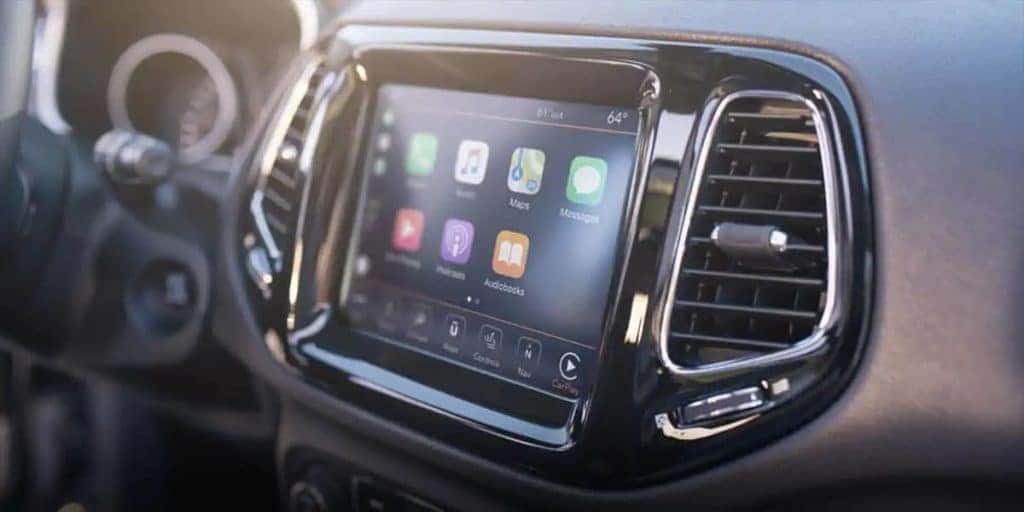
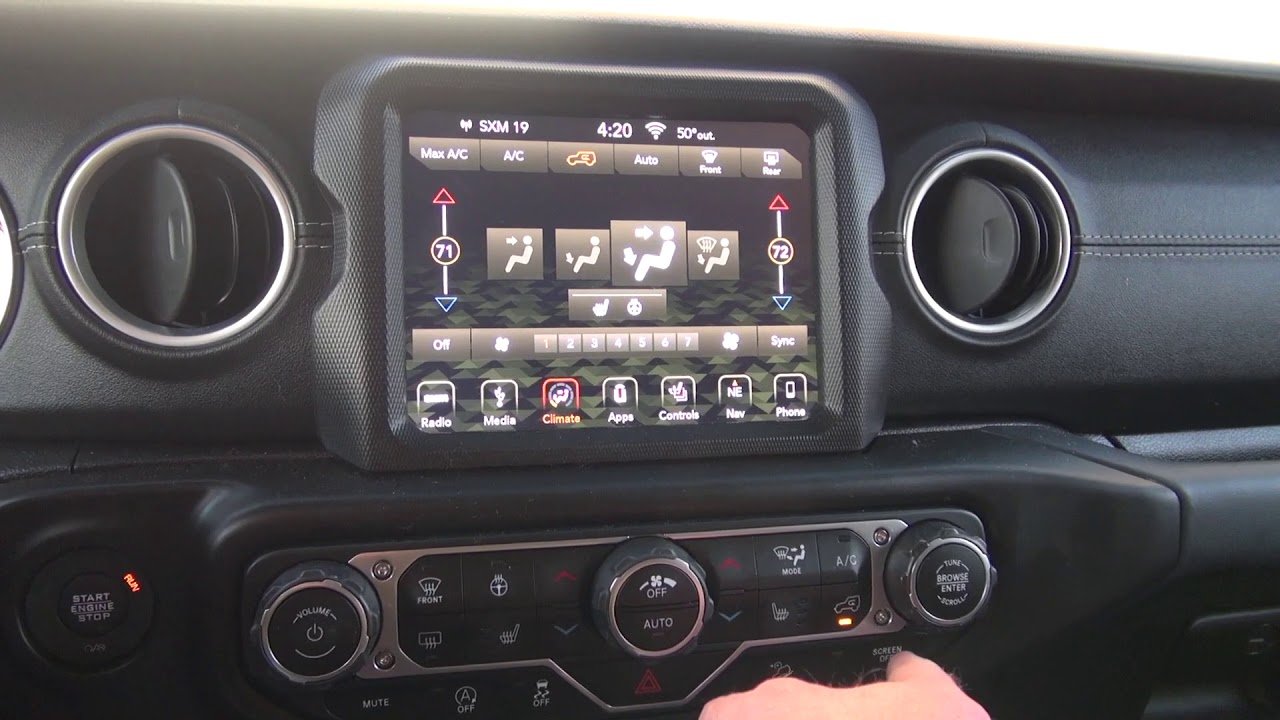
Uconnect is more than just a radio. It runs your navigation, music, apps, and phone controls. The 2020 Wrangler may have a 5-inch, 7-inch, or 8.4-inch touchscreen, each powered by Uconnect. Problems like unresponsive screens, dropped calls, or navigation errors can quickly make driving less enjoyable.
Here’s a quick comparison of Wrangler Uconnect versions:
| Screen Size | Uconnect Version | Main Features |
|---|---|---|
| 5-inch | Uconnect 3 | Basic media, Bluetooth |
| 7-inch | Uconnect 4 | Apple CarPlay, Android Auto |
| 8.4-inch | Uconnect 4C NAV | Navigation, advanced apps |
Knowing your Uconnect version helps you choose the right reset method.
Why And When You Should Reset Uconnect
A reset can solve many problems, including:
- Frozen or black touchscreen
- Bluetooth not pairing
- Navigation errors
- Slow response or random restarts
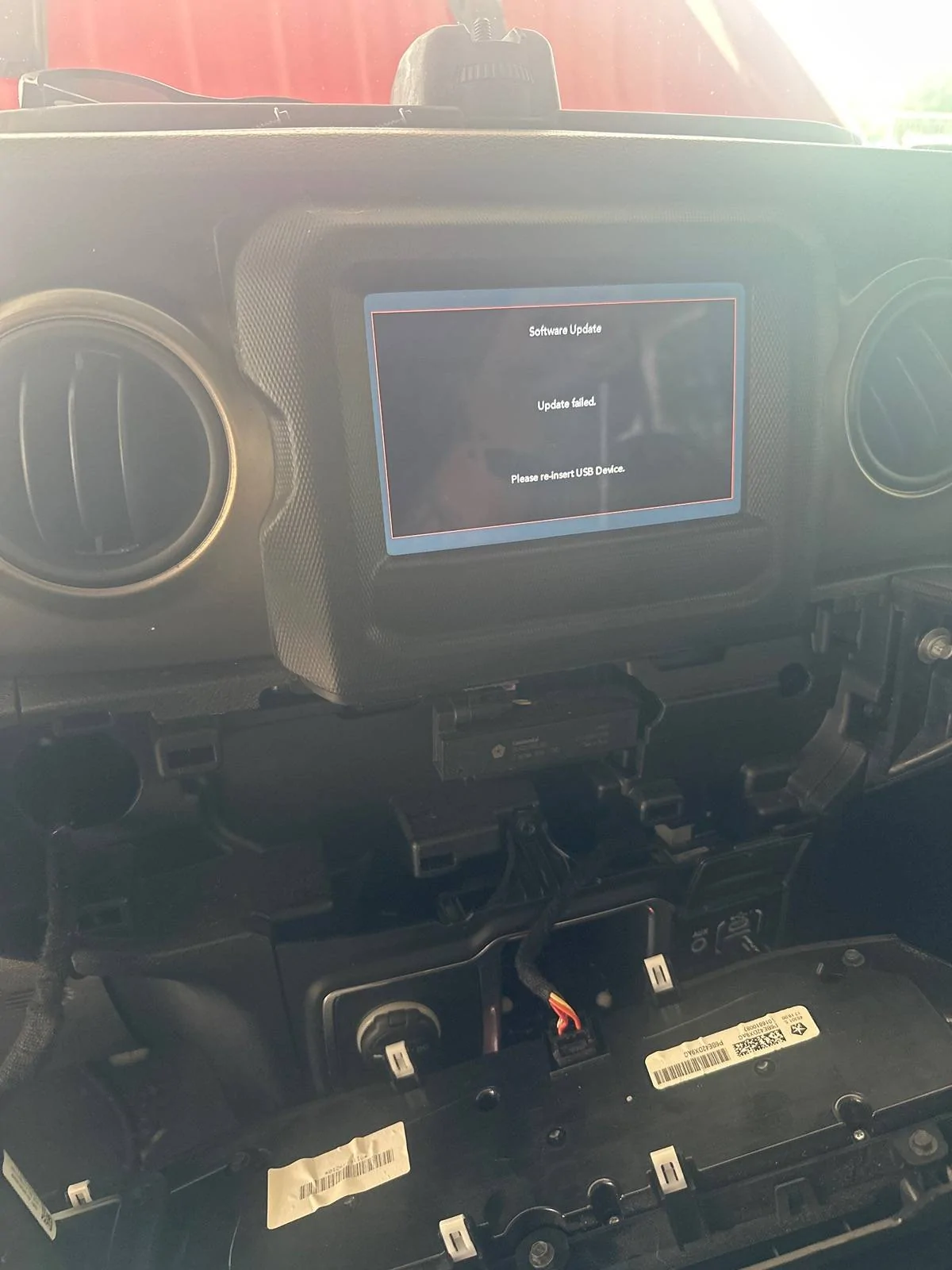
But not every issue needs a reset. For example, if only your phone connection is failing, try reconnecting Bluetooth first. If your Uconnect keeps failing after a reset, it might need a software update or professional repair.
The Three Main Ways To Reset Uconnect
Jeep offers several ways to reset Uconnect on a Wrangler. The right method depends on your problem and Uconnect version.
1. Soft Reset (quick Touchscreen Reset)
This is the fastest and easiest way to fix minor issues.
- Put your Wrangler in Park with the ignition in RUN (engine on or off).
- Hold the volume knob and tuner knob together for about 10-20 seconds.
- The screen will go black, then reboot with the Jeep or Uconnect logo.
This won’t erase your settings or saved data. Use this if your screen is frozen or slow.
2. Hard Reset (factory Reset)
A hard reset will erase all personal data and return Uconnect to factory settings. Use this for bigger problems or before selling your Jeep.
Steps may vary by system, but here’s a common method for the 2020 Wrangler:
- Tap the Settings icon on your Uconnect screen.
- Scroll to “System Information” or “Reset”.
- Select Restore Settings or Factory Reset.
- Confirm and wait for the process to complete.
Warning: You’ll lose saved radio stations, paired phones, and navigation favorites.
3. Battery Disconnect Reset
This method is more advanced and resets the whole vehicle’s electronics.
- Turn off your Jeep and open the hood.
- Use a wrench to disconnect the negative battery terminal (black cable).
- Wait 5-10 minutes.
- Reconnect the terminal and tighten it.
This can help if the touchscreen won’t turn on or if other resets fail. Be careful this resets all electronics and may clear other custom settings.
Here’s a comparison of the three methods:
| Reset Type | Difficulty | Data Loss | When to Use |
|---|---|---|---|
| Soft Reset | Easy | No | Frozen/slow screen |
| Hard Reset | Medium | Yes | Major glitches, resale |
| Battery Disconnect | Hard | Yes | Screen won’t turn on |
Two Common Mistakes To Avoid
- Resetting too often: Frequent resets can hide deeper problems. If your Uconnect needs resetting every week, it may need a software update or repair.
- Not updating software: Many Uconnect glitches are fixed in new updates. Always check for updates before or after a reset. You can find official updates at the Uconnect Support Site.
What To Do If Uconnect Still Doesn’t Work
If your Uconnect system still has issues after trying all reset methods, consider these next steps:
- Check for software updates using the Jeep/Uconnect website.
- Visit your Jeep dealer: Some problems need dealer tools or hardware fixes.
- Document your issue: Take photos or videos if possible. This helps the dealer diagnose the problem faster.
Practical Tips For A Smooth Reset
- Always keep your vehicle in Park with the ignition on during a reset.
- Save your favorite radio stations and navigation addresses before a hard reset.
- After a reset, test all Uconnect functions—radio, Bluetooth, apps, navigation—to make sure everything works.
- If you disconnect the battery, remember other systems (clock, seat memory) may also reset.
Frequently Asked Questions
How Long Does A Uconnect Reset Take?
A soft reset usually takes less than a minute. A hard reset or battery disconnect might take 5-10 minutes because the system reboots and reloads settings.
A soft reset will not erase your settings. A hard reset or battery disconnect will delete saved radio stations, navigation favorites, and paired Bluetooth devices.
Can I Reset Uconnect While Driving?
No, you should never reset Uconnect while driving. Always stop your vehicle and place it in Park before starting any reset process.
What Should I Do If Uconnect Freezes Often?
If your system keeps freezing, check for software updates first. If the issue continues after updates and resets, contact your dealer. Frequent freezes may signal a hardware problem.
Is Resetting Uconnect Safe For My Jeep?
Yes, resetting is safe and often recommended by Jeep. Just remember a hard reset or battery disconnect can erase your custom settings.
Getting your Uconnect back to normal doesn’t have to be stressful. Most problems are simple to fix with the right reset method.
If you run into trouble or the issue keeps returning, don’t hesitate to get help from your Jeep dealer.
A smooth, working Uconnect makes your drive safer and more enjoyable.