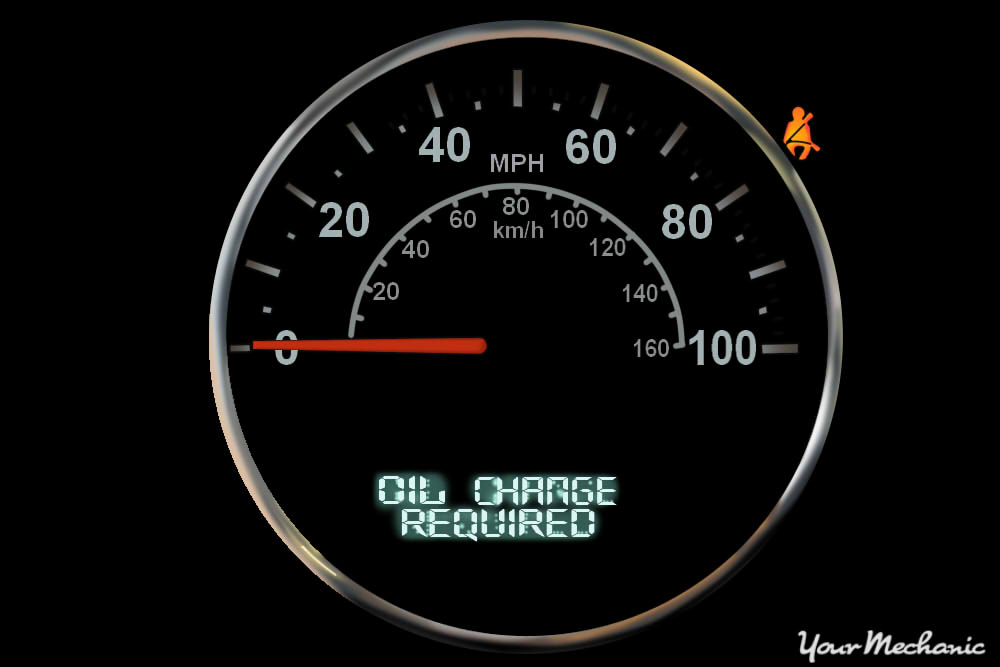
Keeping your Jeep Latitude running smoothly means more than just regular oil changes. You also need to reset the oil life indicator after every oil change. If you forget, your dashboard might keep warning you about oil service, even when your oil is fresh. This guide will show you exactly how to reset oil life on Jeep Latitude models, why it matters, and a few tips most owners miss.
Why Resetting Oil Life Is Important
Your oil life monitor is not just a reminder—it’s a smart system that tracks engine conditions. It uses temperature, engine hours, and mileage to estimate oil quality. If you don’t reset it, you risk:
- Ignoring real service needs: The system may not warn you when oil is truly old.
- Dashboard confusion: Annoying reminders can make you ignore more serious alerts.
- Resale value drop: Incomplete service records can hurt your car’s value.
Which Jeep Latitude Models Does This Work For?
Most Jeep Latitude trims use the same oil life reset steps. This includes the Jeep Cherokee Latitude and Jeep Compass Latitude, especially models from 2014 onward. However, some years or trims may have small differences.
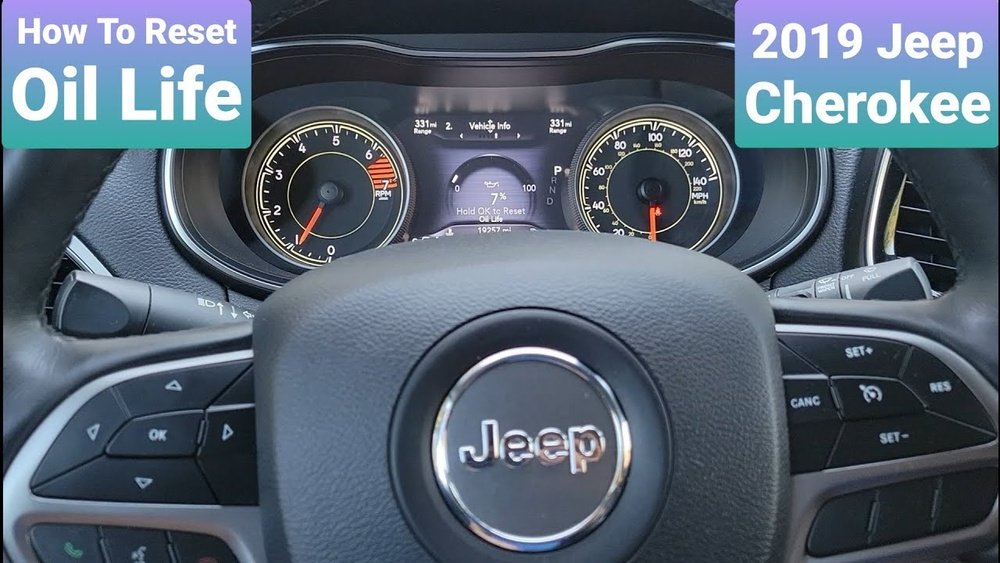
Here’s a quick comparison:
| Model Year | Method | Notes |
|---|---|---|
| 2014-2018 | Manual Button | Uses instrument cluster buttons |
| 2019-2024 | Touchscreen/Menu | Some use Uconnect display |
Always check your owner’s manual to confirm, but these instructions cover most cases.
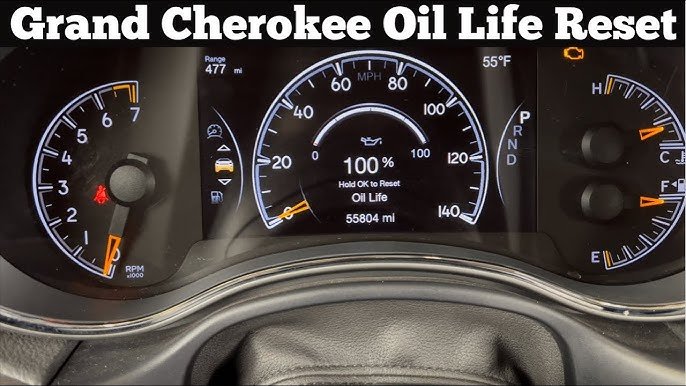
Step-by-step: How To Reset Oil Life On Jeep Latitude
Resetting the oil life is quick—usually under two minutes. Here’s how to do it for most Jeep Latitude models:
- Turn on the ignition: Press the start button once (do not start the engine). Dashboard lights should turn on.
- Access the vehicle info menu: Use the arrows on your steering wheel to find “Vehicle Info” or “Oil Life.”
- Find the oil life screen: Scroll until you see “Oil Life Remaining.”
- Reset the oil life: Press and hold the OK button (center of arrows) until the oil life resets to 100%. You might hear a beep or see a confirmation.
- Turn off the ignition: Wait a few seconds, then restart the car to check if the reset worked.
For Models With Touchscreen (uconnect)
Some newer models use the Uconnect touchscreen:
- Go to the “Apps” or “Vehicle” section.
- Select “Oil Life.”
- Press “Reset” and confirm.
Common Mistakes To Avoid
- Engine is running: Only turn on ignition, don’t start the engine.
- Not holding reset long enough: Hold the button until you see confirmation.
- Wrong menu: Make sure you’re on the oil life screen, not maintenance or service.
Extra Tips For Jeep Latitude Owners
Resetting oil life is simple, but here are two insights many miss:
- Reset only after oil change: Never reset the indicator if you haven’t changed the oil. This can lead to engine damage since the computer thinks you have fresh oil when you don’t.
- Keep service records: Take a quick photo of your dashboard before and after the reset. This creates a digital record for warranty claims or resale.
Also, don’t confuse oil life with oil level. Oil life measures quality, while oil level is how much oil is in the engine.
What If The Reset Doesn’t Work?
Sometimes the oil life doesn’t reset on the first try. Here’s what you can do:
- Repeat the steps: It may take two or three attempts, especially if you’re new to the menu.
- Check for software updates: Some models need a Uconnect update for menu options to work.
- Manual reset: Turn off the car, wait 30 seconds, then try again.
- Visit a dealership: If nothing works, your sensor or dashboard may have a fault.
Here’s a quick look at troubleshooting results:
| Problem | Possible Cause | Solution |
|---|---|---|
| Oil life won’t reset | Button not held long enough | Hold for 10+ seconds |
| Reset option missing | Software needs update | Visit dealer or update Uconnect |
| Warning stays on | Electrical issue | Dealer diagnostic |
How Often Should You Reset Oil Life?
Oil life should be reset every time you change the engine oil. Most experts recommend oil changes every 5,000 to 7,500 miles for modern Jeeps, but always follow your owner’s manual.
Some drivers try to “trick” the system by resetting early. This is risky your car’s computer relies on accurate data. Always change the oil first.
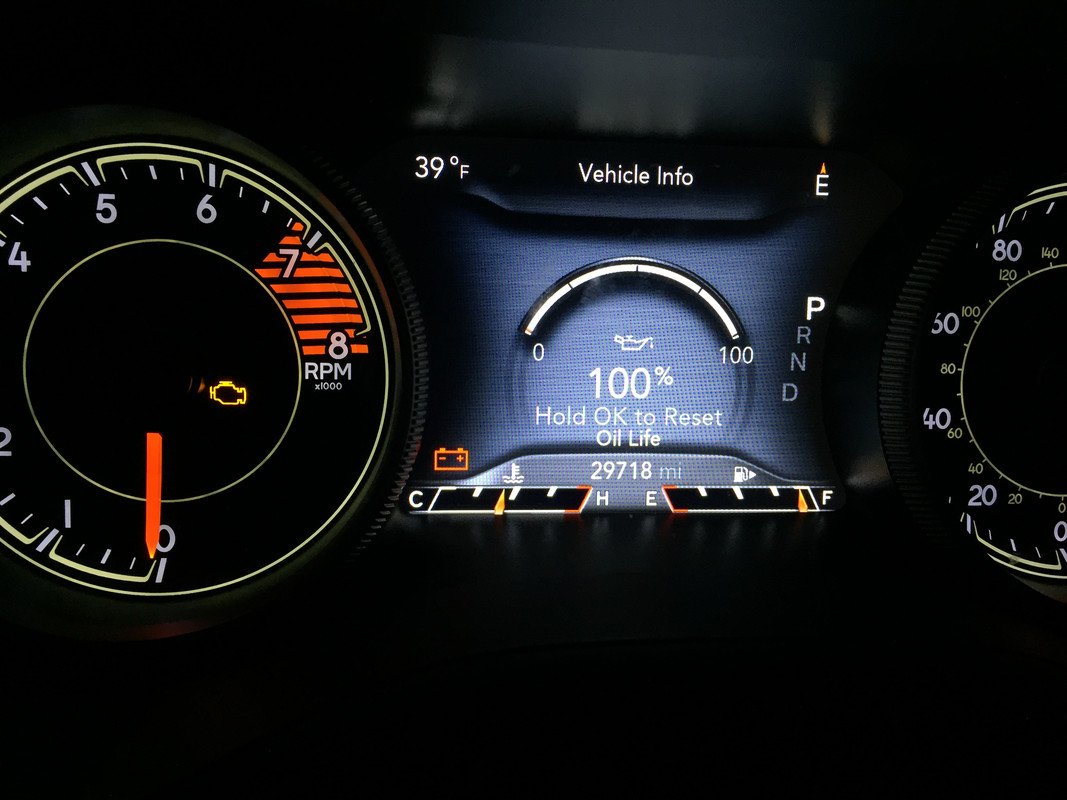
Quick Reference: Jeep Oil Life Reset Steps
If you want a fast reminder, keep this summary handy:
| Step | Action |
|---|---|
| 1 | Ignition on (engine off) |
| 2 | Navigate to “Oil Life” using arrows |
| 3 | Press and hold OK |
| 4 | Wait for confirmation |
| 5 | Restart vehicle to confirm |
Frequently Asked Questions
How Do I Know If My Oil Life Reset Worked?
After resetting, the oil life on your dashboard should read 100%. If it doesn’t, repeat the steps. If the problem continues, check your manual or visit a dealer.
Can I Reset Oil Life Without Changing The Oil?
You can, but it’s not safe. Resetting without an oil change tells the car’s computer that your oil is fresh, which can lead to engine problems if the oil is actually old.
What’s The Difference Between Oil Life And Oil Level?
Oil life measures how good your oil is. Oil level is simply how much oil is in the engine. Both need to be monitored, but resetting oil life does not add oil.
Some trims or years might have a slightly different menu. Always look for “Vehicle Info,” “Oil Life,” or “Maintenance” in the dashboard or Uconnect screen. Your owner’s manual or the official Jeep Owners Site can help.
Do I Need Special Tools To Reset Oil Life?
No tools are needed. You only use buttons on your steering wheel or the touchscreen menu.
If you have problems, your dealer can reset it for you.
Keeping your Jeep Latitude oil life indicator accurate is an easy way to protect your engine and keep your car’s systems working right. Resetting oil life takes just a minute, but it ensures you get the best performance and longest engine life possible.