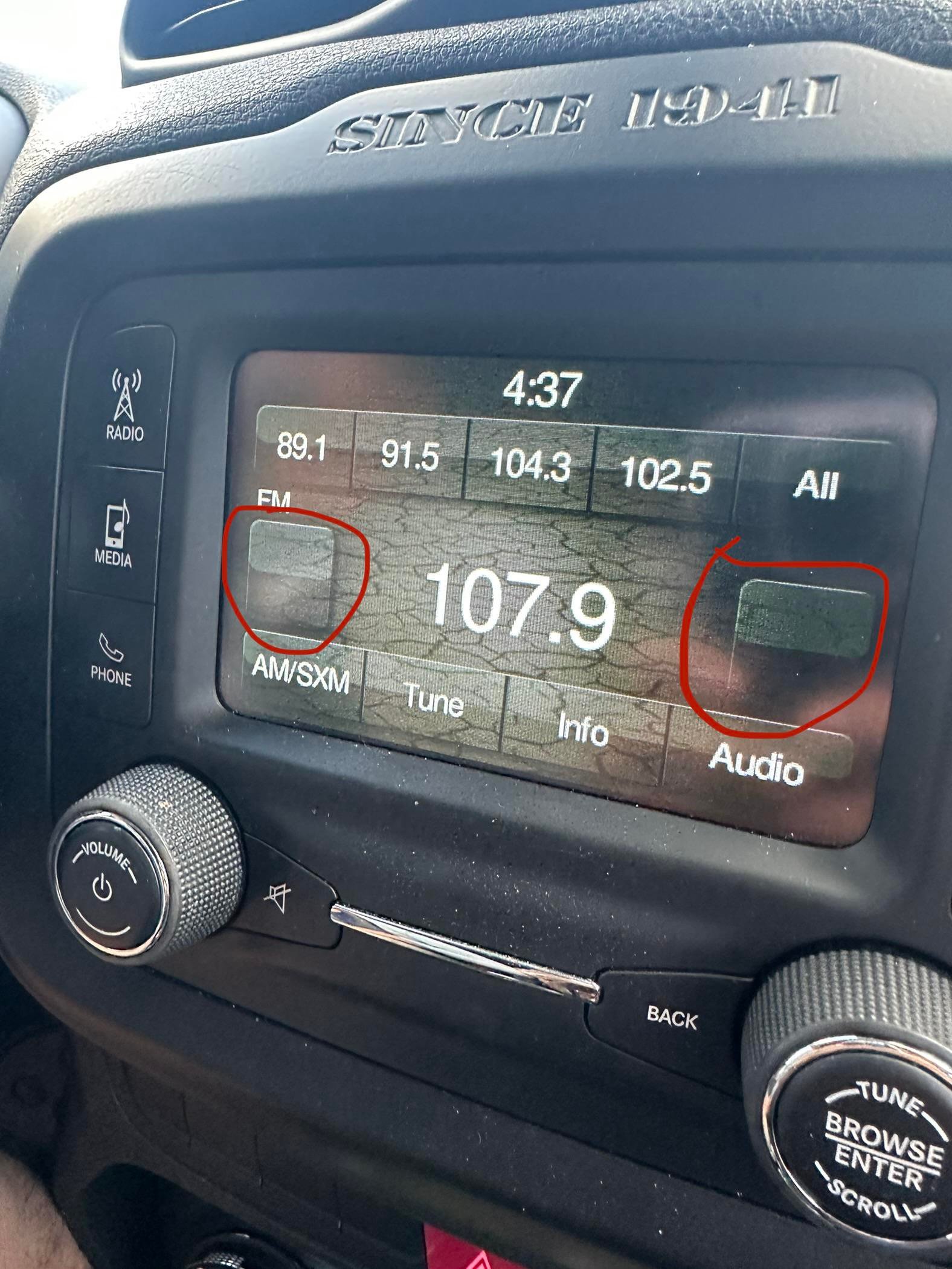
If your Jeep Renegade radio isn’t working right, you’re not alone. Many drivers face glitches like the radio freezing, no sound, or Bluetooth issues. A radio reset can often solve these problems quickly—no need for a dealership visit or special tools. Knowing how to reset your Jeep Renegade radio can save you time and money, and help you get back to your favorite music or navigation.
This guide will walk you through different reset methods, explain when and why to reset, and help you avoid common mistakes. Whether you have the classic Uconnect system or a newer touchscreen version, you’ll find clear steps and practical advice.
Why Reset Your Jeep Renegade Radio?
The Jeep Renegade radio is packed with features: Bluetooth, navigation, and voice commands. Like any technology, it can develop small software issues over time. You might notice:
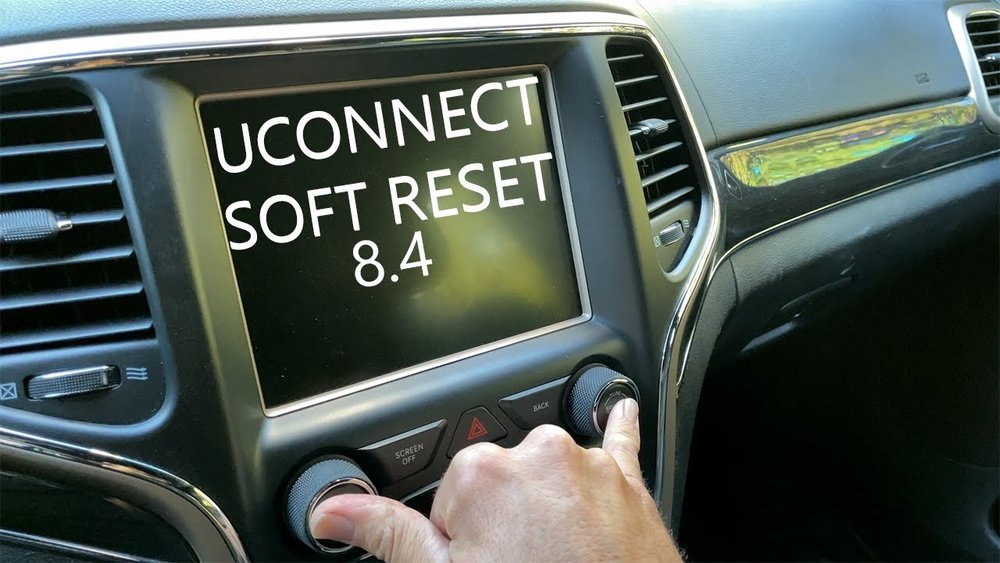
- The radio won’t turn on or off
- Touchscreen is frozen or slow
- Bluetooth won’t connect
- Audio cuts in and out
- Navigation errors
A reset will often clear these problems. It’s a simple way to refresh the system without erasing your personal settings unless you do a factory reset.
Quick Reset Vs. Factory Reset
There are two main ways to reset your Jeep Renegade radio:
- Soft (Quick) Reset: Fixes minor glitches without deleting your settings or saved stations.
- Factory (Hard) Reset: Erases all data and returns the radio to its original state. Use this only if the soft reset doesn’t work.
Understanding the difference helps you choose the safest option for your situation.
| Reset Type | What It Does | When To Use |
|---|---|---|
| Soft Reset | Restarts system, keeps your data | Minor glitches, frozen screen |
| Factory Reset | Wipes all user data/settings | Severe issues, selling car |
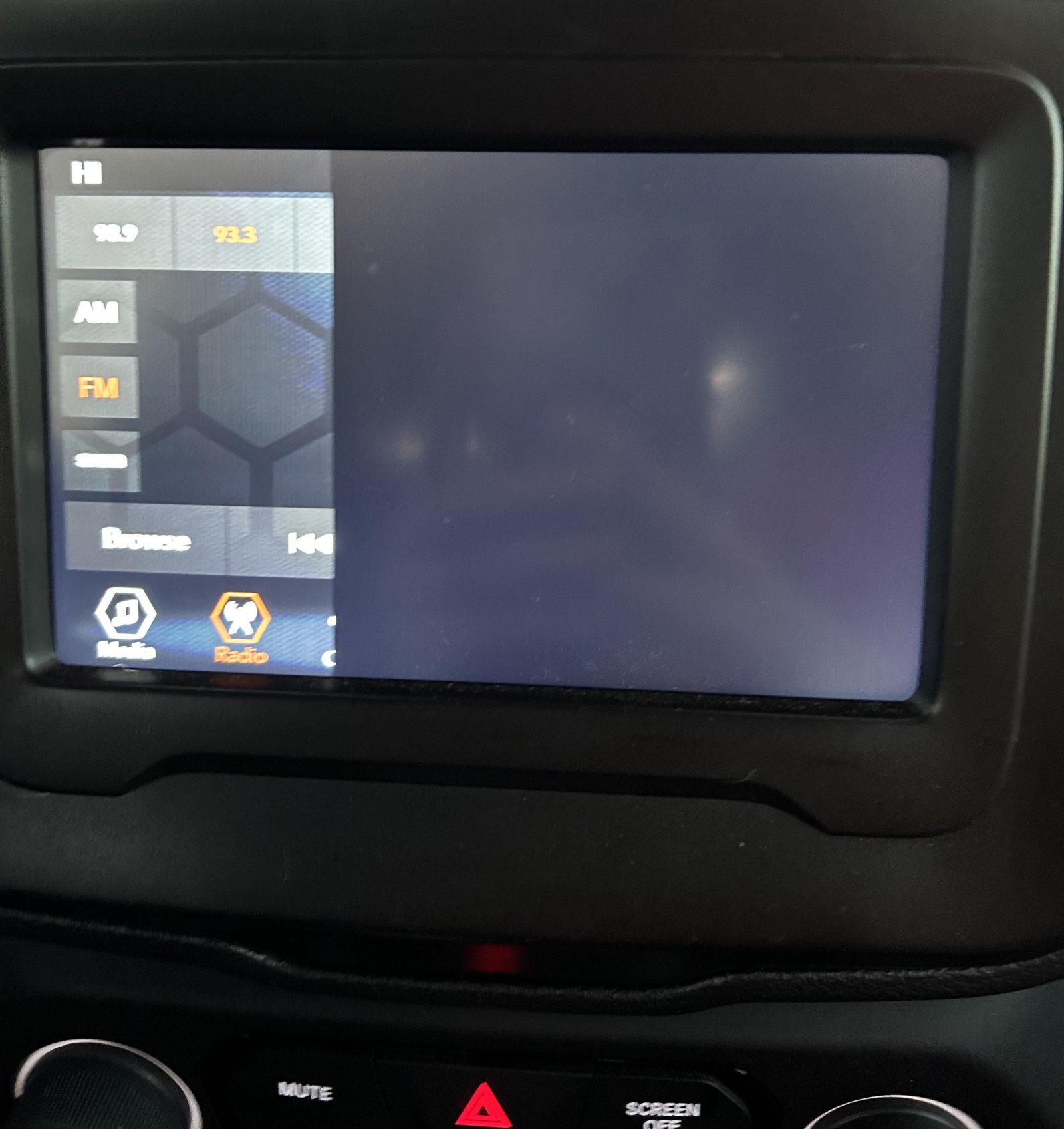
How To Perform A Soft (quick) Reset
Most Jeep Renegade radios can be quickly reset without tools. Follow these steps:
- Turn the ignition to the RUN position (engine off or running).
- Locate the volume knob and tune knob on your radio.
- Press and hold both knobs at the same time.
- Keep holding for about 10–15 seconds until the screen turns black and the Jeep logo appears.
- Release the knobs and wait for the system to reboot.
This method works for most Uconnect 4 and later systems. If your radio doesn’t have physical knobs, try pressing and holding the power button instead.
Tip: You won’t lose saved stations or Bluetooth pairings with a soft reset.
How To Perform A Factory (hard) Reset
If problems continue after a soft reset, try a factory reset. This erases all data, so write down any important info first.
- Turn on the ignition to RUN.
- Tap the Settings icon on the radio touchscreen.
- Scroll to System Information or System Settings.
- Select Restore Factory Defaults or Reset to Factory Settings.
- Confirm your choice when prompted.
After the reset, the radio will restart and look like it did when you first got the car. You’ll need to re-pair Bluetooth devices and re-enter favorites.
| Step | Action | What Happens |
|---|---|---|
| 1 | Go to Settings | Access system options |
| 2 | Select Factory Reset | Prepare to erase data |
| 3 | Confirm Reset | Radio restarts, all settings erased |
Important: Factory reset will erase saved stations, Bluetooth pairings, and custom settings.
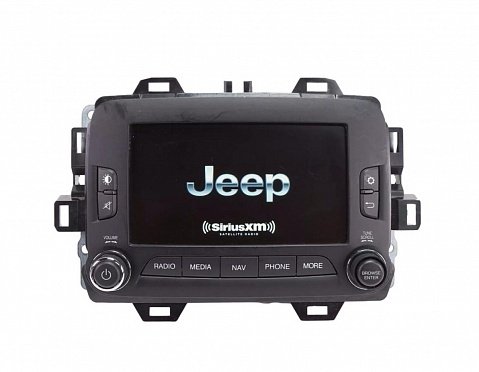
What To Do If The Radio Still Doesn’t Work
Sometimes, a reset isn’t enough. If your Jeep Renegade radio is still frozen or silent, try these extra steps:
- Check the fuse: A blown radio fuse can stop the system from working. The fuse box is under the dashboard or in the engine bay. Replace any blown fuses with the same rating.
- Disconnect the battery: Remove the negative (black) battery cable for 10 minutes, then reconnect. This resets more of the car’s electronics.
- Update the software: Visit the Uconnect website or your Jeep dealer to see if a software update is available.
If nothing works, the radio may need professional repair or replacement. Avoid forcing buttons or using sharp objects on the touchscreen they can cause permanent damage.
Common Mistakes To Avoid
People often make these errors when trying to fix their radio:
- Holding buttons too briefly: If you let go too soon, the reset won’t start. Hold for at least 10–15 seconds.
- Skipping the ignition step: The radio must be powered during the reset.
- Confusing reset types: Don’t do a factory reset unless you’re ready to lose your settings.
Many users overlook the need for regular software updates, which can fix bugs and add features. Check your owner’s manual or the official Uconnect site for the latest updates (Mopar Uconnect Support).
Resetting Different Uconnect Versions
Jeep Renegade models use different Uconnect radio versions. Here’s how they compare:
| Uconnect Version | Reset Method | Touchscreen? |
|---|---|---|
| Uconnect 3 | Battery disconnect or fuse pull | No |
| Uconnect 4/4C/4C NAV | Knob/power button hold | Yes |
| Uconnect 5 | Settings menu reset | Yes |
Always double-check your owner’s manual for the exact steps based on your model year and radio type.
Frequently Asked Questions
How Often Should I Reset My Jeep Renegade Radio?
You should only reset your radio when you notice problems like freezing or connection issues. Regular resets are not necessary if the system is working well.
A soft reset will not delete maps. A factory reset may erase map updates but not the original navigation system.
Can I Reset The Radio Without Losing My Bluetooth Connections?
Yes, a soft reset keeps your Bluetooth pairings. Only a factory reset deletes all paired devices.
My Radio Is Stuck On The Jeep Logo. What Should I Do?
Try a soft reset first. If that fails, disconnect the car battery for 10 minutes.
If the radio is still stuck, it may need professional repair.
Is There A Way To Update My Jeep Renegade Radio Software Myself?
Some updates can be downloaded from the Uconnect website and installed using a USB drive. For major updates, visit your dealership or refer to your owner’s manual.
Resetting your Jeep Renegade radio is usually quick and safe when you follow the right steps. A soft reset fixes most issues, while a factory reset is a last resort. Always check your car’s manual for details, and don’t hesitate to ask a pro if you’re unsure. With these tips, you can enjoy your music and apps with fewer interruptions.