Resetting the radio in your 2015 Jeep Wrangler can solve many annoying problems. If you’re experiencing issues like radio freezing, Bluetooth not working, or buttons not responding, a reset may fix them. Many Jeep owners face these troubles, especially after battery changes or software glitches. This guide is for drivers who want a simple, step-by-step approach to resetting their radio. With clear explanations and real examples, you’ll learn how to get your Jeep’s radio working again—without needing advanced technical skills.
Radio problems can be frustrating, especially when you rely on your system for navigation, calls, or just enjoying music on the road. The good news is that most issues are temporary and can be fixed quickly.
This article will walk you through the full process, answer common questions, and provide tips from real Jeep owners.
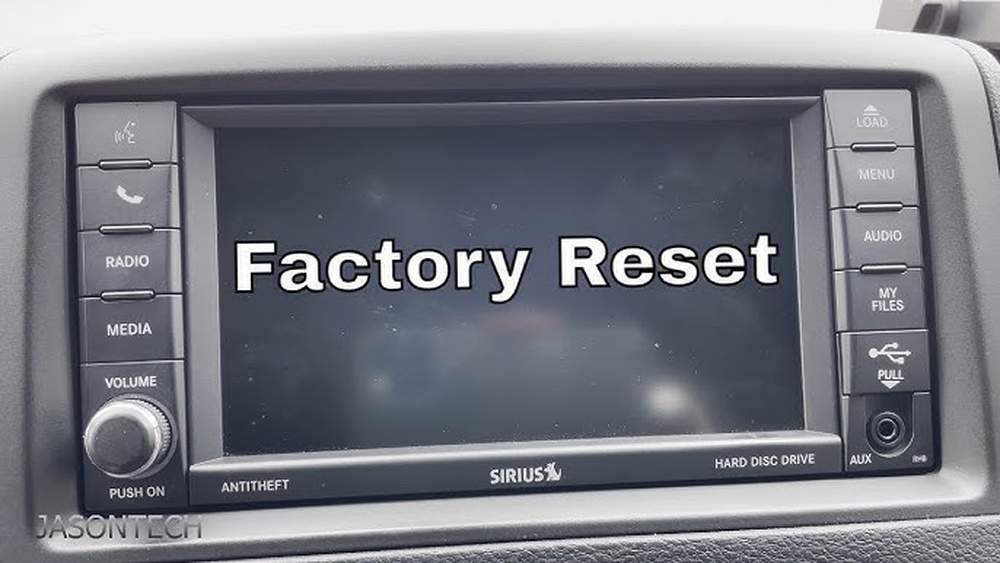
Even if you’ve never reset a car radio before, you’ll find the instructions easy to follow.
Why Reset Your 2015 Jeep Wrangler Radio?
The radio isn’t just for music. It controls navigation, Bluetooth calls, climate information, and more. When it malfunctions, you may lose access to features you depend on daily. Common problems include:
- Screen freezing
- No sound
- Bluetooth connection failures
- Buttons not responding
- Incorrect clock
Sometimes, these issues come after a battery replacement or software update. Resetting your radio can often restore normal function.
For most owners, it’s a quick fix before visiting a dealership.
A small reset can save you hours of frustration and money. For example, if the navigation system stops updating your location or the Bluetooth randomly disconnects, a reset often brings everything back.
Also, radios can sometimes lock up from something as simple as plugging in a new USB device or making many changes to settings in a short time.
If you notice the radio acting strangely after any of these, don’t panic. A reset is usually the fastest solution.
Types Of Resets
There are two main ways to reset your Jeep Wrangler radio:
- Soft Reset: Restarts the radio without deleting settings. Use this for minor glitches.
- Hard Reset (Factory Reset): Returns the radio to its original state. All custom settings are erased.
Knowing which reset to use can save time and prevent losing your preferences.
| Reset Type | What It Does | When To Use |
|---|---|---|
| Soft Reset | Restarts radio; keeps settings | Minor issues (screen freeze, Bluetooth glitch) |
| Hard Reset | Factory settings; erases all presets | Major issues (persistent problems, after battery change) |
A soft reset is like restarting your phone it clears small errors but doesn’t erase your personal data. A hard reset is more powerful but also more disruptive.
Use it only if the soft reset does not help or if you see errors that keep coming back.
In rare cases, a hard reset may also help if your radio is stuck during a software update.
Preparing For The Reset
Before you start, collect some basic information:
- Your radio code (if needed)
- List of preset stations (you’ll lose these in a hard reset)
- Any Bluetooth devices paired
Most 2015 Jeep Wranglers don’t require a radio code after reset, but some models do. Check your owner’s manual or contact your dealer if unsure.
Also, note your favorite radio stations and Bluetooth devices, so you can set them up again after.
It’s a good idea to take a picture of your current radio settings like audio balance, bass/treble, and clock using your phone. This makes it much easier to restore your preferences later.
Many owners forget to do this and end up spending extra time reconfiguring their system.
If your radio uses a navigation system, make sure you know your home address and any saved locations. These may be erased during a hard reset.
For radios with built-in security codes, the code is often written in the owner’s manual or on a card in your glove box.
If you can’t find it, your Jeep dealership can provide the code if you give them your vehicle identification number (VIN).
How To Soft Reset Your 2015 Jeep Wrangler Radio
A soft reset is simple and fast. It works for most minor glitches.
- Turn off the Jeep
- Remove the key and wait 30 seconds.
- Waiting helps ensure all electronics fully power down.
- Restart the Jeep
- Put the key back and turn on the ignition.
- Make sure the radio turns on with the vehicle.
- Press and Hold Power Button
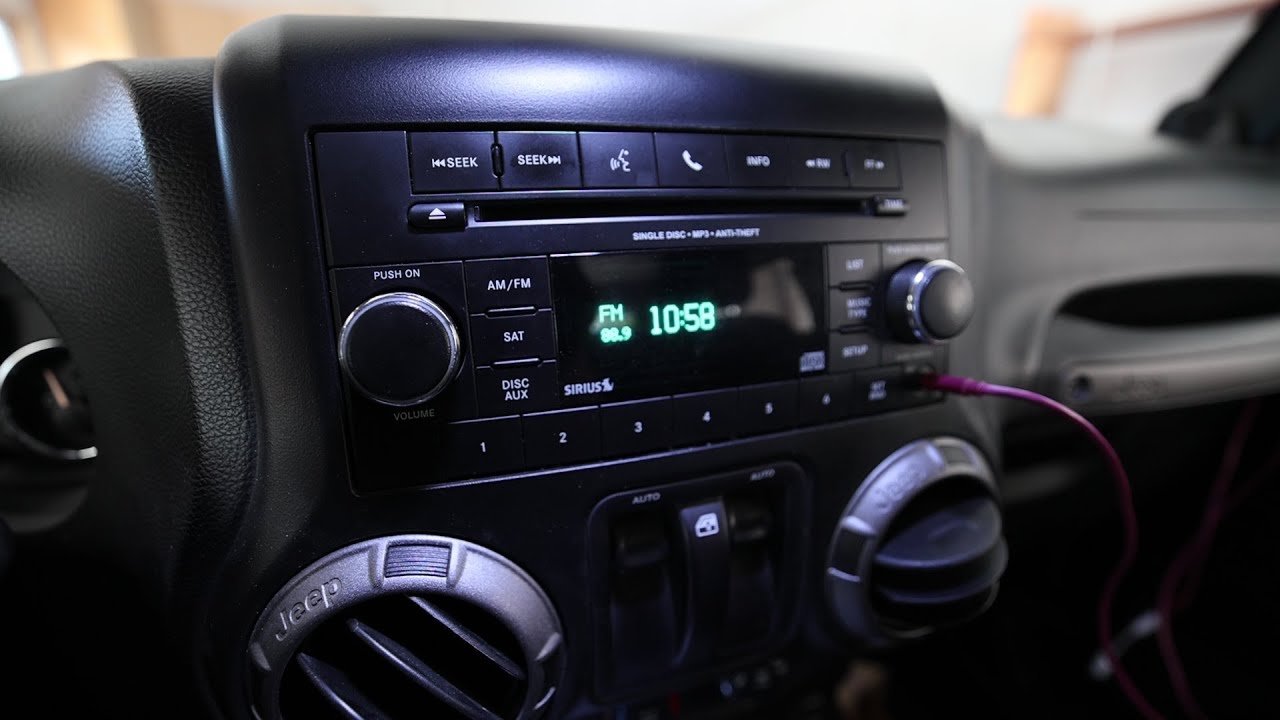
- Hold the power/volume knob for 10–15 seconds.
- You might hear a small click or the screen may flash.
- Wait for Reboot
- The screen may flash or turn off, then restart.
- If it does not restart, try holding the button again.
- Check Functionality
- Test the radio, Bluetooth, and other features.
- Try tuning a station or pairing your phone to check if the problem is gone.
If the issue persists, try a hard reset.
In some cases, a soft reset can also help after connecting a new phone or after the radio updates itself. It’s a quick way to clear any minor errors without losing your stations or Bluetooth pairings.

How To Hard Reset (factory Reset) Your 2015 Jeep Wrangler Radio
A hard reset clears all settings and returns the radio to factory defaults.
- Access Radio Settings
- Turn on the Jeep and press the menu/settings button on the radio.
- Some models show “Settings” on the touchscreen; others use physical buttons.
- Find Factory Reset Option
- Navigate to System Settings or Restore Defaults.
- The exact wording may differ by radio model.
- Select Factory Reset
- Confirm your choice. The radio may warn that all settings will be erased.
- Make sure you want to proceed, as you cannot undo this step.
- Wait for Restart
- The radio will power off and then restart. This can take up to 1 minute.
- Do not turn off your Jeep during this process.
- Reconfigure Settings
- Set your clock, radio presets, and Bluetooth devices again.
- Pair your phone and test calling, music, and other features.
Some radios may ask for a code after reset. If so, enter the code found in your owner’s manual or from your dealer.
A hard reset is also helpful if you plan to sell your Jeep and want to erase personal information from the radio. Just remember, you’ll need to set up everything from scratch afterward.
Troubleshooting Common Problems After Reset
Sometimes, a reset doesn’t solve every issue. Here are solutions for common problems:
- Radio still frozen: Try disconnecting the car battery for 10 minutes, then reconnect. This clears deeper glitches in the system memory.
- Bluetooth won’t connect: Delete paired devices and try pairing again. Some phones need you to “forget” the radio in Bluetooth settings before reconnecting.
- No sound: Check the volume and speaker connections. Sometimes, the mute function is accidentally enabled.
- Radio asks for code: Use the code from your manual or dealer.
If problems continue, the radio may need a software update. Visit your dealership or check for updates online.
| Problem | Possible Solution | Extra Step |
|---|---|---|
| Radio frozen | Disconnect battery | Wait 10 minutes |
| Bluetooth issues | Delete and re-pair devices | Restart radio |
| No sound | Check speaker connections | Increase volume |
| Code required | Enter radio code | Contact dealer if missing |
Another tip: If your radio software is out-of-date, glitches can become more frequent. Always ask your dealer if a newer version is available—sometimes, updates fix issues that resets cannot.

Tips To Prevent Radio Issues
Radio problems are often avoidable. Use these tips to keep your system running smoothly:
- Avoid frequent battery disconnections
- Update radio software when available
- Do not overload Bluetooth devices
- Keep radio clean (dust can cause button problems)
Also, if you plan to replace the battery, make sure to turn off the radio first. This can help avoid software glitches.
Another good practice is to avoid charging devices with very high power needs through the radio’s USB port this can sometimes cause the system to freeze.
If you notice static or poor sound quality, check your phone’s connection cable or try a different device.
Real Examples From Jeep Owners
Many Jeep Wrangler drivers share their experiences online. One owner reported that after changing the battery, their radio stopped responding.
A hard reset fixed the problem. Another said that Bluetooth would drop calls, and a soft reset solved it.
A less obvious insight: Sometimes, the radio can freeze because of extreme cold or heat. If your Jeep is parked outside in winter or summer, let it warm up or cool down before checking the radio.
Also, some owners miss that the antenna connection can cause radio issues. If your radio has poor reception after reset, check the antenna cable behind the dashboard.
Another real-world example: One driver found that keeping several phones paired to the radio confused the system, causing slow Bluetooth connections. After removing unused devices, the radio worked perfectly. Small steps like this can prevent future problems.
When To Visit A Dealership
If your radio still doesn’t work after trying both resets and troubleshooting, it may be a hardware issue. Signs of hardware problems include:
- Screen won’t turn on
- Physical buttons not working
- Repeated need for reset
Dealerships can test your radio with specialized tools. Sometimes, they update the software or replace faulty parts.
If you notice your radio getting very hot to touch or you hear buzzing sounds from inside the dash, these are also signs of a hardware problem.
In these cases, it’s best not to try fixing it yourself, as opening the radio can void warranties or cause more damage.
Cost Of Professional Repair Vs Diy Reset
Most resets cost nothing if you do them yourself. Dealerships may charge for diagnostics and labor. Here’s a comparison:
| Method | Average Cost | Time Required |
|---|---|---|
| DIY Reset | $0 | 5–15 minutes |
| Dealership Repair | $50–$200 | 1–2 hours |
For most issues, a DIY reset is the best first step.
Keep in mind, if you need a replacement radio or a major repair, costs can rise quickly. Always try the free and simple steps first before booking an appointment.
Extra Tips For Better Radio Performance
- Keep software updated: Ask your dealer about updates.
- Use quality Bluetooth devices: Cheap devices can cause connection issues.
- Avoid using wet hands: Moisture can damage radio buttons.
- Regularly clean screen and buttons: Use a soft cloth only.
- Check fuse if radio won’t power on: The fuse box is under the hood.
A tip many beginners miss: If your radio won’t turn on, check for a blown fuse before visiting a dealer. Replacing a fuse is cheap and easy.
Also, never use strong cleaning chemicals on the radio screen or buttons. These can remove labels or damage the surface, making it harder to see or use the controls.
Frequently Asked Questions
How Do I Know If My Radio Needs A Reset?
If your radio freezes, won’t respond, or Bluetooth stops working, a reset is a good first step. If the problem happens after a battery change or software update, a reset is usually needed.
Sometimes, you might notice the radio acting slow or menus not opening. These are also signs a reset could help.
Will I Lose My Presets After A Reset?
A soft reset keeps your presets. A hard reset (factory reset) erases them. Write down your favorite stations before doing a hard reset.
What If My Radio Asks For A Code After Reset?
Check your owner’s manual for the code, or contact your dealership. Some radios require a code after a hard reset or battery change.
If you’re stuck, your local Jeep dealer can look up the code using your VIN. Don’t try random codes too many wrong attempts can lock the radio.
Can I Reset My Radio Without Removing It?
Yes, most resets can be done from the radio’s menu or using the power button. You only need to remove the radio if there’s a hardware problem.
Is It Safe To Reset My Jeep Radio Myself?
Yes, it’s safe. Just follow the steps carefully.
If you’re unsure or the radio still doesn’t work, visit your dealer for help.
Resetting your 2015 Jeep Wrangler radio is a practical solution for many common issues. With the steps above, you can quickly restore your radio’s functions and avoid expensive repairs. Take notes on your settings, follow the right reset method, and don’t hesitate to seek expert help if problems persist. For deeper technical details, visit the official Jeep support site: Jeep Owners Support. With a little patience, your radio will be working smoothly again.


















