If your rear wiper on the Jeep Grand Cherokee is leaving streaks, making noise, or not clearing the glass, it’s time for a replacement. Changing the rear wiper is a quick DIY task that saves you money and helps keep your rear view clear during rain or snow. Many drivers overlook the rear wiper, but a fresh blade improves safety, especially when reversing or driving in bad weather. Here, you’ll find clear steps, practical tips, and answers to common questions about replacing the rear wiper on your Jeep Grand Cherokee.
Understanding The Rear Wiper System
The rear wiper blade on the Jeep Grand Cherokee is smaller than the front blades but just as important. It sweeps water and debris from the rear windshield, helping you see clearly through your rearview mirror. Over time, heat, sunlight, and dirt can wear down the rubber, making replacement necessary every 6-12 months.
Many Grand Cherokees use a 12-inch rear wiper blade, but the exact size can vary by model year. Double-check your owner’s manual or measure your blade before buying a replacement.
Tools And Materials Needed
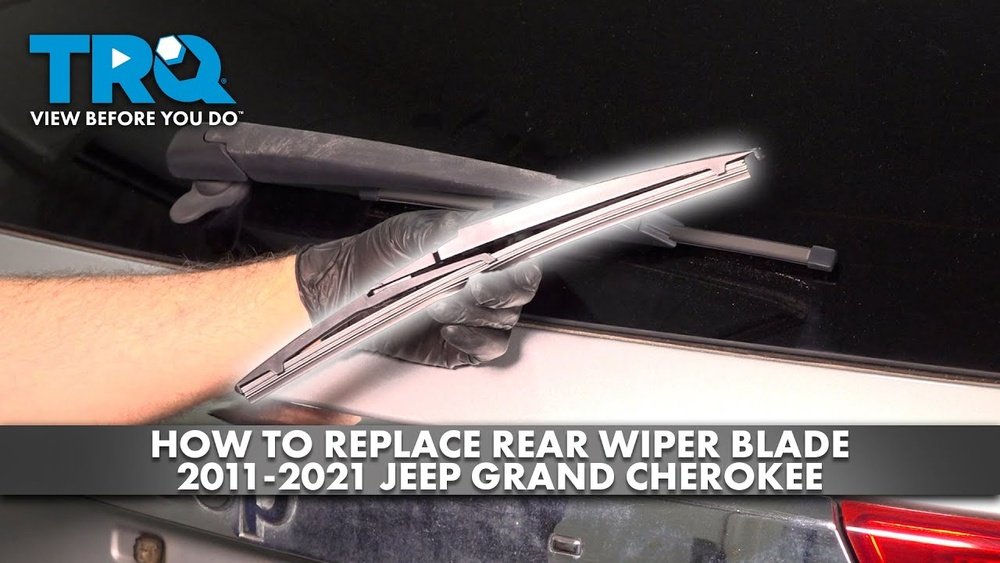
You don’t need special skills or expensive tools for this job. Here’s what you’ll need:
- New rear wiper blade (correct size for your Jeep)
- Small flathead screwdriver (sometimes optional)
- Clean rag or towel
Buying a good-quality blade is worth it. Cheaper blades often wear out faster and may not fit well, causing streaks or noise.
| Tool/Material | Purpose | Optional? |
|---|---|---|
| Rear wiper blade | Replacement part | No |
| Flathead screwdriver | Helps release stubborn clips | Yes |
| Clean rag | Wipe away dirt | No |
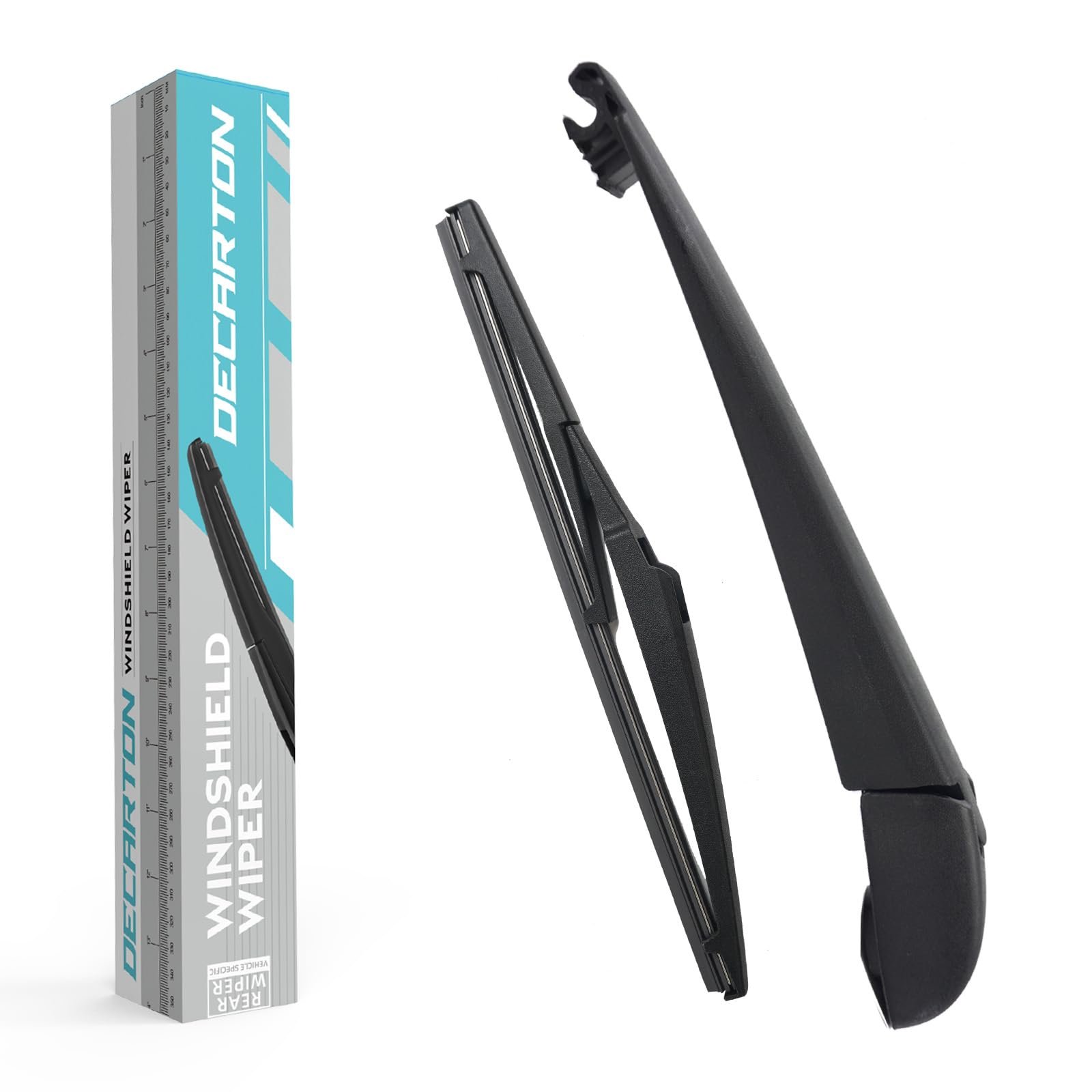
Step-by-step Guide: Replacing The Rear Wiper
Follow these steps to change the rear wiper blade safely and correctly.
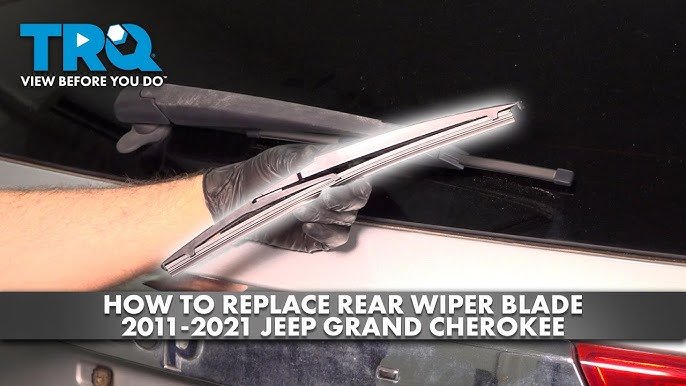
1. Lift The Rear Wiper Arm
Gently pull the wiper arm away from the glass. It should lift easily, but don’t force it older arms can be stiff.
2. Locate The Locking Tab
Most Grand Cherokee rear wiper blades use a locking tab or small clip. Look for a small plastic tab at the base of the blade, where it connects to the wiper arm.
3. Release The Old Blade
Press or slide the tab. If it feels stuck, use a small flathead screwdriver to gently release it.
Slide the blade down or away from the arm it will come off with a bit of wiggle.
4. Remove The Old Blade
Once released, pull the old blade off. Be careful not to let the bare wiper arm snap back onto the glass it can crack the window.
5. Attach The New Blade
Take your new wiper blade. Align it with the arm’s hook or pin, depending on your model.
Push it in until you hear a “click. ” Make sure it’s secure by gently tugging on it.
6. Lower The Wiper Arm
Slowly place the arm back on the glass. Don’t drop it let it rest gently to avoid damage.
7. Test The New Blade
Start your Jeep and turn on the rear wiper. Check for smooth, quiet movement and make sure the blade makes full contact with the glass.
| Step | What to Do | Why It Matters |
|---|---|---|
| Lift wiper arm | Pull arm away from glass | Prevents window scratches |
| Release tab | Push/squeeze clip | Frees old blade |
| Install new blade | Click into place | Ensures secure fit |
Practical Tips And Common Mistakes
Here’s where many DIYers slip up. Avoid these errors for a smooth experience:
- Don’t force the arm: If it feels stuck, gently wiggle it. Forcing can bend or break the wiper arm.
- Check blade size: Even a small size difference can cause poor wiping or rattling. Measure your old blade or consult your manual.
- Protect the glass: While the blade is off, don’t let the metal arm snap back. Placing a towel on the glass adds extra safety.
- Clean the arm: Wipe off dirt and grime before installing the new blade for best results.
- Test before driving: Always check your new blade in both dry and wet conditions.
A less obvious insight: Some aftermarket blades include extra adapters—only use the one that matches your wiper arm style. Also, if the arm feels loose after installation, double-check that the blade “clicked” in place.
When To Replace The Rear Wiper
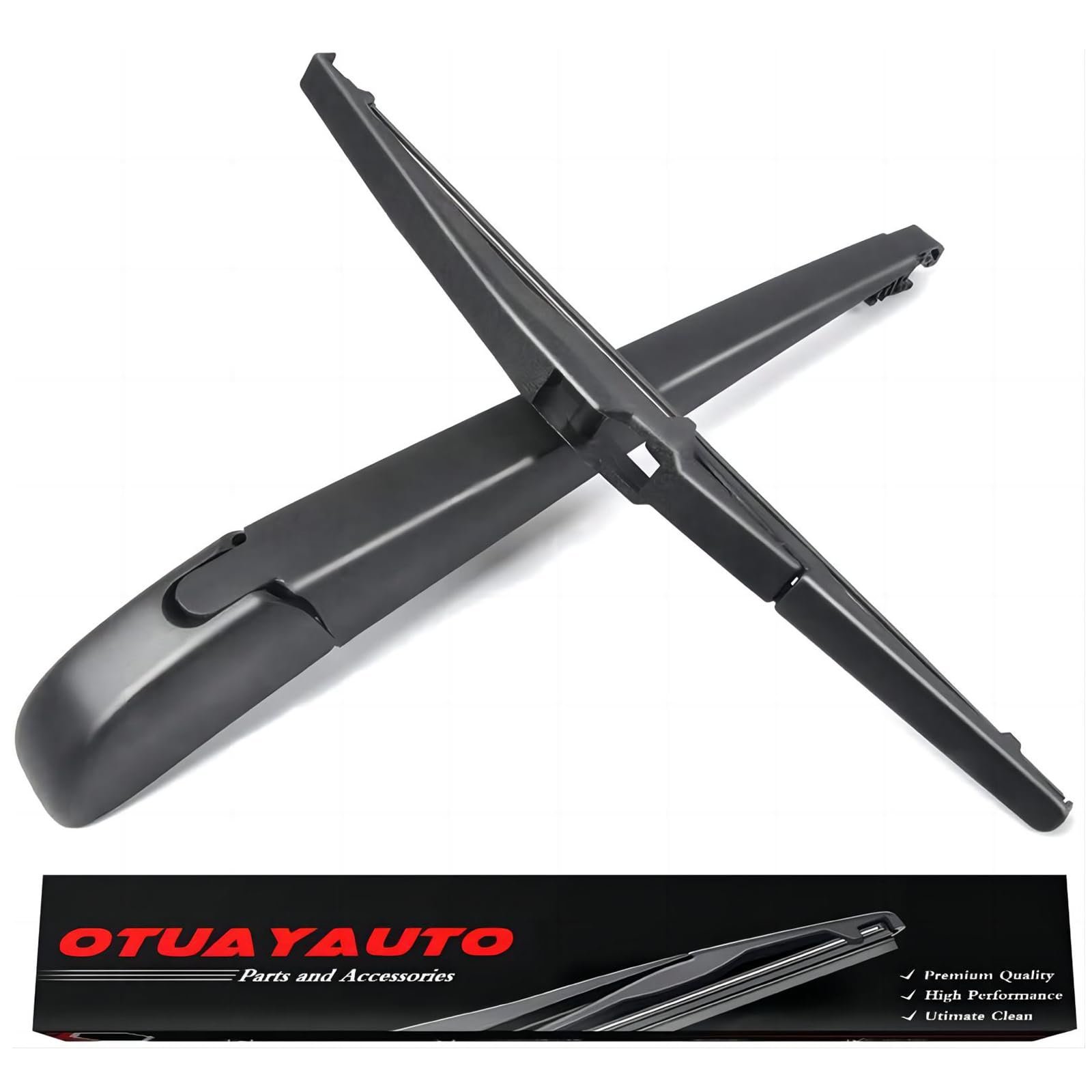
Don’t wait for the blade to fall apart. Replace it if you notice:
- Streaking or smearing after wiping
- Chattering noises or skipping motion
- Cracked or torn rubber
- Reduced visibility in rain or snow
Most drivers overlook the rear blade until it’s too late. Replacing it yearly before winter and summer keeps your Jeep safe and comfortable.
Cost And Time Estimate
Replacing the rear wiper on a Jeep Grand Cherokee is affordable and quick.
| Item | Estimated Cost | Time Needed |
|---|---|---|
| Wiper blade | $10 – $25 | 5-10 minutes |
| Professional labor | $15 – $30 extra | 10-20 minutes |
Most people can do the job at home in under 10 minutes. If you have any doubts, you can always ask a mechanic, but it’s a simple process for most Jeep owners.
Frequently Asked Questions
How Often Should I Replace The Rear Wiper On My Jeep Grand Cherokee?
You should replace the rear wiper every 6 to 12 months or when you notice streaking, chattering, or reduced performance. Heat, sun, and road grime can wear out rubber faster.
What Size Rear Wiper Blade Does My Grand Cherokee Need?
Most Jeep Grand Cherokees use a 12-inch rear wiper blade, but it’s best to check your owner’s manual or measure your old blade for your specific model year.
Can I Use Universal Wiper Blades On The Rear Window?
Some universal blades fit, but not all. Make sure the connectors match your wiper arm style. When in doubt, buy a blade designed for your Jeep’s model and year.
Is It Safe To Drive Without A Rear Wiper Blade?
It’s not recommended. Without a rear blade, your view is blocked in rain, snow, or mud.
In some states, it can also be a safety violation.
Where Can I Find More Information On Replacing Wiper Blades?
You can find detailed guides and more vehicle-specific tips at the official Mopar Parts & Accessories website.
Replacing the rear wiper on your Jeep Grand Cherokee is a simple maintenance task that makes a big difference in safety and comfort. With the right blade and a few easy steps, you’ll be ready for any weather. Don’t wait for poor visibility—replace your wiper and enjoy the clear view behind you.