Removing the subwoofer cover in your Jeep JKU can seem complicated at first. Many Jeep owners want to access the subwoofer for upgrades, cleaning, or repairs. If you’re new to car audio or do-it-yourself tasks, this guide will help you remove the cover safely and efficiently. You’ll also learn about the tools you need, common challenges, and how to avoid mistakes that often happen during this process.
Understanding The Jeep Jku Subwoofer Setup
The Jeep JKU (Wrangler Unlimited, 2007–2018) often includes a factory subwoofer mounted in the rear cargo area. The cover protects the speaker cone, wiring, and electronics from dust and damage. Removing this cover is necessary if you want to upgrade the subwoofer, inspect wiring, or clean inside the enclosure.
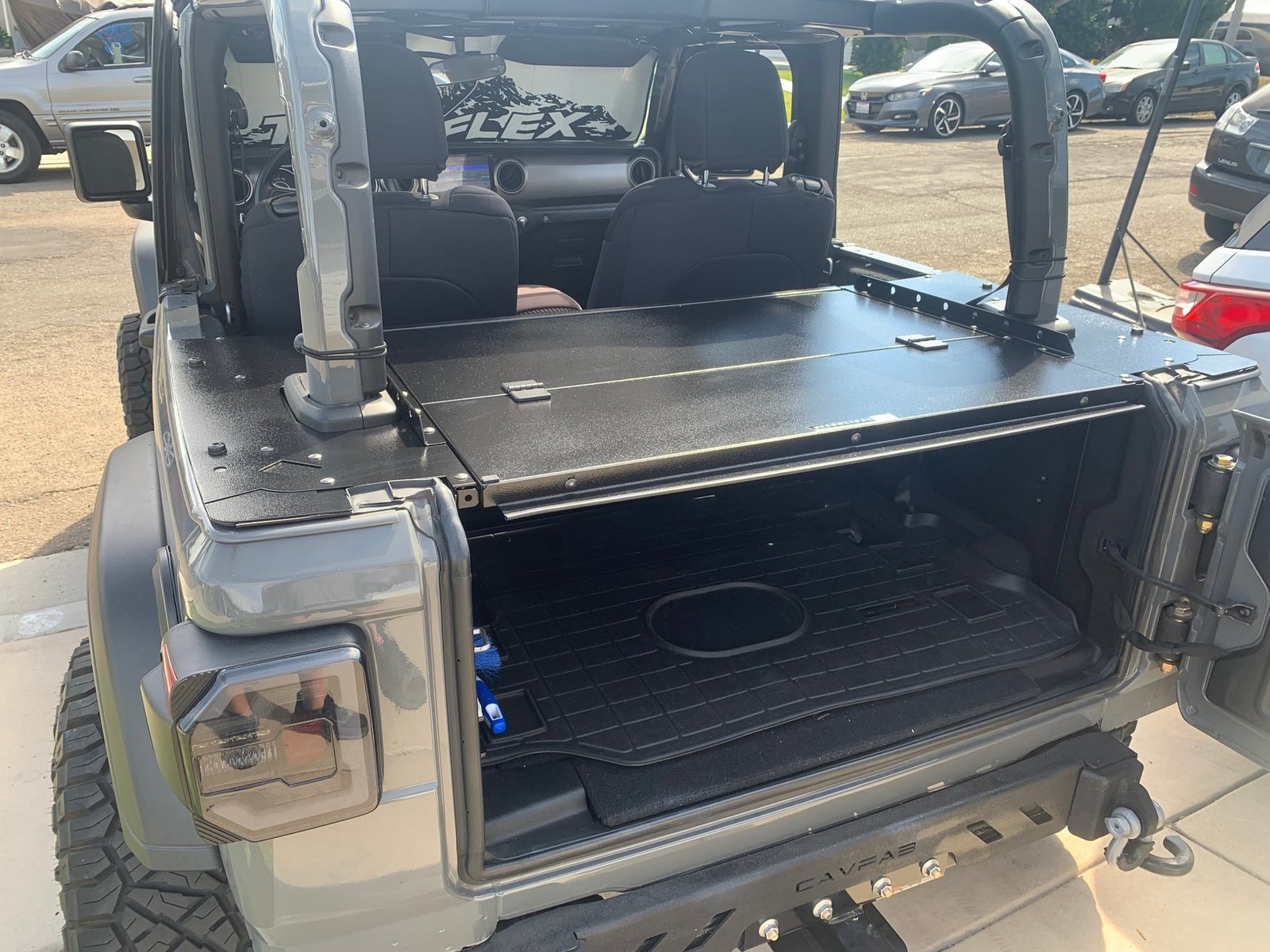
Most JKU models have the subwoofer integrated into the right rear corner of the cargo space. Unlike some vehicles, the cover isn’t just a simple snap-on; it’s secured with screws and sometimes hidden tabs.
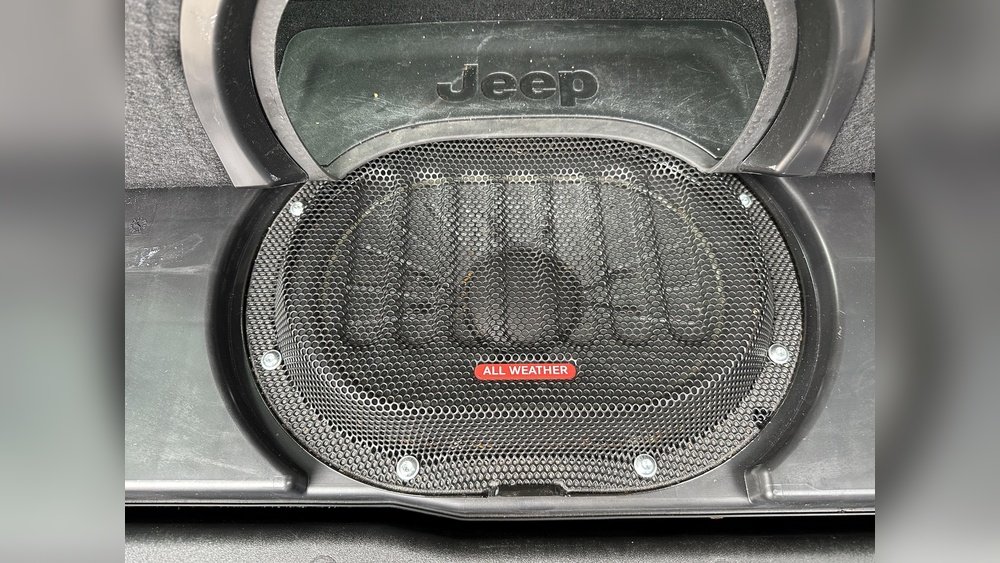
Knowing this helps you plan for a careful removal.
| Model Year | Subwoofer Location | Cover Attachment |
|---|---|---|
| 2007–2010 | Rear cargo corner | Screws + clips |
| 2011–2018 | Rear cargo corner | Screws only |
Tools And Preparation
Before you start, gather these tools:
- Phillips screwdriver
- Flathead screwdriver
- Trim removal tool
- Socket wrench (if needed)
- Flashlight
Check that your Jeep is parked on level ground. Remove items from the cargo area for better access.
If you have a factory-installed subwoofer, you’ll need to disconnect the battery for safety.
Safety Tips
- Always disconnect the battery before working on electrical parts.
- Wear gloves to protect your hands.
- Keep screws and clips in a small container so you don’t lose them.

Step-by-step Guide To Removing The Subwoofer Cover
Follow these clear steps to avoid damaging your Jeep’s interior or the subwoofer:
1. Remove The Cargo Floor Panel
Lift out the floor panel behind the rear seats. This exposes the subwoofer enclosure and cover.
2. Locate And Remove Screws
Identify the screws holding the cover. There are usually 4 6 screws around the edges, sometimes hidden under plastic trim.
Use your Phillips screwdriver to remove these screws. If you see clips, use the trim removal tool to gently pry them loose.
3. Pry Off The Cover
Once screws are out, use the flathead screwdriver or trim tool to carefully pry the cover away. Start from the corners and work slowly to avoid cracking the plastic.
If the cover seems stuck, check for any missed screws or hidden tabs. Forcing the cover can break it or damage the speaker inside.
4. Disconnect Subwoofer Wires (if Needed)
If you plan to remove the subwoofer itself, disconnect the wiring harness attached to the back. This step is not required for simple cover removal.
5. Inspect And Clean
With the cover off, inspect the subwoofer for dust, debris, or signs of wear. Cleaning inside the enclosure can extend the life of your audio system.
| Step | Tools Needed | Estimated Time |
|---|---|---|
| Remove floor panel | None | 2 minutes |
| Remove screws | Phillips screwdriver | 5 minutes |
| Pry cover | Trim tool | 3 minutes |
| Inspect/clean | Cloth, vacuum | 5 minutes |
Common Mistakes And How To Avoid Them
Many Jeep owners damage the subwoofer cover by rushing the process or missing hidden screws. Here are mistakes to watch for:
- Forcing the cover: Always double-check for screws or clips before prying.
- Using the wrong tools: Avoid metal tools that can scratch or crack the cover. Trim removal tools are safer.
- Losing hardware: Keep all screws and clips together. Missing parts can cause rattling noises.
- Ignoring battery safety: Electrical shorts can damage your audio system. Always disconnect the battery.
An insight many beginners miss: Some covers have foam padding or rubber seals. Be careful not to tear these, as they prevent vibrations and dust entry.
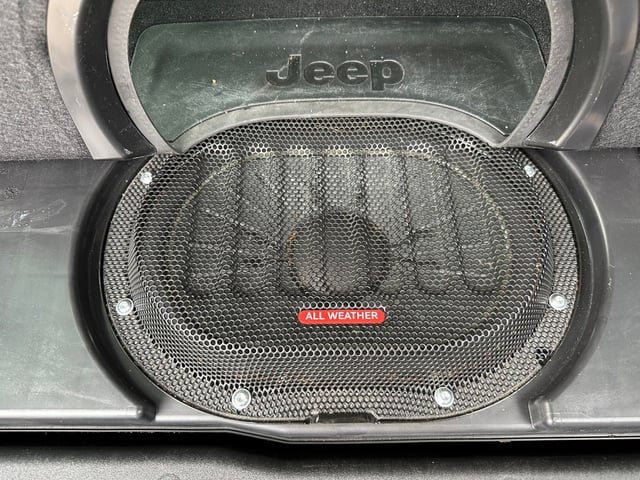
Reinstalling The Subwoofer Cover
Once you finish your repairs or upgrades, reinstalling the cover is easy if you follow these steps:
- Align the cover back onto the enclosure.
- Insert and tighten all screws. Avoid overtightening, which can strip the plastic.
- Press any clips back into place.
- Replace the cargo floor panel.
- Reconnect the battery if you disconnected it earlier.
| Reinstallation Step | Potential Issue | Solution |
|---|---|---|
| Align cover | Misalignment | Check screw holes |
| Tighten screws | Stripped threads | Hand-tighten only |
| Replace floor panel | Panel won’t fit | Check for loose wires |
Extra Tips For Jeep Jku Owners
- If you plan to upgrade the subwoofer, measure the enclosure space first. JKU factory enclosures are usually about 8 inches in diameter.
- Factory covers are made of thick plastic and can crack if exposed to extreme cold. Warm up the interior before working in winter.
- After reinstalling, play music at high volume to check for rattling or vibration. If you hear noise, the cover may not be properly seated.
- Consider using sound-deadening material if you notice excessive vibrations after the cover is removed and replaced.
If you need more detailed instructions, the official Jeep Wrangler forums are a good resource. You can also check Wrangler Forum for tips from experienced owners.
Frequently Asked Questions
How Long Does It Take To Remove The Subwoofer Cover?
Most people finish in 15–20 minutes. If you’ve never removed a cover before, allow extra time to locate screws and clips.
Do I Need To Disconnect The Battery To Remove The Cover?
For cover removal only, it’s not strictly required. But if you plan to touch the wiring or subwoofer itself, disconnect the battery for safety.
Can I Upgrade The Subwoofer After Removing The Cover?
Yes, you can upgrade to a higher quality subwoofer. Check the enclosure size and wiring before buying a new speaker.
What If The Cover Won’t Come Off Easily?
Double-check for hidden screws or tabs. Use gentle force and avoid prying with metal tools.
If stuck, seek help from a professional or Jeep forum.
Will Removing The Cover Void My Jeep’s Warranty?
Usually, simple cover removal will not void the warranty. However, replacing the subwoofer or modifying wiring may affect coverage. Always check your warranty details.
Removing the subwoofer cover in your Jeep JKU is a manageable task if you follow the right steps and use the correct tools. Doing it carefully can help you upgrade your audio system, keep it clean, and avoid costly mistakes. With these tips, you’ll feel more confident working on your Jeep’s sound setup, and you can enjoy better performance and reliability for years to come.


















