Removing the cigarette lighter cover in a Jeep Patriot seems simple, but it can be tricky if you’ve never done it before. Whether you want to fix a faulty outlet, install a USB charger, or clean the area, knowing the right steps helps you avoid damage.
This guide will walk you through the process clearly and safely, with detailed instructions, practical tips, and advice based on real Jeep Patriot owner experiences.
Why Remove The Cigarette Lighter Cover?
Most Jeep Patriots come with a 12V power outlet in the dashboard or center console. This is often called the cigarette lighter socket, even if you don’t smoke. Sometimes, the plastic cover gets stuck, breaks, or you want to replace it with a different style. Other times, you might want to add a modern USB port or check the wiring behind the outlet. Removing the cover is the first step to all these upgrades.

Tools And Materials Needed
Before you start, gather these basic tools. Using the right tools will help you avoid scratching or breaking interior panels.
- Plastic trim removal tool (prevents scratches)
- Small flathead screwdriver
- Phillips screwdriver
- Needle-nose pliers (sometimes helpful)
- Flashlight (for seeing inside the console)
- Protective gloves (optional, but useful)
Many people think a metal screwdriver is enough. However, a plastic trim tool is safer and makes the job easier. You can find trim tool kits at auto parts stores for about $10–$15.
Safety Precautions
Working with your Jeep’s electrical system is safe if you follow these steps:
- Turn off the engine and remove the key.
- Disconnect the negative battery terminal if you’ll be touching wires (not always needed for just the cover, but recommended).
- Work in a well-lit area.
- Keep small screws and parts in a cup to avoid losing them.
Don’t skip disconnecting the battery if you plan to remove the entire outlet or work with wiring. Even a small electrical short can blow a fuse or damage electronics.
Understanding The Jeep Patriot Power Outlet Setup
The Jeep Patriot (model years 2007–2017) has a standard layout. Most models have the 12V power outlet in the lower center stack or near the gear shifter. Higher trims may have an extra outlet in the rear.
The cover is usually a round plastic cap, sometimes with a spring hinge. Underneath is the metal socket for plugs.
Some models have a removable insert or ring around the cover for a cleaner look.
Here’s a quick comparison of how the outlet cover is designed across Patriot model years:
| Model Year | Outlet Cover Type | Removal Difficulty |
|---|---|---|
| 2007-2010 | Basic snap-on cap | Easy |
| 2011-2014 | Spring-loaded cap | Medium |
| 2015-2017 | Thicker, styled cap | Medium-Hard |
Knowing your model year helps you guess what to expect before you start prying.
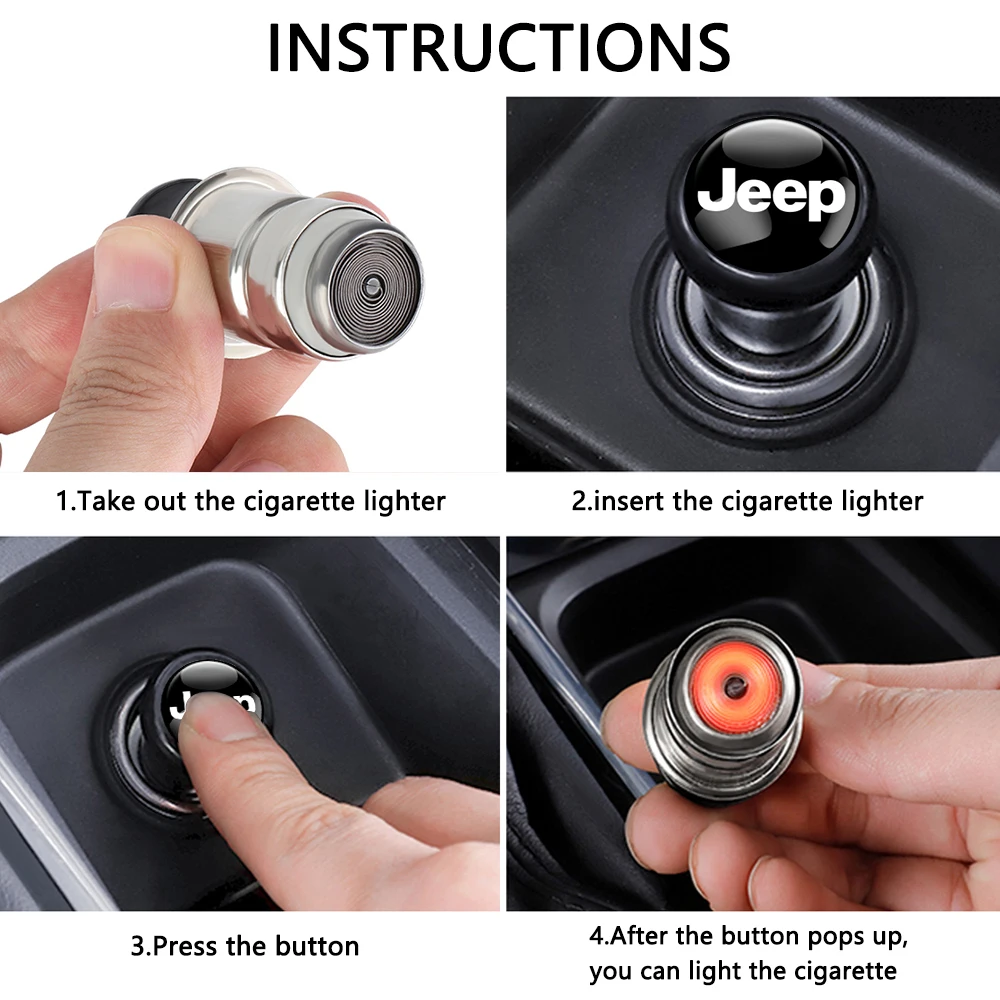
Step-by-step: How To Remove Cigarette Lighter Cover Jeep Patriot
Follow these steps for the safest and easiest removal:
1. Prepare Your Workspace
Clear away anything near the power outlet. If it’s in the center console, move drinks or papers out of the way.
Shine your flashlight so you can see the seams around the cover.
2. Inspect The Cover
Look at the cover’s edge. Some Jeep Patriots have a small notch or gap for a tool. Others are smooth. If you see a notch, that’s where you’ll insert your tool.
3. Pry Gently With A Trim Tool
Take your plastic trim tool and gently wedge it into the gap or under the cover’s edge. Apply steady, even pressure. The goal is to lift the cover without snapping the plastic.
- If you don’t have a trim tool, wrap a flathead screwdriver with a thin cloth to avoid scratches.
- For spring-loaded covers, you may need to press in and twist slightly before lifting.
4. Remove The Cover
Once you feel the cover loosen, pull it off with your fingers. If it sticks, check for hidden tabs or screws.
- On 2011–2017 models, a plastic ring may hold the cover in place. Twist this ring counterclockwise to unlock, then lift out.
5. Check For Broken Tabs
Examine the cover and socket for damage. If a plastic tab broke, you’ll need a replacement cover. Don’t force the cover if it won’t come off—double-check for screws or hidden clips.
6. Store The Cover Safely
Keep the cover and any rings or screws in a safe place. You’ll need them if you want to reinstall the cover later.
Pro tip: If you plan to add a USB charger, test-fit it while the cover is off to check for clearance.
When Removal Is Difficult
Not all covers come off easily. Here’s what to do if you’re having trouble:
- Use a flashlight to check for hidden fasteners or clips.
- Spray a little plastic-safe lubricant around the edge if the cover is stuck.
- Tap gently around the cover with the trim tool to loosen stubborn tabs.
Some Jeep Patriot owners report that the cover can become brittle with age. If the cover cracks, you can order an OEM replacement for about $10 $25 online or at a Jeep dealer.
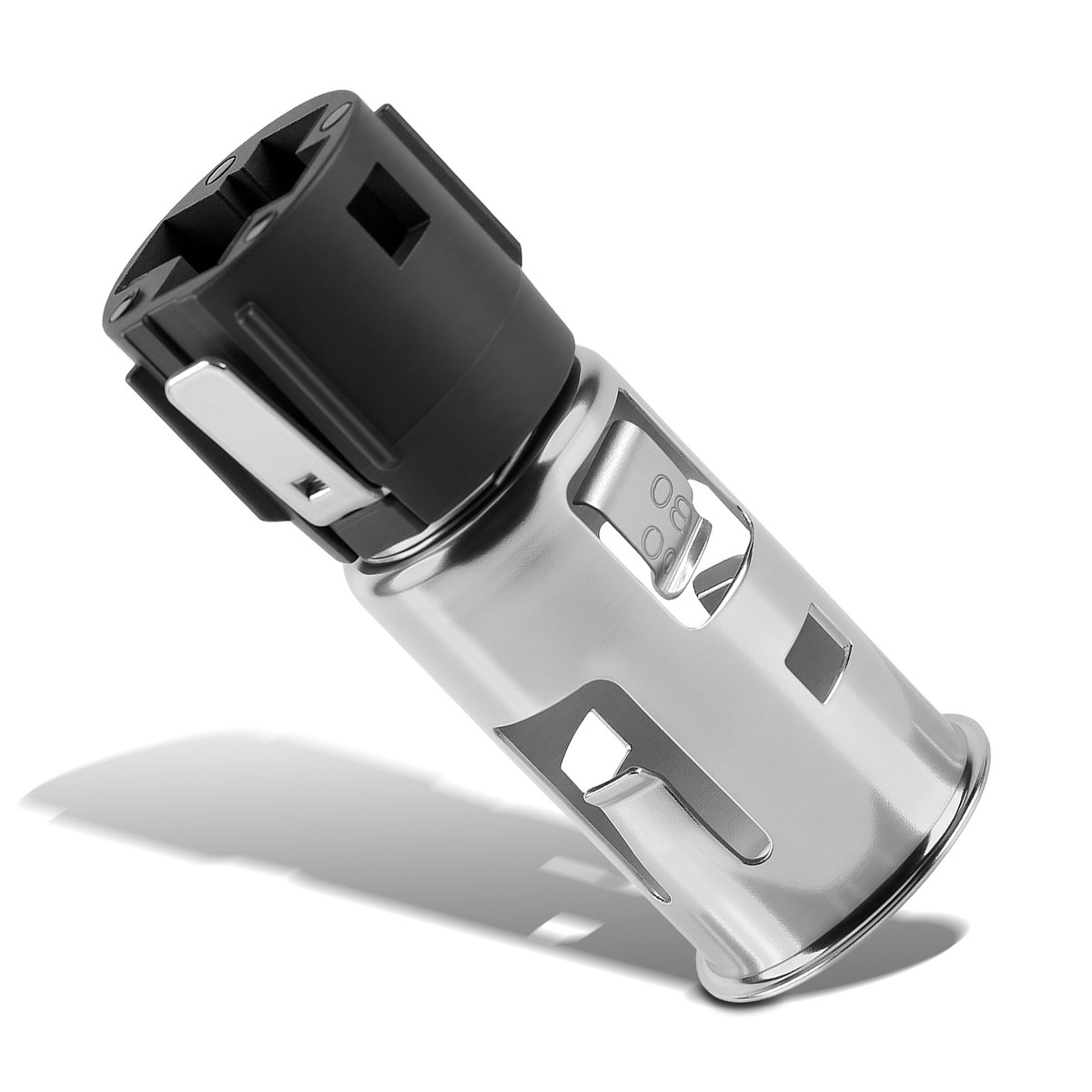
What To Do After Removing The Cover
Now that the cover is off, you have several options:
- Clean the socket with a soft brush and isopropyl alcohol.
- Test the power outlet with a 12V accessory to make sure it works.
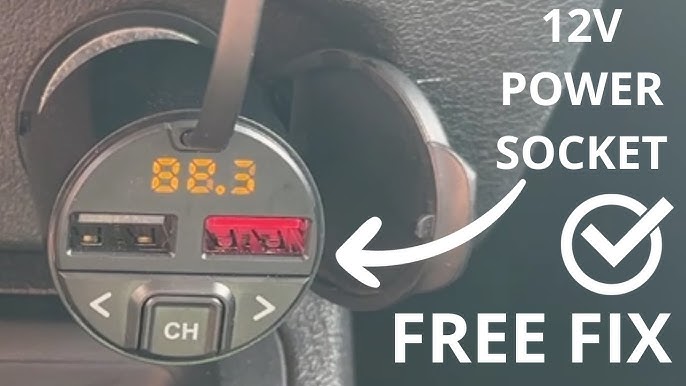
- Install a new accessory, like a dual USB port or phone charger.
- Replace the cover with a new style (chrome, colored, etc. ).
- Leave the socket open for easy access.
If you plan to remove the entire power outlet or wiring, you’ll need to remove the surrounding trim panel. This takes more time and care, but the process starts with removing the cover.
Installing A Usb Charger Or Accessory
Many Jeep Patriot owners upgrade their 12V outlet to a USB charger. Here’s a quick comparison of outlet upgrades:
| Accessory | Easy to Install? | Requires Wiring? | Cost Range |
|---|---|---|---|
| Dual USB Port | Yes | No (plug-in type) | $10–$30 |
| Voltmeter Display | Yes | No | $8–$18 |
| Direct-Wired USB | Medium | Yes | $15–$40 |
| Replacement Lighter | Yes | No | $10–$20 |
Most upgrades are plug-and-play and do not require any changes to the wiring. Always check the product size to make sure it fits your Jeep Patriot’s socket.
Common Mistakes And How To Avoid Them
- Using metal tools carelessly: This can scratch your dash. Use a plastic trim tool or wrap your screwdriver with cloth.
- Forcing the cover off: If it doesn’t move easily, look for hidden tabs or screws.
- Losing small parts: Keep screws and covers in a cup.
- Not disconnecting the battery: If you plan to touch wires, always disconnect the negative terminal first.
- Confusing the lighter and power outlet: Some models have both a 12V outlet and a dedicated lighter. The removal method is the same, but check your manual if unsure.
Signs You Need To Replace The Cover
A damaged or missing cover lets dust and debris inside the socket, which can cause electrical problems. Replace the cover if you notice:
- Cracked or broken plastic
- Cover won’t stay closed
- Loose or missing spring
New covers are easy to find online and are simple to install once the old one is removed.
Real Owner Tips
Many Jeep Patriot owners have shared their experiences online. Here are two non-obvious insights:
- Heat can affect plastic covers. If your Jeep sits in the sun, the plastic may become brittle. Warm the cover gently with a hairdryer before removal to reduce the chance of cracking.
- Outlet fuses can blow easily. If your power outlet stops working after reinstallation, check the fuse first. The Patriot uses a 20A fuse (usually slot M7 in the fuse box). Always double-check the owner’s manual for your model year.
Reinstalling The Cover
To put the cover back, line up the tabs and push it gently into place. If there’s a ring, twist it clockwise to lock.
Test the cover to make sure it opens and closes smoothly.
Where To Find Replacement Parts
You can buy new cigarette lighter covers at:
- Jeep dealerships (OEM parts)
- Online retailers (Amazon, eBay, Mopar parts stores)
- Local auto parts shops
OEM covers fit best and match your interior color.
Jeep Patriot Power Outlet Fuse Chart
If your outlet stops working after removal or upgrade, check the fuse. Here’s a quick reference for common Patriot fuse slots:
| Fuse Slot | Amperage | Function |
|---|---|---|
| M7 | 20A | Front Power Outlet |
| M36 | 20A | Rear Power Outlet |
| M13 | 15A | Interior Accessories |
Replace with the same rating fuse to avoid electrical problems. Always keep spares in your glove box.
Frequently Asked Questions
How Do I Know If My Jeep Patriot Has A Removable Cigarette Lighter Cover?
Most Jeep Patriots have a removable plastic cover over the 12V outlet. Look for a round cap in the center console or dash area. If you see a small gap or notch, it’s designed for removal. If you’re not sure, check your Jeep owner’s manual or ask a dealership.
What Should I Do If The Cover Is Stuck And Won’t Come Off?
First, do not force it. Use a plastic trim tool and gently work around the edge.
Sometimes a little plastic-safe lubricant can help. If it’s still stuck, check for hidden screws or tabs on the inside edge.
In rare cases, the cover may have melted or warped from heat, in which case it should be replaced.
Can I Replace The Cigarette Lighter Cover With A Usb Port?
Yes, many Jeep Patriot owners upgrade their 12V outlet to a USB charger. There are plug-and-play adapters that fit the socket. For a cleaner look, you can install a direct-wired USB port, but this requires removing the trim and connecting new wires. Make sure any accessory fits your model year.
Is It Safe To Remove The Cover Without Disconnecting The Battery?
If you’re only removing the plastic cover and not touching any wires, it’s usually safe. However, if you plan to work with the wiring or socket itself, always disconnect the negative battery terminal first. This prevents accidental short circuits.
Where Can I Find Official Jeep Patriot Parts Or Diagrams?
For official diagrams, part numbers, and service instructions, visit the Mopar official website. Mopar is Jeep’s official parts supplier and provides resources for all Jeep models, including the Patriot.
Removing the cigarette lighter cover in your Jeep Patriot is a small job, but it opens the door to handy upgrades and repairs. Take your time, use the right tools, and you’ll keep your Jeep’s interior in top shape.
With these tips, you can confidently tackle this simple DIY project and enjoy better charging options on your next drive.