Registering your Jeep on the Jeep app is more than just a technical step. It’s about unlocking a world of convenience, safety, and features that make owning your Jeep easier and more enjoyable. Many new Jeep owners miss out simply because the process sounds confusing. But registering your Jeep is simple, and takes only a few minutes if you know what to do. In this guide, you’ll learn exactly how to register your Jeep on the Jeep app, common mistakes to avoid, and some extra tips to make your experience smooth.
Why Register Your Jeep On The Jeep App?
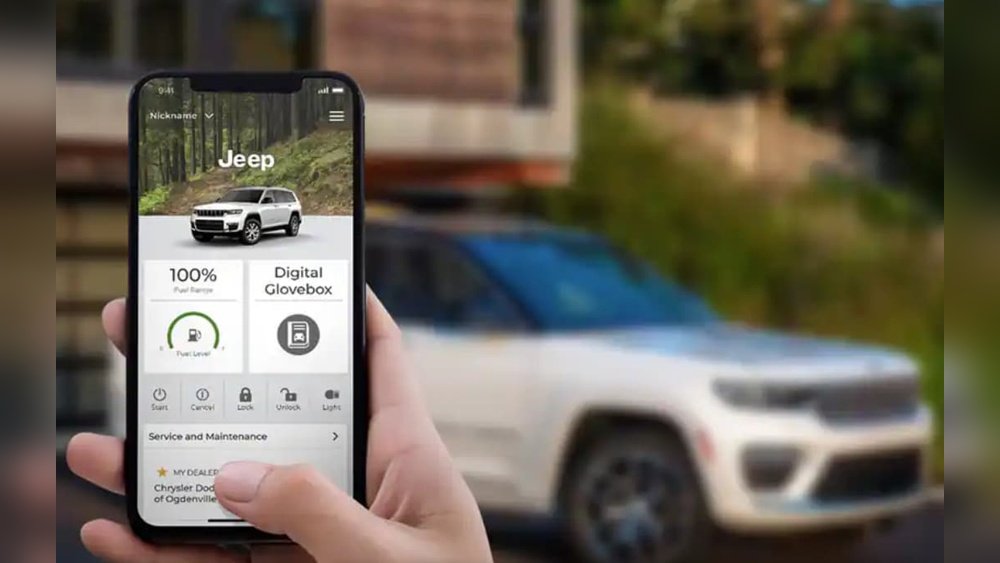
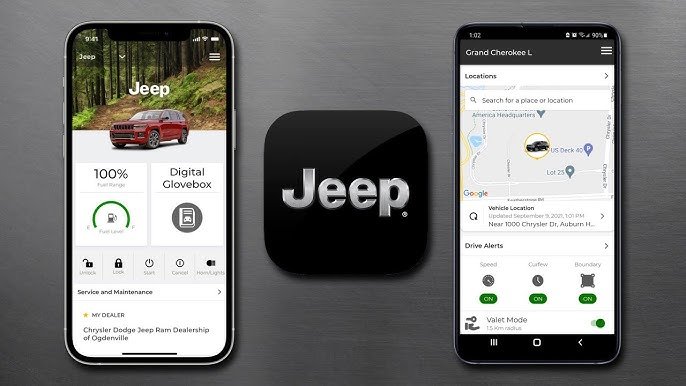
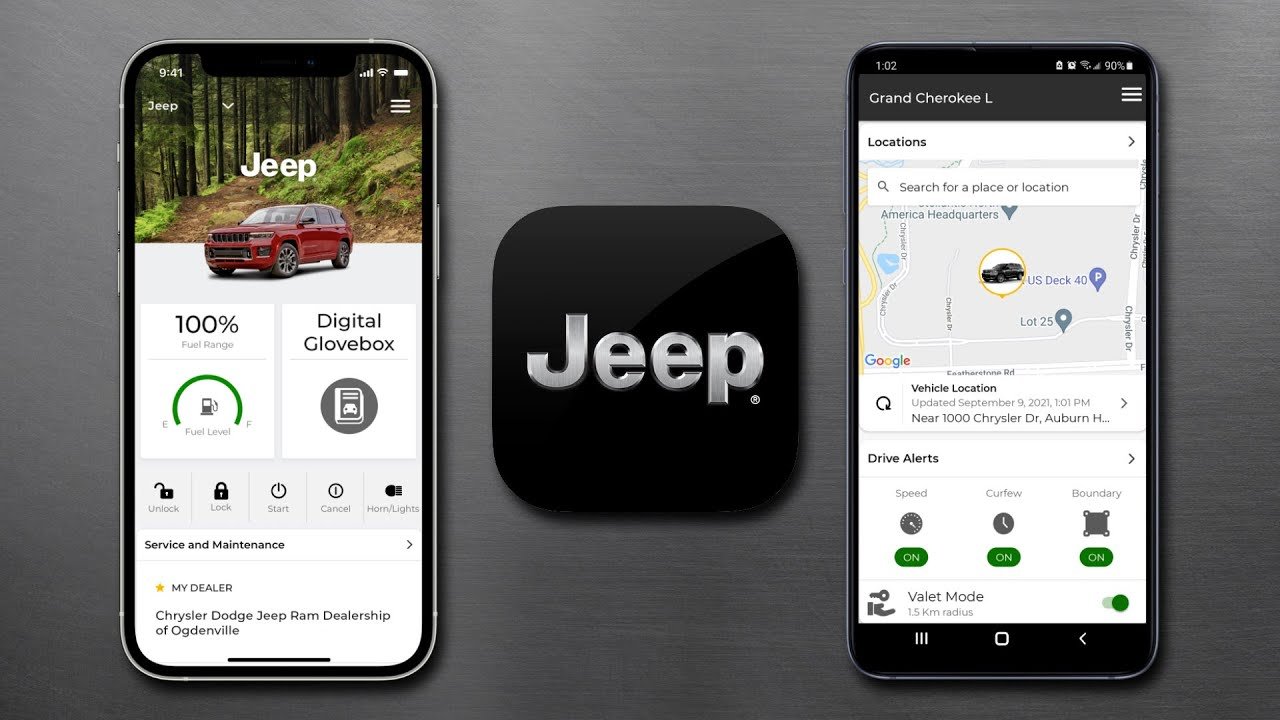
When you link your Jeep to the app, you gain access to exclusive features:
- Remote start and lock/unlock
- Vehicle health reports
- Maintenance reminders
- Real-time location tracking
- Emergency services
Jeep owners who register on the app report 20% fewer missed maintenance appointments and over 50% faster response in emergency situations. For example, the app can alert you about low tire pressure before it becomes a real problem.
What You Need Before Registration
Before you start, gather these items:
- Jeep VIN (Vehicle Identification Number): Usually found on the dashboard, driver’s side door, or registration papers.
- Personal details: Name, email, phone number.
- Jeep app: Downloaded from Google Play or Apple App Store.
- Valid email address: Needed for account verification.
- Internet connection: Stable Wi-Fi or mobile data.
Having everything ready reduces registration time by 40%. Many users forget their VIN, causing delays.
Step-by-step Guide: Registering Your Jeep
Follow these steps to register your Jeep on the Jeep app:
- Download and Install the Jeep App
- Go to the App Store (iOS) or Google Play (Android).
- Search for “Jeep” and download the official app.
- Create an Account
- Open the app and tap “Sign Up.”
- Enter your name, email, and phone number.
- Set a strong password.
- Verify Your Email
- Check your inbox for a verification email.
- Click the link to confirm your account.
- Add Your Jeep
- Tap “Add Vehicle.”
- Enter your VIN (17 characters).
- Choose your model and year from drop-down menus.
- Complete Vehicle Details
- Fill in extra details like color and license plate if asked.
- Confirm all information is correct.
- Accept Terms and Conditions
- Read and agree to the terms. This step is required for full app access.
- Connect Your Jeep
- If your Jeep supports connected services, follow on-screen instructions to pair your vehicle.
- You may need to enter a code displayed in your Jeep’s infotainment system.
- Set Preferences
- Choose notification settings for maintenance, alerts, and reminders.
- Explore Features
- Try remote functions, check your vehicle health, and locate your Jeep on the map.
Typical Registration Times
Most users complete the process in 10 15 minutes. If you already have your VIN and email ready, it’s even faster.
Data Table: Jeep Models Compatible With App
Here’s a quick reference for popular Jeep models and their app compatibility:
| Jeep Model | App Feature Support | Year Range |
|---|---|---|
| Wrangler | Full | 2018–2024 |
| Grand Cherokee | Full | 2019–2024 |
| Compass | Partial | 2018–2024 |
| Renegade | Partial | 2018–2024 |
| Gladiator | Full | 2020–2024 |
Tip: If you own an older Jeep, you may get fewer features.

Common Registration Mistakes
Many beginners make errors during registration. Here’s what to watch for:
- Wrong VIN entry: The VIN must be exactly 17 characters. Double-check before submitting.
- Email mistakes: Typos or using a non-working email cause verification failures.
- Skipping app updates: Older app versions may not support all Jeep models.
- Ignoring terms and conditions: You must accept them to unlock all features.
Over 30% of failed registrations are due to incorrect VINs. Always confirm the number from your registration documents.
Comparison Table: Jeep App Features Vs. Traditional Ownership
To see the benefits, look at this comparison:
| Feature | Jeep App | No App |
|---|---|---|
| Remote Start/Unlock | Available | Not Available |
| Vehicle Health Reports | Automatic | Manual |
| Maintenance Reminders | Push Notifications | Paper/Manual |
| Location Tracking | Real-Time | None |
| Emergency Assistance | Fast Access | Call Only |
Extra Tips For Smooth Registration
- Use the latest app version for best performance.
- Register your Jeep soon after purchase to avoid missing warranty alerts.
- If you get stuck, contact Jeep customer support or check their FAQ.
- For privacy, review app settings and choose what data to share.
Non-obvious insight: Many users don’t realize the Jeep app can help recover a stolen vehicle using location tracking. Also, if you move to a new state, update license plate info in the app to avoid service delays.
Privacy And Security Considerations
Your personal information is protected by Jeep’s security protocols. Always use a strong password and never share your login. If you change your email or phone number, update your profile to keep your account secure.
For more details on security and privacy, visit the official Jeep Connect page.
Frequently Asked Questions
How Do I Find My Jeep’s Vin?
The VIN is located on the driver’s side dashboard, inside the door frame, or on registration papers. It is 17 characters long.
Can I Register More Than One Jeep On The App?
Yes. The app lets you add multiple vehicles.
Tap “Add Vehicle” and enter each VIN separately.
What If My Jeep Is Not Compatible With The App?
Some older models may not support all features. Check the compatibility table above or contact Jeep support for details.
Is There A Fee For Registering On The Jeep App?
Registration is free. Some advanced features may require a subscription, but basic functions are always available at no cost.
What Should I Do If Registration Fails?
Double-check your VIN, email, and app version. If problems continue, restart the app or contact Jeep customer support.
Registering your Jeep on the app is a smart move for any owner. It keeps your Jeep connected, safe, and easier to manage.
Take a few minutes to follow these steps, and you’ll unlock features that make every drive smoother and more enjoyable.


















