Pairing your phone to your 2015 Jeep Wrangler is more than just a tech upgrade—it makes your drive safer and more enjoyable. You can talk hands-free, stream music, and use your favorite apps without touching your phone. But if you’ve never done it before, the process can feel confusing. This guide will walk you through every step, clear up common problems, and share insider tips to help you get connected quickly and easily.
Why Pair Your Phone To Your Jeep Wrangler?
Pairing your phone brings a lot of benefits. You can make and receive calls using your Jeep’s controls, listen to your playlists or podcasts, and even use voice commands to keep your focus on the road. For many drivers, hands-free calling is a must for both safety and convenience. Plus, you avoid the hassle of wires and adaptors.
Some drivers don’t realize that pairing also lets you see caller information on your Jeep’s display. And with text message support in some phones, you can have messages read aloud.
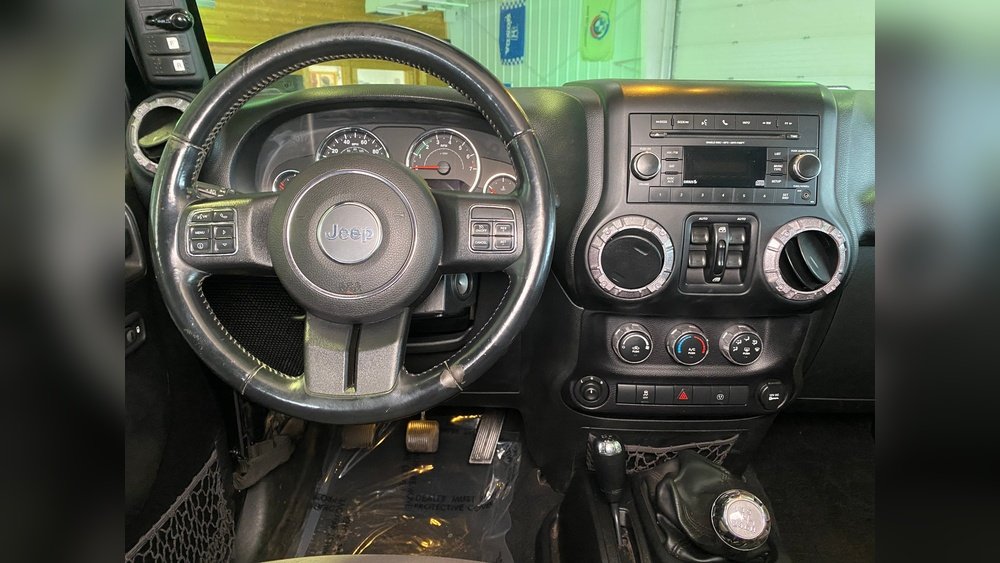
These small features make a big difference on busy days.
What You Need Before You Start
Before you begin, make sure you have:
- A 2015 Jeep Wrangler with Uconnect (the Jeep infotainment system)
- A smartphone with Bluetooth (almost all modern phones have it)
- Your car parked safely (do not try to pair while driving)
- Your phone’s Bluetooth turned on
Check your Jeep’s battery. Pairing can use a little extra power, and you don’t want your system shutting down halfway.
Step-by-step Guide To Pairing Your Phone
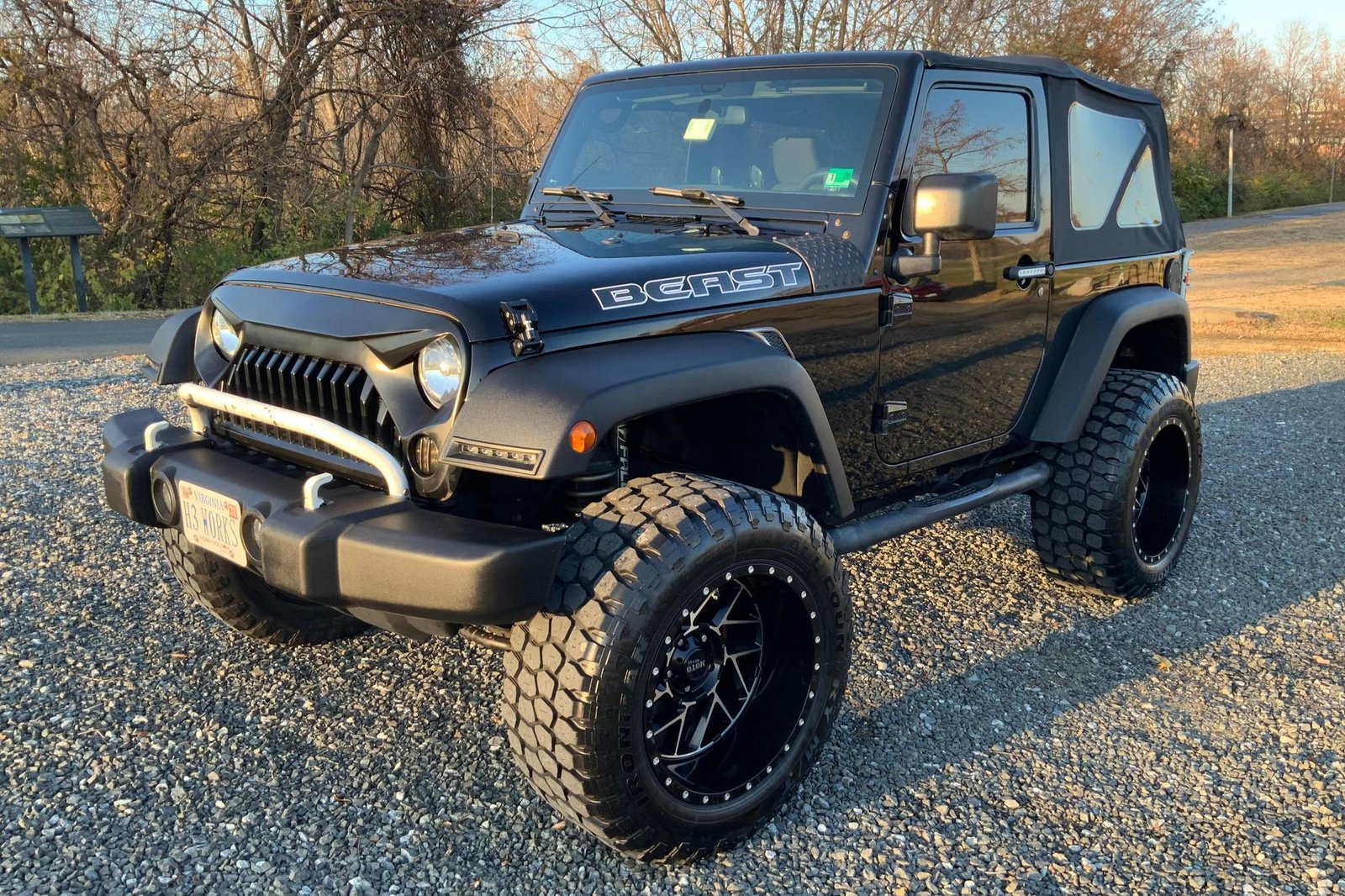
Follow these steps to connect your phone to your Jeep’s Uconnect system:
1. Start Your Jeep And Uconnect System
Turn the ignition to “Run” or “On” position. Uconnect needs power to start the Bluetooth pairing process.
You don’t need the engine running, just the electronics.
2. Activate Bluetooth On Your Phone
Go to your phone’s settings and turn on Bluetooth. Make sure your phone is visible or “discoverable.” On most phones, this means you just stay on the Bluetooth screen.
3. Access Uconnect Phone Settings
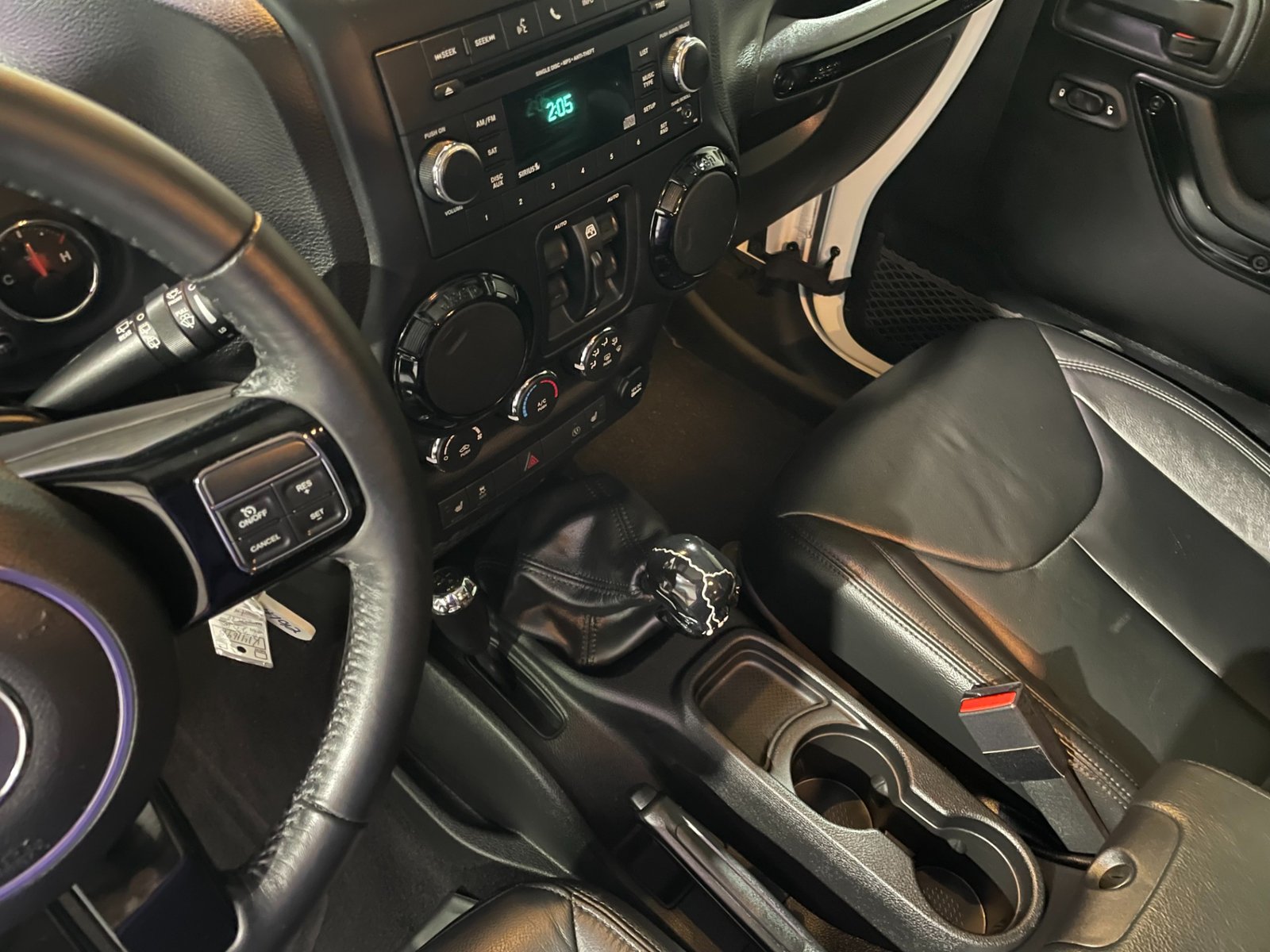
On your Jeep’s dashboard, press the Phone button on the Uconnect system. If no phone is paired, the system will prompt you to add a device. If a phone is already connected, select “Settings” or “Add Device.”
4. Start Pairing Mode
The Uconnect screen will show a message like “Ready to pair. Please search for Uconnect on your phone.
” Uconnect will also display a PIN code.
5. Connect From Your Phone
On your phone, look for “Uconnect” in the list of available Bluetooth devices. Tap it.
Your phone will ask for the PIN code enter the code shown on your Jeep’s screen.
6. Confirm The Connection
Both your phone and Uconnect will ask you to confirm the pairing. Accept any prompts for contacts or messages access if you want these features.
7. Complete The Setup
Once connected, Uconnect will say “Pairing complete. ” Your phone is now connected.
You can make calls, stream music, or use voice commands.
Example Pairing With An Iphone
- Open Settings > Bluetooth
- Wait for “Uconnect” to appear under “Other Devices”
- Tap “Uconnect”
- Enter the PIN shown on your Jeep’s display
- Approve the pairing request
Example Pairing With An Android
- Open Settings > Connections > Bluetooth
- Make sure Bluetooth is on
- Tap “Uconnect” when it appears
- Enter the displayed PIN
- Allow access to contacts and messages if prompted
Troubleshooting Common Pairing Problems
Pairing usually works smoothly, but sometimes there are hiccups. Here’s how to fix the most common issues:
Uconnect Doesn’t Show Up On Your Phone
- Make sure your phone’s Bluetooth is on and in discoverable mode
- Restart Bluetooth on your phone or restart your phone
- Check if Uconnect is in pairing mode (the system times out after a few minutes)
Pairing Fails Or Times Out
- Try deleting any old devices from Uconnect’s memory
- Make sure no other phones are trying to connect at the same time
- Move your phone closer to the Uconnect system
Calls Work, But Audio Doesn’t Play
- On your phone’s Bluetooth settings, check that both “Phone audio” and “Media audio” are enabled for Uconnect
- Try disconnecting and reconnecting
Uconnect Won’t Pair With Multiple Phones
Uconnect in the 2015 Jeep Wrangler lets you pair up to 7 phones, but only one can be active at a time. If you switch drivers often, set your phone as the “favorite” device for faster connection.
Bluetooth Features Supported In 2015 Jeep Wrangler
Not all features work with every phone. Here’s a quick comparison:
| Feature | iPhone | Android | Other Phones |
|---|---|---|---|
| Hands-free Calling | Yes | Yes | Varies |
| Music Streaming | Yes | Yes | Varies |
| Text Messaging | No | Sometimes | Rarely |
| Voice Commands | Yes | Yes | Varies |
Some features, like text message reading, may only work with certain Android models. Always check your phone’s compatibility.
Tips For A Better Pairing Experience
Many beginners miss these small details that make a big difference:
- Delete old devices: If you’ve owned your Jeep for a while, the Uconnect system may be full of old phones. Deleting unused devices frees up space and avoids confusion.
- Update your phone: Bluetooth bugs are often fixed with software updates. Check for updates on your phone before pairing.
- Keep phone charged: Low battery can sometimes cause Bluetooth issues. Plug in your phone if you run into trouble.
- Restart after updates: If Uconnect or your phone recently updated, a restart can solve many problems.
Some users notice that pairing is faster if you start the process from the Jeep’s system first, not from the phone. This is an insider trick that works, especially with Android devices.
Comparing Uconnect Versions
Not all 2015 Jeep Wranglers have the same Uconnect version. Here’s how they compare:
| Uconnect Version | Screen Size | Bluetooth Support | Voice Commands |
|---|---|---|---|
| Uconnect 130 | 3.5 in | No | No |
| Uconnect 430/430N | 6.5 in | Yes | Yes |
| Uconnect 730N | 6.5 in | Yes | Yes |
If your Jeep has Uconnect 130, you won’t be able to pair your phone using Bluetooth. Upgrading to a higher version is possible, but may require dealer help.
Maintaining Your Bluetooth Connection
After pairing, your phone should connect automatically when you start your Jeep. But sometimes, the connection drops. Here’s how to keep it stable:
- Keep your phone close to the center console for best signal
- Don’t put your phone in a metal case, as this can block Bluetooth signals
- If you switch phones often, set your main device as “favorite” in Uconnect
If you still have issues, try deleting the device and pairing again from scratch.
Uconnect App: Is It Worth Using?
The Uconnect app offers remote start, vehicle location, and more if your Jeep supports it. However, for most 2015 Wranglers, the app doesn’t add much to Bluetooth pairing.
Focus on the built-in system for calls and media.
Security And Privacy Tips
Bluetooth is convenient, but be smart:
- Only pair with devices you trust
- Don’t accept unknown pairing requests while driving
- Delete your phone from Uconnect before selling your Jeep
Some drivers forget to remove their device when selling their car. This keeps your contacts and call history private.
Real-world Example: Pairing On A Busy Morning
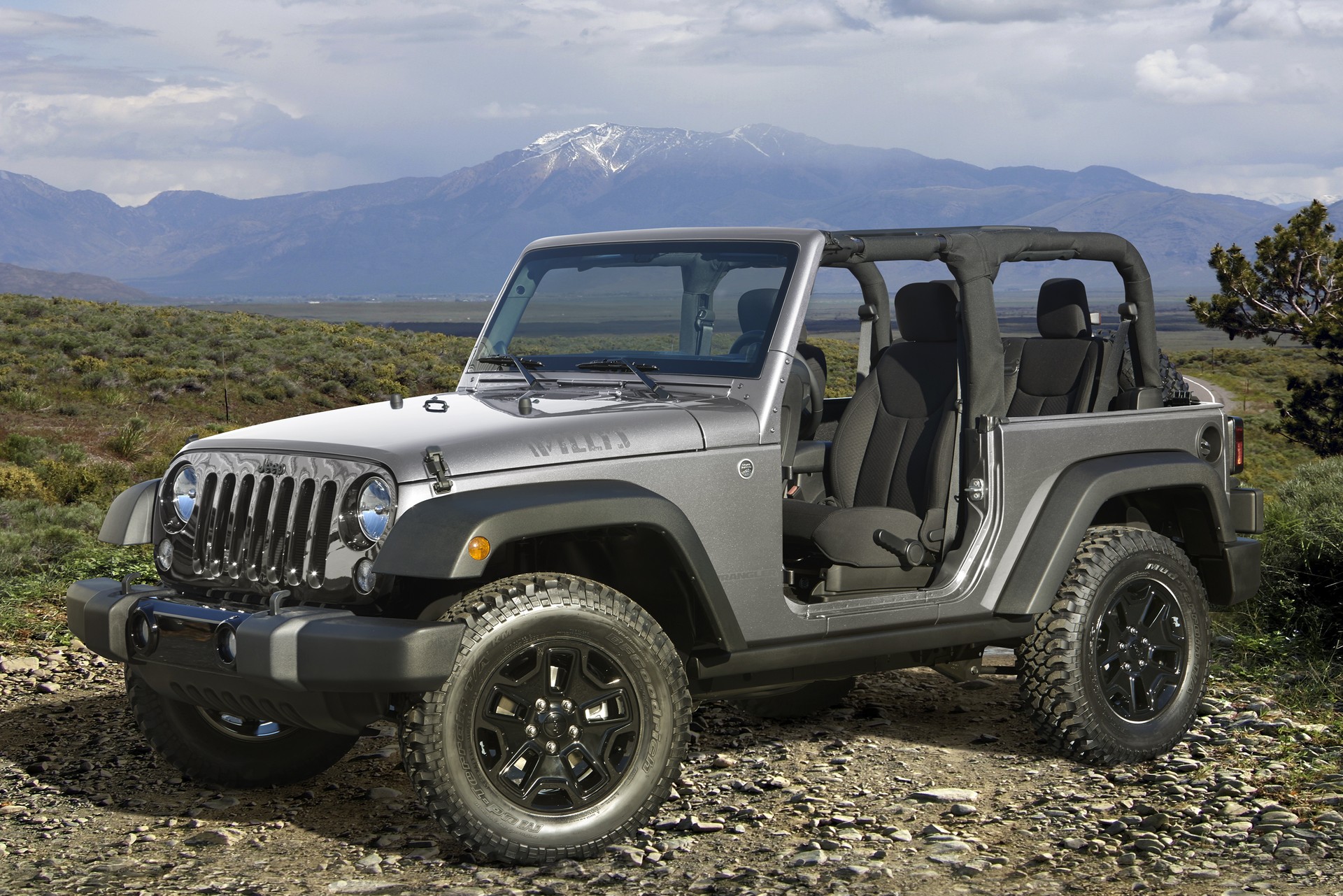
Imagine you’re late for work. You jump in your 2015 Jeep Wrangler and your phone connects in seconds.
You call your boss hands-free and start a favorite playlist all without fumbling for wires or breaking focus. Good pairing saves time and stress.
Comparison: Bluetooth Vs. Wired Connections
Which is better—Bluetooth or using a cable? Here’s a quick look:
| Feature | Bluetooth | Wired (AUX/USB) |
|---|---|---|
| Hands-free Calls | Yes | No |
| Music Streaming | Yes | Yes |
| Voice Commands | Yes | No |
| Charging | No | Yes |
| Setup Needed | One-time | Plug & play |
Bluetooth wins for hands-free features, but a wired connection is still best for charging and simple music playback if you don’t want to pair.
When To Seek Professional Help
If you’ve followed all steps but still can’t pair, there may be a deeper issue with your Uconnect system or phone. Visit your local Jeep dealer or an experienced car audio shop.
Sometimes a software update or system reset is needed.
Useful Resources
You can find more details and user manuals for Uconnect on the official Jeep Uconnect site. This is helpful if you need advanced troubleshooting or want to explore more features.
Frequently Asked Questions
How Many Phones Can I Pair With My 2015 Jeep Wrangler?
You can pair up to seven phones with Uconnect, but only one can be connected at a time. Set your most-used phone as “favorite” for quick access.
Why Can’t My Phone Find Uconnect During Pairing?
Make sure Bluetooth is enabled and your phone is visible. Restart both the phone and Jeep system if needed. Sometimes, clearing old devices from Uconnect helps.
Do I Need A Special App To Pair My Phone?
No special app is needed for basic pairing. Just use your phone’s Bluetooth settings.
The Uconnect app is optional and adds remote features, but not required for pairing.
Can I Stream Music From Any App Once Paired?
Yes, you can play music from apps like Spotify, Apple Music, or Pandora. Use your Jeep’s controls to skip tracks or adjust volume.
Is Bluetooth Pairing Safe For My Data?
Pairing is safe if you connect only to your own Jeep. Don’t accept unknown pairing requests, and delete your phone from Uconnect before selling your car to protect your privacy.
Pairing your phone to your 2015 Jeep Wrangler can transform your drive. With these steps, tips, and troubleshooting advice, you’ll enjoy all the benefits of hands-free technology with confidence. Stay safe, stay connected, and make every trip smoother.


















