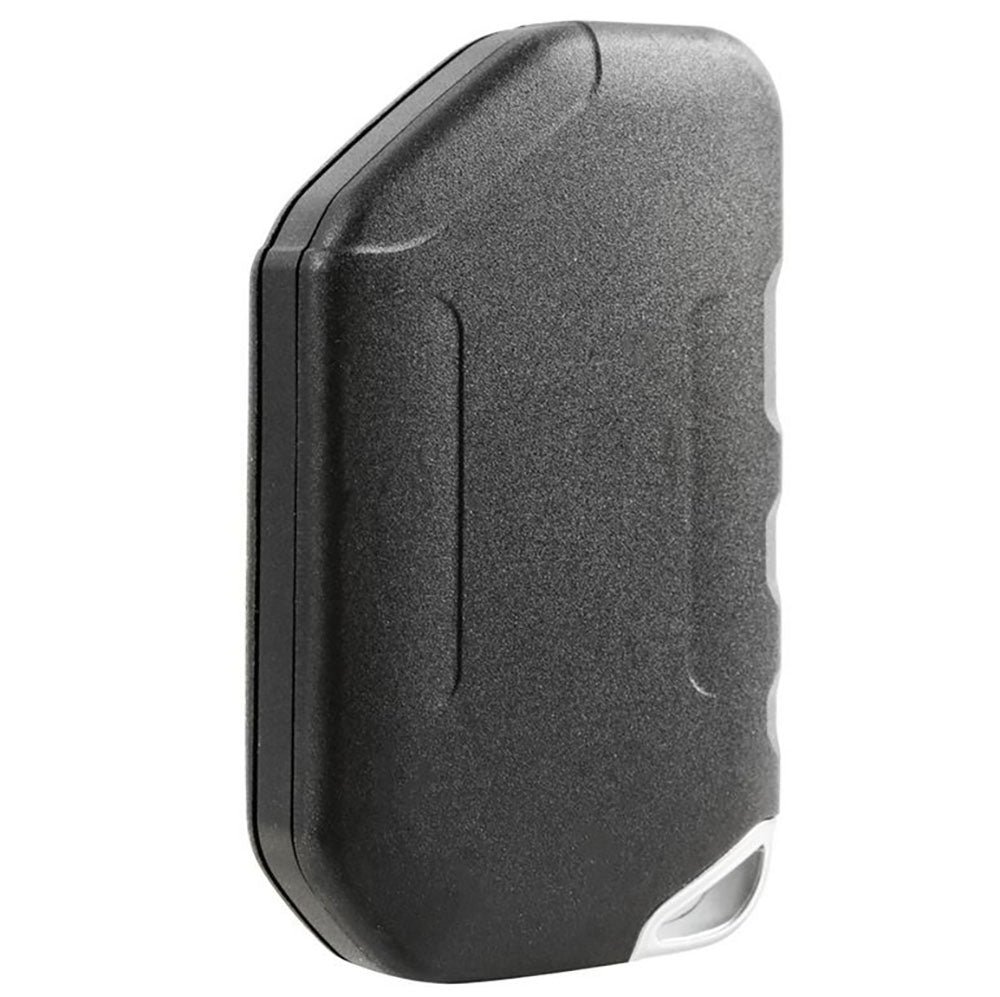
Losing access to your 2020 Jeep key fob or needing to replace its battery can be stressful, especially if you depend on your car daily. The good news is you can open your Jeep key fob at home with a few simple tools and steps. This guide covers everything you need to know, from preparing your workspace to putting the key fob back together. Even if you’re not a car expert, you’ll find clear instructions, common mistakes to avoid, and extra tips to help you complete the task smoothly.
Why You Might Need To Open Your Jeep Key Fob
Most people open their key fob for one of these reasons:
- Battery replacement: Key fob won’t unlock or start the car.
- Key fob malfunction: Buttons are sticky or unresponsive.
- Key blade removal: Need access to the mechanical key.
It’s useful to know that a weak battery can cause your Jeep’s push-button start system to fail unexpectedly. Regularly checking and replacing the battery can save you from being stranded.
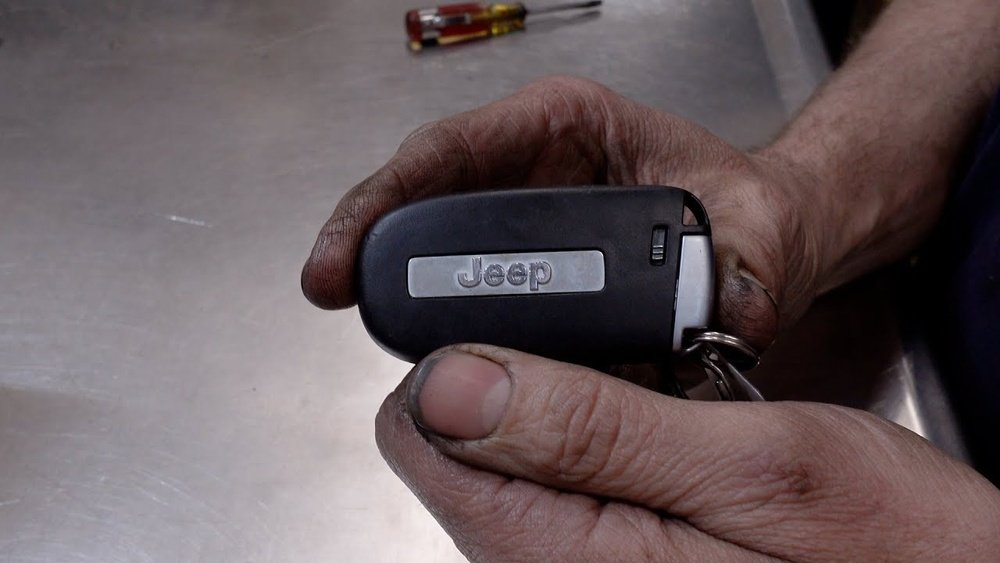
Tools And Supplies You’ll Need
Before you start, gather these items:
- Small flathead screwdriver or a plastic pry tool
- New CR2032 battery (for most 2020 Jeep models)
- Clean cloth to protect surfaces
Some Jeep key fobs may have a hidden screw. Check your fob closely before prying it open.
Here’s a quick look at battery types for popular Jeep models:
| Jeep Model | Key Fob Battery |
|---|---|
| Wrangler | CR2032 |
| Cherokee | CR2032 |
| Grand Cherokee | CR2032 |
| Compass | CR2032 |
Step-by-step: How To Open Your 2020 Jeep Key Fob
1. Prepare Your Workspace
Find a well-lit, flat surface. Lay down a clean cloth to prevent scratches or losing small parts.
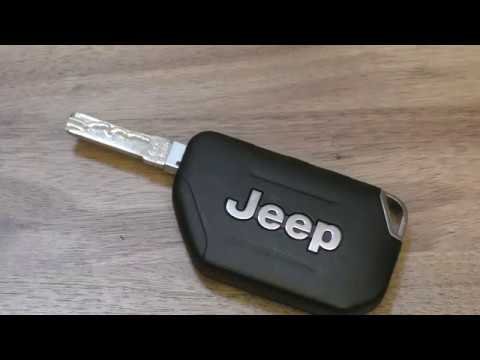
2. Remove The Mechanical Key
Look for the small release switch on the side or back of your key fob. Slide or press this switch while pulling out the mechanical key. Set the key aside.
3. Locate The Seam
Hold the fob with the buttons facing up. You’ll see a thin seam where the two halves of the fob meet.
4. Pry Open The Fob
Insert your flathead screwdriver or plastic pry tool into the seam. Gently twist or wiggle until the fob starts to separate.
Work your way around the edge, applying even pressure.
Tip: Avoid forcing the tool too deep, as this can damage internal components.
5. Separate The Halves
Once loosened, pull the two halves apart with your fingers. Inside, you’ll see the battery and circuit board.
6. Replace The Battery (if Needed)
Note the battery’s orientation. Remove the old battery and insert the new one, making sure the positive side (+) faces the correct direction.
7. Inspect For Dirt Or Damage
Check for dust or debris. If you see any, gently wipe it away with a dry cloth.
If buttons are sticky, lightly clean the contacts.
8. Reassemble The Fob
Align both halves and press them together until you hear a click. If your fob had a screw, replace it. Slide the mechanical key back into place.
9. Test The Key Fob
Stand near your Jeep and press the buttons. Make sure the lock, unlock, and panic functions work.
If not, recheck the battery orientation and ensure the fob is closed tightly.
Here’s a comparison of DIY vs. dealership key fob battery replacement:
| Method | Time | Cost | Convenience |
|---|---|---|---|
| DIY | 5–10 minutes | $2–$5 (battery) | Very high |
| Dealership | 30+ minutes (wait time) | $20–$50 | Medium |
Common Mistakes To Avoid
Many first-timers make simple errors that can be avoided:
- Using too much force: This can break plastic clips inside the fob.
- Wrong battery orientation: Always note which way the old battery faces.
- Losing small parts: Open the fob over a cloth to catch any falling pieces.
- Skipping the test: Always test the fob before leaving your workspace.
A non-obvious insight: If the new battery doesn’t fix your fob, the issue might be a worn-out circuit board or loose contacts, not just the battery.
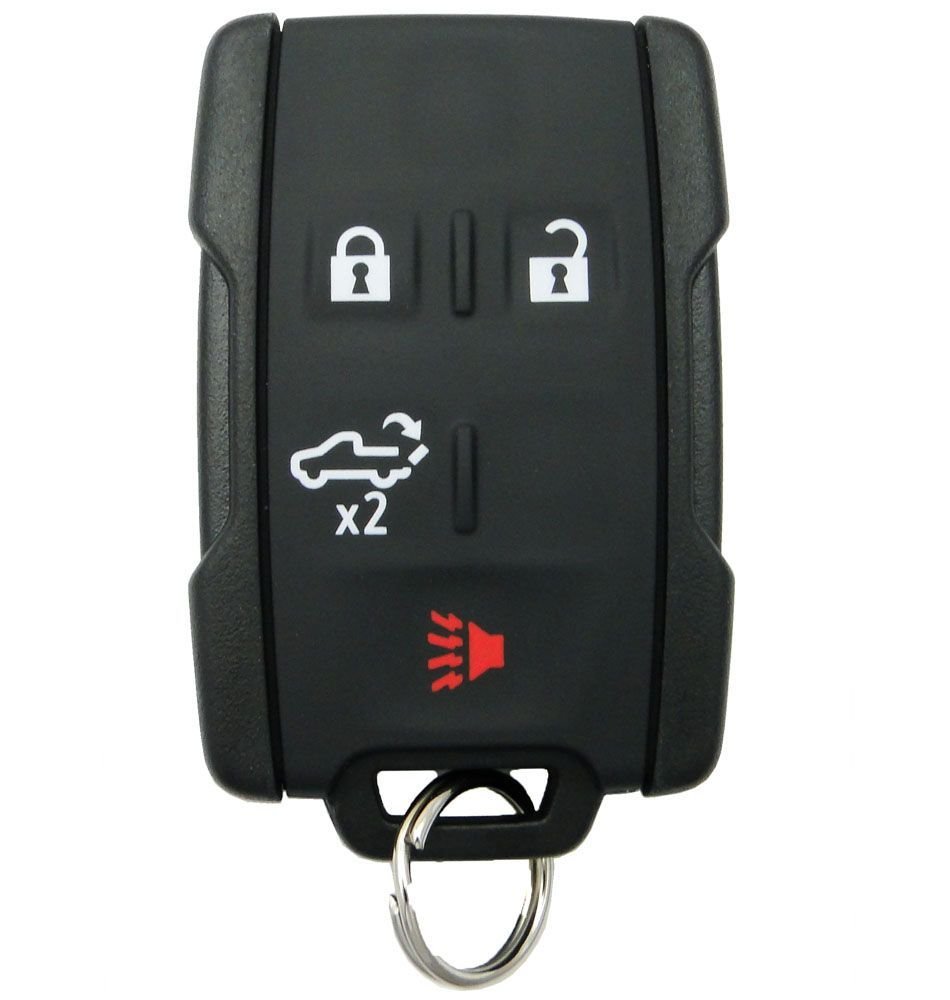
Extra Tips For A Smooth Process
- If your fob feels difficult to open, gently warm it with your hands. This can soften the plastic slightly.
- For added safety, wear anti-static gloves if you have them. Static electricity can damage the circuit board.
- Keep a spare battery in your glove box. Most batteries last about 2-3 years, but cold weather can shorten lifespan.
Here’s a quick chart on battery life and symptoms:
| Battery Age | Common Symptoms |
|---|---|
| 0-1 year | Strong signal, fast response |
| 1-2 years | Occasional lag, reduced range |
| 2+ years | Key fob fails, must press multiple times |
Frequently Asked Questions
How Often Should I Change My Jeep Key Fob Battery?
Most Jeep key fob batteries last 2-3 years. If you notice reduced range or the fob stops responding, it’s time to replace the battery.
Can Opening The Key Fob Void My Jeep Warranty?
No, replacing the battery or opening the key fob does not void your warranty. However, damage caused by improper handling may not be covered.
What Should I Do If My Key Fob Still Doesn’t Work After Changing The Battery?
Check battery orientation and make sure the contacts are clean. If it still fails, the circuit board might be faulty.
You may need a replacement fob from your dealer.
Is It Safe To Use Any Cr2032 Battery Brand?
Most major brands work, but avoid very cheap or no-name batteries. Quality brands like Energizer or Panasonic offer longer life and better reliability.
Where Can I Find Official Information About Jeep Key Fobs?
You can find more details and official guides on the Jeep official site.
Opening your 2020 Jeep key fob is simple if you follow the right steps. With a little preparation and care, you can replace the battery or fix minor issues in minutes saving both time and money.
Keep your key fob maintained for peace of mind every time you hit the road.