Getting steering wheel controls to work with an aftermarket stereo in your 2011 Jeep can feel like a big challenge. Many Jeep owners discover that after replacing their factory radio, those handy buttons on the wheel stop working. If you’re reading this, you probably want your new stereo to play nice with your old controls. In this guide, I’ll walk you through everything you need to know to make your steering wheel controls functional again—step by step, with clear examples, practical tips, and all the technical details you need.
Why Steering Wheel Controls Stop Working After An Upgrade
When you install an aftermarket stereo, the wiring is often different from the factory setup. Jeep’s original radio connects directly to the vehicle’s CAN bus system (a network that lets parts of your car talk to each other). Steering wheel controls use this system, sending signals to the radio. Most aftermarket radios don’t speak this language out of the box, so the controls become useless.
Some owners expect the controls will work automatically, but you usually need extra hardware. This is one of the most common mistakes. Don’t worry there’s a solution.
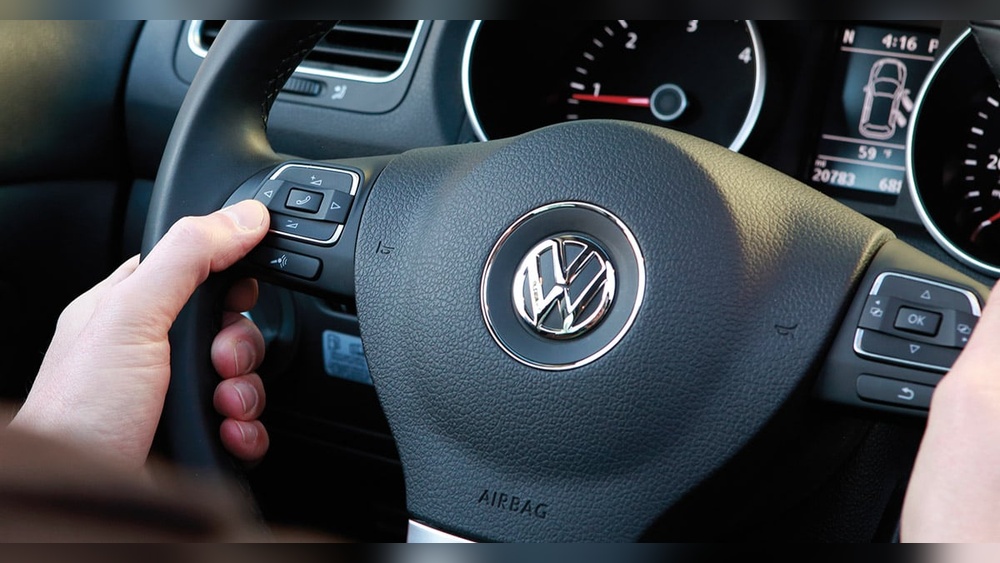
What You Need: The Key Parts
To make your steering wheel controls work, you’ll need these:
- Aftermarket stereo (already installed or ready to install)
- Steering wheel control interface module (also called SWC adapter)
- Wiring harness adapter (matches Jeep and your new stereo)
- Basic tools (wire cutters, crimpers, screwdrivers)
The most important part is the SWC interface module. Popular brands include Metra ASWC-1, PAC SWI-RC, and iDatalink Maestro. These modules translate signals from your steering wheel to your new radio.
Here’s a quick comparison of the top SWC modules for Jeep 2011:
| Module | Compatibility | Programming | Price Range |
|---|---|---|---|
| Metra ASWC-1 | Wide (works with most brands) | Auto-detect | $40-$60 |
| PAC SWI-RC | Many radios | Manual setup | $35-$50 |
| iDatalink Maestro | Advanced, works with select radios | Web-based programming | $70-$120 |
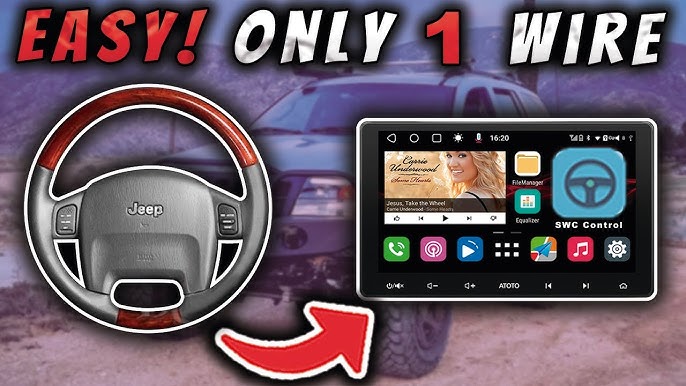
Step-by-step Guide: Making Steering Wheel Controls Work
1. Choose The Right Swc Interface Module
Pick a module that matches your stereo brand. For most Jeep 2011 models, Metra ASWC-1 is popular because it works with many radios and does not require complicated setup. If you have a high-end stereo (like Kenwood or Pioneer), check compatibility on the module’s website.
2. Get The Correct Wiring Harness
A wiring harness adapter makes installation easier and safer. It connects your Jeep’s factory plugs to the new stereo and the SWC module.
Make sure the harness supports steering wheel controls. Some harnesses do not include SWC wires, so check the product description.
3. Remove The Factory Radio
- Disconnect the battery to avoid short circuits.
- Use plastic trim tools to remove the dash panels.
- Unscrew the radio and pull it out.
- Unplug the factory connectors.
4. Connect The Swc Interface
Follow the instructions for your chosen module. Usually, you need to:
- Connect power and ground wires.
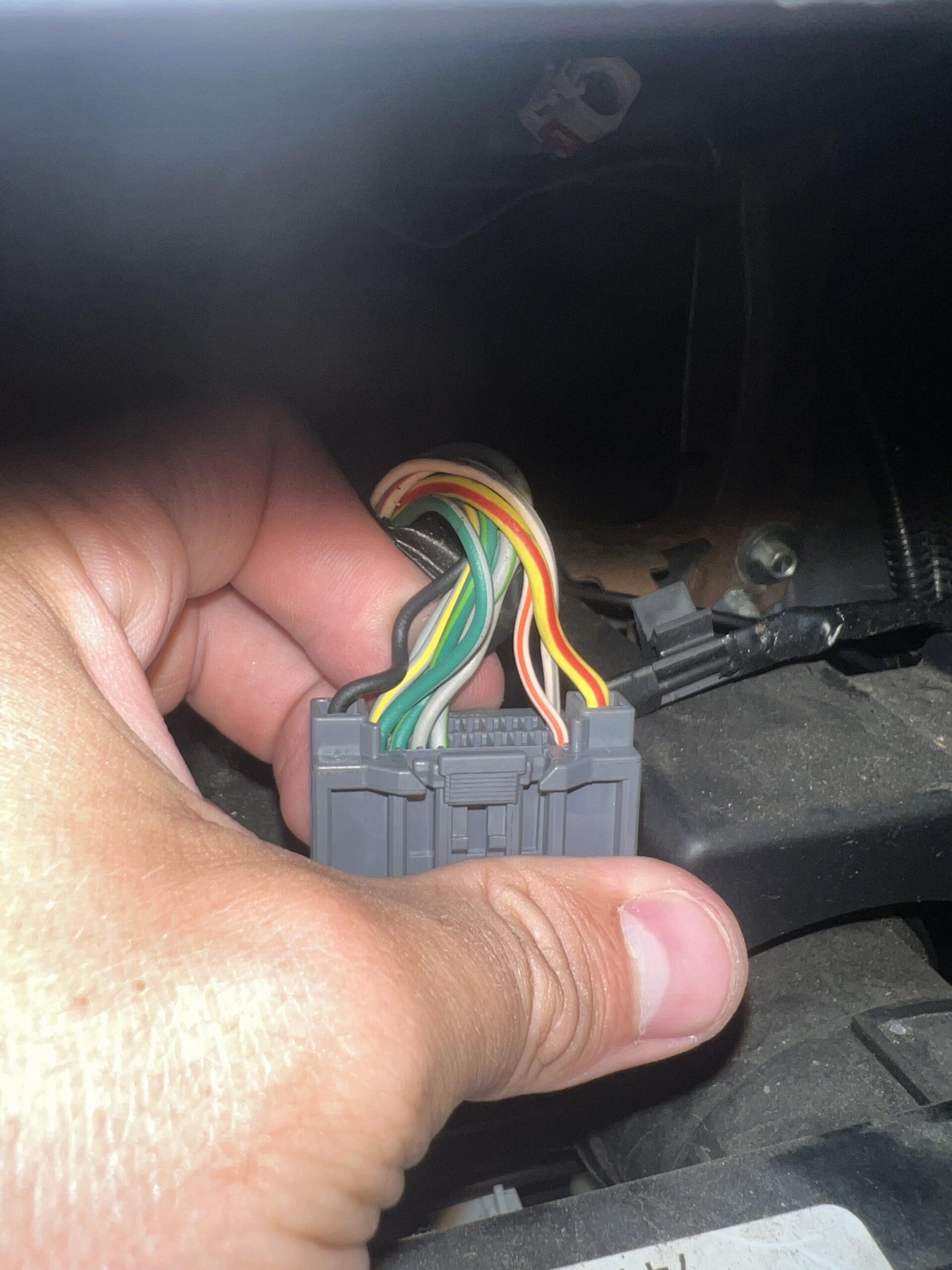
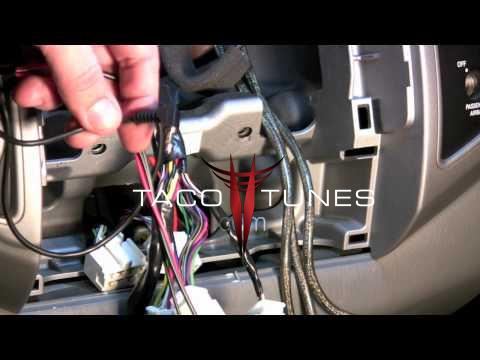
- Attach the SWC wires from the module to the Jeep harness. These are often labeled as “SWC” or “Key 1/Key 2.”
- Plug the module’s output wire into your new stereo’s steering wheel control input.
Here’s an example wiring layout for a Jeep 2011:
| Wire Color | Function | Connects To |
|---|---|---|
| Black | Ground | Car chassis |
| Red | Power | Accessory wire |
| Green/Orange | SWC signal | Jeep SWC wire |
| White | SWC output | Stereo SWC input |
5. Program The Swc Module
Most modules need programming so they know what each button does. The Metra ASWC-1 auto-detects your vehicle and stereo, making setup easier. For modules like PAC SWI-RC, you might need to press certain buttons in a sequence.
- Follow the manual closely.
- Sometimes, you need to turn the ignition on and off during setup.
- Test each button after programming.
6. Install The New Stereo
- Plug in the wiring harness and SWC module.
- Slide the stereo into the dash and secure it.
- Reconnect the battery.
7. Test Everything
Before finishing, check:
- Volume up/down works
- Track skip or radio station change
- Voice or phone functions (if your stereo supports them)
If any button does not work, double-check wiring and module setup. Do not rush taking your time avoids mistakes.
Common Problems And How To Fix Them
Swc Module Not Recognized
If your stereo doesn’t respond to steering wheel buttons:
- Confirm the SWC wire is connected to the correct input on your stereo.
- Check that the module is powered and grounded.
- Restart the programming process.
Sometimes, buttons do the wrong thing. This usually means the module needs reprogramming.
Reset the module and repeat the setup steps. Also, check the stereo’s menu for steering wheel control settings.
Module Compatibility Issues
Not all modules work with all stereos. If you bought a module that isn’t supported, try exchanging it for one that matches your stereo’s brand.
Electrical Issues
Loose connections can stop everything from working. Use crimp connectors or solder joints for reliable wiring.
Avoid twisting wires together and taping them; this causes problems over time.

Real Data: Jeep Owners And Aftermarket Swc Success
A survey from Jeep forums shows that over 80% of owners who used a Metra ASWC-1 or PAC SWI-RC got their steering wheel controls working with aftermarket radios. The most frequent issues were wrong wiring and missed programming steps.
Here’s a summary of user success rates:
| SWC Module | Success Rate (%) | Common Issues |
|---|---|---|
| Metra ASWC-1 | 85 | Missed wire connection |
| PAC SWI-RC | 78 | Manual programming errors |
| iDatalink Maestro | 90 | Requires compatible radio |
Practical Tips For A Smooth Installation
- Read all instructions before starting.
- Use wiring diagrams for your Jeep and stereo. These are often available online.
- Label wires as you connect them to avoid confusion.
- Test the SWC module before finalizing the dash assembly.
- If you get stuck, check forums or ask for help at your local car audio shop.
A non-obvious insight: Some Jeep 2011 models have different wire colors depending on the trim. Always verify with a multimeter or check your Jeep’s manual.
Another tip: If your stereo has advanced features like Bluetooth calling, make sure your SWC module supports those button functions. Not all modules do.
Advanced Options: Keeping All Jeep Features
If you want to keep extra features like factory backup camera or Uconnect system, consider modules like iDatalink Maestro. These can retain more factory options, but require specific radios and sometimes cost more.
Why It’s Worth The Effort
Having steering wheel controls is not just about convenience. It helps you drive safer, since you don’t need to reach for the stereo. This is especially important if you use your Jeep for off-road or road trips.
Many Jeep owners say restoring steering wheel controls makes their new stereo feel “complete. ” It’s a small project that adds real value to your vehicle.
Can I Make Steering Wheel Controls Work Without A Module?
Usually, no. Jeep’s system uses digital signals, so aftermarket stereos need a special module to translate them.
Trying to connect wires directly almost never works.
How Do I Find The Swc Wire In My Jeep?
Check your Jeep’s wiring diagram, often found online or in the manual. Look for wires labeled “SWC,” “Steering Wheel Control,” or “Key 1/Key 2.
” You can use a multimeter to confirm the signal.
Most buttons (volume, track, mode) should work. Advanced functions like voice commands or phone may need a compatible stereo and SWC module.
Some modules let you customize what each button does.
What If My Swc Module Doesn’t Program Automatically?
Try resetting the module and following the manual step-by-step. Make sure all connections are secure and your stereo is powered on.
Some modules require manual programming with button presses.
Is Professional Installation Worth It?
If you’re not comfortable with car wiring, a professional can save you time and avoid mistakes. Many shops charge $50-$150 for SWC installation.
However, with patience and proper tools, most Jeep owners can do it themselves.
Getting your aftermarket Jeep 2011 steering wheel controls working again is a project almost anyone can tackle. With the right parts, careful wiring, and a bit of patience, your buttons will be back in action—making your driving experience safer and more enjoyable. If you want to dig deeper into compatible modules, wiring guides, or advanced features, visit Crutchfield for expert advice and detailed product info.