If your Jeep’s radio stops working, it’s more than just an inconvenience. For many drivers, the radio is part of daily routines providing news, music, GPS, and even vehicle info.
But Jeep radios can be tricky. Sometimes, the problem is simple, like a blown fuse.
Other times, it’s a software glitch or a deeper electrical issue. This article is your practical guide to fixing Jeep radio problems, whether you drive a Wrangler, Cherokee, Grand Cherokee, or another model.

You’ll learn how to diagnose issues, repair common faults, and understand when to seek professional help.
Understanding Jeep Radio Problems
Jeep radios can fail for several reasons. Before starting repairs, it’s important to identify the main issue. Here are some symptoms you might notice:
- No sound from speakers
- Radio display not turning on
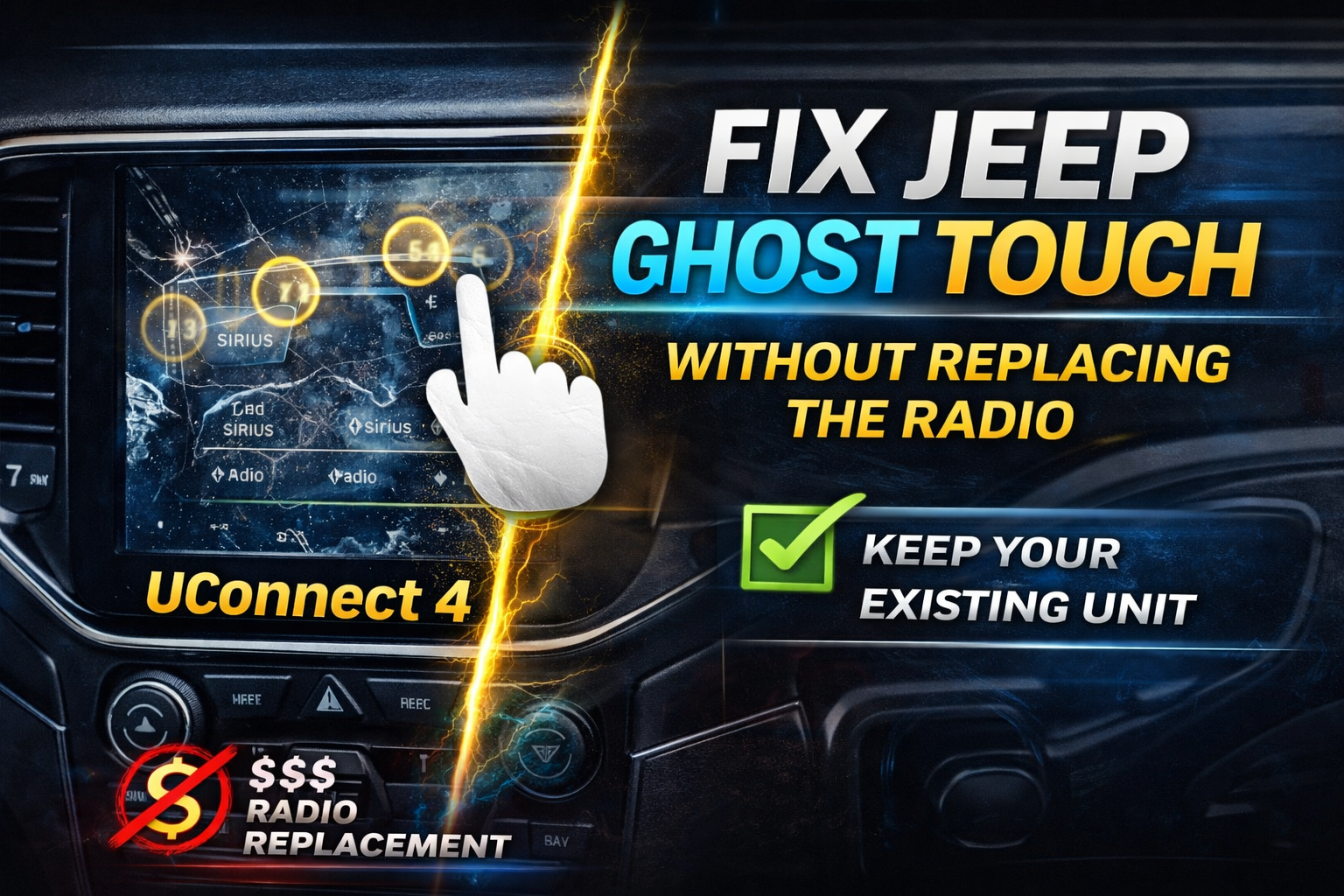
- Touchscreen not responding
- Static or poor reception
- Bluetooth or USB not working
- Random rebooting or freezing
Each symptom points to a different cause. For example, if the display is dark but the buttons light up, it’s likely an electrical or screen problem.
If the sound is gone but the display works, speaker wiring or the amplifier may be the cause.
Why Do Jeep Radios Fail?
Jeep radios, especially the Uconnect system, combine hardware and software. Issues can come from:
- Blown fuses
- Loose wiring or connectors
- Software glitches
- Faulty antennas
- Damaged speakers
- Dead batteries
Understanding the source helps you fix the problem faster and avoid extra costs.
Initial Troubleshooting Steps
Before taking apart your dashboard, try these basic checks. Many radio issues have a simple solution.
1. Restart Your Radio System
Sometimes, the radio just needs a reboot. Turn off the Jeep, remove the key, and wait at least 60 seconds.
Restart the engine and try the radio again.
2. Check The Volume And Mute
It sounds obvious, but make sure the radio isn’t muted and the volume is up.
3. Test Other Functions
Try Bluetooth, USB, or AM/FM radio. If only one function fails, the problem is more specific.
4. Inspect The Display
Is the screen blank or showing error messages? Take note of any warning codes or icons.
5. Look For Pattern
Does the radio fail in cold weather, after rain, or only when the Jeep is moving? Patterns give clues.
Checking Fuses And Power Supply
A blown fuse is one of the most common causes of Jeep radio failure. Here’s how to check and replace it:
How To Check Jeep Radio Fuses
1. Turn Off The Vehicle
For safety, turn off the engine and remove the key.
2. Locate The Fuse Box
Most Jeeps have a fuse box under the hood and one inside the cabin. Your manual will show the exact location.
3. Identify The Radio Fuse
The fuse cover or manual lists each fuse. Look for “RADIO” or “MEDIA CENTER. ”
4. Remove And Inspect The Fuse
Use fuse pullers or needle-nose pliers. Hold it up to the light if the metal strip inside is broken, the fuse is blown.
5. Replace With Same Rating
Always use a fuse with the same amp rating. For Jeep radios, this is usually 15 or 20 amps.
Common Fuse Locations
| Jeep Model | Fuse Box Location | Typical Radio Fuse Slot |
|---|---|---|
| Wrangler (JK/JL) | Under hood, right side | M13 / F97 |
| Cherokee (KL) | Under hood, left side | F94 |
| Grand Cherokee (WK2) | Passenger footwell | F97 |
Non-obvious tip: Check for loose fuse contacts. Sometimes, a fuse looks fine but isn’t seated properly. Remove and re-insert it to ensure good contact.
Inspecting Wiring And Connections
If the fuse is good but the radio still doesn’t work, wiring may be the problem.
Steps To Check Wiring
1. Disconnect The Battery
Always disconnect the negative terminal before handling wires.
2. Remove The Radio Trim
Use a plastic trim tool to avoid scratches. Most Jeep radios are held by screws behind the trim panel.
3. Check Wiring Harness
Look for loose plugs or damaged wires. Pay attention to the main connector behind the radio.
4. Inspect Antenna Connection
A loose or corroded antenna plug can cause poor or no reception.
5. Look For Signs Of Water Damage
Water can short the radio. Check for corrosion, especially if you drive off-road or in wet climates.
6. Re-connect Everything Carefully
Make sure all plugs “click” into place.
Beginner mistake: Pulling wires too hard can damage connectors. Always use gentle, even pressure.
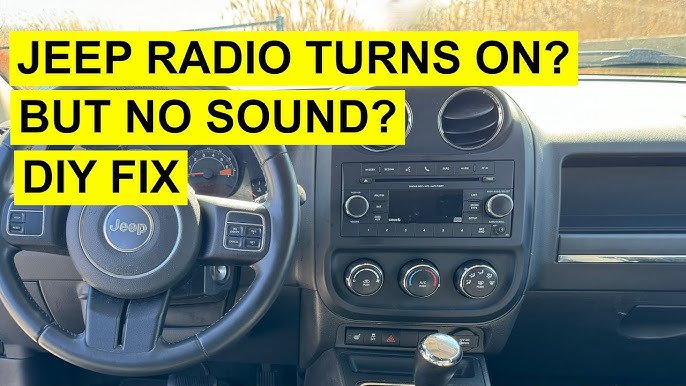
Resetting The Uconnect System
Modern Jeeps use the Uconnect infotainment system. Software bugs can cause freezing, black screens, or rebooting. A system reset often solves these problems.
Soft Reset (does Not Erase Data)
- With the engine running, press and hold the volume and tune/browse knobs at the same time.
- Hold for about 10-20 seconds until the screen goes black and the Jeep logo appears.
- Release the buttons and wait for the system to restart.
Hard Reset (factory Reset)
Warning: This erases paired devices, radio presets, and settings.
- Go to the Uconnect Settings menu.
- Find System Information or Restore Factory Defaults.
- Confirm the reset and let the system reboot.
Non-obvious insight: If your Uconnect is stuck on the Jeep logo or blank, disconnect the car battery for 10 minutes, then reconnect. This “power cycle” can clear deeper software errors.
Diagnosing Antenna And Reception Issues
Poor or lost signal is often caused by antenna faults.
How To Check The Antenna
- Inspect the base for corrosion or looseness
- Make sure the mast (metal rod) is straight and not broken
- Test reception on AM and FM (if one is bad, the problem is usually the antenna)
- If you have a shark fin (roof antenna), check for cracks or water entry
Quick test: Touch the antenna base with a metal object (like a screwdriver). If reception improves, the antenna may be faulty.
Antenna Replacement Cost Comparison
| Part Type | DIY Cost (USD) | Shop Cost (USD) |
|---|---|---|
| Standard Mast Antenna | $20 – $40 | $80 – $120 |
| Shark Fin Antenna | $45 – $90 | $120 – $200 |
If you replace the antenna yourself, always use the correct part for your Jeep’s year and model.
Fixing No Sound Or Speaker Issues
If your Jeep radio powers on but there’s no sound, the issue is likely in the speakers, wiring, or amplifier.
Steps To Diagnose No Sound
1. Try All Audio Sources
Switch between radio, Bluetooth, USB, and CD. If only one source fails, the issue is with that input.
2. Balance And Fade Settings
Set all sound to one speaker. If some work but others do not, you have a speaker or wiring fault.
3. Check For Amplifier Issues
Some Jeeps use an external amplifier. If the amp fails, all speakers may go silent.
4. Test With A Known-good Speaker
Disconnect one speaker and connect a working one (even a home speaker works for testing).
Common Speaker Problems
| Problem | Sign | Solution |
|---|---|---|
| Blown Speaker | Crackling, no sound, or distortion | Replace speaker |
| Loose Wiring | Sound cuts in/out when driving | Reseat connectors |
| Failed Amplifier | All speakers dead | Replace amp or check power supply |
Pro tip: If your Jeep gets water in the footwells, check the amplifier under the passenger seat. Water damage is a common cause of silent audio in Grand Cherokees.
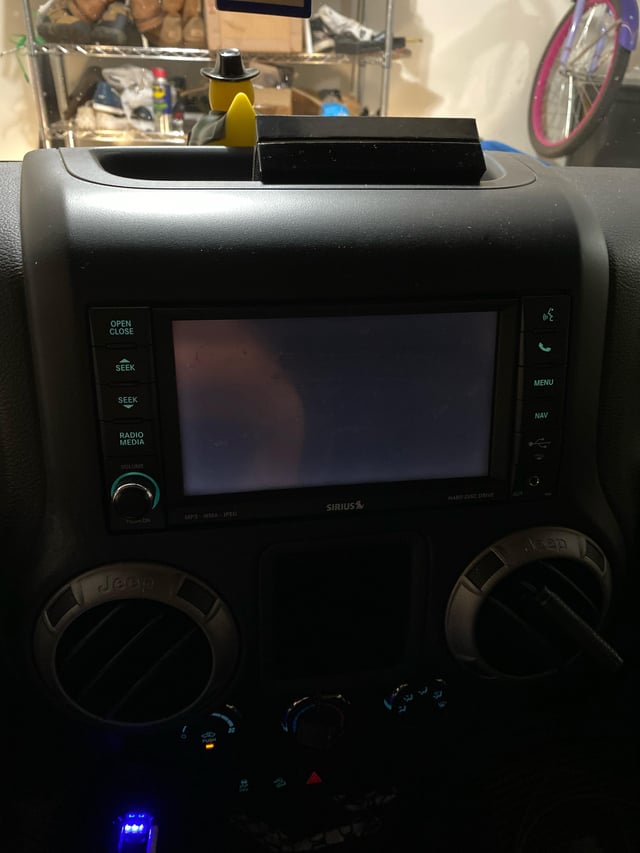
Touchscreen radios can freeze, become unresponsive, or show ghost touches.
Steps To Fix
1. Clean The Screen
Use a microfiber cloth to remove fingerprints and grime.
2. Reset The System
Try the Uconnect soft reset (see above).
3. Check For Software Updates
Visit Jeep’s official site or dealer to see if a software update is available.
4. Inspect For Physical Damage
Cracks or impact marks can cause touch issues. If broken, the screen will need professional replacement.
Beginner mistake: Using household cleaners on the screen can damage the coating. Only use products safe for electronics.
When To Seek Professional Help
Some Jeep radio problems require a skilled technician or dealership. Here’s when you should get expert help:
- Security code needed after battery replacement
- Burnt smell or visible smoke from the dashboard
- Repeated fuse blowing (could mean a short circuit)
- Radio firmware updates that require special tools
- Wiring harness repairs after an accident
Dealerships can access advanced diagnostics, and sometimes a radio must be reprogrammed after repair.
Preventing Future Jeep Radio Problems
Good habits keep your Jeep’s radio working longer:
- Avoid water exposure inside the vehicle
- Update Uconnect software regularly
- Don’t overload the electrical system with aftermarket add-ons
- Service the battery and alternator as recommended
- Check connectors after off-roading or bumpy rides
Non-obvious tip: If you use phone chargers, dash cams, or other devices in the 12V socket, unplug them when not in use. Cheap accessories can cause electrical noise or drain the battery, leading to radio problems.
Frequently Asked Questions
Why Does My Jeep Radio Keep Rebooting?
A reboot loop is often caused by a software glitch in the Uconnect system, a weak battery, or a faulty wiring connection. Try a soft reset and check your battery. If the problem continues, visit a dealer for a system update.
Can I Replace My Jeep Radio With An Aftermarket Unit?
Yes, but you’ll need a special wiring harness and dash kit for your Jeep model. Some features like steering wheel controls or Uconnect apps may not work with aftermarket radios.
How Do I Enter The Radio Code After A Battery Change?
If your Jeep asks for a code, check your owner’s manual or glove box for a radio card. If you can’t find it, a dealer can provide the code using your radio’s serial number.
What Causes Static Or Poor Radio Reception In My Jeep?
Common causes are a loose antenna, damaged antenna cable, or interference from other electronics. Try reseating the antenna and move electronic devices away from the radio.
Where Can I Find Reliable Jeep Radio Repair Guides?
Jeep’s official service manuals are best for technical details. You can also find step-by-step guides on forums and sites like Jeep Owners.
Fixing your Jeep radio doesn’t have to be stressful. By following these steps, you can often diagnose and repair common issues yourself.
For persistent problems, professional help is always available. With the right care, your Jeep’s sound system will keep you connected on every adventure.


















