Owning a Jeep Wrangler is an adventure on wheels, but sometimes, you need to disconnect its battery. Whether you’re replacing the battery, installing electrical accessories, or storing your vehicle, knowing how to do this safely is essential. Many new Jeep owners worry about making mistakes or causing electrical problems. The good news is, with the right steps, disconnecting your Wrangler’s battery is simple and safe.
Why Disconnect The Jeep Wrangler Battery?
There are several reasons you might need to disconnect the Jeep Wrangler battery:
- Battery replacement: Old batteries lose capacity, especially after 3-5 years.
- Electrical repairs: Disconnecting prevents accidental shorts or shocks.
- Installing accessories: Avoids power surges when adding winches, lights, or radios.
- Long-term storage: Prevents battery drain and possible damage.
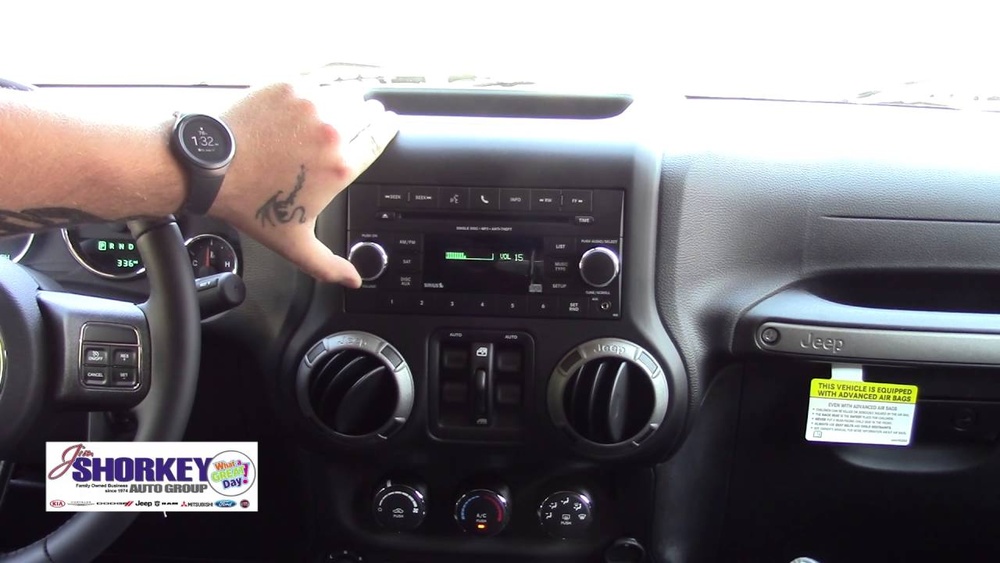
Many owners miss a key detail: disconnecting the battery also resets some electronic systems, like the clock and radio presets. Plan for these small inconveniences.
Tools And Safety Precautions
Before you start, have these items ready:
- 10mm wrench (most common for battery terminals)
- Gloves to protect your hands
- Safety glasses for eye protection
- Rag or small brush to clean terminals
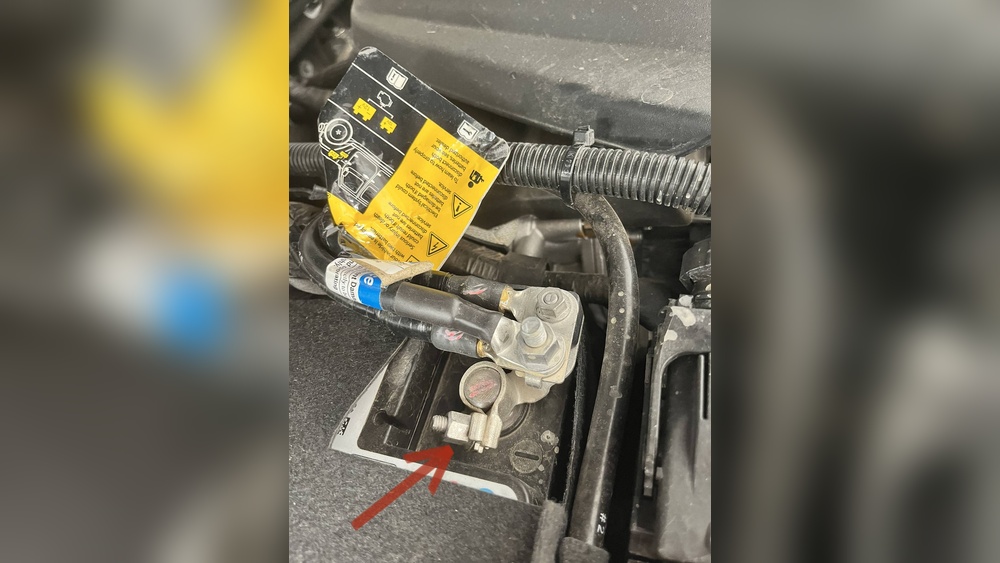
Never use metal tools to touch both terminals at once. This can cause a short circuit and sparks.
Here’s a safety comparison for different battery tasks:
| Task | Risk Level | Safety Gear Needed |
|---|---|---|
| Jump Starting | High | Gloves, Eye Protection |
| Simple Disconnection | Low | Gloves, Eye Protection |
| Battery Replacement | Medium | Gloves, Eye Protection |
Many people forget to wear eye protection, but even a small spark can cause serious injury.
Step-by-step: How To Disconnect Your Jeep Wrangler Battery
1. Turn Off The Engine
Make sure your Jeep is parked, the engine is off, and the key is removed from the ignition. This prevents accidental electrical flow.
2. Open The Hood
Pull the hood release inside your Jeep. Use the exterior latch to open the hood fully. Secure it with the prop rod.
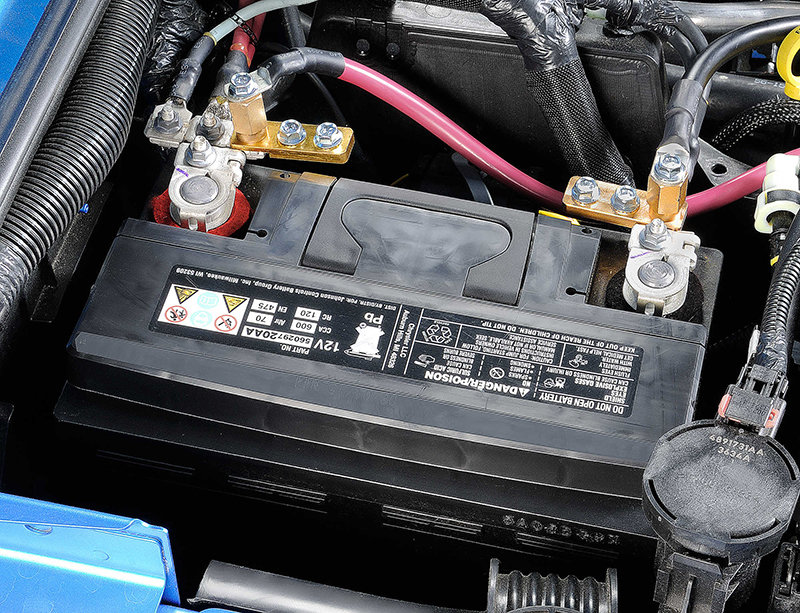
3. Locate The Battery
The battery is usually on the right (passenger) side of the engine bay. Check the owner’s manual if you’re unsure.
4. Identify Battery Terminals
There are two terminals:
- Negative (-): Usually black, often marked with a minus sign.
- Positive (+): Usually red, often marked with a plus sign.
Always disconnect the negative terminal first. This is a safety rule many beginners miss.
5. Loosen The Negative Terminal
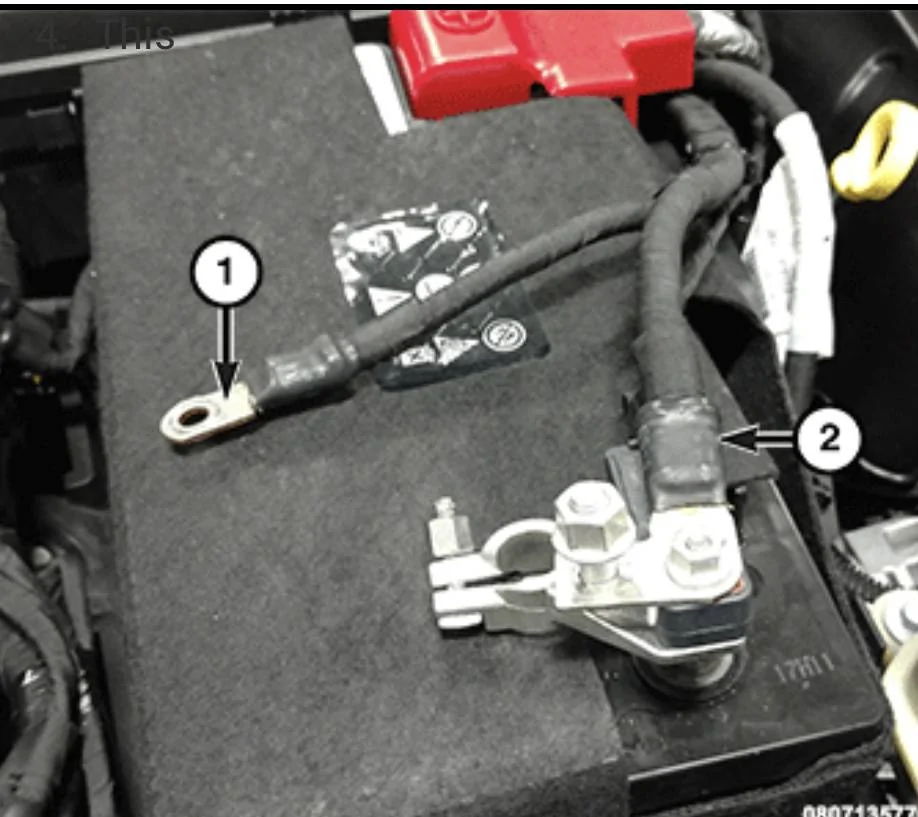
Use a 10mm wrench to loosen the nut on the negative terminal. Wiggle the clamp and pull it off the battery post. Move the cable away from the battery to avoid accidental contact.
6. Loosen The Positive Terminal
Repeat the process for the positive terminal. Again, move the cable away from the battery.
7. Remove The Battery (if Needed)
If you are replacing or charging the battery outside the vehicle, remove any hold-down brackets. Lift the battery straight up and out. Be careful—it is heavy!
Here’s a quick summary table for the disconnect sequence:
| Step | Terminal | Reason |
|---|---|---|
| 1 | Negative (-) | Prevents short circuit |
| 2 | Positive (+) | Safe after negative is off |
Common Mistake: Many people disconnect the positive terminal first, which can cause sparks if a tool touches metal. Always do negative first.
Reconnecting The Battery
To reconnect, reverse the steps:
- Place the battery (if removed) back into its tray.
- Attach and tighten the positive terminal first.
- Attach and tighten the negative terminal.
- Check all connections are secure.
- Start your Jeep and check the electronics.
Some systems may need to reset, such as the clock or radio. If you notice warning lights, drive for a few minutes—they often clear up after the system checks.
What To Do After Disconnection
After disconnecting, check for corrosion on the battery terminals. Clean with a brush and a mix of baking soda and water if needed. A thin layer of petroleum jelly on the terminals can prevent future corrosion.
If your Jeep will be stored for more than a month, consider using a battery maintainer. This device keeps the battery healthy without overcharging.
Many owners overlook the need to reset the automatic window feature or other electronics after reconnecting the battery. Read your owner’s manual for details.
When To Seek Professional Help
If you see damaged cables, heavy corrosion, or cracks in the battery, call a professional. Modern Jeeps have more electronics than older models, and mistakes can be expensive. If you are uncomfortable with any step, a mechanic can disconnect the battery safely.
For more technical information, you can check the official Jeep website.

Frequently Asked Questions
How Long Does It Take To Disconnect A Jeep Wrangler Battery?
Usually, it takes 5 to 10 minutes if you have the right tools and basic experience. First-timers may need a bit longer, especially when cleaning terminals or removing hold-down brackets.
Will Disconnecting The Battery Reset My Jeep’s Computer?
Yes, disconnecting the battery will reset some electronic systems like clock, radio presets, and possibly the power window calibration. However, the main engine computer usually keeps its memory.
Is It Safe To Disconnect Only The Negative Terminal?
Disconnecting only the negative terminal is enough for most cases, such as preventing battery drain or minor repairs. For major electrical work, disconnect both terminals to be safe.
Can I Damage My Jeep If I Disconnect The Battery Wrong?
If you disconnect the positive terminal first or let the wrench touch metal parts, you can cause a short circuit or sparks. Always follow the correct order: negative first, then positive.
Do I Need To Reset Anything After Reconnecting The Battery?
You may need to reset the clock, radio, or window auto-up feature. Some warning lights may appear but usually go away after driving for a few minutes.
Disconnecting your Jeep Wrangler battery is a quick and simple process if you follow the right steps. Safety comes first—take your time and don’t rush. With these tips, you’ll avoid common mistakes and keep your Jeep running smoothly, whether you’re working in your garage or out on the trail.