If you drive a Jeep Grand Cherokee, you know how bright the dashboard and display can be—especially at night. Sometimes, the display’s light can make it hard to see outside or cause eye strain. Learning how to dim the display in your Grand Cherokee is not only about comfort, but also about safety. In this guide, you’ll discover the steps to adjust your Jeep’s display brightness, understand why it matters, and learn solutions for common problems. Whether you have an older model or a new one, this article will help you easily control your screen’s brightness.
Why Display Brightness Matters
A bright display can feel distracting when driving in the dark. It can reflect on the windshield and affect your vision. Studies show that glare from dashboard screens increases reaction time and reduces safety. For example, the National Highway Traffic Safety Administration found that glare can slow a driver’s response by up to 25%. Many drivers don’t realize that adjusting the display can also protect their eyes and improve focus on the road.
How To Dim The Display In Jeep Grand Cherokee
Adjusting the display brightness is simple, but the steps can vary depending on your vehicle’s year and model. Here’s how to do it for most Grand Cherokees:

Using The Dashboard Dimmer Switch
Almost all Grand Cherokees have a dimmer knob or switch on the left side of the dashboard, near the headlights controls.
- Locate the dimmer knob (usually marked with a light bulb symbol).
- Turn the knob clockwise to brighten or counterclockwise to dim.
- For some models, pushing the knob may turn on the interior lights—so avoid pressing if you only want to adjust brightness.
Adjusting Uconnect Display Settings
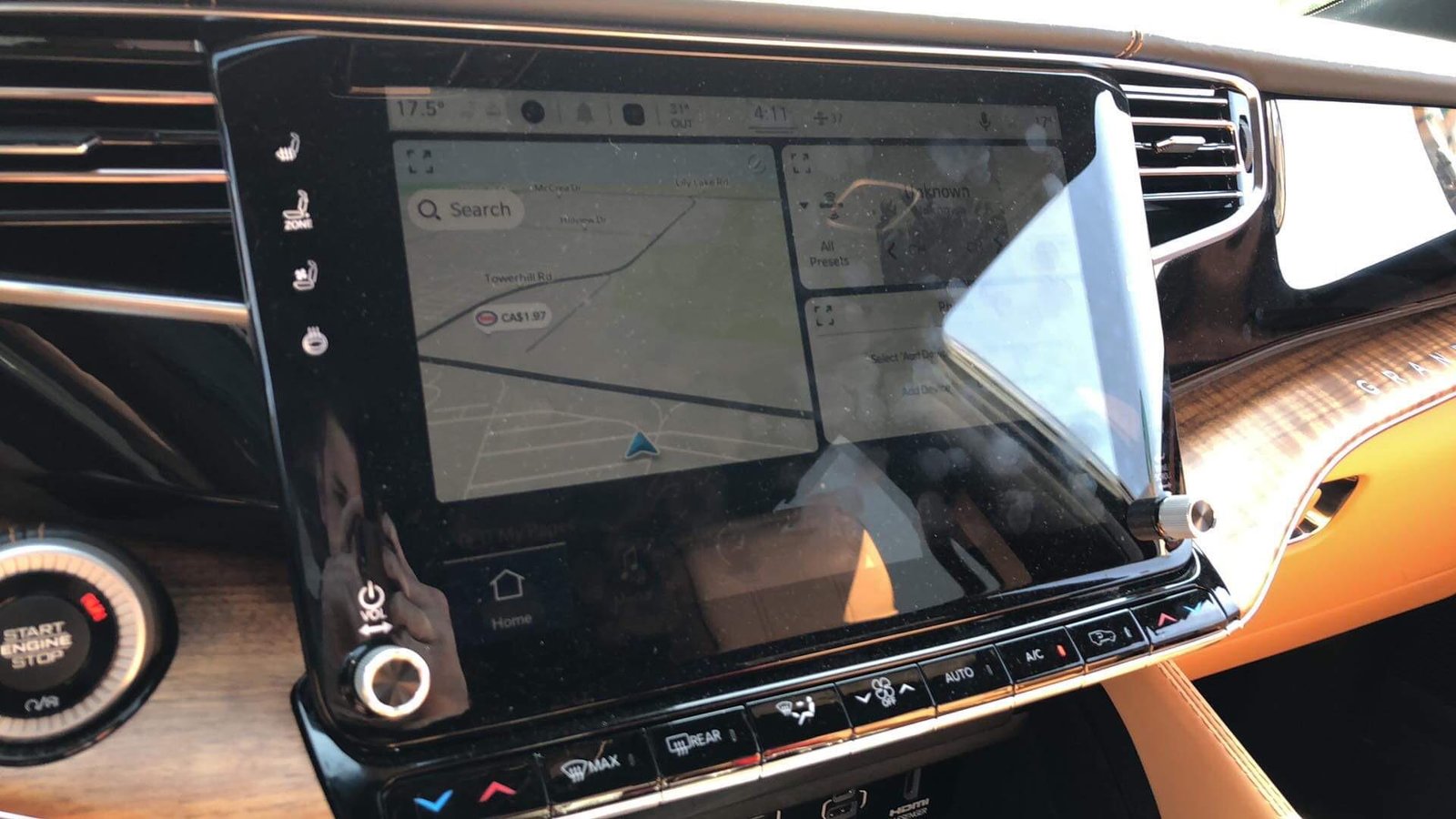
If your Jeep has the Uconnect system (touchscreen display), you can change the brightness through the menu.
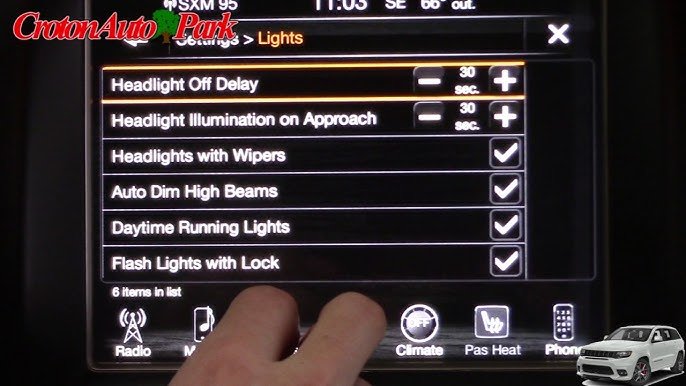
- Tap the Settings icon on the screen.
- Select Display or Screen Setup.
- Adjust the Brightness slider to your preferred level.
- Some Uconnect systems have a Night Mode. Activating this mode automatically dims the screen when headlights are on.
Automatic Dimming Features
Newer Grand Cherokees (2020+) come with automatic dimming. When you turn on the headlights, the display dims itself. If you want to override this:
- Go to Settings.
- Choose Display or Brightness.
- Disable Auto Dim and set your own brightness.
Comparison: Display Dimming Methods
Here’s a quick look at the differences between manual and automatic dimming:
| Method | Models Supported | Adjustability | Ease of Use |
|---|---|---|---|
| Dimmer Knob | 2011–2021 | Full Range | Very Easy |
| Uconnect Settings | 2014+ | Customizable | Easy |
| Auto Dimming | 2020+ | Limited | Automatic |
Common Problems And Solutions
Sometimes, the display won’t dim as expected. Here are some frequent issues and how to fix them:
Display Stuck At Full Brightness
- Check if the dimmer knob is turned all the way up.
- Make sure the headlights are on; some Jeeps only dim the display when headlights are active.
Uconnect Not Responding
- Restart the system by turning off the car and restarting it.
- Update the Uconnect software if it’s outdated.
- If the slider doesn’t work, try adjusting settings with the steering wheel controls.
Automatic Dimming Not Working
- Confirm Auto Dim is enabled in settings.
- Inspect for faulty sensors; daylight sensors near the windshield might be blocked.
- If problems persist, consult a dealer for sensor replacement.
Comparison: Problem Causes And Fixes
| Issue | Likely Cause | Quick Fix |
|---|---|---|
| Display too bright | Dimmer knob up | Turn knob down |
| Screen not dimming | Headlights off | Turn on headlights |
| Auto dim fails | Blocked sensor | Clean sensor area |
Tips For Comfortable Night Driving
- Keep the display at 50-70% brightness for night driving.
- Use Night Mode if your Jeep supports it.
- Clean your dashboard and display regularly; dust can increase glare.
- Avoid using bright colors on the display at night.
- Take breaks if you feel eye strain.

When To Seek Professional Help
If none of the settings work, or if your display stays bright no matter what, there might be an electrical issue. Jeep dealerships can run a diagnostic test to check for sensor problems or software bugs. Sometimes, replacing a faulty sensor or updating the software solves the issue.
Display Dimming Settings By Model Year
Jeep changes features with each model year. Here’s a summary of how display dimming works for different Grand Cherokee generations:
| Model Year | Dimmer Knob | Uconnect Settings | Auto Dimming |
|---|---|---|---|
| 2011–2013 | Yes | No | No |
| 2014–2019 | Yes | Yes | No |
| 2020+ | Yes | Yes | Yes |
Non-obvious Insights
Many drivers forget that the display dimming also affects the brightness of other interior lights, such as the gear indicator and center console. If you dim the display too much, these lights can become hard to see. Another detail: some aftermarket tinting or windshield sun strips can block light sensors, preventing auto dimming from working correctly.
Extra Resources
If you want to learn more about display settings, you can visit the official Jeep owner’s site for detailed manuals and troubleshooting guides: Jeep Owners Official Site.
Frequently Asked Questions
How Can I Dim The Display If My Dimmer Knob Is Broken?
You can use the Uconnect settings to adjust brightness. If your vehicle doesn’t have a touchscreen, visit a Jeep dealer for repair.
Will Dimming The Display Affect Other Dashboard Lights?
Yes, the dimmer knob usually controls all interior lighting, including the display and buttons. Adjust carefully to keep everything visible.
Can I Set The Display To Automatically Dim At Night?
Most 2020+ Grand Cherokees have auto dimming. Check your settings under Display or Screen Setup and enable Auto Dim.
Why Does My Display Stay Bright Even With Headlights On?
It might be a sensor issue or a problem with the settings. Clean the area near the daylight sensor and check your Uconnect settings.
Is It Safe To Drive With A Very Dim Display?
Too dim can make it hard to see important info. Keep brightness at a comfortable level, usually around 50-70% for night driving.
Adjusting your Jeep Grand Cherokee’s display brightness is quick and easy once you know how. With these steps, you can make your night drives safer and more comfortable.
Always check your settings, use the right method for your model, and keep your interior clean for the best results.



















