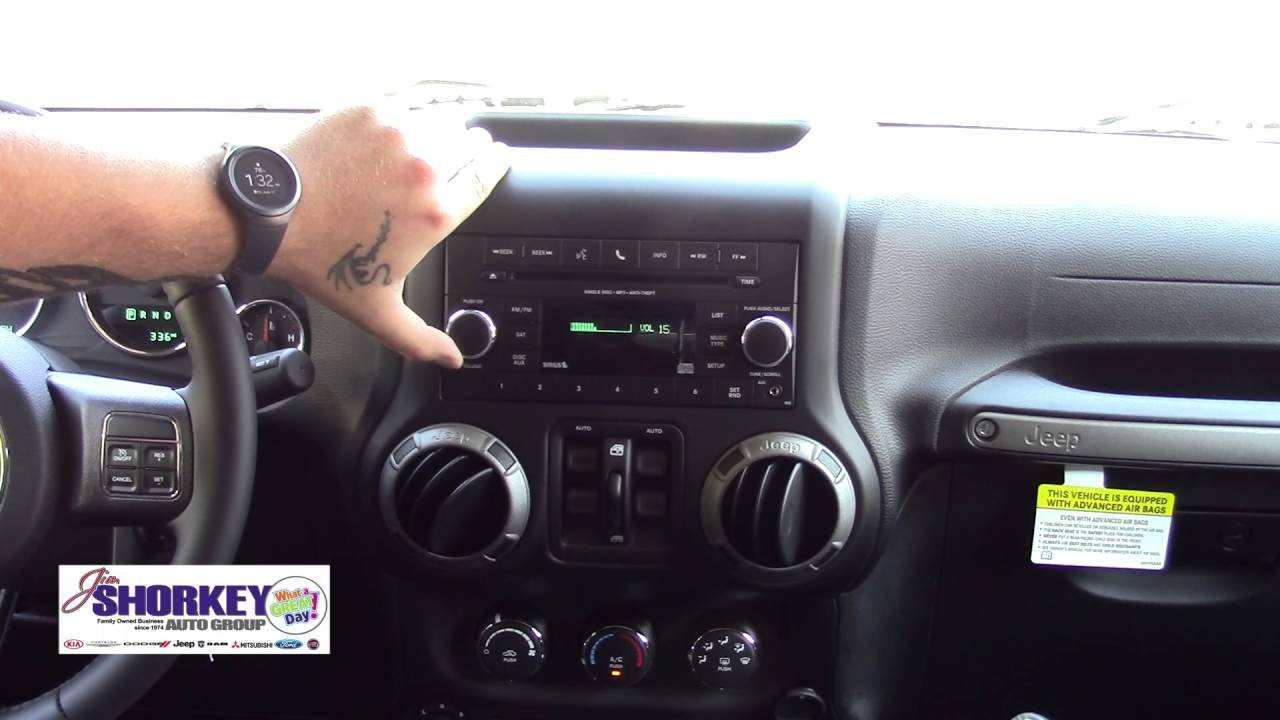
Connecting your smartphone or device to your Jeep Wrangler’s Bluetooth system unlocks a world of convenience. You can make hands-free calls, stream music, and access voice commands all without distraction.
For many drivers, though, getting Bluetooth to work the first time feels confusing.
Whether you drive a brand-new Wrangler or an older model, this guide will walk you through everything you need to know. You’ll get clear steps, practical tips, and real answers for common problems.
By the end, you’ll feel confident connecting any device to your Wrangler’s Bluetooth.
Understanding Jeep Wrangler Bluetooth
Jeep Wrangler started offering Bluetooth in the 2007 model year. Newer Wranglers come with advanced systems like Uconnect, which allow easy pairing and extra features. Older models may have basic Bluetooth for calls only. The key difference is the interface—touchscreen vs button controls.
Bluetooth lets you connect devices wirelessly. Once paired, your phone interacts with the Jeep’s audio system. You can make calls, listen to music, and use navigation. Most Wranglers support Bluetooth 4.0 or higher, which means stable and fast connections.
Bluetooth Versions In Wrangler Models
Here’s a quick overview of Bluetooth capabilities by model year:
| Model Year | System | Main Features |
|---|---|---|
| 2007-2010 | Basic Bluetooth | Hands-free calling |
| 2011-2017 | Uconnect 3.0/4.0 | Calling, basic audio streaming |
| 2018-present | Uconnect 4/5 | Calls, audio, navigation, voice commands |
If you’re not sure about your Wrangler’s Bluetooth system, check your owner’s manual or look for the Uconnect logo on the dashboard display.
Preparing Your Device For Pairing
Before connecting, make sure your phone or tablet is ready. This step prevents most common Bluetooth issues.
- Enable Bluetooth: Go to your device’s Settings and turn on Bluetooth.
- Update Software: Having the latest updates helps compatibility. Update your phone’s operating system if needed.
- Clear Old Connections: If your device has paired with other cars, remove those connections to avoid confusion.
- Charge Your Device: Low battery can interfere with Bluetooth performance.
For best results, only turn on Bluetooth when you’re ready to pair. This avoids accidental pairing with other devices nearby.
Step-by-step Guide: Pairing Bluetooth In Jeep Wrangler
The process varies slightly by model year, but these steps cover most Wranglers.
Pairing With Uconnect (2011 And Newer)
- Start Your Jeep: Turn on the ignition or start the engine. The system needs power.
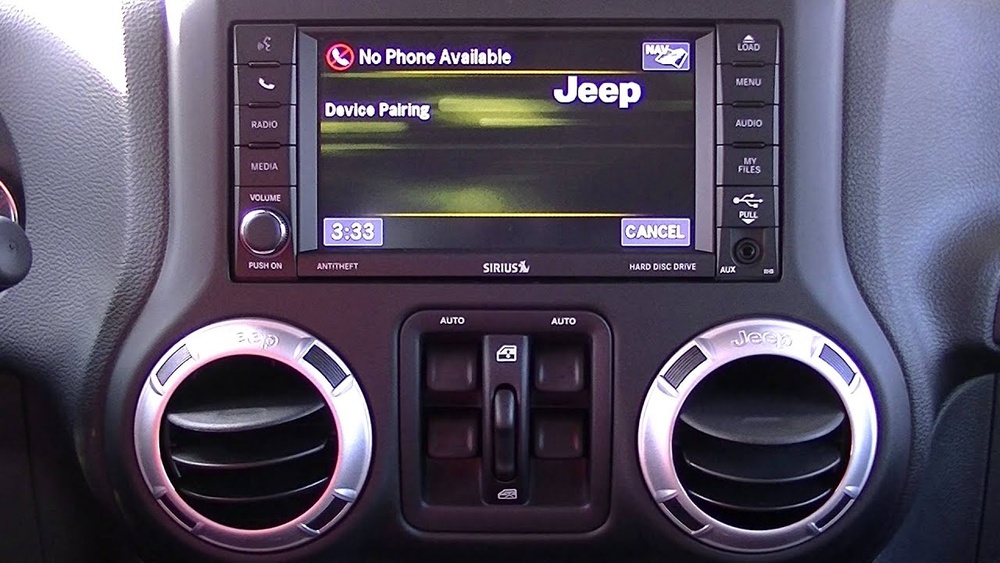
- Access Uconnect Menu: On the touchscreen, tap ‘Phone’ or press the phone button.
- Select ‘Pair New Device’: The system will display a prompt.
- Activate Bluetooth on Your Phone: Set your device to ‘Discoverable’ mode.
- Find ‘Jeep Uconnect’: Your phone will show this under available devices.
- Enter PIN (if needed): The Jeep’s screen may display a PIN. Enter it on your phone. Common PINs are 0000 or 1234.
- Confirm Connection: Uconnect will display a message like ‘Paired Successfully.’
Some Wranglers allow you to pair multiple devices. If you want to connect more than one phone, repeat the steps.
Pairing With Basic Bluetooth (2007–2010)
- Turn on the Jeep: Bluetooth needs the vehicle to be powered.
- Press the ‘Voice’ Button: Usually found on the steering wheel.
- Say ‘Pair’: The system will prompt you.
- Activate Bluetooth on Your Phone: Make your device discoverable.
- Select ‘Jeep’ from Devices: Enter the PIN shown.
- Wait for Confirmation: The system will announce pairing success.
Older systems may not support audio streaming. You can use hands-free calls, but not music.
Troubleshooting Bluetooth Connection Issues
Bluetooth can be stubborn. If your Wrangler won’t connect, try these solutions:
- Restart Both Devices: Turn off your phone and the Jeep. Then, restart and try again.
- Delete Old Pairings: Remove previous connections in both the Jeep and your phone.
- Update Firmware: Check for updates for Uconnect or your vehicle’s infotainment system.
- Clear Bluetooth Cache: On Android phones, you can clear the cache in Bluetooth settings.
- Move Away from Other Devices: Bluetooth can get confused if too many devices are nearby.
Sometimes, interference comes from other electronics, like smartwatches or wireless headphones. Turn them off while pairing.
If you still have problems, check for recalls or updates at the official Jeep website.
Common Wrangler Bluetooth Problems
Here’s a breakdown of the most frequent issues and their fixes:
| Problem | Likely Cause | Fix |
|---|---|---|
| Can’t find Jeep in device list | Bluetooth not activated or discoverable | Turn on Bluetooth, restart phone |
| Pairing fails | Wrong PIN or software mismatch | Check PIN, update firmware |
| No sound during calls | Audio not routed correctly | Set phone audio output to car |
| Music won’t play | Older system or unsupported format | Check audio settings, use compatible app |
Making The Most Of Bluetooth Features
Bluetooth is more than just calls. Newer Jeep Wranglers offer several smart features:
- Audio Streaming: Play music, podcasts, or audiobooks from your phone.
- Voice Commands: Use Siri, Google Assistant, or Alexa through Uconnect.
- Navigation Integration: Get directions read aloud from your phone’s navigation app.
- SMS/Text Access: Some Uconnect systems let you read and reply to messages hands-free.
One thing many drivers miss: You can set up priority devices. If several phones are paired, you can choose which one connects automatically. This is useful if you share your Wrangler with family.
Bluetooth Vs Wired Connection
Some users wonder if Bluetooth is as good as plugging in their phone. Here’s a quick comparison:
| Feature | Bluetooth | Wired (USB/AUX) |
|---|---|---|
| Audio Quality | Good, sometimes compressed | Excellent, lossless |
| Convenience | Wireless, hands-free | Needs cable, less flexible |
| Charging | No charging | Charges phone |
| Voice Commands | Fully supported | Depends on system |
| Supported Apps | Most music/call apps | All apps, plus Apple CarPlay/Android Auto |
Bluetooth is ideal for everyday use. For the best sound, use a wired connection.
For hands-free calls and simple streaming, Bluetooth is enough.
Tips For Reliable Bluetooth In Jeep Wrangler
Most problems happen from small mistakes or overlooked settings. Here are some proven tips:
- Pair in Park: Always pair your device when the Jeep is parked. Some systems block pairing while driving for safety.
- Keep Devices Close: Hold your phone near the dashboard during pairing.
- Avoid Multiple Bluetooth Devices: Turn off other Bluetooth gadgets to prevent interference.
- Update Regularly: Check for updates for both your phone and Jeep’s infotainment system.
- Set Auto Connect: In Uconnect, you can set your phone to connect automatically. This saves time every trip.
Many drivers forget to check their phone’s Bluetooth settings after pairing. Make sure your Wrangler is set as the default audio device, especially for calls.
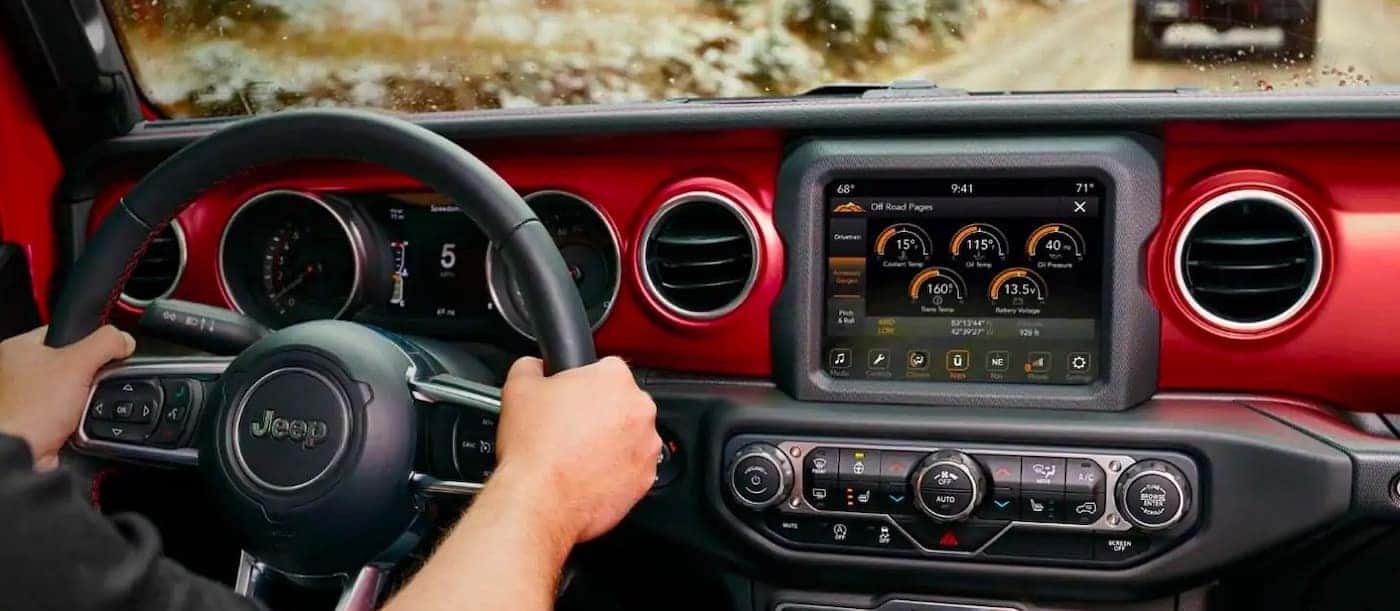
Real-world Example: Connecting An Iphone To A 2022 Jeep Wrangler
Let’s walk through a practical example.
- Start Jeep: Turn on the engine and let the Uconnect system boot.
- Open Uconnect: Tap ‘Phone’ on the touchscreen.
- Tap ‘Add Device’: The system displays a pairing prompt.
- On iPhone, go to Settings > Bluetooth: Wait for ‘Jeep Uconnect’ to appear.
- Tap ‘Jeep Uconnect’: Enter the PIN shown on the Jeep’s screen.
- Allow Contacts and Notifications: Grant permissions for calls and texts.
- Connection Confirmed: Uconnect displays your phone’s name.
Now, you can make calls, play music, and use Siri. If you want to switch phones, repeat the process.
Safety And Privacy Considerations
Bluetooth is secure, but there are a few things to keep in mind:
- Don’t Pair in Public Places: Someone else could try to connect to your Wrangler.
- Remove Devices You Don’t Use: Delete old pairings to protect your privacy.
- Disable Bluetooth When Not Needed: This prevents unwanted connections.
Some drivers worry about privacy. When your phone connects, the Jeep can access contacts, call history, and texts. Only grant permissions you’re comfortable with.

When Bluetooth Won’t Work: Next Steps
If you’ve tried everything and Bluetooth still doesn’t work, consider:
- Factory Reset Uconnect: This clears all settings and pairings.
- Visit a Jeep Dealer: They can update software or replace faulty hardware.
- Check for Recalls: Sometimes, Jeep releases software updates to fix Bluetooth problems.
External resources can help with advanced troubleshooting. For official advice, visit the Jeep Connectivity page.
Frequently Asked Questions
How Many Devices Can I Pair With My Jeep Wrangler’s Bluetooth?
Most newer Wranglers let you pair up to 7 devices. Only one device connects at a time for calls and audio. If you want to switch, disconnect the current device and connect another.
Can I Stream Music From Any App With Wrangler Bluetooth?
Yes, if your Wrangler has Uconnect 4 or newer. You can use apps like Spotify, Apple Music, or Pandora. Older Wranglers (2007–2010) may only support calls, not audio streaming.
What Should I Do If My Wrangler Bluetooth Keeps Disconnecting?
Try these steps:
- Update your phone and Jeep’s software.
- Remove and re-pair the device.
- Keep your phone charged.
- Avoid using other Bluetooth devices nearby.
Is Bluetooth Available On All Jeep Wrangler Trims?
Most trims from 2011 onward have Bluetooth. Some basic trims may not include advanced features like audio streaming or voice commands. Always check your Jeep’s specs.
Can I Use Bluetooth And Apple Carplay At The Same Time?
You can pair both, but only one will handle audio and calls. When you plug in for Apple CarPlay, Bluetooth audio turns off. Disconnect CarPlay to use Bluetooth again.
Connecting to Bluetooth in your Jeep Wrangler is simple once you know the right steps. With the information above, you’ll avoid common mistakes, maximize features, and enjoy safer driving.
Whether you’re making calls or streaming music, Bluetooth keeps you connected without distraction.
If you ever have trouble, use the troubleshooting tips or visit Jeep’s official support for help. Enjoy your Wrangler’s smart technology and drive with confidence.