Connecting your phone to the Uconnect system in a Jeep 2016 can transform your driving experience. You gain hands-free calling, music streaming, and access to apps—all safely integrated with your vehicle’s dashboard. But for many, the process feels confusing. This guide makes it simple, even if you’re not a tech expert. You’ll learn step-by-step how to connect your device, solve common problems, and discover extra tips that most beginners miss.
Understanding Uconnect In Jeep 2016
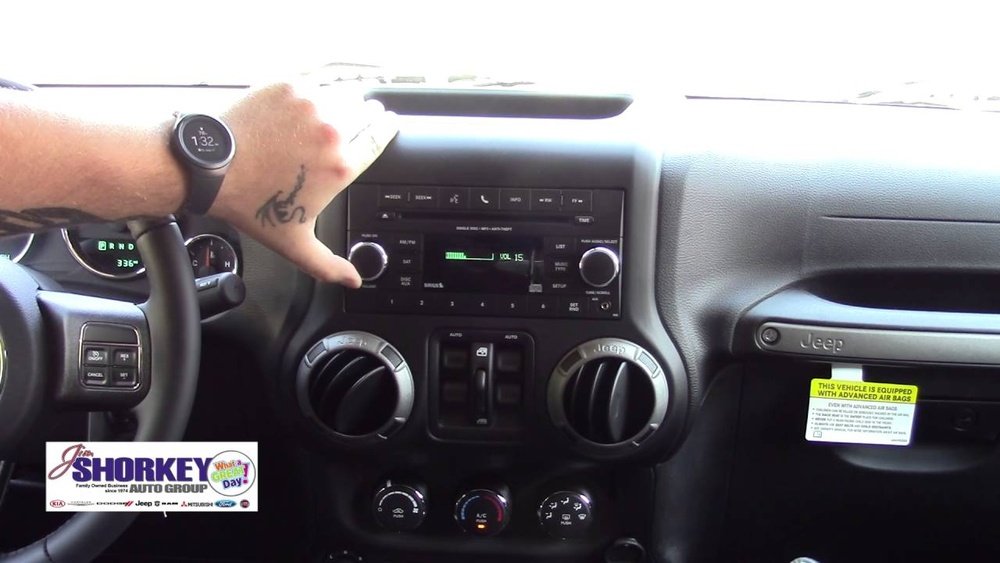
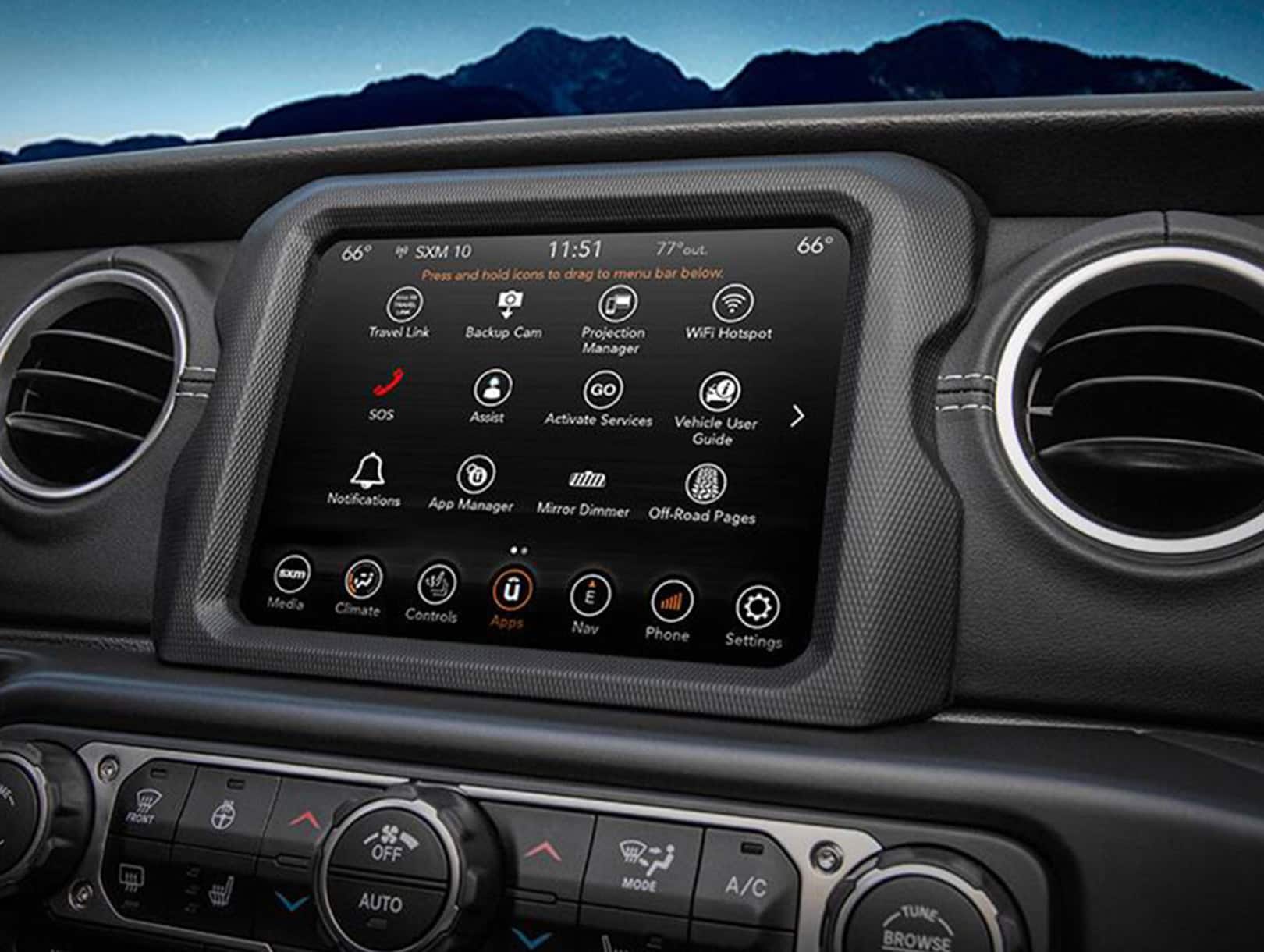
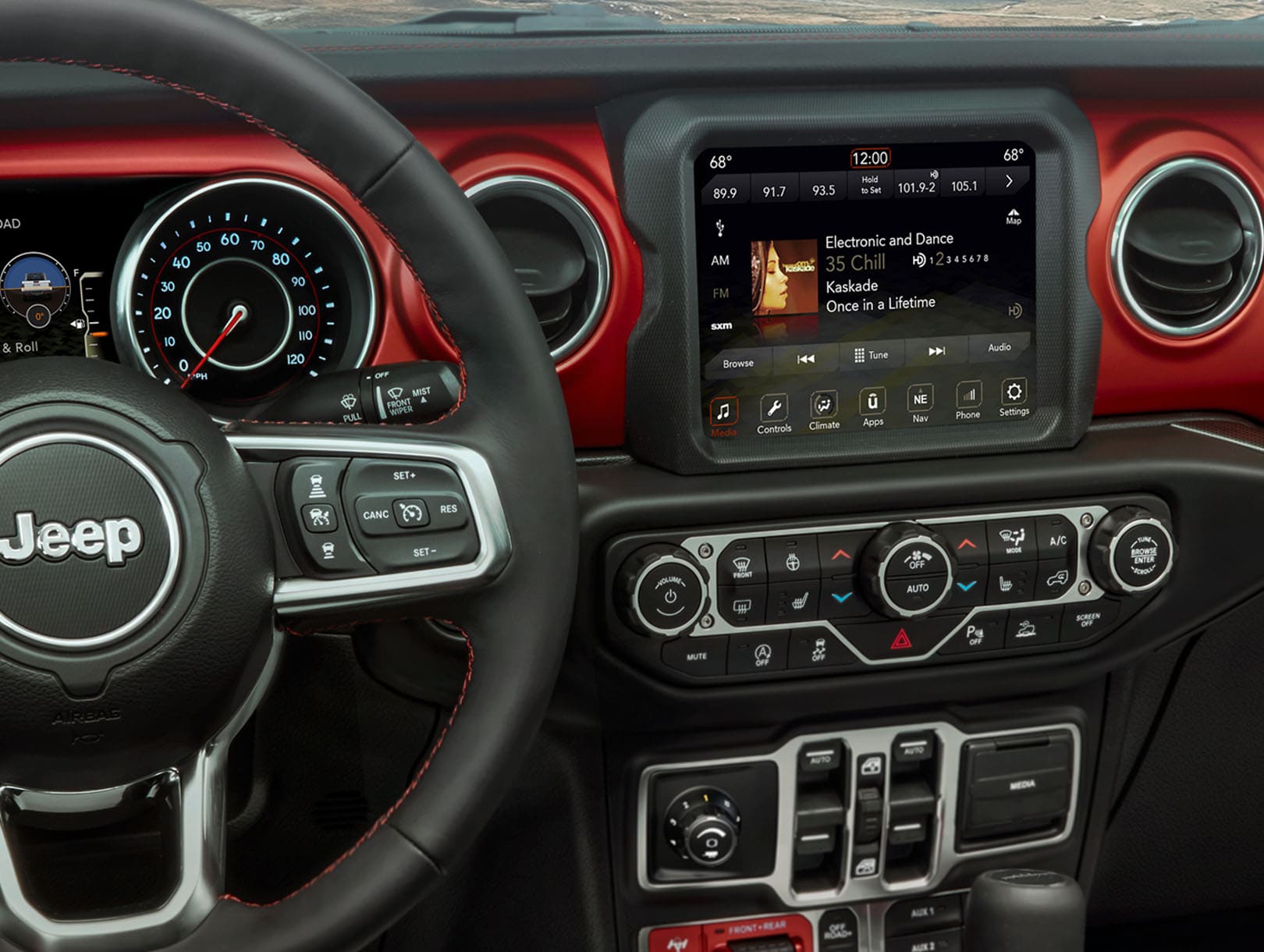
The Uconnect system is Chrysler’s infotainment solution, installed in many Jeep vehicles. In the 2016 Jeep models, Uconnect comes in several versions: 5.0, 8.4, and 8.4 NAV. Each version has Bluetooth, but the features and screen layouts may differ. The main purpose is to allow drivers to connect their phones for hands-free communication, media streaming, and navigation.
Key features:
- Bluetooth audio and phone integration
- Voice command for calls and texts
- Touchscreen controls
- Access to apps (depending on version)
- USB and auxiliary ports
Knowing which Uconnect version you have helps, but the connection process is similar for all 2016 Jeep Uconnect systems.
Preparing Your Phone And Jeep For Connection
Before you begin, make sure both your phone and Jeep are ready. If you skip these steps, you might face issues later.
- Turn on Bluetooth: Open your phone’s settings and enable Bluetooth. For iPhone, go to Settings > Bluetooth. For Android, swipe down and tap the Bluetooth icon.
- Check compatibility: Uconnect works with most modern smartphones. However, some older phones may not connect or may lose features.
- Update software: Ensure your phone and Uconnect have the latest updates. Outdated software can cause pairing problems.
- Clean paired devices: If your Jeep or phone has many previously paired devices, delete unused ones. Uconnect usually supports up to 7 paired devices; exceeding this can cause confusion.
Step-by-step Guide: Connecting Your Phone To Uconnect Jeep 2016
Follow these steps carefully. The process is straightforward, but attention to detail matters.
- Start your Jeep: Turn the ignition to ACC or ON. The Uconnect system needs power.
- Access Uconnect Bluetooth settings:
- Tap the Phone icon on your Uconnect touchscreen.
- If no phone is connected, the system prompts: “Would you like to pair a phone?” Select “Yes.”
- If a phone is already paired, tap “Settings” or “Add Device.”
- Begin pairing:
- On the Jeep screen, select “Add Device” or “Pair New Device.”
- The Uconnect screen shows a device name (usually “Uconnect” plus a number) and a PIN code.
- Open your phone’s Bluetooth settings:
- Find the list of available devices.
- Select your Jeep’s Uconnect from the list.
- Enter the PIN displayed on the Jeep’s screen if prompted.
- Confirm pairing:
- The Jeep screen will show a confirmation message.
- Your phone may ask for permission to sync contacts and messages—allow these for full functionality.
- Test connection:
- Make a call or play music to check if audio comes through the car speakers.
Example: Pairing An Iphone
Let’s say you have an iPhone 12. After turning on Bluetooth and starting your Jeep, tap the Phone icon on Uconnect.
On your iPhone, you’ll see “Uconnect” appear under “Other Devices. ” Tap it, enter the PIN, and you’re connected.
You can now use Siri through the car, play Apple Music, and make calls hands-free.
Troubleshooting Common Connection Problems
Sometimes, pairing doesn’t work smoothly. Here are the most frequent issues and practical solutions:
- Phone doesn’t see Uconnect: Restart both your phone and the Uconnect system. Make sure Bluetooth is on and visible.
- Pairing fails or disconnects: Delete the Uconnect profile from your phone, and restart the pairing process. Clear old devices from Uconnect memory.
- Audio problems: If calls or music don’t play through speakers, check the audio source on Uconnect. Sometimes it defaults to “Radio” or “AUX” instead of “Bluetooth.”
- Contacts not syncing: Grant permission for contacts when pairing. If you missed this, go to Bluetooth settings on your phone and enable “Sync Contacts.”
- Multiple devices confusion: Only one phone can be active at a time. If you have several paired devices, Uconnect may struggle to connect to the right one. Set your preferred phone as “Primary” in Uconnect settings.
Table: Common Bluetooth Issues And Solutions
| Problem | Likely Cause | Solution |
|---|---|---|
| Phone not found | Bluetooth off or hidden | Turn Bluetooth on and set phone to visible |
| Pairing fails | Too many paired devices | Delete old devices from Uconnect and phone |
| Audio not playing | Incorrect audio source | Switch Uconnect to Bluetooth audio |
| Contacts missing | No permission granted | Allow contact sync in phone’s Bluetooth settings |
| Frequent disconnects | Software outdated | Update phone and Uconnect software |

Advanced Features: Making The Most Of Uconnect
Once your phone is connected, you can unlock more than just calling and music. Here are some features many users overlook:
- Voice commands: Press the steering wheel button and say commands like “Call John” or “Play music.” This keeps your hands on the wheel and eyes on the road.
- Text messaging: Some Uconnect versions let you dictate and listen to texts. Enable “Message Access” when pairing. Not all phones support this, but recent Androids and iPhones often do.
- Navigation integration: If your Jeep has Uconnect 8.4 NAV, you can send locations from your phone to the car’s navigation system. This saves time and reduces typing errors.
- App access: Uconnect supports apps like Pandora, iHeartRadio, and more. You may need to install the Uconnect app on your phone for full compatibility.
Table: Uconnect Feature Comparison By Version
| Feature | Uconnect 5.0 | Uconnect 8.4 | Uconnect 8.4 NAV |
|---|---|---|---|
| Bluetooth Calling | Yes | Yes | Yes |
| Bluetooth Audio | Yes | Yes | Yes |
| Navigation | No | No | Yes |
| Voice Texting | Limited | Yes | Yes |
| App Integration | No | Yes | Yes |
Useful Tips And Non-obvious Insights
Most drivers pair their phones and stop there. But you can do much more with Uconnect if you know these extra tricks:
- Pairing multiple phones: Uconnect can store several devices, but only one is active at a time. You can switch between phones in the settings menu. This is useful if you share your Jeep with family.
- Automatic connection: Once paired, your phone should connect automatically when you start your Jeep. If it doesn’t, check if Bluetooth is enabled before entering the car.
- Privacy controls: You can choose which contacts sync. This is helpful if you want to keep work and personal contacts separate.
- Firmware updates: Jeep dealerships sometimes offer Uconnect updates for free. These updates fix bugs and add new features. Ask your dealer about updates during regular service.
Table: Uconnect Vs. Other Infotainment Systems
Comparing Uconnect to similar systems helps you understand its strengths.
| System | Bluetooth Ease | App Support | Voice Control | Updates |
|---|---|---|---|---|
| Uconnect (Jeep 2016) | Simple | Moderate | Reliable | Dealership |
| Ford Sync | Moderate | Strong | Advanced | Online/Dealer |
| Toyota Entune | Easy | Weak | Basic | Dealer |
| HondaLink | Simple | Moderate | Limited | Online |
Safety And Privacy Considerations
Connecting your phone means sharing contacts, messages, and sometimes locations. Here are some ways to protect your privacy:
- Delete old devices: If you sell your Jeep or use a rental, remove your phone from Uconnect to avoid sharing personal data.
- Manage permissions: Only allow contact and message access if needed. You can adjust these in your phone’s Bluetooth settings.
- Be aware of automatic pairing: If multiple phones are paired, the one with the strongest signal connects first. If you don’t want your device to connect automatically, turn off Bluetooth before entering the car.
Real-world Data: Uconnect Usage Statistics
According to a 2022 survey, more than 78% of Jeep owners use Uconnect for hands-free calling, and about 64% stream music regularly. Only 34% use navigation integration, mostly due to preference for phone-based apps like Google Maps. Common complaints include slow software updates and confusion when pairing multiple phones.
Frequently Asked Questions
What Phones Are Compatible With Uconnect In Jeep 2016?
Most modern smartphones, including iPhone and Android devices, work with Uconnect. Compatibility can depend on software versions. For the latest list, visit the official Uconnect website or your Jeep dealer.
Can I Connect More Than One Phone To Uconnect?
Yes, you can pair multiple phones (up to 7). However, only one phone can be active at a time. Switch between paired devices in the Uconnect settings menu.
Why Won’t My Phone Stay Connected To Uconnect?
Frequent disconnects may be caused by outdated software, interference from other devices, or too many paired devices. Update your phone and Uconnect, and remove unused devices to solve this problem.
How Do I Update Uconnect Software?
You can update Uconnect by visiting a Jeep dealership. Some updates are available online, but dealers often perform them for free during routine maintenance.
Keeping Uconnect updated improves stability and adds features.
Is It Safe To Sync Contacts And Messages With Uconnect?
Yes, syncing contacts and messages is safe, but remember that your data is stored in the vehicle’s system. If you sell or lend your Jeep, remove your phone and clear personal data from Uconnect for privacy.
Connecting your phone to Uconnect in your Jeep 2016 opens up a world of convenience and safety. With these steps and insights, you can enjoy hands-free communication, music, and navigation—making every drive more enjoyable. If you want more technical details or compatibility info, check the official Jeep Uconnect site. Whether you’re a beginner or just want to improve your Uconnect skills, this guide has you covered.


















