Getting your phone connected to your 2018 Jeep Wrangler can make every drive smoother and more enjoyable. Whether you want to play your favorite music, take hands-free calls, or use navigation apps, connecting your device unlocks a range of features.
The process is simple, but it’s easy to miss small steps that can create frustration. This guide will help you connect your phone quickly and avoid common mistakes, so you can focus on the road.
Understanding Your Wrangler’s Connectivity Options
The 2018 Jeep Wrangler offers several ways to connect your phone. The most common are Bluetooth, USB, and Apple CarPlay/Android Auto (if equipped). Not every Wrangler has all options—what you can use depends on your trim level and infotainment system. Most models have the Uconnect system, but features can differ.
Bluetooth
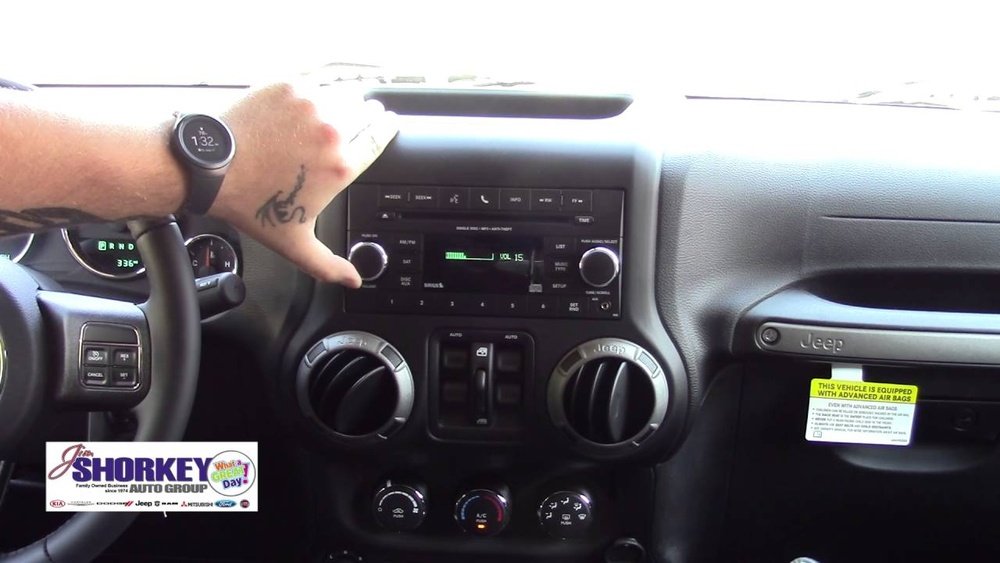
Bluetooth is the default option for most 2018 Wranglers. It allows wireless calls, music streaming, and some voice commands.
Usb Connection
A USB cable offers a more stable connection and supports charging. It’s also needed for Apple CarPlay and Android Auto.
Apple Carplay And Android Auto
These systems mirror your phone’s apps on the Wrangler’s touchscreen. They need a USB connection and are only available on Wranglers with the 7-inch or 8. 4-inch Uconnect system.
How To Connect Your Phone Via Bluetooth
Bluetooth is the easiest way to connect for most drivers. Here’s how to do it:
- Start your Jeep and keep it in Park. The system won’t allow new connections while driving.
- Enable Bluetooth on your phone. Go to your phone’s settings and turn Bluetooth on.
- Access the Uconnect system. On your Jeep’s touchscreen, tap “Phone.”
- Select “Pair a Device.” The system will search for available devices.
- Choose your Jeep on your phone. Your phone should show “Uconnect” as a discoverable device—select it.
- Verify the PIN. A code appears on both screens. Make sure they match, then confirm on both the phone and Uconnect.
- Allow contacts and messages. If prompted, let your Jeep access your contacts for hands-free calls and texts.
Tip: Delete old connections you’re not using. Too many saved devices can cause pairing problems.
Using Usb For A Wired Connection
A USB connection is sometimes more reliable than Bluetooth, especially for longer drives or if you want to use CarPlay or Android Auto.
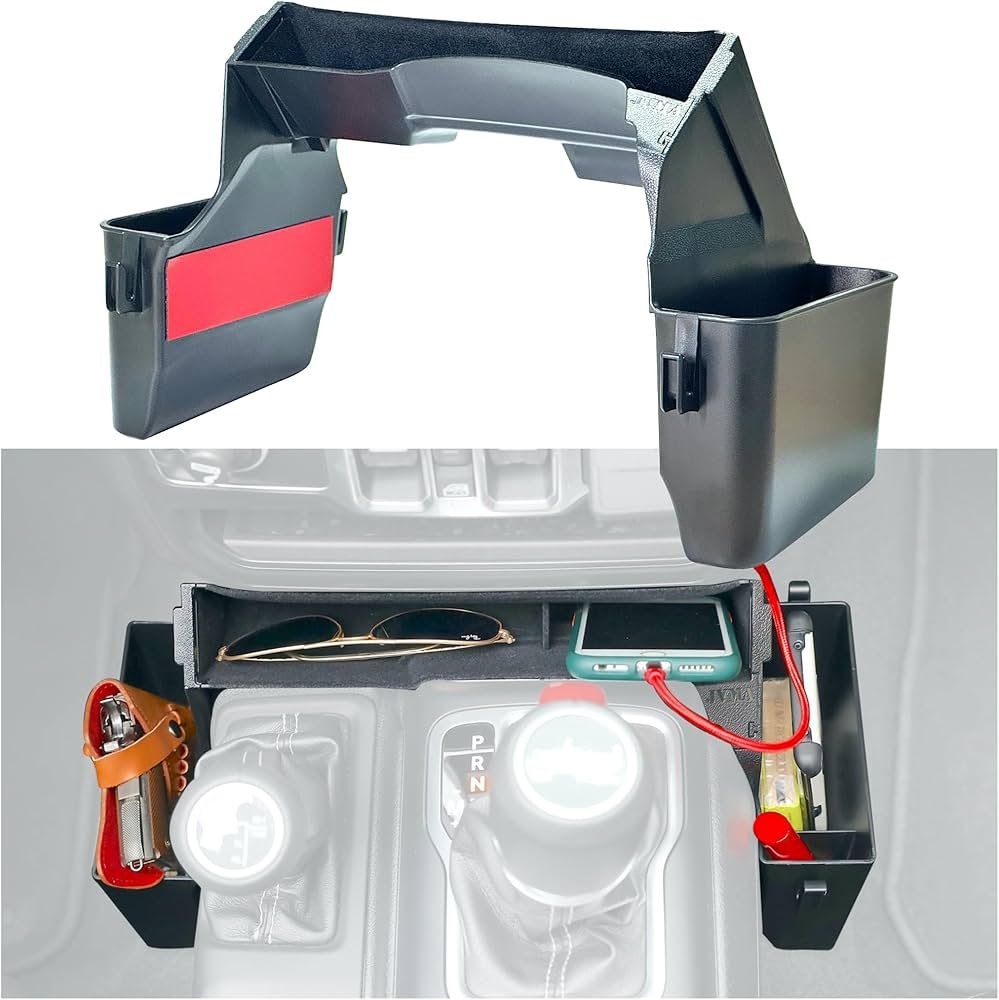
- Locate the USB port. In most 2018 Wranglers, it’s in the center console or near the gear shifter.
- Plug in your phone. Use your device’s original cable for best results.
- Follow on-screen prompts. The Uconnect system should detect your phone and ask if you want to use CarPlay, Android Auto, or just charge.
Insight: Some third-party cables do not transmit data—always use a high-quality or the original cable for a successful connection.
Setting Up Apple Carplay And Android Auto
If your Wrangler has a 7-inch or 8. 4-inch Uconnect screen, you can use these advanced features.
- Connect via USB. Plug your iPhone or Android device into the Jeep’s USB port.
- Grant permissions. Your phone may ask to unlock and give permission to connect.
- Access apps on Uconnect. The home screen will show CarPlay or Android Auto icons. Tap to launch.
- Use voice commands. Press the steering wheel voice button to ask Siri or Google Assistant for directions, texts, or music.
Common mistake: Not all USB ports in the Jeep support data connection. If one doesn’t work, try another port.
Troubleshooting Connection Issues
If you’re having trouble, check these points:
- Update your phone and Uconnect system to the latest software.
- Restart both devices if pairing fails.
- Delete old connections from your phone and Uconnect.
- Check compatibility—older phones or certain trims may not support all features.
Sometimes, interference from other devices or low battery can prevent a successful connection. Also, remember that some features need the vehicle to be in Park.
Data Table: Compatibility By Trim Level
Understanding what your Jeep supports is important. Here’s how the main features break down by trim:
| Trim Level | Bluetooth | Apple CarPlay | Android Auto |
|---|---|---|---|
| Sport | Yes | No | No |
| Sahara | Yes | Optional | Optional |
| Rubicon | Yes | Optional | Optional |
| Moab | Yes | Yes | Yes |
Data Table: Bluetooth Vs. Usb Comparison
It helps to know the benefits and limits of each connection method:
| Feature | Bluetooth | USB |
|---|---|---|
| Audio Quality | Good | Best |
| Phone Calls | Yes | Yes |
| App Integration | Limited | Full (CarPlay/Android Auto) |
| Charging | No | Yes |
Safety And Privacy Tips
Connecting your phone gives access to personal information. Here are a few tips:
- Clear your data before selling or trading in your Jeep.
- Limit permissions if you only want to use music or calls.
- Check privacy settings on your phone for contact and message sharing.
External Resource
For more detailed Jeep Uconnect support and updates, visit the official Jeep Uconnect site.
Frequently Asked Questions
How Do I Delete A Paired Phone From My Jeep Wrangler?
Go to the Uconnect “Phone” menu, find “Paired Devices,” select the device you want to remove, and choose “Delete” or “Forget. ”
Why Won’t My Phone Connect To Bluetooth?
Make sure Bluetooth is on and discoverable on your phone. Delete old connections, restart both the phone and Uconnect, and try pairing again.
Can I Use Wireless Apple Carplay Or Android Auto?
The 2018 Wrangler only supports wired CarPlay and Android Auto. Wireless versions are available in newer models.
What Should I Do If Music Doesn’t Play After Connecting?
Check your phone’s media volume, make sure audio is sent to “Uconnect,” and try using another app. If using USB, try another cable.
Is There A Way To Update My Uconnect System?
Yes, you can update via USB or at your dealership. Check your system version and download updates from the official Jeep site.
Connecting your phone to your 2018 Jeep Wrangler is a quick way to make every drive more enjoyable and safe. Take a few minutes to set it up your music, calls, and apps will be right at your fingertips.