Pairing your phone to your Jeep Compass using Bluetooth can make driving safer and more enjoyable. You can listen to music, answer calls hands-free, and use navigation apps without touching your phone. But for many owners, connecting Bluetooth for the first time feels confusing. This guide breaks down the process so anyone can set up Bluetooth in minutes—even if you’re not a tech expert.
What You Need Before You Start
Check these items before pairing:
- Compatible smartphone: IPhone or Android with Bluetooth enabled.
- Jeep Compass with Uconnect system: Most 2017 and newer Compass models have Uconnect 4 or Uconnect 5, which support Bluetooth.
- Vehicle in Park: For safety, always pair devices while parked.
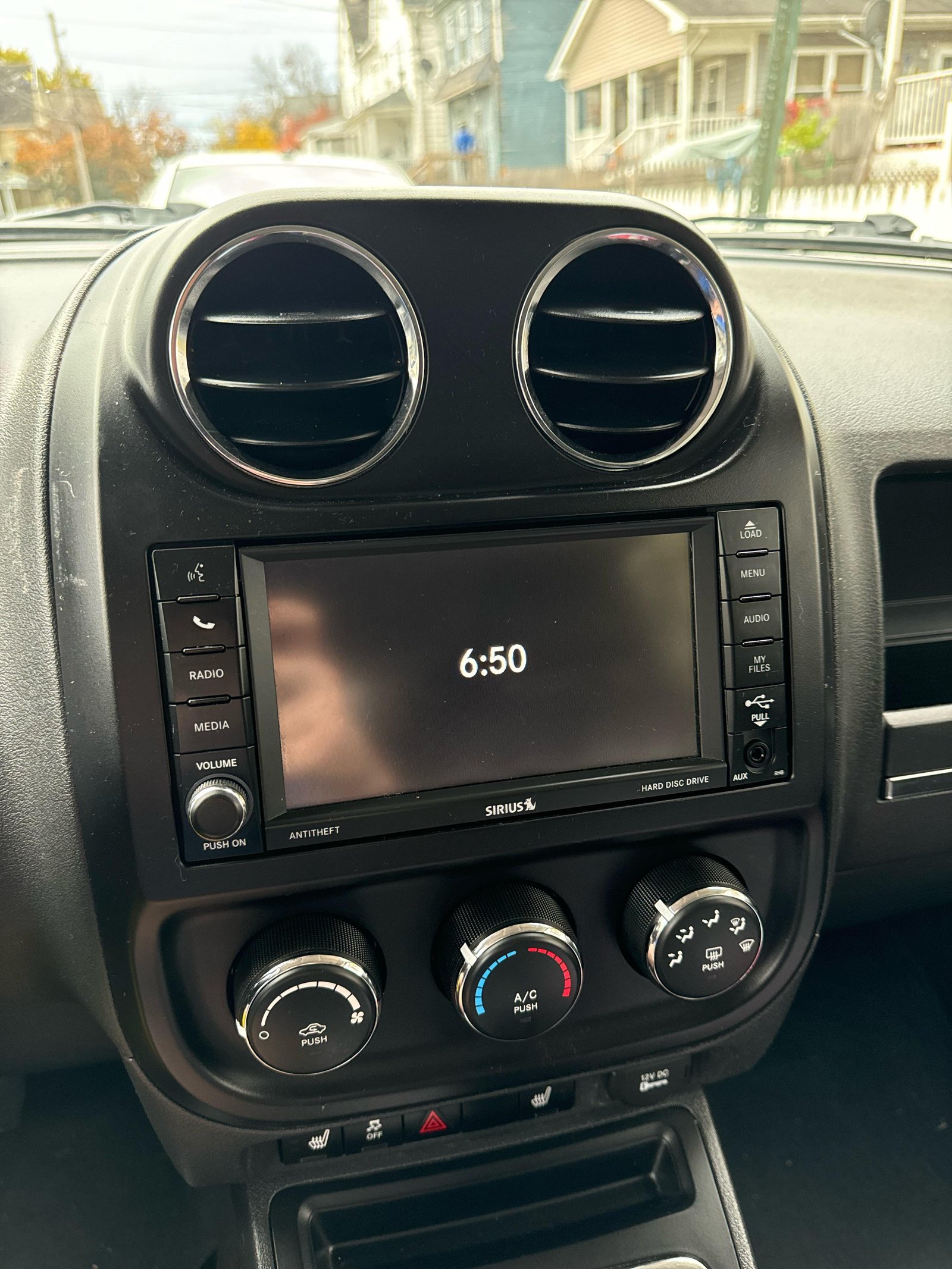
Some older Jeep Compass models may have different menus, but the basic steps are similar.
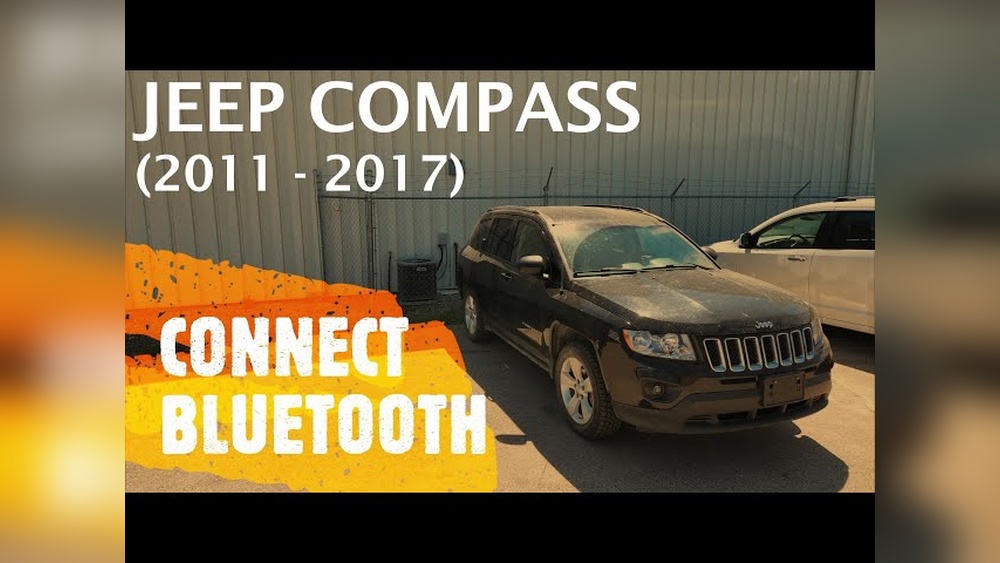
Step-by-step: Connecting Jeep Compass Bluetooth
Follow these steps to connect your phone to your Jeep Compass:
- Start your vehicle and keep it in Park.
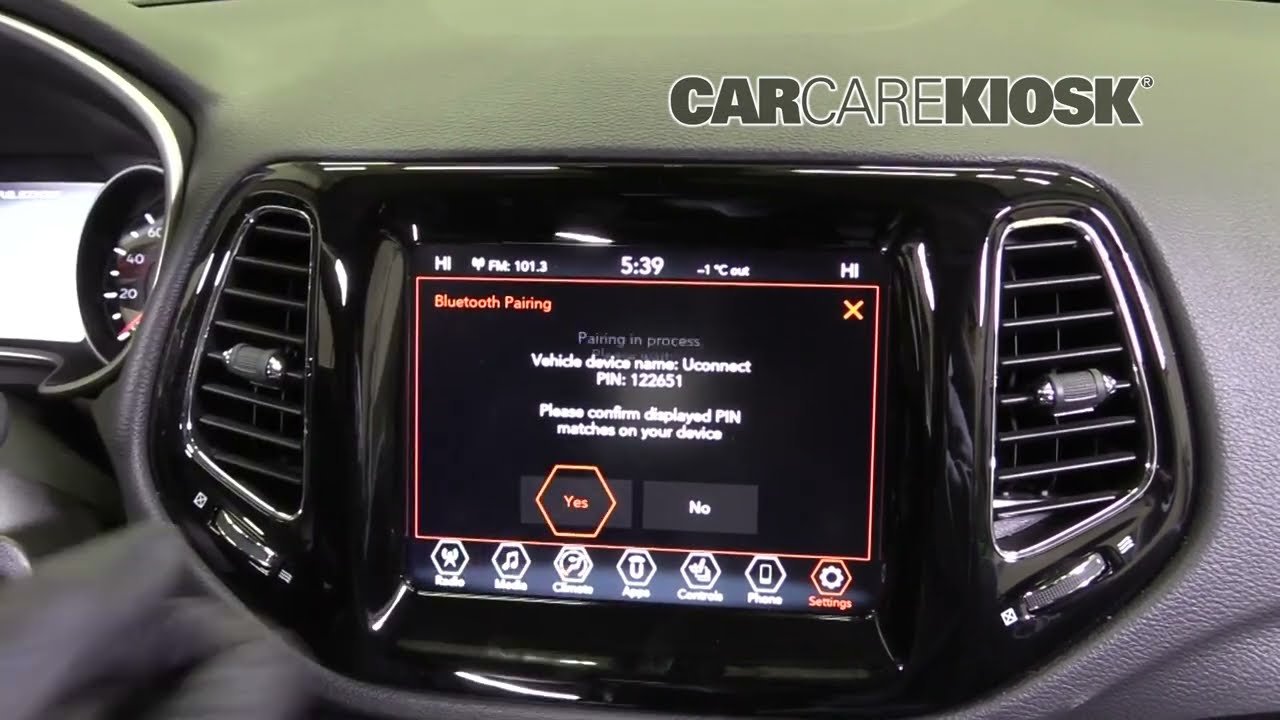
- On the Uconnect touchscreen, tap the “Phone” button.
- Select “Add Device” or “Pair a Device.”
- Open Bluetooth settings on your smartphone.
- Find “Uconnect” in the available devices list. Tap it.
- A PIN code will appear on both screens. Confirm the codes match and select “Pair” on your phone and the Uconnect screen.
- Choose if you want to allow contacts and messages access.
- The system will show “Device Paired” when complete.
If pairing fails, turn Bluetooth off and on again on your phone or restart the Uconnect system.
Example: Pairing An Iphone To Uconnect
- Go to “Settings” > “Bluetooth” on your iPhone.
- Make sure Bluetooth is on.
- Wait for “Uconnect” to appear under “Other Devices.”
- Tap “Uconnect,” confirm the pairing code, and select “Pair.”
Example: Pairing An Android Phone
- Open “Settings” > “Connected devices” > “Bluetooth.”
- Enable Bluetooth.
- Choose “Uconnect” from the list, verify the code, and tap “Pair.”

Jeep Compass Bluetooth Features Compared
Not all Jeep Compass models have the same Bluetooth features. Here’s a simple comparison between Uconnect versions:
| Feature | Uconnect 4 | Uconnect 5 |
|---|---|---|
| Bluetooth Calls | Yes | Yes |
| Bluetooth Audio Streaming | Yes | Yes |
| Apple CarPlay / Android Auto | Wired Only | Wireless Supported |
| Multiple Device Pairing | No | Yes (up to 2 devices) |
Tip: Uconnect 5 is faster and supports more features, but both systems allow safe, hands-free use.
Troubleshooting Common Bluetooth Problems
Bluetooth doesn’t always work perfectly. Here are some common issues and solutions:
- Phone won’t connect: Delete the Uconnect pairing from your phone and vehicle, then try pairing again.
- Calls but no audio streaming: Check if “Media Audio” is enabled in your phone’s Bluetooth menu.
- Music skips or drops: Move your phone closer to the dashboard or disconnect other Bluetooth devices nearby.
- Contacts not syncing: Give Uconnect permission to access your contacts when you pair.
If you keep having trouble, update your phone’s software and the Uconnect system.
When You May Need To Reset
If nothing works, you might need to reset your Uconnect system:
- Press and hold the volume and tuner knobs together for 10 seconds.
- The screen will go black and restart.
- Try pairing your phone again.
This can solve bugs that simple steps won’t fix.
Bluetooth Audio Vs. Other Connection Types
Bluetooth is convenient, but it’s not the only way to connect your phone to your Jeep Compass. Here’s how Bluetooth compares to other methods:
| Connection Type | Setup Required | Supports Calls | Supports Music | Navigation Apps |
|---|---|---|---|---|
| Bluetooth | Simple | Yes | Yes | Audio Only |
| USB (CarPlay/Android Auto) | Plug In | Yes | Yes | Full Display |
| Aux Cable | Plug In | No | Yes | Audio Only |
Insight: Bluetooth is great for calls and streaming, but using USB unlocks advanced features like navigation on your car’s screen.
Tips For A Smoother Bluetooth Experience
Many owners miss these simple tricks to keep Bluetooth working smoothly:
- Name your phone: If you have multiple devices, set a unique name for each. This prevents confusion when pairing.
- Keep software updated: Both your phone and Uconnect should run the latest updates. Old software can cause pairing failures.
- Delete old devices: Remove phones you no longer use from Uconnect to avoid connection errors.
- Stay in Park: Some functions, like pairing or entering a PIN, only work when the car is parked.
- Use “Do Not Disturb”: This can stop unnecessary notifications while you drive, making calls and music less likely to be interrupted.
Safety Note: Why Hands-free Matters
Using Bluetooth for calls and music keeps your hands on the wheel and eyes on the road. According to the National Highway Traffic Safety Administration (NHTSA), distracted driving caused over 3,100 deaths in the US in 2020. Always set up your phone before you start driving.
For more about safe driving technology, see the NHTSA’s distracted driving resources.
Frequently Asked Questions
How Many Phones Can I Connect To Jeep Compass Bluetooth?
Most Jeep Compass models allow you to pair up to eight phones, but only one phone can be active at a time on Uconnect 4. Uconnect 5 lets you connect two devices at once.
Why Can’t My Phone Find The Uconnect Bluetooth?
Make sure Bluetooth is enabled on your phone and your vehicle is in pairing mode. If you still can’t see “Uconnect,” restart your phone and the vehicle’s system, then try again.
Is Bluetooth Audio Quality As Good As Wired?
Bluetooth audio is good for most users, but audiophiles may notice a difference compared to USB or aux cables. Wireless is convenient, but wired connections offer slightly better quality.
Can I Use Voice Commands With Bluetooth In My Jeep Compass?
Yes, you can use your phone’s voice assistant (like Siri or Google Assistant) through the car’s audio system once Bluetooth is connected. Some commands may require additional permissions.
What Should I Do If Bluetooth Keeps Disconnecting?
Try deleting and re-pairing the device, keeping your phone close to the dashboard, and removing any unused paired devices from Uconnect. Also, check for software updates on both your phone and the Uconnect system.
Pairing your phone with your Jeep Compass Bluetooth doesn’t need to be complicated. With these steps and tips, you’ll enjoy hands-free calling and music in minutes making every drive safer and more enjoyable.



















