Pairing your Jeep Bluetooth speaker with your phone or another device should be simple, but many drivers get stuck. If you just bought a new Jeep or upgraded your sound system, connecting Bluetooth the right way makes a big difference. Good Bluetooth pairing means you enjoy hands-free calls, music streaming, and better safety while driving. Yet, many users miss small steps that cause frustration. This guide explains everything you need to know—step by step—so you never get lost, even if you’re not tech-savvy.
Understanding Your Jeep Bluetooth Speaker
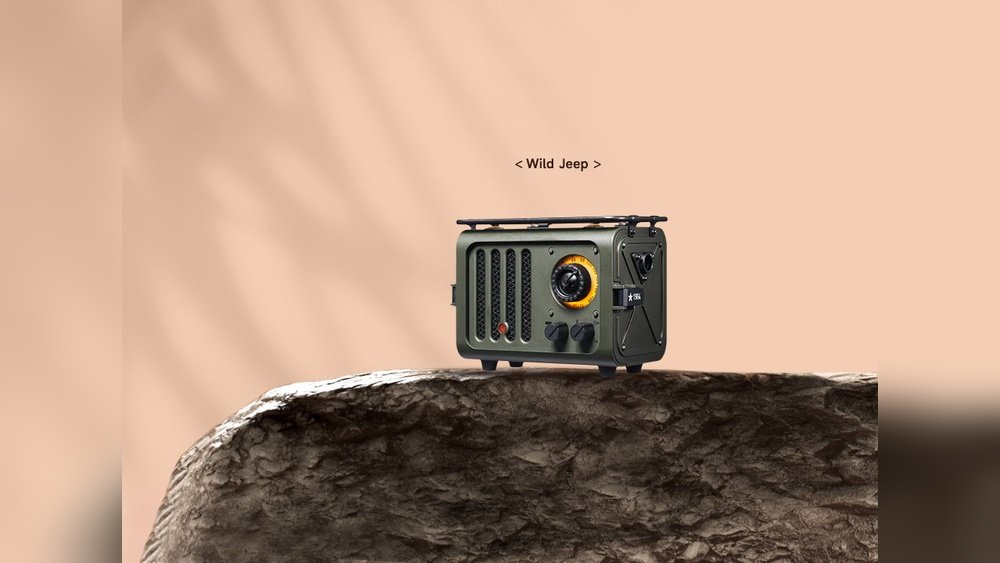
Most modern Jeep vehicles come with a built-in Bluetooth speaker system. This allows you to connect your smartphone, tablet, or even a laptop. Some models have a removable Bluetooth speaker (like the Jeep Gladiator), while others use the car’s main audio system.
Jeep’s Bluetooth can support:
- Music playback from apps like Spotify and Apple Music
- Hands-free calling
- Voice assistant access (such as Siri or Google Assistant)
Before you start, check if your Jeep model supports Bluetooth. Look for a “Media” or “Phone” button on your dashboard, or check your owner’s manual.
Step-by-step: How To Connect Your Jeep Bluetooth Speaker
- Turn On Your Jeep and Speaker
- Start your vehicle or switch to accessory mode.
- Ensure the Bluetooth speaker (if removable) is powered on.
- Activate Bluetooth on Your Device
- On your phone, go to Settings > Bluetooth.
- Make sure Bluetooth is turned on and your device is visible.
- Access the Jeep Uconnect System
- Tap the Phone or Media button on your Jeep’s touchscreen.
- Select Add Device or Pair a New Device.
- Pair Your Device
- Your Jeep system will display its name (like “Uconnect” or “Jeep”).
- On your phone, tap the matching name under available devices.
- A pairing code will appear on both screens. Confirm the code matches.
- Finalize Connection
- Accept any requests for contacts or media sharing.
- Wait for the system to confirm “Connected.”
- Test the Connection
- Play music or make a call to check audio output.
Here’s a quick look at what you should see during the process:
| Step | Jeep Screen | Phone Screen |
|---|---|---|
| Start Pairing | Pair a New Device | Searching for Devices |
| Select Device | Uconnect Ready | Uconnect (tap to pair) |
| Confirm Code | Pairing Code: 123456 | Confirm 123456? |
| Connected | Device Connected | Connected for Audio |
Troubleshooting Common Problems
Sometimes, pairing doesn’t work as expected. Here’s how to solve the most common issues:
- Bluetooth Not Showing Up: Restart both your Jeep and your phone. Make sure no other device is connected to your Jeep’s system.
- Pairing Fails: Delete old devices from your Jeep’s Bluetooth menu. Most systems only store 5–8 devices; too many can block new connections.
- Audio Not Playing: Check your phone’s Bluetooth settings. Ensure “Audio” is enabled for your Jeep.
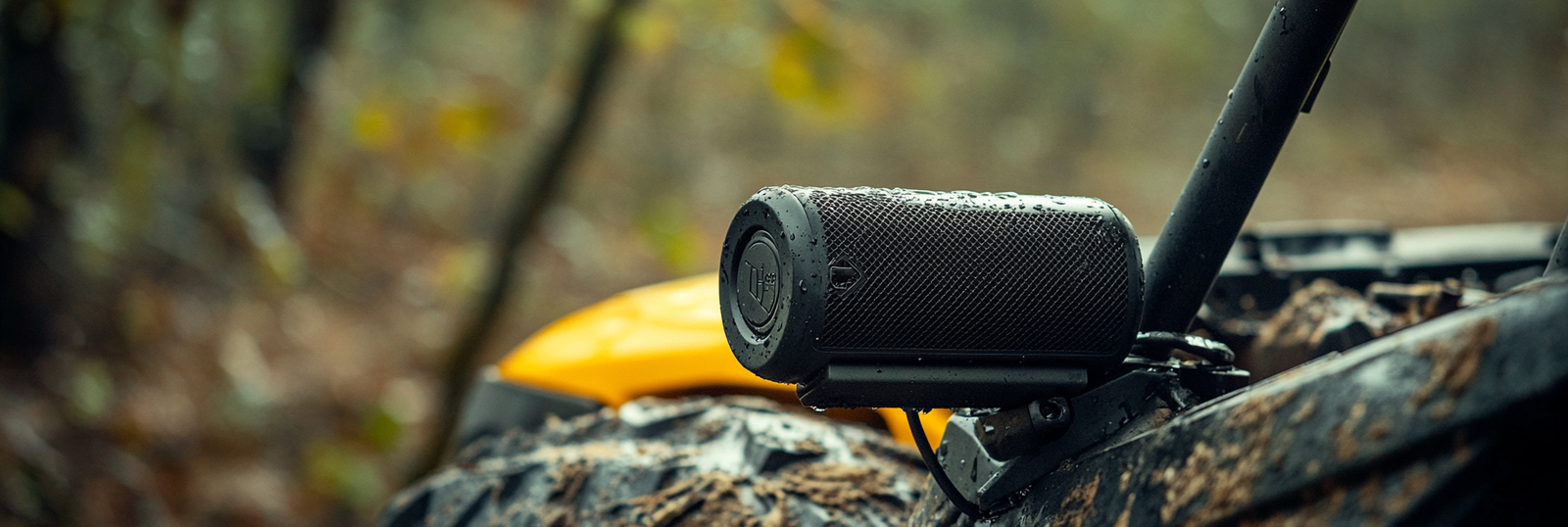
- Speaker Not Detected: If you have a removable Jeep speaker, make sure it’s fully charged and correctly docked.
One non-obvious tip: If you recently updated your phone’s software, delete the Jeep device and pair again. Updates sometimes reset Bluetooth compatibility.
Jeep Bluetooth Features You Might Miss
Jeep’s Bluetooth system is more than just music. Here are two features many owners overlook:
- Voice Commands
- Hold the Voice button on your steering wheel to call contacts, play music, or set navigation—all without touching your phone.
- Example: Say “Call John Smith” or “Play playlist Road Trip.”
- Multiple Device Pairing
- Some Jeep systems let you pair up to 7 devices. However, only one can stream audio at a time. You can switch devices in the Uconnect menu without re-pairing each time.
Here’s how Jeep compares to other brands for Bluetooth capacity:
| Brand | Max Devices Paired | Audio Streaming |
|---|---|---|
| Jeep (Uconnect) | 7 | 1 device at a time |
| Ford (SYNC) | 10 | 1 device at a time |
| Toyota (Entune) | 5 | 1 device at a time |
Tips For The Best Bluetooth Experience
- Update Uconnect software regularly. Jeep releases updates that improve compatibility and fix bugs. Visit your dealer or use a USB drive for updates.
- Keep your phone’s Bluetooth firmware updated. Some Android and iOS updates fix known issues.
- Name your phone something unique. This makes it easier to find when pairing.
- Remove old devices you no longer use. This avoids confusion and connection errors.
- Avoid connecting while moving. For safety, always pair your devices while parked.
A practical example: If you share your Jeep with family, each person can pair their phone. Just switch the active device before each drive.
When To Reset Your Jeep Bluetooth
If problems continue, a reset can help. Here’s how:
- Delete All Devices: Go to your Jeep’s Bluetooth menu and remove every device.
- Restart Your System: Turn off your Jeep, open and close the driver’s door, and wait 60 seconds.
- Pair Again: Start the pairing process from scratch.
This simple reset solves most stubborn issues.
Frequently Asked Questions
How Do I Disconnect My Phone From Jeep Bluetooth?
Go to the Bluetooth menu in your Jeep and select your phone. Choose “Remove” or “Forget Device.” You can also turn off Bluetooth on your phone to disconnect temporarily.
Can I Connect More Than One Phone At A Time?
Yes, you can pair multiple devices. However, only one phone can stream audio or handle calls at a time. Switch active devices in the Uconnect settings.
Why Is My Jeep Bluetooth Audio Choppy?
This can happen if your phone is far from the receiver, or if there are other wireless signals nearby. Try moving your phone closer or disconnecting other devices.
Does Jeep Bluetooth Work With Android Auto Or Apple Carplay?
Yes. When you connect through USB for Android Auto or Apple CarPlay, your phone uses a wired connection, but Bluetooth is still used for calls and some apps. Make sure both systems are enabled.
Where Can I Find Official Jeep Bluetooth Support?
For more help, visit the official Jeep Uconnect support page for guides and software updates.
Connecting your Jeep Bluetooth speaker opens up a safer, more enjoyable drive. With the right steps, you’ll have music, calls, and navigation at your fingertips without hassle or distraction.


















