Connecting your iPhone to a Jeep Compass can make driving safer and more enjoyable. You can play music, use navigation apps, and answer calls without distractions. Many Jeep Compass models offer Apple CarPlay or Bluetooth, so it’s easy to link your phone. But some drivers struggle with setup or face connection issues. Here, you’ll learn step-by-step methods, common mistakes, and practical tips to ensure your iPhone works perfectly with your Jeep Compass.
Understanding Compatibility
Before connecting, check your Jeep Compass model year. Apple CarPlay is available in most Compass models from 2017 onwards. Older models may only support Bluetooth. Your iPhone should be running iOS 7.1 or later for basic Bluetooth, and iOS 9 or later for CarPlay.
| Model Year | Apple CarPlay | Bluetooth |
|---|---|---|
| 2016 or earlier | No | Yes |
| 2017–2024 | Yes | Yes |
If your Compass has a Uconnect system, look for the CarPlay logo or check your owner’s manual. Most newer models include both options.
Connecting Via Apple Carplay
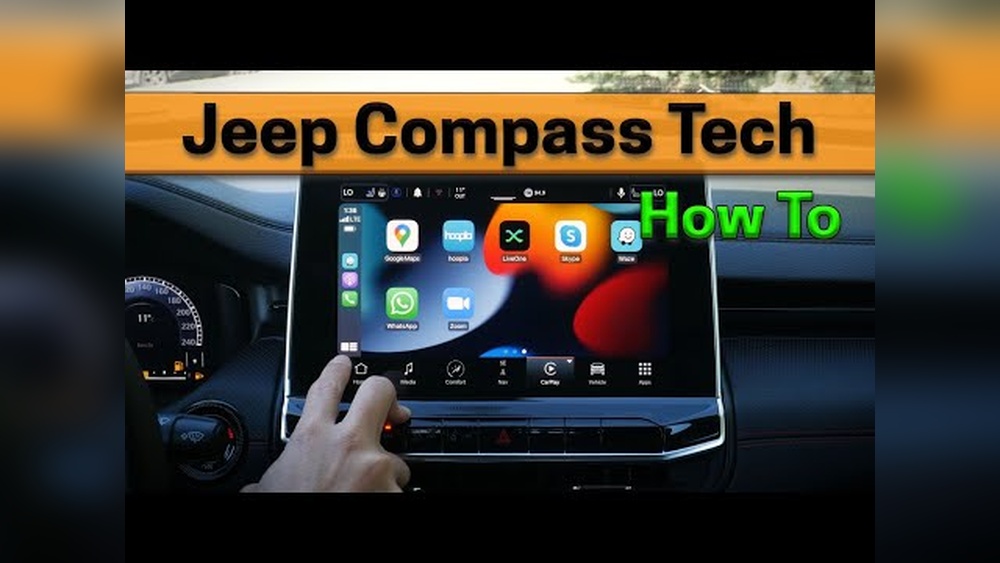
Apple CarPlay offers the most seamless integration for iPhones. Here’s how to set it up:
- Start your Jeep Compass.
- Plug your iPhone into the USB port using an Apple-certified cable.
- The Uconnect touchscreen should show a prompt to launch CarPlay.
- Tap “CarPlay” and follow onscreen instructions.
- Allow permissions on your iPhone if asked.
CarPlay lets you use Maps, Messages, and Music directly on your car’s screen. Voice commands with Siri work well for hands-free control. If CarPlay doesn’t appear, try a different cable or restart your phone and car.
Carplay Vs Bluetooth: Feature Comparison
Here’s a quick look at what each connection method offers:
| Feature | Apple CarPlay | Bluetooth |
|---|---|---|
| Navigation Apps | Yes | No |
| Hands-free Calls | Yes | Yes |
| Music Streaming | Yes | Yes |
| Text Messaging | Yes | Limited |
| App Access | Yes | No |
CarPlay is superior for navigation and apps, while Bluetooth is good for music and calls.

Connecting Via Bluetooth
Bluetooth is available in all Jeep Compass models. To connect:
- Activate Bluetooth on your iPhone (Settings > Bluetooth).
- Turn on your Jeep Compass and access the Uconnect system.
- Select “Phone” or “Bluetooth” in the Uconnect menu.
- Choose “Add Device.” Your car will search for your iPhone.
- Select your iPhone from the list and confirm pairing.
- Enter the passcode if prompted.
Once connected, you can make calls, stream music, and use voice commands. Bluetooth does not display navigation apps on the car’s screen.
Common Bluetooth Problems
Some users face issues like failed pairing or dropped connections. Here’s a quick troubleshooting guide:
- Restart both your phone and car.
- Delete old paired devices from Uconnect.
- Update your iPhone’s iOS.
- Check if your phone’s Bluetooth is discoverable.
If problems persist, consult your Jeep dealer or refer to the official Uconnect support page.
Practical Tips For A Stable Connection
- Use a genuine Apple cable to avoid CarPlay issues.
- Keep your iPhone’s iOS updated for new features and fixes.
- Avoid pairing multiple phones at once.
- Place your phone in the front cabin for strong Bluetooth signal.
- If you switch between CarPlay and Bluetooth, disconnect one before connecting the other.
Many drivers overlook the importance of using the right cable. Cheap cables can cause CarPlay to disconnect.
Also, CarPlay needs the phone unlocked for the first connection, which is easy to miss.
Advanced Features: Voice Commands And Apps
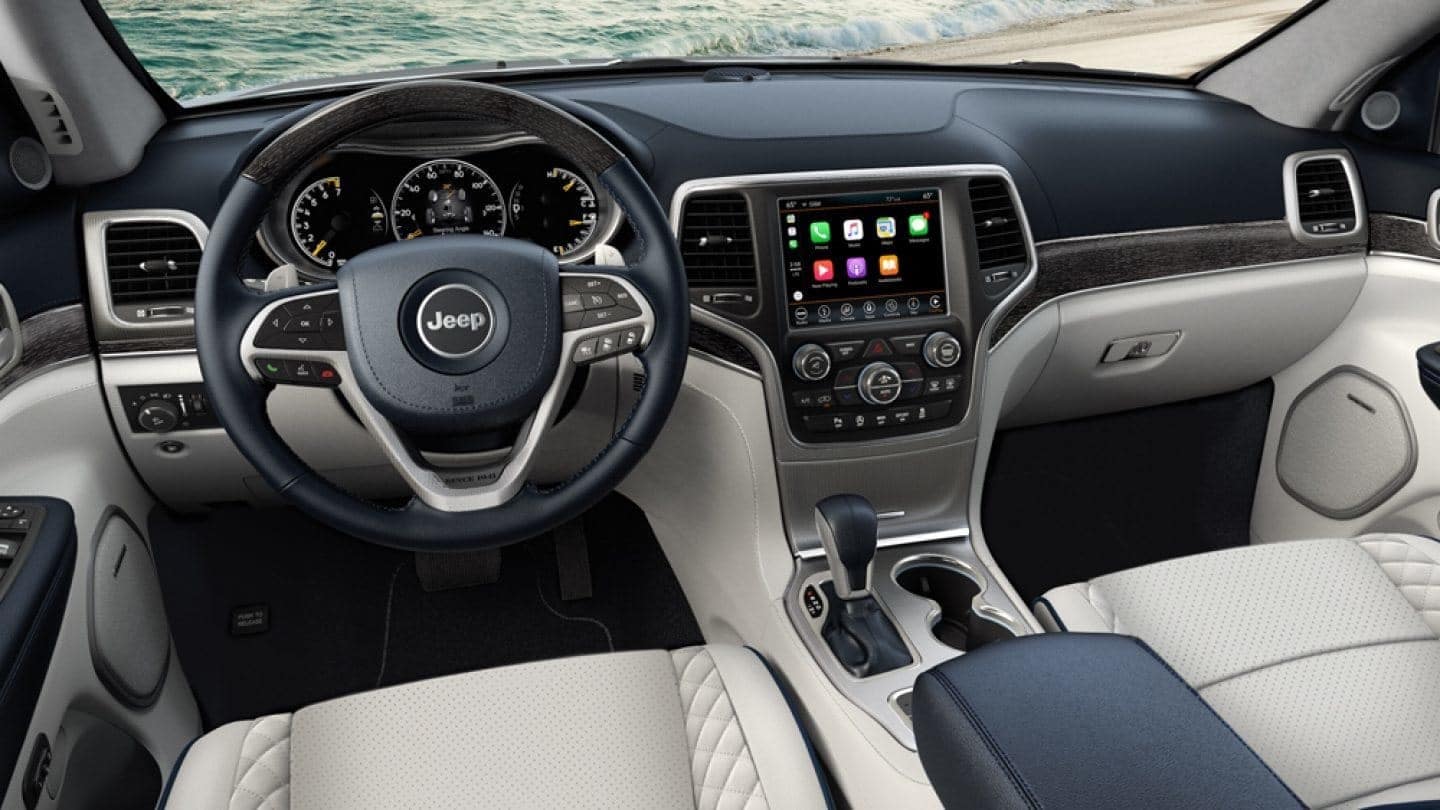
With CarPlay, you can use Siri to send texts, get directions, and play songs. Press the voice button on your steering wheel, or say “Hey Siri.” Only certain apps, like Spotify and WhatsApp, are optimized for CarPlay.
Bluetooth allows basic voice dialing but not app integration. If you need navigation, CarPlay is the better choice.
| App | CarPlay Supported | Bluetooth Supported |
|---|---|---|
| Apple Maps | Yes | No |
| Spotify | Yes | Yes (audio only) |
| Yes | No |
Safety And Privacy Tips
When your phone is connected, notifications may appear on your car’s screen. Adjust privacy settings in your iPhone to limit this.
Always use voice commands for texting to avoid distractions.
Never share your paired device with strangers. If you sell your car, remove your phone from the Uconnect system to protect your data.
Frequently Asked Questions
Can I Use Carplay Wirelessly In My Jeep Compass?
No. Most Jeep Compass models support CarPlay only through a wired USB connection. Wireless CarPlay is rare in Jeep vehicles.
Why Does My Iphone Disconnect From Carplay?
This is usually caused by a faulty cable or outdated iOS. Try using a certified cable and update your phone. Also, avoid moving your phone while driving.
How Do I Remove My Iphone From The Uconnect System?
Go to the Uconnect menu, select “Paired Devices,” choose your iPhone, and select “Remove. ” On your phone, forget the car’s Bluetooth connection.
Can I Use Google Maps With Carplay?
Yes, you can use Google Maps and other navigation apps if they’re installed on your iPhone. CarPlay supports several popular navigation options.
Is Bluetooth Audio Quality Worse Than Carplay?
Yes. CarPlay generally offers higher audio quality because it uses a wired connection. Bluetooth compresses audio, which may reduce clarity.
Connecting your iPhone to your Jeep Compass is straightforward with the right approach. Whether you use CarPlay or Bluetooth, both methods offer unique benefits. For drivers who want easy access to apps and navigation, CarPlay is the best choice. Remember to use quality cables, keep your phone updated, and adjust privacy settings for a safer drive. If you need more technical details, visit the official Jeep Uconnect website for guidance. Now you can enjoy hands-free calls, music, and navigation every time you hit the road.


















