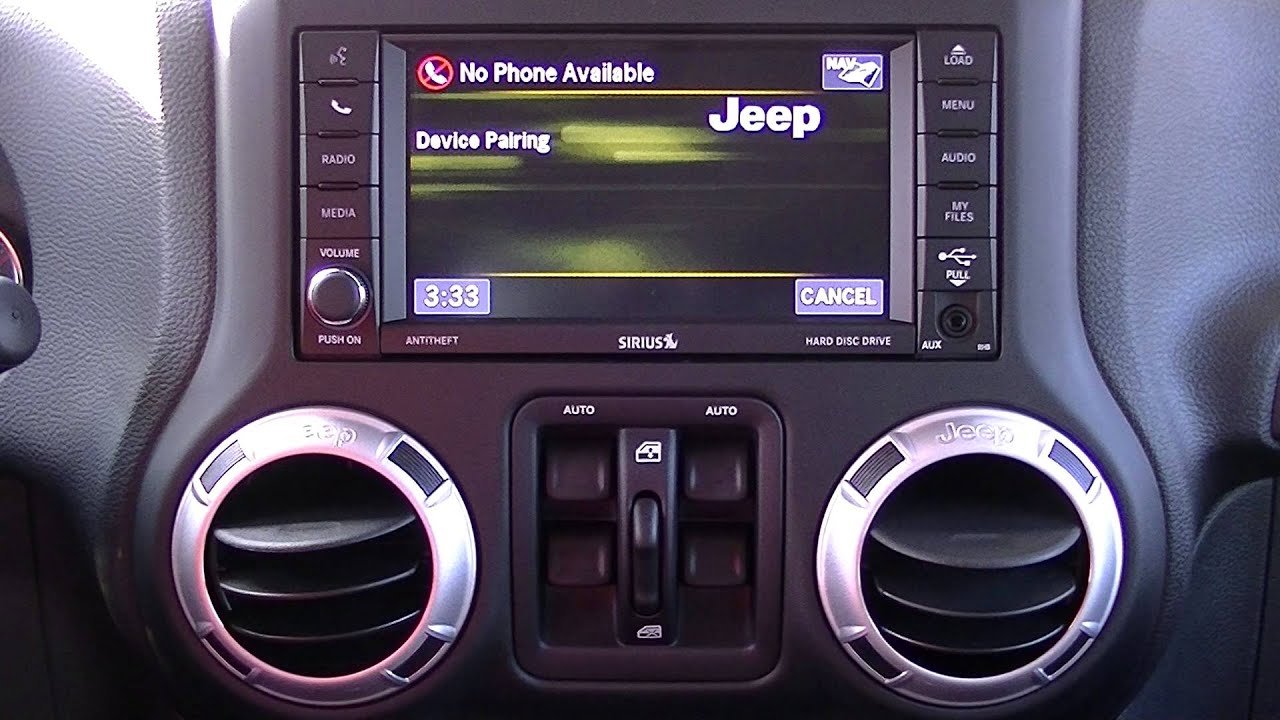
Connecting your iPhone to your Jeep’s Bluetooth is one of the best ways to enjoy hands-free calls, music, and navigation while driving. Many Jeep owners find this process confusing, especially if they are not used to their vehicle’s infotainment system.
But with a few clear steps, you can link your iPhone quickly and reliably. This guide will walk you through the entire process and help you solve common problems, so you can stay connected and safe on the road.
What You Need Before You Start
To connect your iPhone to your Jeep’s Bluetooth, you need a few things:
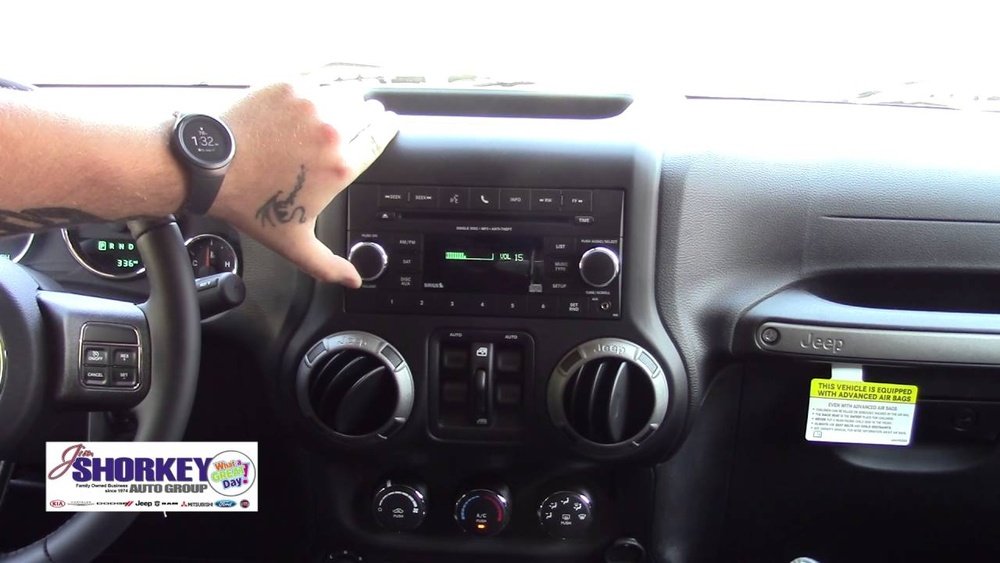
- A Jeep model with Bluetooth (most models from 2014 onward include this feature)
- An iPhone with Bluetooth enabled (iOS 12 or later works best)
- The Uconnect system (Jeep’s main infotainment system)
It’s also smart to park your car while pairing, as some features are disabled when driving for safety reasons.
Step-by-step: Pairing Your Iphone With Jeep Bluetooth
Let’s go through the process in easy steps. Your Jeep’s screen and menus might look different depending on the model year, but the process is similar for most vehicles.
- Turn On Jeep and Enable Bluetooth
- Start your Jeep and keep it in Park.
- On your iPhone, open Settings > Bluetooth. Make sure Bluetooth is ON.
- Access Uconnect’s Bluetooth Menu
- On your Jeep’s touchscreen, tap Phone or Settings.
- Choose Add Device or Pair a Device.
- Find Jeep on Your iPhone
- On your iPhone’s Bluetooth screen, wait for your Jeep’s system (often called “Uconnect” or “Jeep”) to appear under “Other Devices.”
- Tap the name to begin pairing.
- Match PIN Codes
- Your Jeep and iPhone will both show a PIN code. Confirm the code matches on both screens.
- Tap Pair on your iPhone and Yes on your Jeep’s screen.
- Allow Contacts and Favorites
- Your iPhone may ask if you want to allow contacts and favorites to sync. Choose Allow for full hands-free use.
- Finish Setup
- Your Jeep will confirm the connection. You’ll see your iPhone listed as a connected device.
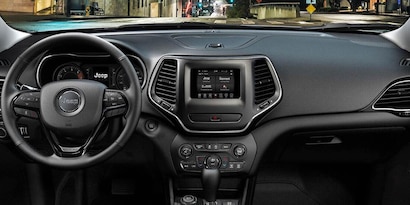
Example: 2021 Jeep Cherokee Pairing
For example, in a 2021 Jeep Cherokee:
- Tap Phone on the Uconnect screen.
- Select Pair Device.
- On your iPhone, choose “Uconnect” from the list.
- Confirm the PIN, allow contacts, and you’re set.
Jeep Bluetooth Features: What You Can Do
Once your iPhone is connected, you can use many features hands-free. Here’s a comparison of what you get with Jeep Bluetooth:
| Feature | Bluetooth | Wired Connection |
|---|---|---|
| Hands-Free Calling | Yes | Yes |
| Music Streaming | Yes | Yes |
| Text Message Alerts | Yes (some models) | Yes |
| Voice Commands (Siri) | Yes | Yes |
| Navigation Audio | Yes | Yes |
Some older Jeep models have fewer features. For example, 2015 models may not support text message alerts.
Troubleshooting Common Problems
Even after following all steps, you might run into problems. Here are some practical tips to fix the most common issues:
Iphone Won’t Connect Or Pair
- Restart both devices: Turn off your Jeep, restart your iPhone, and try again.
- Forget and re-pair: On your iPhone, tap the “i” next to your Jeep’s name in Bluetooth settings, then “Forget This Device.” Re-pair from the beginning.
- Update software: Make sure your iPhone and Uconnect system have the latest updates.
- Reset network settings: On your iPhone, go to Settings > General > Transfer or Reset iPhone > Reset > Reset Network Settings.
Calls Or Audio Not Working
- Check volume: Make sure your Jeep’s media volume is up.
- Set audio source: On Uconnect, select your iPhone as the active audio source.
- Allow permissions: Ensure contacts and audio sharing are allowed on your iPhone.
Bluetooth Disconnects Often
- Remove interference: Avoid using other Bluetooth devices nearby.
- Clear old devices: Delete unused devices from Jeep’s paired list—too many can cause problems.
- Check for updates: Sometimes, software bugs can cause disconnects.
Here’s a quick look at problems and solutions:
| Problem | Solution |
|---|---|
| No sound from speakers | Check volume, set correct source |
| Cannot pair | Restart devices, forget and re-pair |
| Bluetooth drops | Clear unused devices, update software |
Tips For A Strong Connection
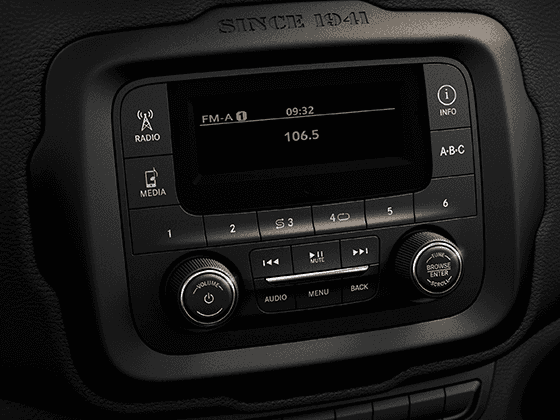
To get the best out of your Jeep’s Bluetooth connection:
- Keep your iPhone’s Bluetooth always enabled when driving.
- Only pair with your Jeep (avoid pairing with multiple cars at once).
- Limit the number of paired devices in Uconnect to avoid confusion.
- Update your Uconnect system regularly. You can check for updates on the Jeep official site.
A key insight: Some new Jeeps also support Apple CarPlay. If your Jeep has CarPlay, you can connect with a USB cable for even more features and better reliability, but Bluetooth is still great for calls and music.
Frequently Asked Questions
Why Isn’t My Iphone Finding My Jeep’s Bluetooth?
Make sure Bluetooth is enabled on both devices and your Jeep is in pairing mode. If it still doesn’t work, restart both your Jeep and iPhone and try again.
Can I Connect More Than One Phone To Jeep Bluetooth?
Yes, most Jeep models let you pair several phones, but only one can be active for calls and audio at a time. Choose your primary device as the active connection.
Does Jeep Bluetooth Support Text Messages?
Some models do. If your Jeep’s Uconnect system and iPhone support it, you’ll see an option to enable notifications during pairing. Not all systems have this feature.
Is There A Difference Between Bluetooth And Apple Carplay?
Yes. Bluetooth lets you make calls and stream music. Apple CarPlay (if available) adds more apps, Siri support, and better navigation. CarPlay usually needs a USB cable, but some new Jeeps offer wireless CarPlay.
How Do I Update My Jeep’s Uconnect System?
Visit the Jeep official site, enter your VIN, and follow the instructions to download and install updates. Keeping Uconnect updated helps fix bugs and add new features.
Connecting your iPhone to your Jeep’s Bluetooth doesn’t have to be hard. By following these steps and tips, you can enjoy a safer, more comfortable drive.
With hands-free features, you can focus on the road while staying connected to your contacts, music, and navigation.
If you ever run into trouble, the fixes above will solve most problems quickly. Safe travels!