Pairing your smartphone or other device to your Jeep Rubicon’s Bluetooth system can change your driving experience. You can make calls hands-free, stream music, and even use apps without ever touching your phone. But for many owners, setting up Bluetooth for the first time can be confusing.
If you’re struggling to connect Bluetooth to your Jeep Rubicon, this guide will walk you through every step with clear language and practical advice.
Understanding Your Jeep Rubicon’s Bluetooth System
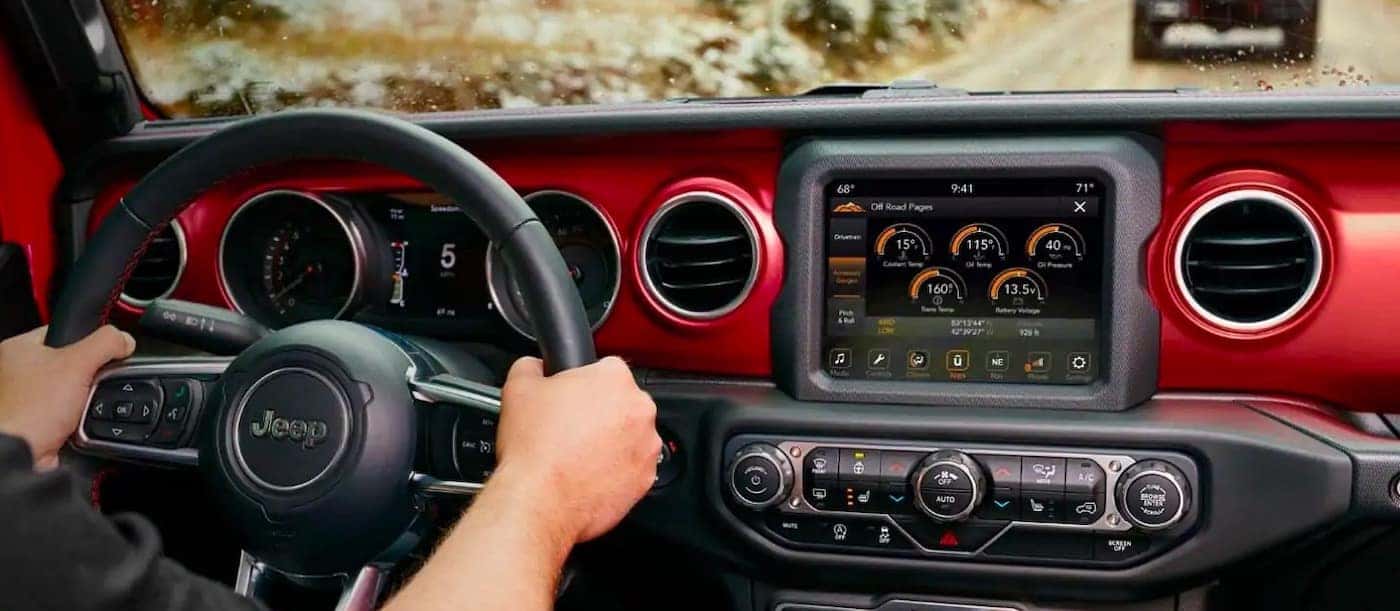
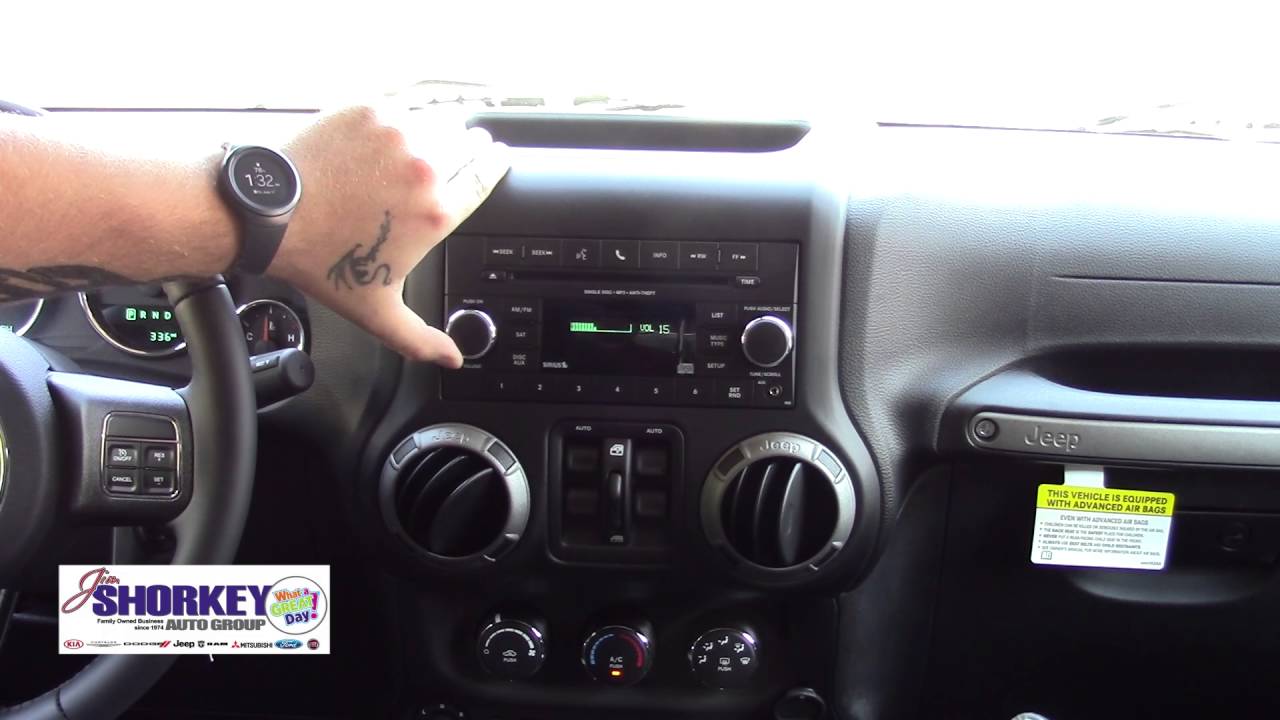
Most Jeep Rubicon models from 2015 onward come with either the Uconnect 3, 4, or 5 infotainment system. Each version has slightly different menus, but the core Bluetooth process is similar. Older Rubicons may have different steps, so always check your owner’s manual if your screen looks different.

Bluetooth allows your Rubicon’s system to wirelessly connect to smartphones and other devices. Once paired, your phone will automatically connect every time you start the Jeep—no cables needed.
Key Features Enabled By Bluetooth
- Hands-free calling for safety and legal compliance
- Wireless audio streaming for music, podcasts, and audiobooks
- Voice command support in supported models
Step-by-step: How To Connect Bluetooth To Jeep Rubicon
Pairing your device is simple if you follow these steps:
- Start your Jeep Rubicon and make sure it’s in Park.
- Enable Bluetooth on your smartphone. Go to your phone’s Bluetooth settings and turn it on.
- On your Jeep’s touch screen, select the “Phone” or “Media” button. If you haven’t paired before, the system will prompt you to add a device.
- Select “Add Device” on the Jeep screen. The system will now search for nearby Bluetooth devices.
- On your smartphone, look for “Uconnect” (or “Jeep”) in the list of available devices and tap it.
- A PIN or passkey may appear on both the Jeep screen and your phone. Confirm that they match, then press “Pair” on your phone and “Yes” on the Jeep screen.
- Wait for the pairing process to complete. Your phone should show as “Connected” on both screens.
What If You Have Trouble Pairing?
If the steps above don’t work, try these tips:
- Restart your phone and the Jeep’s infotainment system.
- Delete old devices from your Jeep’s Bluetooth settings if it’s full (most systems store up to 7 devices).
- Update your phone’s software and the Jeep’s Uconnect system for best compatibility.

Comparing Uconnect Bluetooth Versions
Depending on your Rubicon’s year and trim, you may have a different Uconnect version. Here’s how their Bluetooth features compare:
| Uconnect Version | Bluetooth Audio | Voice Commands | Apple CarPlay/Android Auto |
|---|---|---|---|
| Uconnect 3 | Yes | Basic | No |
| Uconnect 4 | Yes | Advanced | Yes |
| Uconnect 5 | Yes | Enhanced | Yes (Wireless) |
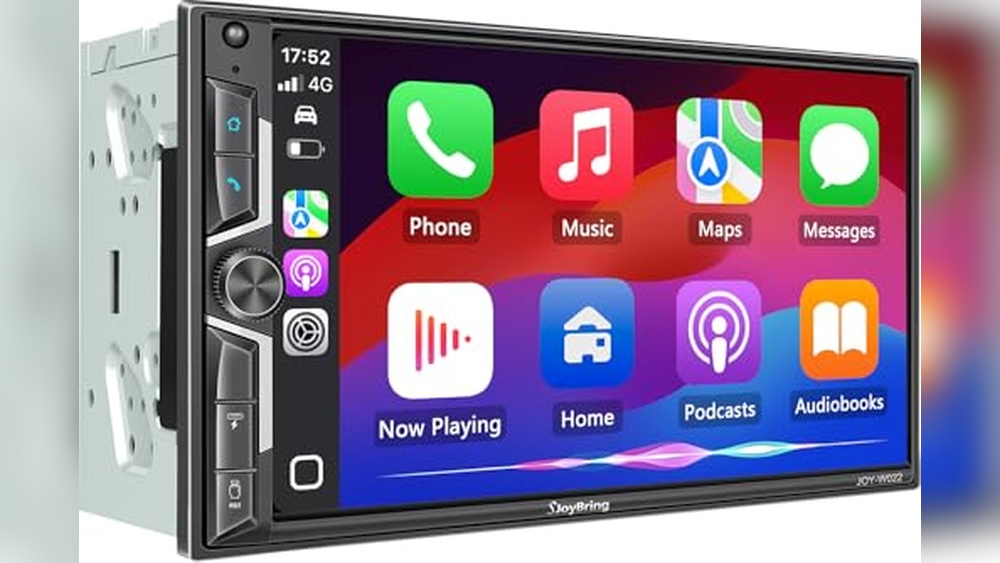
If you have Uconnect 5, you can also use wireless Apple CarPlay and Android Auto, which many drivers find even easier than Bluetooth for some tasks.
Common Mistakes To Avoid
Many Jeep owners make small errors that prevent successful Bluetooth pairing. Here are the most common:
- Trying to pair while driving: For safety, pairing is only allowed in Park.
- Ignoring device limits: Most Uconnect systems allow a set number of paired devices. If you’ve reached the limit, remove an old device first.
- Not accepting permissions: If your phone asks for contacts or messages access, grant permission for full functionality.
- Using outdated software: Old phone or system software can cause compatibility issues.
How To Remove Or Replace A Paired Device
Sometimes you need to pair a new phone or remove an old one. Here’s how:
- Go to the Bluetooth settings on your Jeep’s screen.
- Find the list of paired devices.
- Select the device you want to remove.
- Press “Delete” or “Remove”.
Now you can add a new phone using the steps above.
Bluetooth Audio Quality: What To Expect
Bluetooth is convenient but can sometimes reduce audio quality compared to a wired connection. Most users notice little difference for calls or music, but audiophiles may hear a small drop in detail.
Here’s a quick comparison of audio sources in your Rubicon:
| Audio Source | Quality (1-10) | Delay |
|---|---|---|
| Bluetooth | 8 | Low |
| USB Cable | 10 | Minimal |
| FM Radio | 7 | None |
For most people, Bluetooth offers a great mix of convenience and quality.
Security And Privacy Tips
Pairing your phone to a vehicle does create a data connection. Here’s how to keep your information safe:
- Always remove your phone from the system before selling or returning your Jeep.
- Don’t pair with unfamiliar devices.
- If you use rental Jeeps, pair only as a guest or temporary device.
According to the National Highway Traffic Safety Administration, practicing good digital hygiene with vehicle systems protects your privacy and reduces risk.
Troubleshooting Bluetooth Issues
If your Bluetooth suddenly stops working, try these steps:
- Turn Bluetooth off and on again on both your phone and Jeep.
- Restart your phone.
- Delete and re-pair the device.
- Check for updates on both the infotainment system and your device.
- If problems continue, visit your Jeep dealer for a system check.
Here’s a quick reference for common problems and solutions:
| Problem | Quick Fix |
|---|---|
| No sound during calls | Ensure audio is set to “Bluetooth” on Jeep and phone |
| Device won’t pair | Remove old devices, restart both systems, try again |
| Music skips or cuts out | Check for interference, update software, reduce paired devices |
Frequently Asked Questions
How Many Devices Can I Pair To My Jeep Rubicon?
Most Uconnect systems allow up to seven paired devices. Only one can connect for calls and audio at a time, but you can switch between them.
Yes, if you stream navigation from your phone (Google Maps, Waze), the audio will play through your Jeep’s speakers when connected via Bluetooth.
Why Won’t My Phone Connect Automatically Every Time?
Sometimes, Bluetooth can be slow to reconnect. Make sure your phone’s Bluetooth is active and not in Airplane Mode. Also, keep your phone updated for best performance.
Is Bluetooth Safe To Use While Driving?
Bluetooth is designed for hands-free use, which is much safer than handling your phone. Still, keep your focus on the road and use voice commands whenever possible.
Do I Need To Pay Extra For Bluetooth Features In My Jeep Rubicon?
No, Bluetooth comes standard on most recent Rubicon trims. Some advanced features (like wireless CarPlay) may require higher trims or optional packages.
Connecting Bluetooth to your Jeep Rubicon is easy once you know the steps. Take a few minutes to pair your device, and enjoy safer, more convenient driving every day.