Connecting your phone or device to your Jeep Renegade’s Bluetooth system opens up a world of convenience. You can play music, make hands-free calls, and use voice commands without taking your eyes off the road. But for many drivers, pairing Bluetooth for the first time can feel confusing. If you want a smooth experience and fewer headaches, this guide will walk you through every step—plus a few insider tips most people miss.
Understanding Your Jeep Renegade’s Bluetooth System
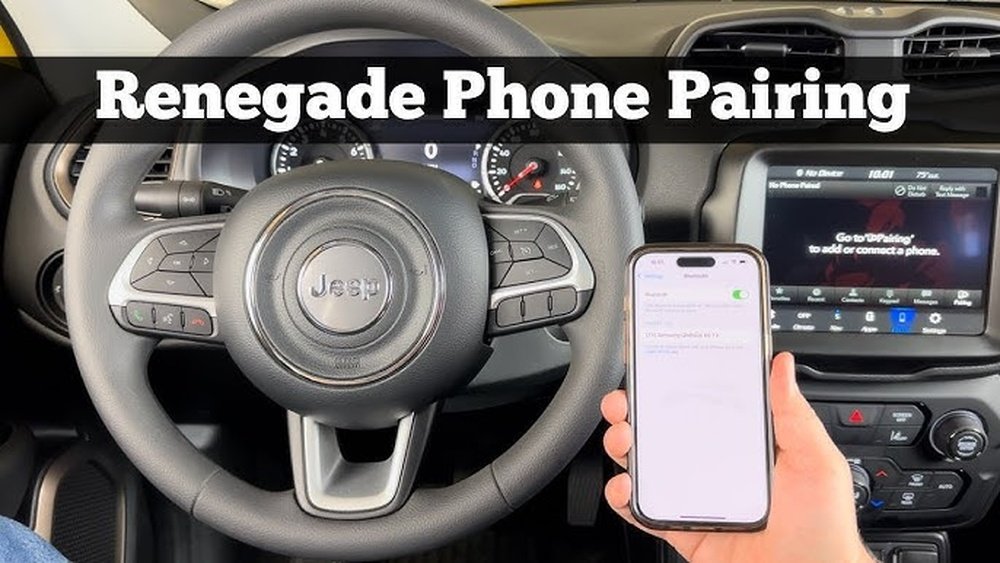
The Jeep Renegade uses a system called Uconnect for Bluetooth and infotainment controls. Most Renegade models since 2015 come with Uconnect. However, features can vary by year and trim.
Here’s a quick look at how the main Uconnect versions compare:
| Uconnect Version | Bluetooth Calling | Music Streaming | Voice Commands |
|---|---|---|---|
| Uconnect 3 (5-inch) | Yes | No | Limited |
| Uconnect 4 (7/8.4-inch) | Yes | Yes | Yes |
Key insight: Not all Renegades support Bluetooth music streaming—older base models may only allow phone calls. Check your system before starting.
Preparing For Bluetooth Pairing
Before you start, make sure you have:
- Your Jeep Renegade’s ignition set to RUN or ON (engine can be off)
- Your phone or device with Bluetooth turned on
- The Uconnect system on the main screen
- Your phone’s Bluetooth menu open
Pro tip: Delete old Jeep or Uconnect pairings from your phone if you’ve tried before. Multiple saved pairings can cause connection errors.
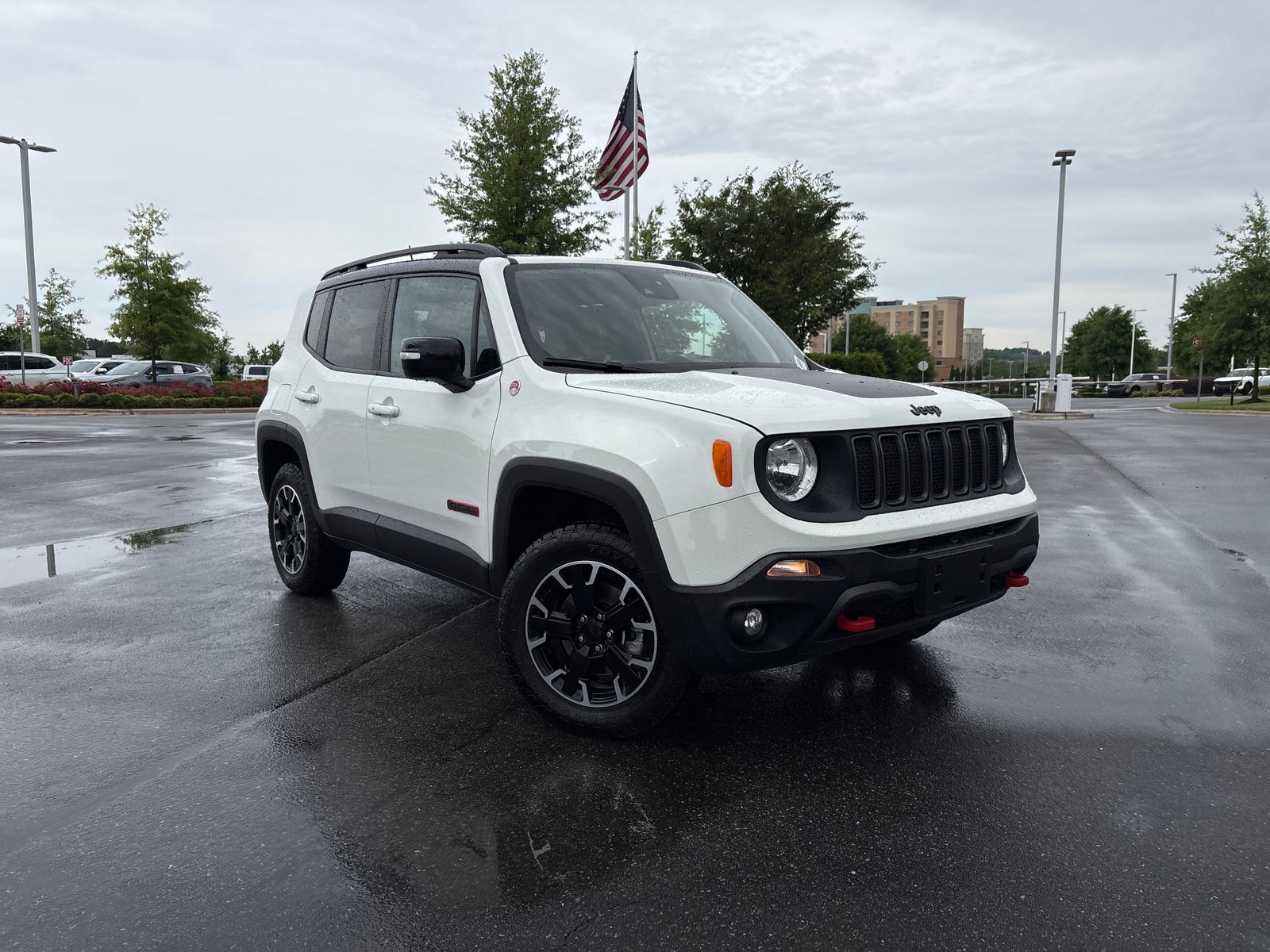
Step-by-step: Connecting Bluetooth To Your Jeep Renegade
Follow these steps for a successful connection:
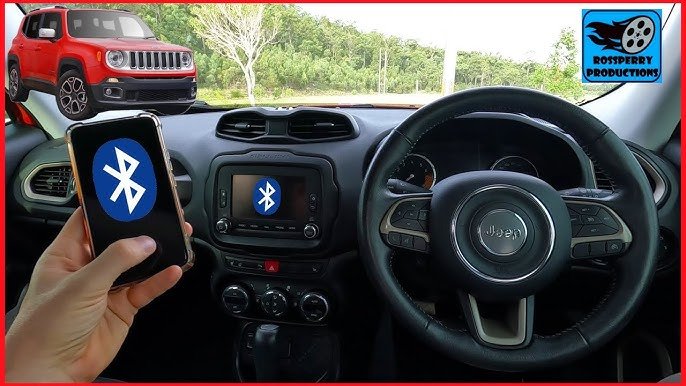
- Open Uconnect Bluetooth Settings
- Tap the Phone button on your Uconnect screen.
- If no phone is paired, Uconnect will prompt you to add a device. Tap Yes.
- If a phone is already paired, go to Settings > Bluetooth > Add Device.
- Enable Bluetooth on Your Phone
- On your phone, open Settings > Bluetooth.
- Make sure Bluetooth is turned on and your phone is “discoverable.”
- Start the Pairing Process
- On Uconnect, select Add Device. The system will search for nearby devices.
- Your Jeep’s system will display a name like “Uconnect” or “Jeep Renegade.”
- Select Uconnect on Your Phone
- On your phone, look for the Jeep or Uconnect option under available devices.
- Tap to connect.
- Confirm the PIN
- Both your phone and Uconnect will show a PIN code (usually 4-6 digits).
- Make sure the numbers match, then tap Pair on your phone and Yes on Uconnect.
- Allow Access
- Your phone may ask for permission to sync contacts and messages. Tap Allow or Yes for full hands-free features.
- Test the Connection
- Make a test call or play music to confirm everything works.
Here’s how the pairing process compares between Android and iPhone devices:
| Step | Android | iPhone |
|---|---|---|
| Discoverability | Automatic when Bluetooth is on | Bluetooth menu must stay open |
| Contacts Sync Prompt | Usually automatic | Manual prompt: “Sync Contacts” |
| Music Streaming | Works if Uconnect supports it | Works if Uconnect supports it |
Common Bluetooth Pairing Problems And Solutions
Even when you follow instructions, you may hit a few snags. Here’s how to solve them:
Bluetooth device not found:
- Restart your phone and Uconnect.
- Delete old pairings on both devices and retry.
Connection drops or fails:
- Move your phone closer to the Uconnect system.
- Update your phone’s operating system and Uconnect firmware if available.
Audio issues (music not playing):
- Confirm your Renegade’s Uconnect supports music streaming (see table above).
- On your phone, check that “media audio” is enabled in Bluetooth settings.
Contacts not syncing:
- Make sure you tapped “Allow” when prompted.
- On iPhones, go to Bluetooth settings > tap the “i” next to Uconnect > enable “Sync Contacts.”
Key insight: Uconnect can remember up to 10 phones, but only one can be active at a time. If you have many paired devices, delete those you don’t use.
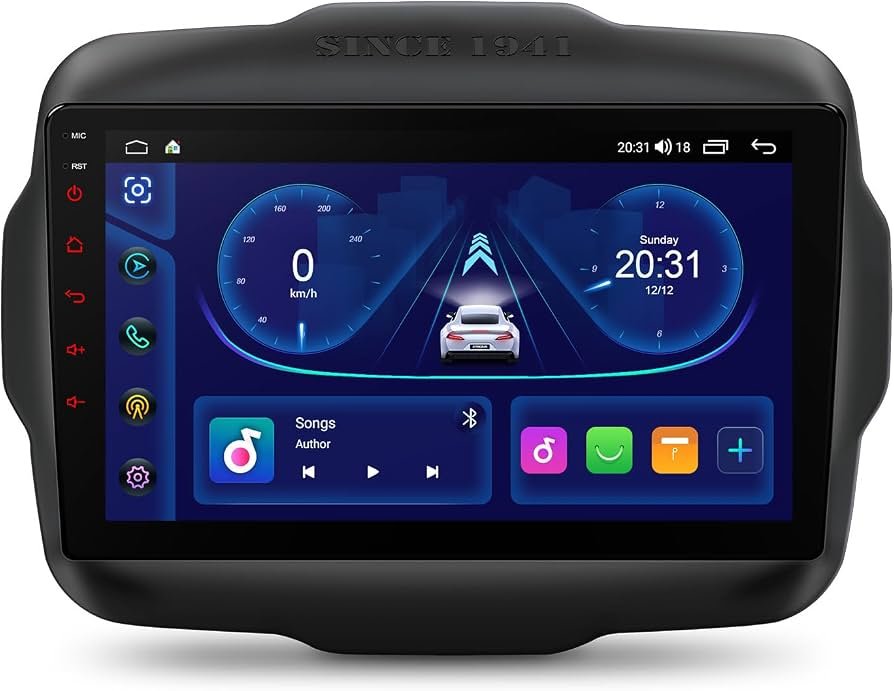
Useful Tips For A Better Bluetooth Experience
- Name your device: Give your phone a unique Bluetooth name (in phone settings). This helps avoid confusion, especially if your family drives the same car.
- Keep software updated: Regularly check for updates for both your phone and the Uconnect system. Updates fix bugs and improve compatibility.
- Use voice commands: Once connected, you can use Uconnect’s voice recognition (steering wheel button) for safer, hands-free control.
- Privacy tip: If you’re selling or trading in your Renegade, delete all paired devices from Uconnect to protect your data.
What To Do If Bluetooth Still Won’t Connect
If you’ve tried everything and Bluetooth still won’t work, try these advanced steps:
- Reset Uconnect system:
- Go to Settings > System Information > Reset or Factory Reset.
- This will erase all settings, so only do this as a last resort.
- Check compatibility:
- Some very old phones may not be supported. Uconnect works best with devices running recent Android or iOS versions.
- Visit your dealer:
- If Bluetooth still fails, the issue may be with the Uconnect hardware. Visit a Jeep dealership for diagnostics.
For more details on Bluetooth technology in cars, you can visit the Bluetooth SIG official site.
Frequently Asked Questions
Why Can’t My Jeep Renegade Find My Phone?
This usually happens if Bluetooth is off or your phone is not discoverable. Restart both your phone and the Uconnect system. Delete old connections and try again.
Can I Connect More Than One Phone At A Time?
You can pair up to 10 devices, but only one can be connected and active at a time. To switch, disconnect the current phone and connect another from the Uconnect menu.
How Do I Stream Music Via Bluetooth?
Your Renegade must have a Uconnect system that supports Bluetooth audio. After pairing, select “Media” on Uconnect and play music from your phone’s app.
My Contacts Won’t Sync With Uconnect. What Should I Do?
Ensure you allowed contact sync during pairing. On iPhone, check Bluetooth settings for Uconnect and enable “Sync Contacts.” On Android, grant all permissions when prompted.
Is Bluetooth Safe To Use While Driving?
Yes, using Bluetooth for hands-free calls and voice commands is safer than handling your phone. Always focus on the road and limit distractions.
Connecting Bluetooth in your Jeep Renegade is not difficult once you know the right steps and avoid common mistakes. With a bit of preparation, you’ll enjoy safer calls, better music, and a more connected drive.
If you run into trouble, don’t hesitate to check your system version or ask your dealer for help.
Safe travels!


















