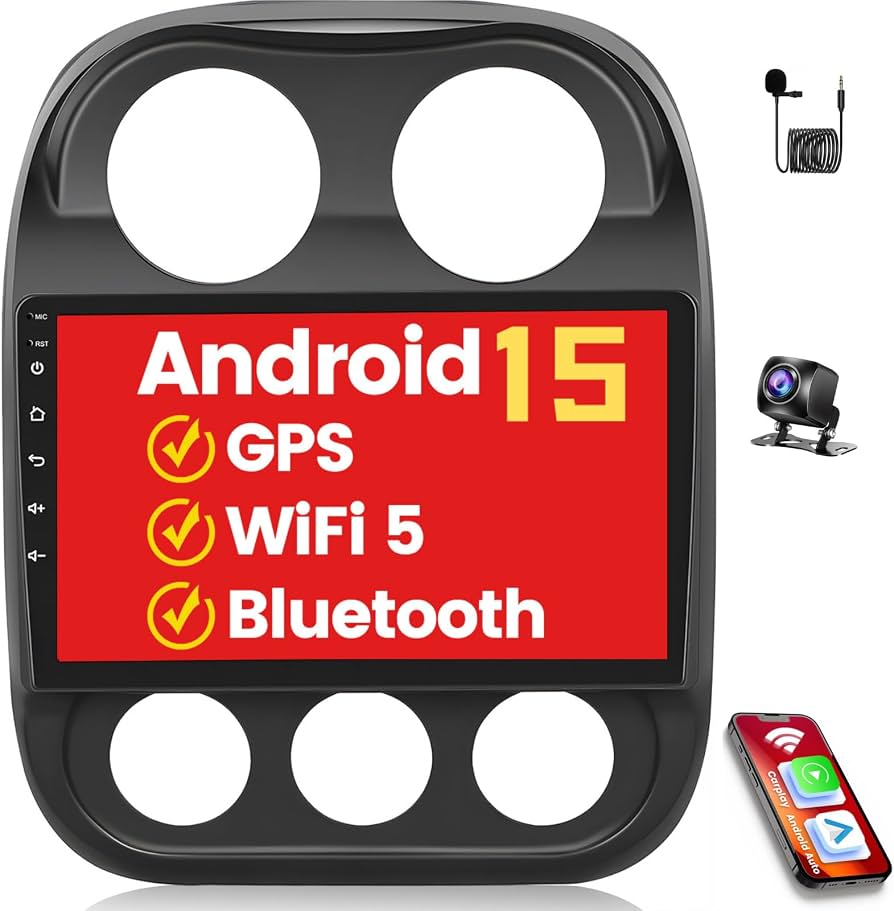
Connecting Bluetooth to your Jeep Compass 2016 can make your driving more enjoyable and safer. You can listen to music, make hands-free calls, and use navigation apps without distractions.
Many drivers struggle with pairing their smartphones, but the process is straightforward if you follow the right steps.
This guide covers everything you need to know, including detailed instructions, troubleshooting, tips, and answers to common questions.
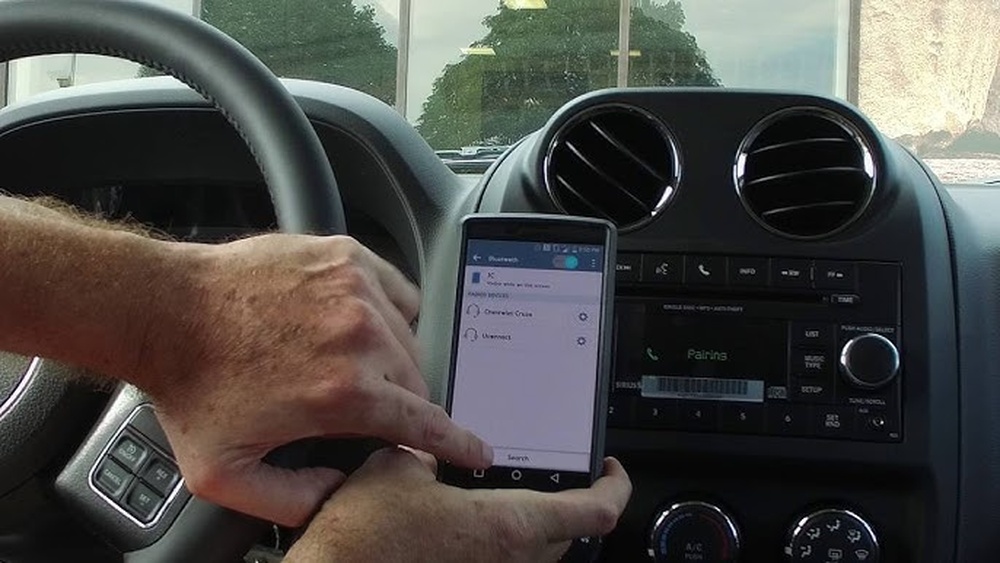
Understanding Jeep Compass 2016 Bluetooth Features
The Jeep Compass 2016 comes with a Uconnect system, which allows you to connect your phone via Bluetooth. This system supports:
- Hands-free calling
- Audio streaming
- Voice commands
Before you start, check if your Compass has the Uconnect system. Most models have it, but some base trims may lack Bluetooth functionality. You can confirm by looking for the Uconnect logo on your dashboard touchscreen.
Jeep Compass Bluetooth Capabilities
Here’s a quick comparison of Bluetooth features across popular Jeep models:
| Model | Bluetooth Calling | Audio Streaming | Voice Control |
|---|---|---|---|
| Compass 2016 | Yes | Yes | Yes |
| Renegade 2016 | Yes | Yes | No |
| Cherokee 2016 | Yes | Yes | Yes |
Step-by-step Guide: How To Connect Bluetooth
Connecting Bluetooth to your Jeep Compass 2016 involves a few simple steps. Here’s how you do it:
1. Start Your Vehicle
Turn on your Jeep and make sure the Uconnect system is active.
2. Activate Bluetooth On Your Phone
Open the settings on your smartphone. Find the Bluetooth option and turn it on.
Press the Phone or Media button on your Jeep’s touchscreen. Select “Add Device” or “Pair New Device.”
4. Search For Jeep Compass On Your Phone
Your phone will scan for available devices. Select “Uconnect” or “Jeep Compass” from the list.
5. Enter The Pin
The Uconnect screen will display a PIN code. Enter this code on your phone when prompted.
6. Confirm Pairing
Approve the pairing request on both the Uconnect screen and your phone.
7. Sync Contacts And Media
Allow your phone to sync contacts and audio for hands-free calling and music.
Typical Bluetooth Pairing Time
Most drivers can connect Bluetooth in 2 3 minutes. If it takes longer, review each step for missed details.
Common Problems And Solutions
Sometimes, Bluetooth pairing doesn’t work on the first try. Here are common issues and fixes:
- Device Not Found:
Make sure Bluetooth is enabled on both your phone and Uconnect. Try restarting both devices.
- Wrong PIN:
Double-check the PIN displayed on the Uconnect screen. If mismatched, restart the pairing process.
- Connection Drops:
Move your phone closer to the dashboard. Remove other paired devices if needed.
- Audio Not Playing:
Set Uconnect as the default audio output on your phone.
Quick Troubleshooting Table
Here’s a summary of solutions for common pairing problems:
| Problem | Cause | Solution |
|---|---|---|
| Device not found | Bluetooth off | Turn on Bluetooth on both devices |
| PIN mismatch | Wrong code entered | Restart pairing and enter correct PIN |
| Connection drops | Weak signal | Move phone closer, remove old devices |
| No audio | Wrong output selected | Set Uconnect as audio output |
Tips For Reliable Bluetooth Connection
To make your Bluetooth connection more stable and easier to use, follow these tips:
- Keep your phone’s software updated.
Outdated operating systems can cause compatibility issues.
- Delete unused paired devices.
Uconnect can store up to 6 devices. Remove old entries for faster pairing.
- Use the same phone regularly.
Switching phones often can confuse the system.
- Turn off Bluetooth when not needed.
This prevents interference and saves battery.
- Avoid pairing while driving.
Always connect your device before you start driving.
1. Voice Commands:
You can use voice control to make calls or play music. Press the voice button on the steering wheel and say commands like “Call John” or “Play Spotify. ”
2. Media Source Switching:
Uconnect allows you to switch between Bluetooth, USB, and AUX easily. Tap the Media button and choose your source.

Bluetooth Compatibility: What Phones Work Best?
Most modern smartphones work with Jeep Compass Bluetooth. However, some older phones may not pair correctly. If you use Android or iPhone, you should have no trouble. According to recent data, over 95% of smartphones are compatible with Uconnect.
Here’s a comparison of phone compatibility:
| Phone Brand | Uconnect Support | Pairing Success Rate |
|---|---|---|
| iPhone (iOS 11+) | Yes | 99% |
| Samsung (Android 8+) | Yes | 97% |
| LG (Android 7+) | Yes | 95% |
| Nokia (Android 8+) | Yes | 96% |
Frequently Asked Questions
How Many Devices Can I Pair With Jeep Compass 2016?
You can pair up to six devices with the Uconnect system. Only one device can be active at a time. If you want to switch devices, select the desired phone from the Uconnect menu.
Can I Stream Music Through Bluetooth?
Yes, you can stream music, podcasts, and audiobooks using Bluetooth. Make sure your phone’s media permissions are enabled for Uconnect.
What If My Phone Cannot Connect?
Try removing the device from the Uconnect system and your phone’s Bluetooth list. Restart both devices and repeat the pairing steps.
If the problem persists, check for software updates or visit your dealer.
Is Bluetooth Safe To Use While Driving?
Bluetooth is safer than holding your phone. You can make calls and control music hands-free.
Always set up your connection before driving to avoid distractions.
Where Can I Find More Details About Jeep Bluetooth?
For official information and troubleshooting guides, visit the Jeep Uconnect website.
Connecting Bluetooth to your Jeep Compass 2016 is simple when you follow these steps and tips. You can enjoy hands-free calls, stream music, and use voice commands without hassle.
If you have trouble, the troubleshooting advice in this article will help.
Remember to check compatibility and keep your phone updated for the best experience. With Bluetooth, your Jeep Compass becomes more convenient and fun to drive.