Setting up Bluetooth in your Jeep Compass 2014 can make driving safer and more enjoyable. You can answer calls, stream music, and use voice commands—all without touching your phone. Many drivers find this process confusing, especially if they’re new to in-car technology. This guide explains every step in simple English, so you can connect your device quickly and avoid common mistakes.
Understanding Bluetooth In The Jeep Compass 2014
The Jeep Compass 2014 comes with the Uconnect system as its main media interface. Uconnect allows you to link a smartphone to your car, so you can use hands-free features. However, not all Compass models have Bluetooth; it depends on the trim and options. Most Latitude, Limited, and higher trims include this feature. If you see a Uconnect button on your steering wheel or radio, your Jeep likely supports Bluetooth.
What You Need Before Connecting
- A compatible smartphone (Android or iPhone)
- Bluetooth turned on in your phone’s settings
- The vehicle in Park (for safety)
- The Uconnect system powered on
Older phones or software versions may not work smoothly. Always update your phone’s software for best results.
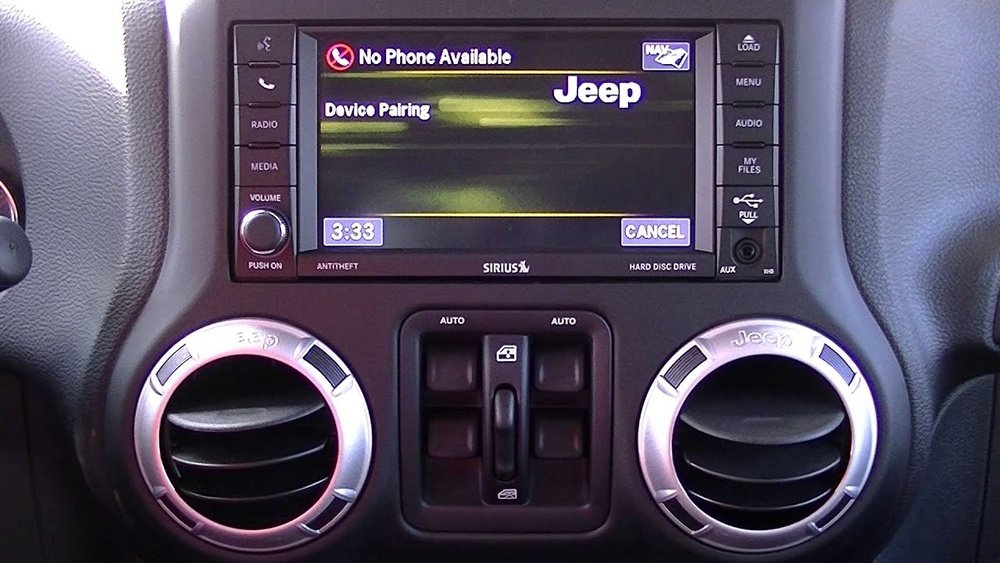
Step-by-step: Pairing Your Device
Connecting Bluetooth is a process called pairing. Follow these steps:
- Start Your Jeep: Turn the ignition to RUN or start the car. The Uconnect system must be powered.
- Activate Bluetooth: On your phone, open “Settings,” then “Bluetooth,” and make sure it’s switched ON.
- Access Uconnect Phone Menu: Press the “Phone” button on the car’s radio or steering wheel.
- Select Pairing Option: The system will say, “No phone connected. Would you like to pair a phone?” Select “Yes.”
- Find Uconnect on Phone: On your phone’s Bluetooth device list, look for “Uconnect” and tap it.
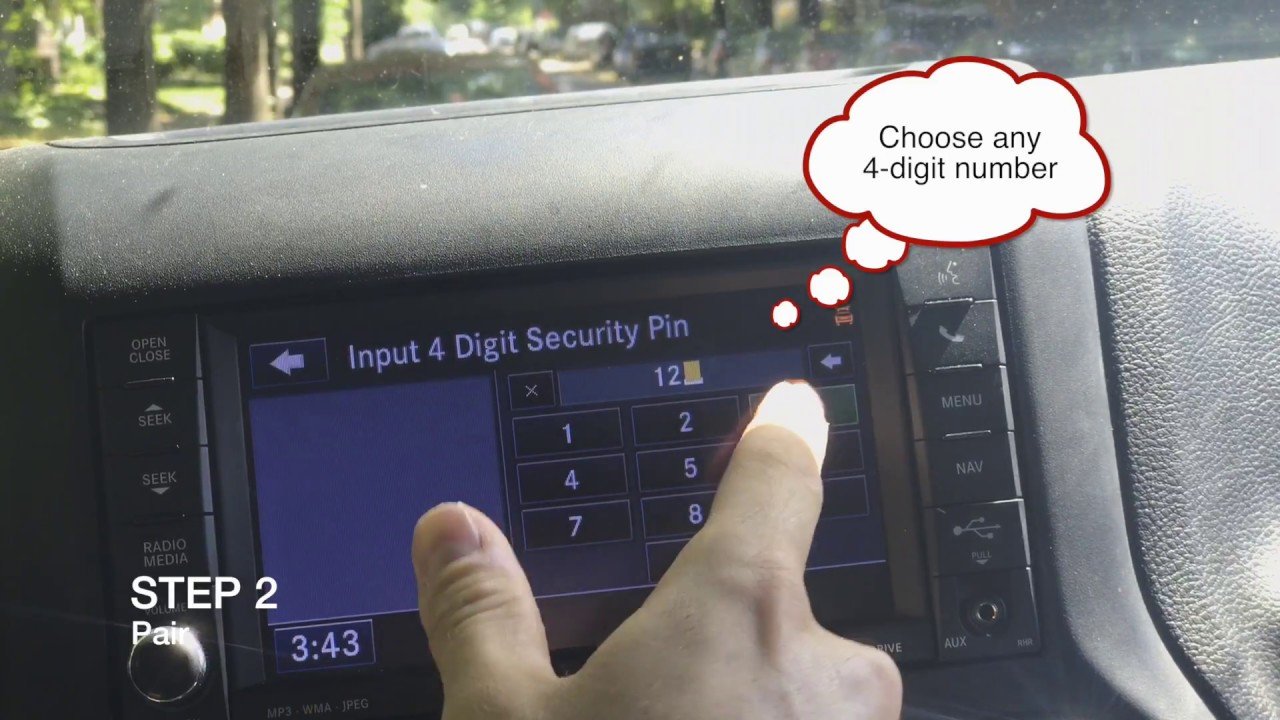
- Enter PIN: The Uconnect system will show a 4-digit PIN on the screen. Enter this PIN on your phone if asked.
- Wait for Confirmation: The car will say, “Pairing complete,” and your phone’s name will appear on the Uconnect display.
- Allow Syncing: Your phone may ask to sync contacts or messages. Allow this if you want hands-free calling and messaging.
If you have trouble, restart both devices and try again. Sometimes, deleting old pairings helps.
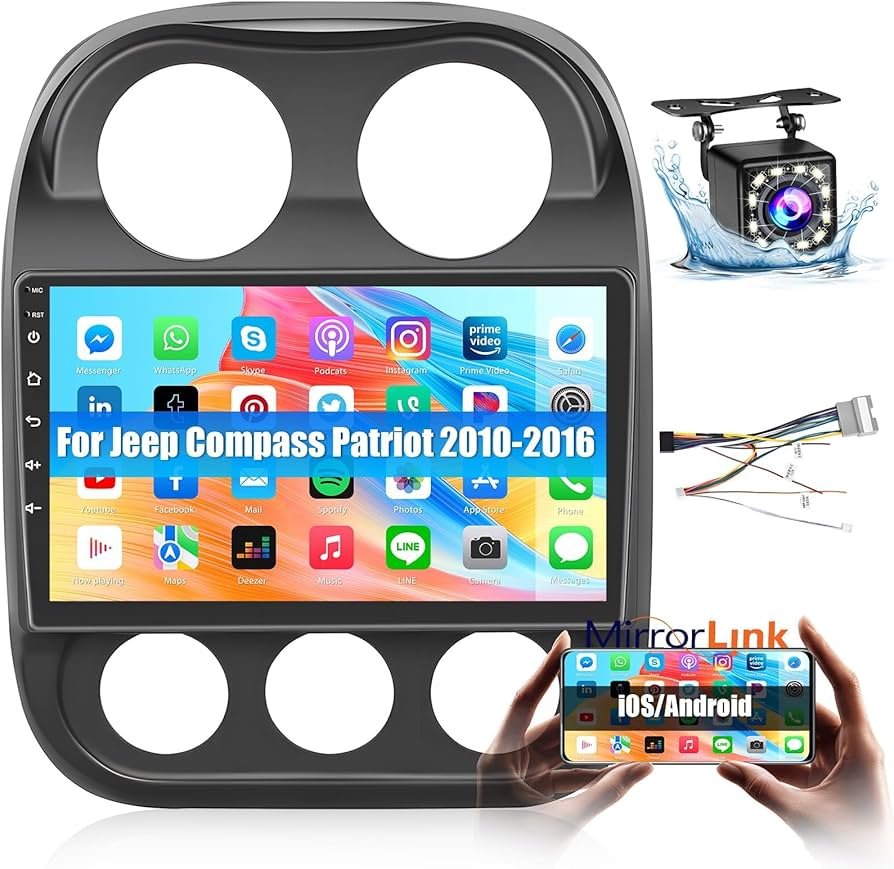
Using Bluetooth Features
After pairing, you can use several features through Uconnect:
- Hands-free calling: Make and answer calls by pressing the Phone button and speaking a contact name.
- Music streaming: Play music from Spotify, Apple Music, or your phone’s music app.
- Voice commands: Use the “Voice” button to control calls or music without touching the radio.
Not all apps work with Uconnect. Music streaming is supported, but some advanced features like text reply may not work, especially on older phones.
Common Problems And How To Fix Them
Many users face issues when connecting Bluetooth. Here’s how to fix the most common ones:
| Problem | Possible Reason | Solution |
|---|---|---|
| Uconnect not showing up on phone | Bluetooth off or system glitch | Restart phone & Uconnect, turn Bluetooth off/on |
| Pairing fails | Incorrect PIN or outdated software | Check PIN, update phone, remove old pairings |
| Music won’t play | Audio source not set to Bluetooth | Switch Uconnect audio to Bluetooth |
| Call audio is poor | Signal interference | Move phone closer, check for updates |
Pro Tip: If your phone connects but doesn’t play music, try disconnecting and reconnecting Bluetooth, or select Bluetooth as the audio source on the Uconnect screen.
Bluetooth Vs. Other Audio Connections
You might wonder if Bluetooth is better than using a USB cable or an AUX input. Here’s a quick comparison to help you decide:
| Connection Type | Audio Quality | Hands-Free Calling | Charging |
|---|---|---|---|
| Bluetooth | Good | Yes | No |
| USB Cable | Excellent | Sometimes | Yes |
| AUX Input | Good | No | No |
Bluetooth is the best choice for hands-free safety and convenience, even if USB might offer slightly better sound for music.
Extra Tips For A Smooth Connection
Many drivers miss these helpful steps:
- Rename your phone before pairing. If you have two devices named “iPhone,” Uconnect can get confused.
- Delete old pairings on both the Jeep and your phone if you have trouble. Most Uconnect systems can only store up to 7 paired devices.
- Keep your software updated. Both your phone and Uconnect may need updates for best performance.
- Do not pair while driving. For safety, always set up Bluetooth while parked.
Some users report that Uconnect can be slow to connect after the car starts. Wait a few seconds after starting your Jeep before trying to use Bluetooth features.
When To Seek Professional Help
If you’ve followed all steps and Bluetooth still doesn’t work, there may be a hardware problem. Uconnect modules can fail, especially in older vehicles.
A Jeep dealer or certified mechanic can test the system. If your car never had Uconnect, adding factory Bluetooth may be expensive.
In that case, you can buy aftermarket Bluetooth kits that connect to the radio or power outlet.
Where To Find More Help
For the most accurate information and updates, check the official Jeep Owners site. They offer manuals, troubleshooting, and software support.
Frequently Asked Questions
How Do I Know If My Jeep Compass 2014 Has Bluetooth?
Look for a Phone or Uconnect button on your car’s radio or steering wheel. If you see these, your Jeep likely has Bluetooth. You can also check your owner’s manual for “Uconnect” features.
Can I Connect More Than One Phone To My Jeep Compass?
Yes, but only one device can be active at a time. Uconnect stores up to 7 devices, so you can pair multiple phones and switch between them.
Why Does My Music Not Play Through Bluetooth?
Usually, the audio source is not set to Bluetooth. On the Uconnect screen, select Bluetooth as the media source. Also, check if your phone’s volume is up.
What Should I Do If Pairing Fails Every Time?
Delete any old pairings from both the car and your phone. Then, restart both devices. Make sure you enter the correct PIN if asked. If problems continue, update your phone and try again.
Is Bluetooth The Safest Way To Use My Phone While Driving?
Yes, using Bluetooth for hands-free calls and voice commands is much safer than holding your phone. However, always pay attention to the road and limit distractions.
Connecting Bluetooth in your Jeep Compass 2014 isn’t just about convenience it’s about safety. With these steps and tips, you’ll be ready to enjoy your drive, knowing your phone and car are working together smoothly.