Connecting Bluetooth to your Jeep is a simple way to enjoy hands-free calls, music streaming, and easy navigation. Whether you drive a Jeep Wrangler, Cherokee, or another model, learning to use Bluetooth can make every ride safer and more fun. Many Jeep owners are unsure about the process or run into problems, but with the right steps, you can connect your device in minutes. This guide will show you how, point out common mistakes, and offer practical tips that most beginners miss.
Understanding Jeep Bluetooth Systems
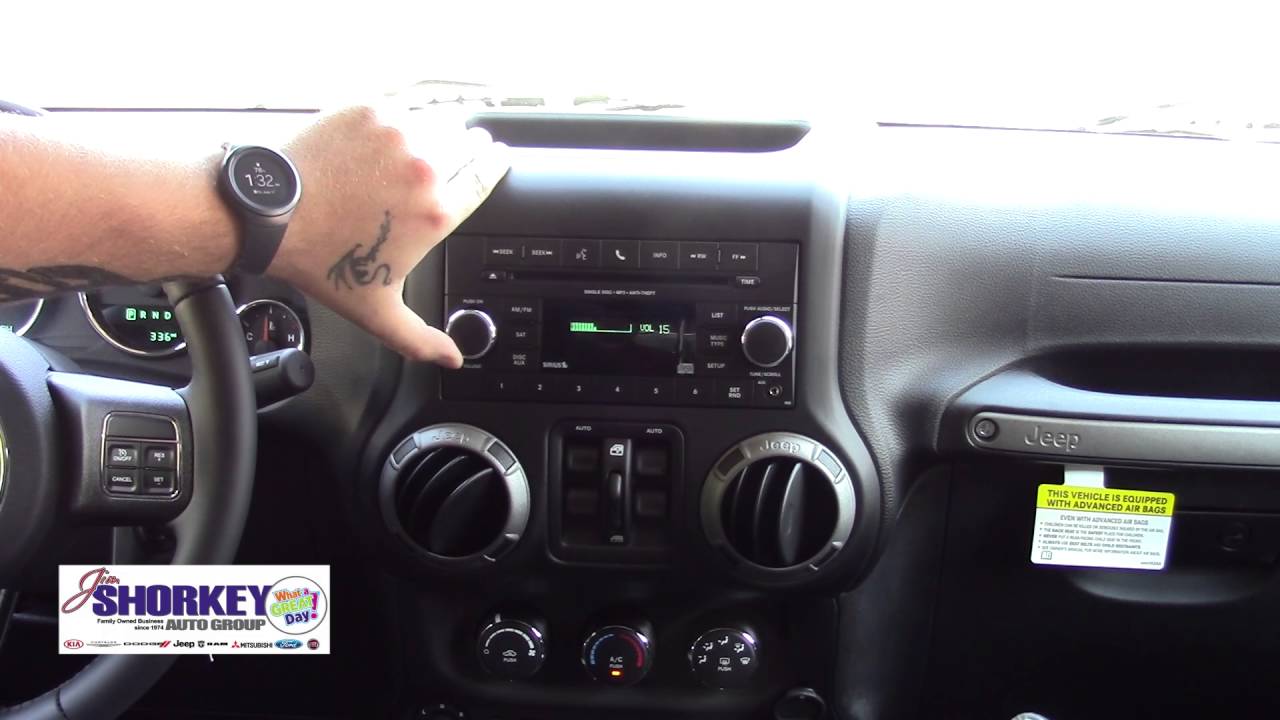
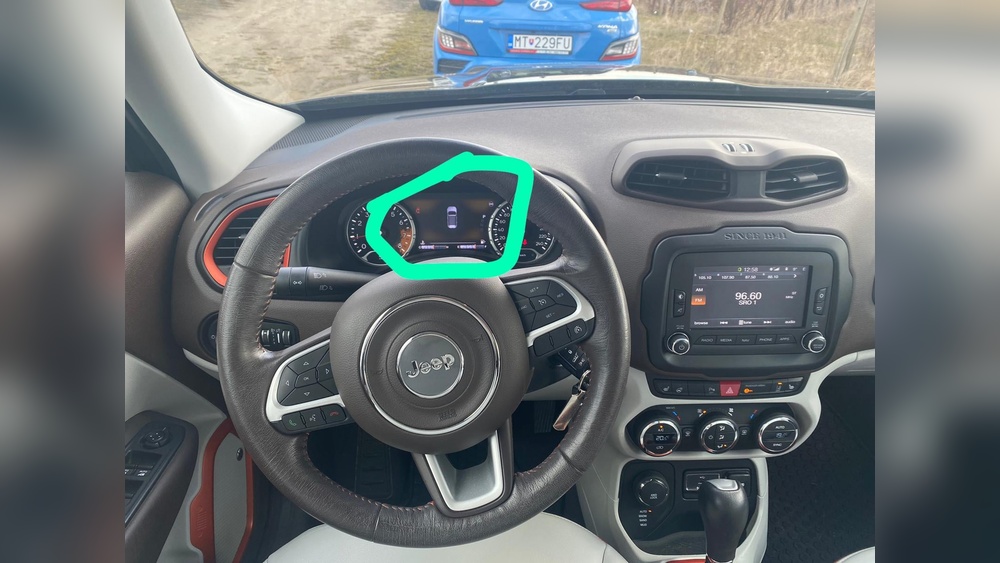
Jeep vehicles use different Bluetooth systems depending on the year and model. Most modern Jeeps feature Uconnect—a multimedia system that handles Bluetooth, radio, and navigation.
Older Jeeps (before 2012) may have simpler Bluetooth setups, while newer models (2013 and up) offer more advanced options. Knowing your Jeep’s system helps you follow the right steps.
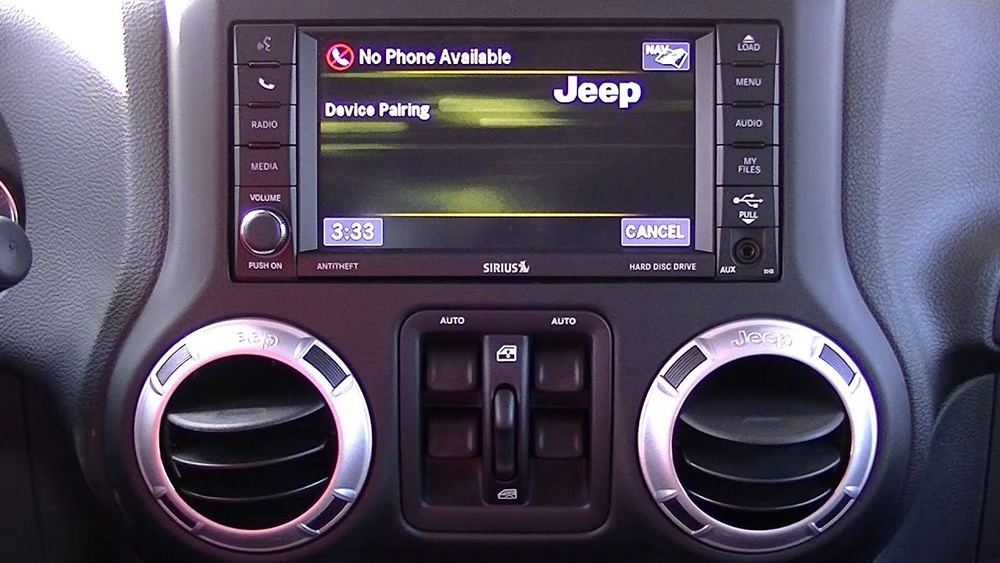
Here’s a quick comparison of Bluetooth features in popular Jeep models:
| Model | Year Range | Bluetooth Features | Uconnect Version |
|---|---|---|---|
| Wrangler | 2012–2024 | Hands-free calls, audio streaming | Uconnect 3/4/5 |
| Cherokee | 2014–2024 | Calls, music, voice control | Uconnect 4/5 |
| Grand Cherokee | 2011–2024 | Calls, streaming, navigation | Uconnect 3/4/5 |
Tip: Always check your Jeep’s manual or dashboard for the exact Uconnect version. This makes it easier to follow Bluetooth instructions.
Step-by-step Guide: Connecting Bluetooth To A Jeep
Most Jeeps use similar steps to connect Bluetooth, but the display and menu names might vary. Here’s how you can connect your phone or device:
- Turn on your Jeep and make sure the radio or infotainment system is powered.
- Enable Bluetooth on your smartphone or device. For iPhones, go to Settings > Bluetooth. For Android, use Settings > Connections > Bluetooth.
- On your Jeep’s touchscreen, go to the Phone or Media menu.
- Select Add Device or Pair New Device.
- The system will display a list of available devices. Choose your phone’s name from the list.
- Your Jeep may show a PIN code. Confirm this code matches the one on your phone and tap Pair on both devices.
- Wait a few seconds. Your phone should now be connected. You might see a confirmation message.
Here’s a quick overview of the pairing process by Uconnect version:
| Uconnect Version | Pairing Menu Location | Supports Voice Commands? |
|---|---|---|
| Uconnect 3 | Phone > Settings | No |
| Uconnect 4 | Media > Bluetooth | Yes |
| Uconnect 5 | Settings > Connections | Yes |
Non-obvious insight: Many people forget to update their phone’s software before connecting. If Bluetooth fails, try updating your phone or restarting both devices.
Troubleshooting Common Bluetooth Problems
Even if you follow the steps, Bluetooth may not connect right away. Here are solutions to frequent issues:
- Device not found: Turn Bluetooth off and on again on your phone. Restart your Jeep’s infotainment system.
- Connection drops: Move your phone closer to the Jeep’s dashboard. Remove other paired devices if your Jeep’s Bluetooth memory is full.
- Audio not playing: Check your phone’s Bluetooth settings. Make sure media audio is enabled, not just calls.
- Voice commands not working: Some older Jeeps don’t support voice commands. For newer models, check if your phone is set as the primary device.
Pro tip: Always remove old devices from your Jeep’s Bluetooth list. Having too many paired devices can cause pairing failures.
Practical Tips For Better Bluetooth Experience
- Limit paired devices. Most Jeeps only store 5–10 devices. Delete unused phones to prevent confusion.
- Keep software updated. New updates fix bugs and improve Bluetooth reliability.
- Use high-quality audio files. Streaming low-quality music can cause sound issues.
- Don’t use Bluetooth during engine start. Wait until the engine is running and the system is stable.
- Check compatibility. Not all phones work perfectly with all Jeep models. Visit the official Jeep website for compatibility info.
Non-obvious insight: Some apps (like navigation or music) may need extra permissions to work over Bluetooth. Grant these permissions on your phone for full functionality.
Comparing Jeep Bluetooth With Other Brands
To see how Jeep’s Bluetooth stands against rivals, look at the ease of pairing and features:
| Brand | Pairing Steps | Max Paired Devices | Voice Commands |
|---|---|---|---|
| Jeep | 5–7 | 8–10 | Yes (modern models) |
| Toyota | 6–8 | 5–7 | Yes |
| Ford | 5–6 | 10–12 | Yes |
| Honda | 6–8 | 6–8 | Yes |
Jeep’s Bluetooth is competitive, especially in newer models. The Uconnect system is known for its clear menus and reliable pairing.
Frequently Asked Questions
How Many Phones Can I Connect To My Jeep?
Most Jeep models allow up to 8–10 devices to be paired. Only one can be active at a time. If your list is full, delete older devices before pairing a new one.
Does Bluetooth Work In All Jeep Models?
Bluetooth is standard in most Jeeps from 2012 and newer. Older models may require a third-party Bluetooth adapter for phone calls and music.
Why Isn’t My Phone Connecting To My Jeep?
Common reasons include outdated software, Bluetooth memory limits, or interference from other devices. Restarting both the phone and Jeep system usually solves the problem.
Can I Stream Music Over Bluetooth?
Yes, you can stream music, podcasts, and navigation audio. Make sure your phone’s media audio is enabled in Bluetooth settings.
Where Can I Find Official Jeep Bluetooth Instructions?
For official guides and compatibility details, visit the Jeep Uconnect site.
Connecting Bluetooth to your Jeep is easy once you understand the steps and tips. With the right setup, you can enjoy safe, hands-free driving and quality entertainment. Remember to keep your devices updated and check compatibility for the best experience.
If you run into problems, most issues have simple fixes—so don’t hesitate to try again or consult your Jeep’s manual.