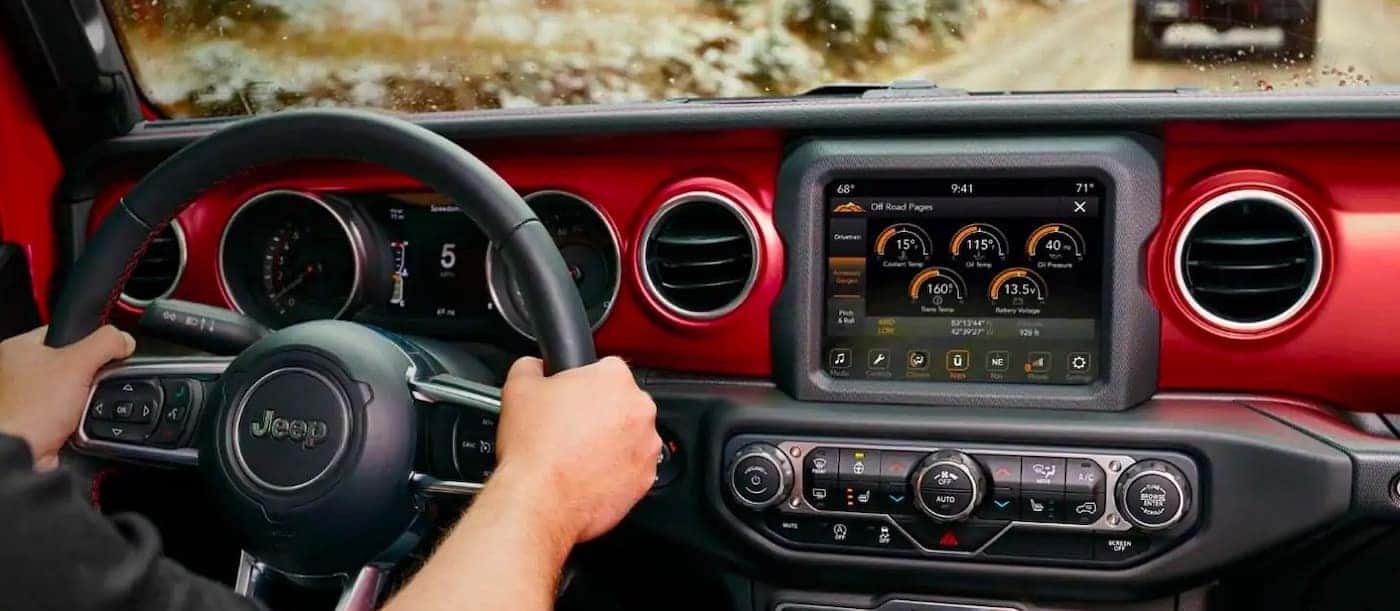
Getting your smartphone or music device connected via Bluetooth in your Jeep Wrangler can make your drives safer and more fun. You can answer calls hands-free, listen to your favorite playlists, or use navigation apps—all without touching your phone. But with different Jeep models and technology updates over the years, setting up Bluetooth can sometimes feel confusing. This guide will walk you through each step, explain common issues, and help you get the most out of your Jeep’s Bluetooth features.
Understanding Jeep Wrangler Bluetooth Systems
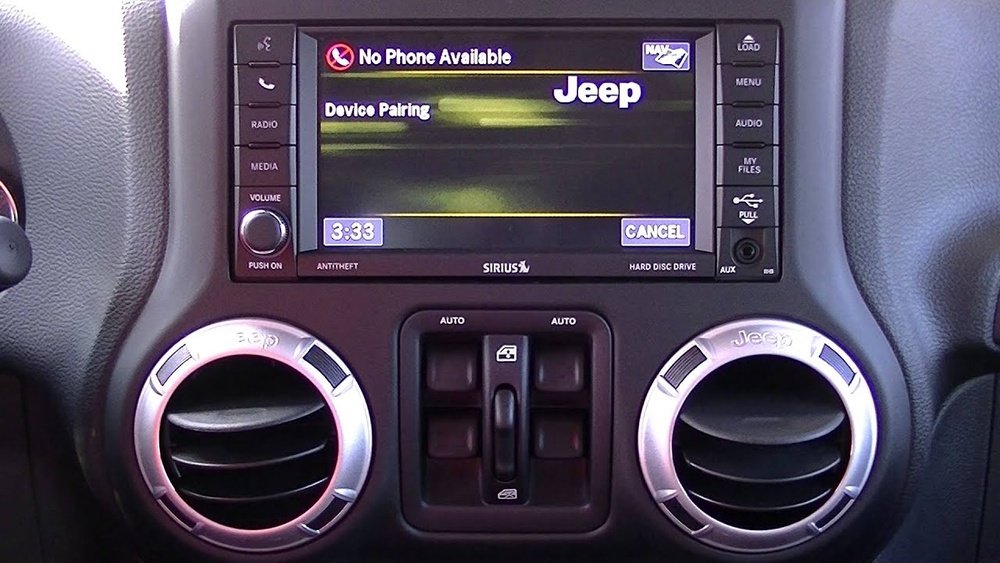
The Jeep Wrangler comes with a few different infotainment systems. Most models from 2011 onwards offer Bluetooth connectivity, but the process can differ based on the Uconnect system version. The most common ones are:
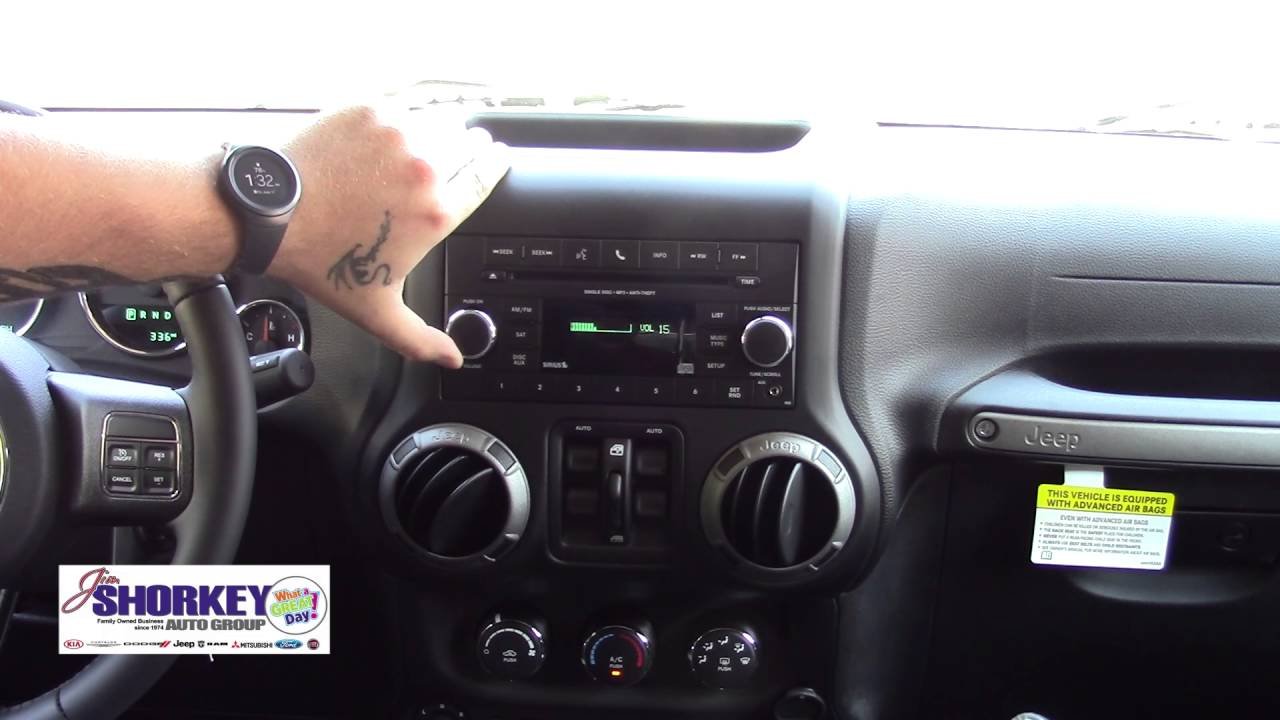
- Uconnect 130 (basic, usually audio only)
- Uconnect 430/430N (touchscreen, more features)
- Uconnect 8.4 (latest, touchscreen, advanced)
Here’s a quick comparison of key features:
| Uconnect Version | Bluetooth Audio | Hands-Free Calling | Touchscreen | Voice Commands |
|---|---|---|---|---|
| Uconnect 130 | Yes | Yes | No | Limited |
| Uconnect 430/430N | Yes | Yes | Yes | Moderate |
| Uconnect 8.4 | Yes | Yes | Yes | Advanced |
If you’re not sure which version you have, check your Jeep’s manual or look for the label on your dashboard screen.
Preparing Your Devices
Before you begin, make sure:
- Your phone’s Bluetooth is turned on.
- Your Jeep is parked (some features block pairing while driving).
- No other devices are actively paired with your Jeep.
Also, it’s helpful to remove old pairings from both your phone and the Jeep if you’ve connected before and had trouble.
Step-by-step: Connecting Bluetooth In A Jeep Wrangler
- Start your Jeep and keep it in Park.
- On the Uconnect system, press the Phone or Settings button.
- Choose Pair a Device or Add Device.
- On your phone, open Bluetooth settings and look for “Uconnect” or your Jeep’s system name.
- Tap to connect. A PIN will appear on both screens.
- Confirm the PIN matches, then accept the pairing on both your phone and the Jeep screen.
If done right, you’ll see a message like “Phone connected” or “Bluetooth audio connected. ”
Here’s a breakdown of key steps by Uconnect system:
| System | Pairing Button | Display Type | Typical PIN |
|---|---|---|---|
| Uconnect 130 | Phone (hard button) | Small LCD | Random 4 digits |
| Uconnect 430/430N | Phone or Settings (touchscreen) | Touchscreen | Displayed on screen |
| Uconnect 8.4 | Phone (touchscreen) | Large touchscreen | Displayed on screen |
Using Bluetooth Features In Your Wrangler
Once your device is paired, you can:
- Make and receive hands-free calls
- Play music or podcasts via Bluetooth audio
- Use voice commands for calls or music (varies by system)
- Access messages (on newer systems)
For best audio quality, use high-bitrate music files and keep your phone’s volume at about 80%. Some Wrangler models also support text messaging, but this depends on your phone and Jeep year.
Troubleshooting Common Bluetooth Problems
Even with modern tech, sometimes things go wrong. Here are a few common problems and quick fixes:
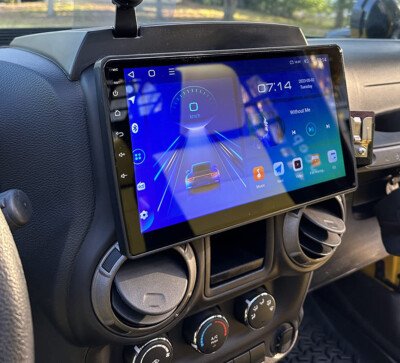
- Cannot pair: Make sure no other phones are connected. Restart both the Jeep system and your phone.
- Audio drops out: Move your phone closer or remove any metal objects between the phone and the dashboard.
- Contacts not syncing: On your phone, allow access to contacts when asked during pairing.
- Phone won’t reconnect automatically: Delete the pairing and try again. Make sure “Auto Connect” is enabled in your phone’s Bluetooth settings.
A less obvious tip: Some third-party phone apps can conflict with Uconnect Bluetooth. Try disabling or uninstalling these if you’re having trouble.
When To Update Your Jeep Software
If you keep experiencing Bluetooth issues, your Uconnect system might need a software update. Jeep releases updates to fix bugs and add features.
You can check for available updates on the official Mopar Uconnect page using your Jeep’s VIN.
Many owners skip this step, but updating your system can solve annoying problems and give you better performance.
Tips For A Stronger Bluetooth Connection
- Keep your phone’s software up to date.
- Limit the number of paired devices in the Jeep to 2-3.
- Avoid charging your phone with low-quality cables while using Bluetooth, as this can sometimes cause interference.
- If you often have passengers who want to connect, set your Jeep to “discoverable” mode only when pairing, then turn it off for better security.
Frequently Asked Questions
How Many Phones Can I Pair With My Jeep Wrangler?
Most Jeep Wranglers let you pair up to seven phones, but only one can be active at a time for calls and audio.
Can I Play Spotify Or Apple Music Over Bluetooth?
Yes, music streaming apps like Spotify and Apple Music work perfectly over Bluetooth. Just start playback on your phone, and it will play through your Jeep’s speakers.
Why Won’t My Iphone Connect To My Jeep Wrangler?
Check that both your iPhone and Jeep software are updated. Also, make sure the phone is not connected to another car’s Bluetooth at the same time.
Does Bluetooth Work With Android And Ios?
Yes, Bluetooth in the Jeep Wrangler supports both Android and iOS devices. Some features may look slightly different depending on your phone.
Is Bluetooth Available On All Jeep Wrangler Models?
Bluetooth has been standard on most Wranglers since 2011, but older models may need an upgrade or aftermarket adapter to add this feature.
Connecting Bluetooth in your Jeep Wrangler is usually fast and simple, but taking a few extra steps like updating your software and clearing old pairings can make a big difference in performance.
Enjoy the freedom of hands-free calls and wireless music while you explore the open road.