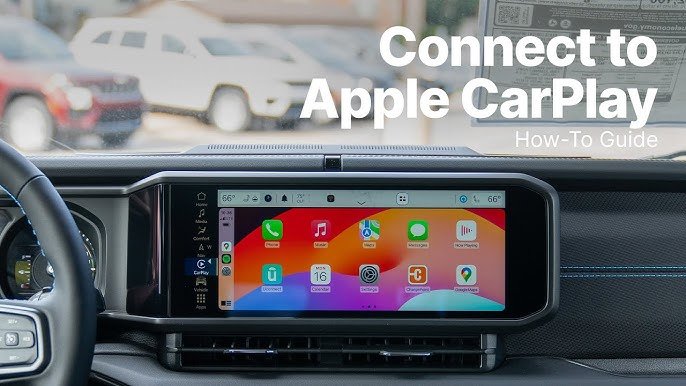
Getting your Apple CarPlay working in a Jeep Wrangler is a game-changer for driving. You get music, navigation, messages, and calls—all on your dashboard, with less distraction. But many Jeep owners struggle with setup. Some wonder if their Wrangler even supports CarPlay, or why it won’t connect. This guide will walk you through everything: checking compatibility, connecting your iPhone, troubleshooting common issues, and making the most of CarPlay. You’ll also see clear comparisons and data to help you understand how CarPlay fits with Jeep technology.
Understanding Apple Carplay In Jeep Wrangler
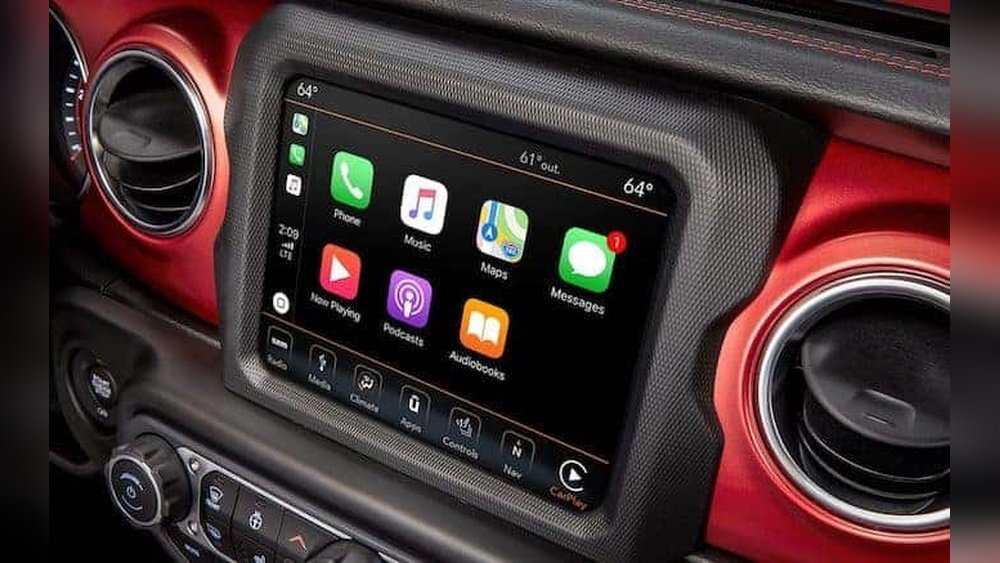
Apple CarPlay lets you use your iPhone features on your Jeep’s touchscreen. It’s safer because you don’t have to touch your phone while driving. You can ask Siri for directions, play music, or send texts—just by talking.
Jeep started including CarPlay in the Wrangler from the 2018 model year onwards. If your Jeep is older, you may need a third-party system. Most newer Wranglers have CarPlay as standard or optional, but not all trim levels include it. Knowing which models and systems support CarPlay is key.
| Jeep Wrangler Model Year | Apple CarPlay Availability | Uconnect System Version |
|---|---|---|
| 2017 & earlier | No (unless aftermarket) | Uconnect 4 or lower |
| 2018–2020 | Yes (select trims) | Uconnect 4 |
| 2021–2024 | Yes (most trims) | Uconnect 4, 4C, 5 |
Key insight: If your Wrangler is from 2018 or newer, you likely have CarPlay. The Uconnect system matters—Uconnect 4, 4C, or 5 are compatible.
Preparing Your Jeep And Iphone For Carplay
Before you connect, make sure both your Jeep and iPhone are ready. This prevents problems during setup.
- Check Uconnect Version: Turn on your Jeep. Tap “Settings” on the touchscreen, then “System Information.” Look for Uconnect 4 or higher.
- Update iPhone: CarPlay needs iOS 7.1 or newer, but iOS 15 or higher works best. Go to “Settings > General > Software Update” to check.
- Use Genuine USB Cable: For wired CarPlay, always use an Apple-certified USB cable. Cheap cables often cause connection failures.
- Enable Siri: CarPlay needs Siri. Go to “Settings > Siri & Search” and turn on “Listen for ‘Hey Siri’” and “Press Side Button for Siri.”
- Bluetooth Off (for Wired): Turn off Bluetooth on your iPhone if you’re using wired CarPlay. Some users report fewer glitches this way.
Non-obvious tip: Uconnect needs your Jeep’s parking brake engaged for some settings. If you can’t access CarPlay setup, try parking and engaging the brake.
Connecting Apple Carplay In Jeep Wrangler
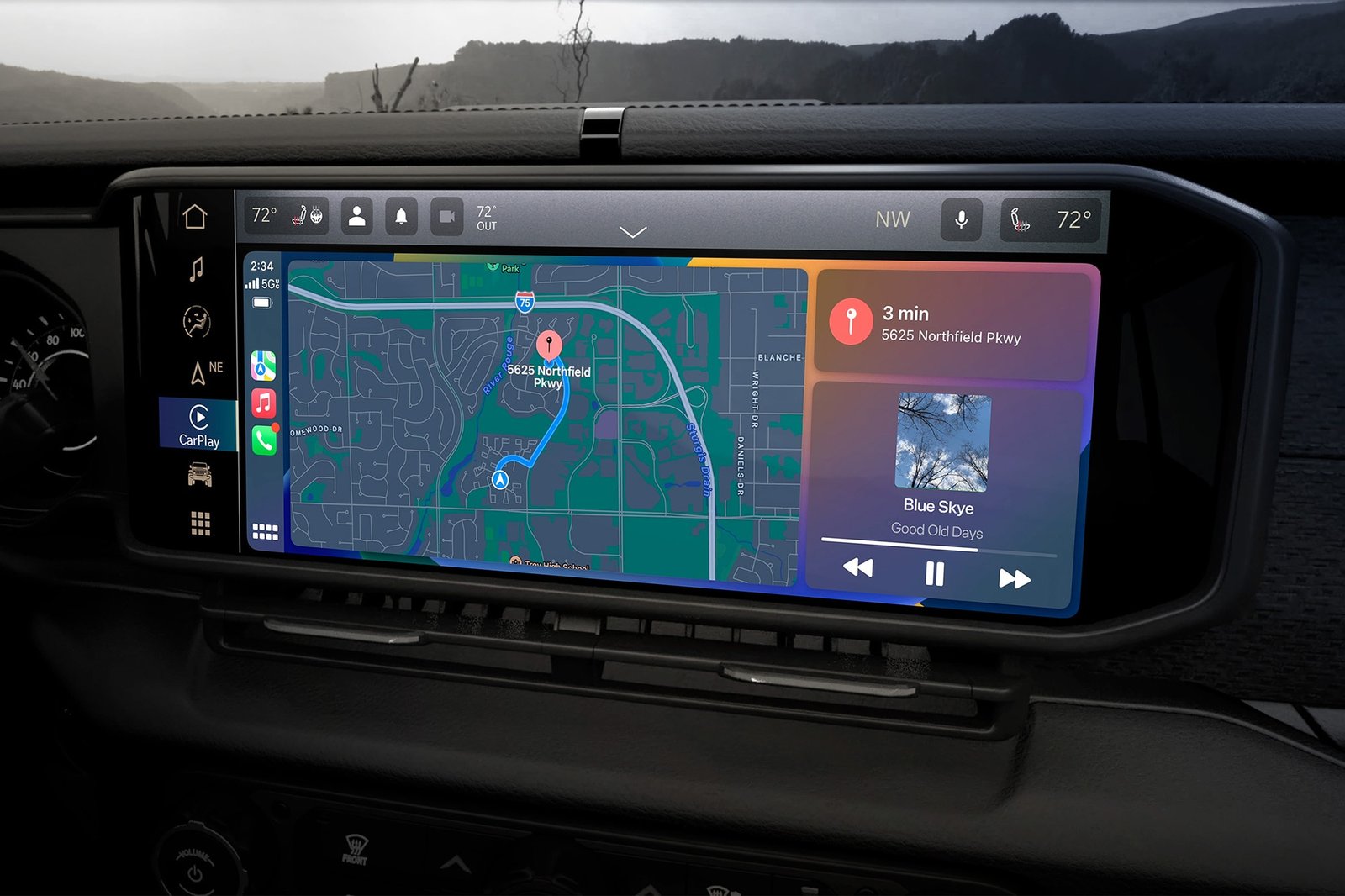
Now, you’re ready to connect. There are two ways: wired and wireless. Most Wranglers use wired CarPlay, but Uconnect 5 supports wireless.
Wired Connection Steps
- Start Your Jeep: Turn on the ignition or start the engine.
- Plug In Your iPhone: Use a genuine USB cable. Plug into the USB port (usually below the dashboard or in the center console).
- Watch for Prompt: The Uconnect screen will show “Apple CarPlay available.” Tap “Yes” or “Enable.”
- Unlock Your iPhone: Sometimes, you need to unlock your phone for the first connection.
- Grant Permissions: Your iPhone may ask, “Allow CarPlay with Uconnect?” Tap “Allow.”
- CarPlay Interface Appears: Apps like Maps, Music, and Messages show up on the Jeep screen.
Wireless Connection Steps (uconnect 5)
- Turn on Bluetooth and Wi-Fi: On your iPhone, go to “Settings > Bluetooth” and “Settings > Wi-Fi.” Enable both.
- Pair with Jeep: On Uconnect, tap “Phone > Add Device.” Choose your iPhone from the list.
- Accept Pairing: Your iPhone will ask to pair—tap “Pair” and “Allow CarPlay.”
- CarPlay Appears: After pairing, CarPlay launches automatically.
Data insight: Wireless CarPlay uses more battery. Wired charging is faster and more stable. If you drive long distances, wired is recommended.
| Connection Type | Pros | Cons |
|---|---|---|
| Wired | Stable, charges phone | Limited movement, cable needed |
| Wireless | No cable, more freedom | Uses battery, may lag |
Troubleshooting Common Carplay Issues
Sometimes, CarPlay doesn’t work as expected. Here are solutions for frequent problems:
Carplay Not Showing Up
- Check USB Port: Use the main USB port; some Jeeps have multiple ports but only one supports CarPlay.
- Restart Both Devices: Turn off your Jeep and iPhone. Wait a minute, then restart.
- Try Another Cable: Switch to a new, Apple-certified cable.
- Update Uconnect: Go to “Settings > System Updates” on Uconnect. Download if there’s a new version.
Carplay Disconnects Often
- Secure Cable Connection: Make sure the cable isn’t loose. Bumpy roads can cause disconnects.
- Remove Phone Case: Some bulky cases block the cable.
- Turn Off Battery Saver: Low Power Mode can affect CarPlay. Go to “Settings > Battery” and turn it off.
Apps Not Appearing
- Enable in Settings: On your iPhone, go to “Settings > General > CarPlay > Jeep.” Tap “Customize” and enable apps you want.
- Update Apps: Outdated apps may not work. Update them in the App Store.
Non-obvious insight: If CarPlay keeps failing, try resetting your Uconnect system. Hold the power button for 10 seconds until the screen goes black and restarts.
Maximizing Carplay Features In Your Wrangler
CarPlay isn’t just for maps and music. You can customize and get more from it.
- Voice Commands: Say “Hey Siri” to control music, navigation, calls, or texts. It’s safer than touching the screen.
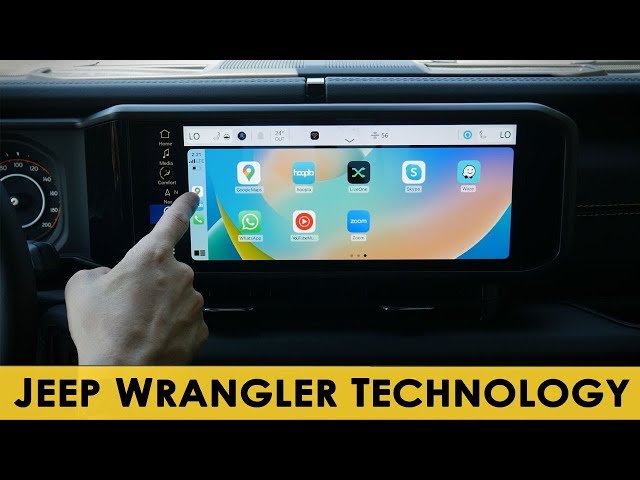
- Navigation: Use Apple Maps, Google Maps, or Waze. All work with CarPlay. Jeep’s built-in GPS isn’t needed.
- Audio Apps: Stream from Spotify, Apple Music, Pandora, or podcasts.
- Messaging: Respond to texts by voice. Siri reads messages aloud and lets you reply hands-free.
- Calendar and Reminders: Check appointments or set reminders with Siri while driving.
Customizing Carplay Layout
You can change how apps appear on your Jeep’s screen. On your iPhone:
- Go to “Settings > General > CarPlay > Jeep”
- Tap “Customize”
- Drag apps up or down to reorder, or tap “-” to remove apps
Tip: Only apps approved for CarPlay will show. Some third-party apps (like WhatsApp) are available, but others aren’t.
Aftermarket Carplay Solutions For Older Wranglers
If your Jeep is older than 2018, you can still get CarPlay. Aftermarket systems are available, but quality varies.
Popular aftermarket options:
- Alpine iLX-507: Touchscreen, wireless CarPlay, fits Jeep dash
- Kenwood Excelon Series: Wired CarPlay, high-quality audio
- Sony XAV-AX7000: Fast boot, good screen, wired CarPlay
Installation needs a professional, unless you’re skilled with car electronics. Costs range from $400 to $1,200, including labor. Some units also offer Android Auto.
| Brand | CarPlay Type | Price Range | Features |
|---|---|---|---|
| Alpine | Wireless | $800–$1,200 | Touchscreen, GPS, Bluetooth |
| Kenwood | Wired | $500–$900 | High audio quality |
| Sony | Wired | $400–$800 | Fast boot, clear display |
Common mistake: Many buyers forget to check if the new system fits their Jeep’s dash. Always check compatibility before buying.
Safety And Legal Considerations
CarPlay is designed to make driving safer, but there are rules to follow.
- Hands-Free Laws: Many US states require hands-free phone use. CarPlay helps you follow these laws.
- Screen Use: Don’t use CarPlay for watching videos or other distractions. Focus on driving.
- Updates: Keep your iPhone and Uconnect updated. New features improve safety and stability.
According to the National Highway Traffic Safety Administration, distracted driving caused over 3,000 deaths in 2020. CarPlay helps reduce distraction, but only if used responsibly.
Expert Tips For Smooth Carplay Experience
- Start CarPlay Before Driving: Connect and set up your apps before you hit the road.
- Keep Your Phone Charged: Wired CarPlay charges your phone. Wireless drains battery fast.
- Update Regularly: Updates fix bugs and add features.
- Use Do Not Disturb While Driving: Enable this on your iPhone for extra safety.
- Explore Siri Shortcuts: Set up routines for navigation, messages, or music.
Insider tip: If you travel often, set up favorite destinations in Apple Maps. Siri can guide you with just a voice command.
Frequently Asked Questions
Does Every Jeep Wrangler Support Apple Carplay?
No. Only Wranglers from 2018 onwards with Uconnect 4 or higher support CarPlay. Older models need aftermarket systems.
Can I Use Wireless Carplay In My Jeep Wrangler?
You can use wireless CarPlay if your Wrangler has Uconnect 5 (mostly 2021+ models). Otherwise, you’ll need a wired connection.
Why Does Carplay Disconnect While Driving?
This is usually caused by a loose cable, poor USB port, or battery saver mode on your iPhone. Try a new cable and turn off Low Power Mode.
Is It Possible To Add Carplay To A 2017 Or Older Wrangler?
Yes. You can install an aftermarket CarPlay system from brands like Alpine, Kenwood, or Sony. Professional installation is recommended.
How Do I Update The Uconnect System?
Go to “Settings > System Updates” on your Jeep’s touchscreen. You can also visit a Jeep dealer for updates. For more info, check Jeep’s official Uconnect page.
Connecting Apple CarPlay in your Jeep Wrangler makes driving safer and more fun. With the right setup, you get easy access to navigation, music, and calls.
Always check compatibility, use quality cables, and keep your devices updated for the best experience.
If your Jeep is older, aftermarket solutions work well but choose carefully. With these steps and tips, you’ll enjoy smarter, safer journeys every time you drive.


















