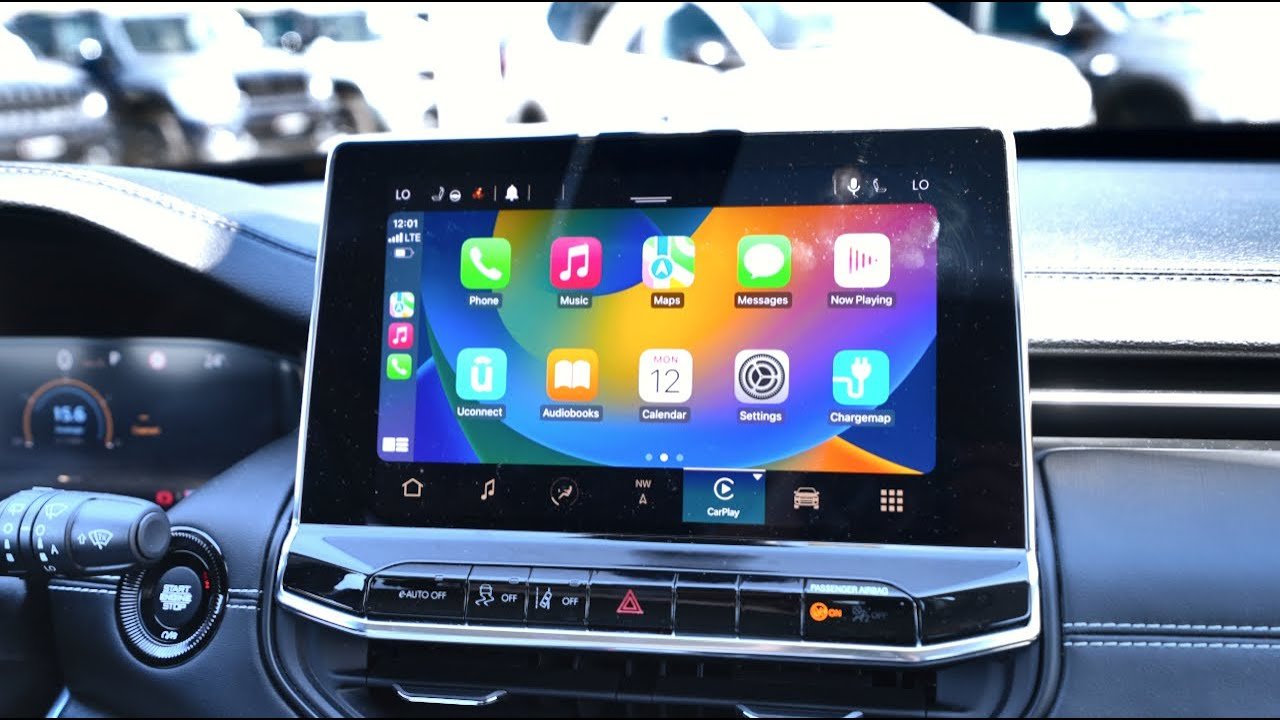
Getting your phone connected to your car is more than just convenience—it’s about safety, comfort, and making every drive better. The Jeep Compass supports Apple CarPlay, which means you can use many iPhone features right on your car’s touchscreen. But for many drivers, connecting Apple CarPlay in a Jeep Compass can seem confusing at first. This guide will help you set it up quickly and avoid common mistakes, so you can start enjoying hands-free calls, music, maps, and much more.
What Is Apple Carplay?
Apple CarPlay is a system that lets you use your iPhone’s apps directly on your car’s built-in display. With CarPlay, you can get directions, send messages, play music, and use Siri—all while keeping your eyes on the road. Most Jeep Compass models from 2018 onwards have CarPlay support, making it a popular choice for drivers who want smart technology in their vehicle.
Preparing Your Jeep Compass And Iphone
Before connecting, make sure:
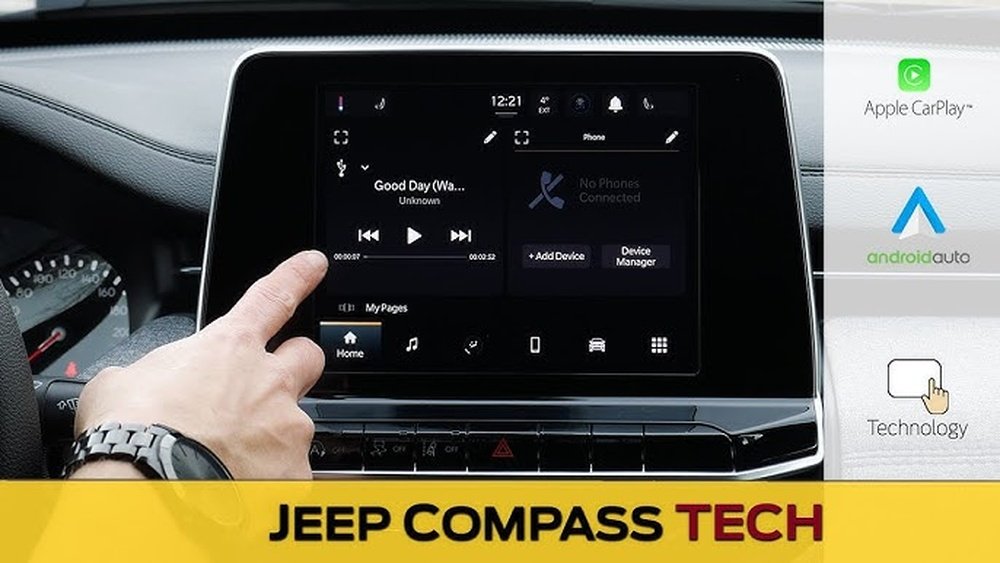
- Your Jeep Compass is 2018 or newer (older models may not support CarPlay).
- Your iPhone is running iOS 7.1 or higher.
- You have a Lightning to USB cable (for wired connection).
- Bluetooth and Siri are enabled on your iPhone.
A common mistake is using a damaged or non-certified cable, which can cause problems during setup. Always use the original cable if possible.
Quick Comparison: Jeep Compass Model Year And Carplay Support
| Model Year | Apple CarPlay Support |
|---|---|
| 2017 and earlier | No |
| 2018–2020 | Yes (Wired) |
| 2021 and later | Yes (Wired & Wireless) |
If your Jeep Compass is 2017 or older, CarPlay will not be available unless you upgrade your infotainment system.
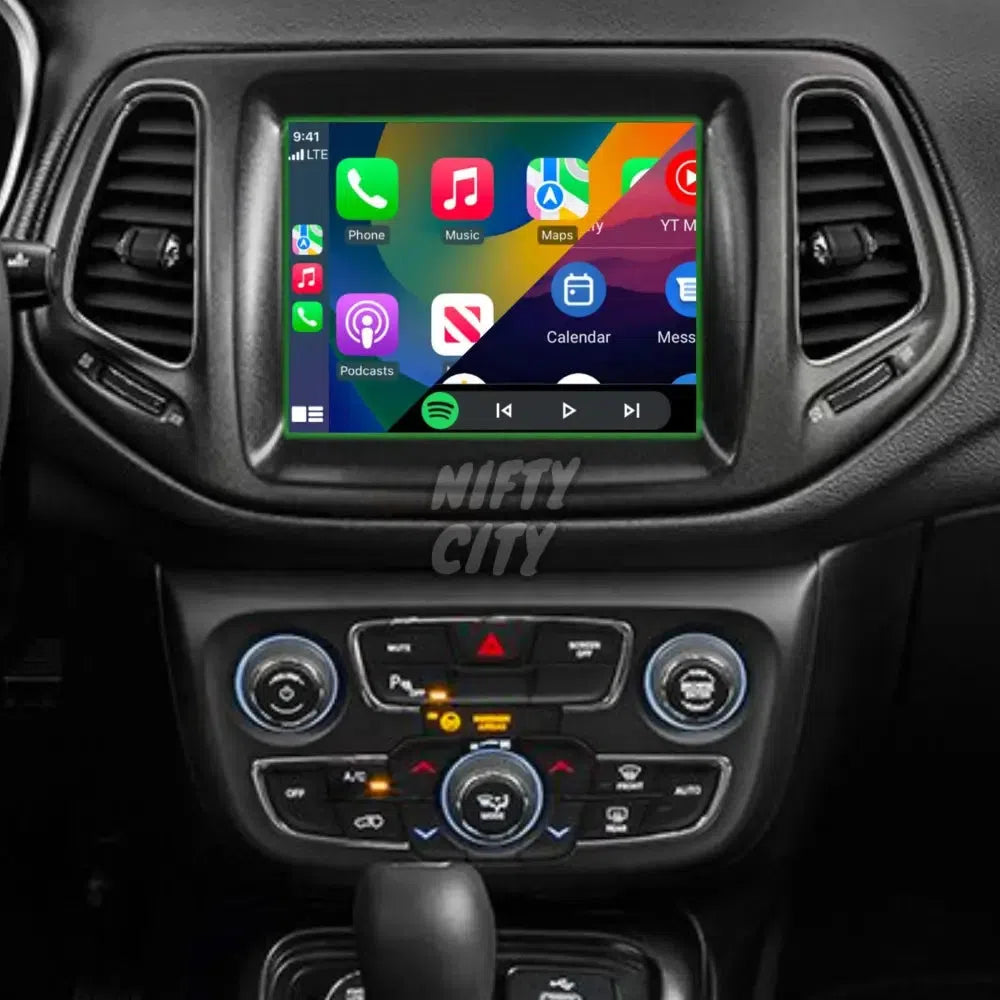
Step-by-step: How To Connect Apple Carplay
Connecting Apple CarPlay in your Jeep Compass is straightforward when you follow these steps:
- Start your Jeep Compass and keep it in Park.
- Plug your iPhone into the car’s USB port using your Lightning cable. The USB port is usually in the center console or under the dashboard.
- The Uconnect screen (Jeep’s infotainment system) will display a prompt: “Apple CarPlay Available.” Tap “Yes” or “Enable.”
- On your iPhone, you may see a pop-up asking for permission. Tap “Allow.”
- The CarPlay interface will appear on your Jeep’s touchscreen. You can now use apps like Maps, Phone, Music, and Messages.
Wireless Carplay Setup (2021 And Later)
For newer Jeep Compass models, you can connect wirelessly:
- Make sure Bluetooth and Wi-Fi are enabled on your iPhone.
- On the Uconnect screen, go to “Phone” or “Settings.”
- Select “Pair Device” or “Add Device.”
- On your iPhone, go to Settings > General > CarPlay, and choose your Jeep Compass from the list.
- Confirm pairing on both the phone and Uconnect screen.
If your model supports wireless CarPlay, you’ll see the CarPlay interface without plugging in your iPhone.
Troubleshooting Common Problems
Even with the right steps, some users face issues. Here’s how to solve the most common ones:
- CarPlay not showing up: Check if your cable is working and plugged into the correct USB port.
- No sound or audio: Make sure your car’s volume is up and the audio source is set to CarPlay.
- Connection drops: Try a different cable, or restart your iPhone and Uconnect system.
- Siri not responding: Confirm that Siri is enabled on your iPhone (Settings > Siri & Search).
Quick Fixes Table
| Problem | Solution |
|---|---|
| CarPlay not detected | Try another cable or restart devices |
| No audio | Check car’s audio source and iPhone volume |
| Wireless CarPlay not connecting | Ensure Bluetooth & Wi-Fi are ON, forget and re-pair device |
Many users overlook the importance of using a certified cable or keeping their iPhone’s software up to date. These are simple but effective solutions.
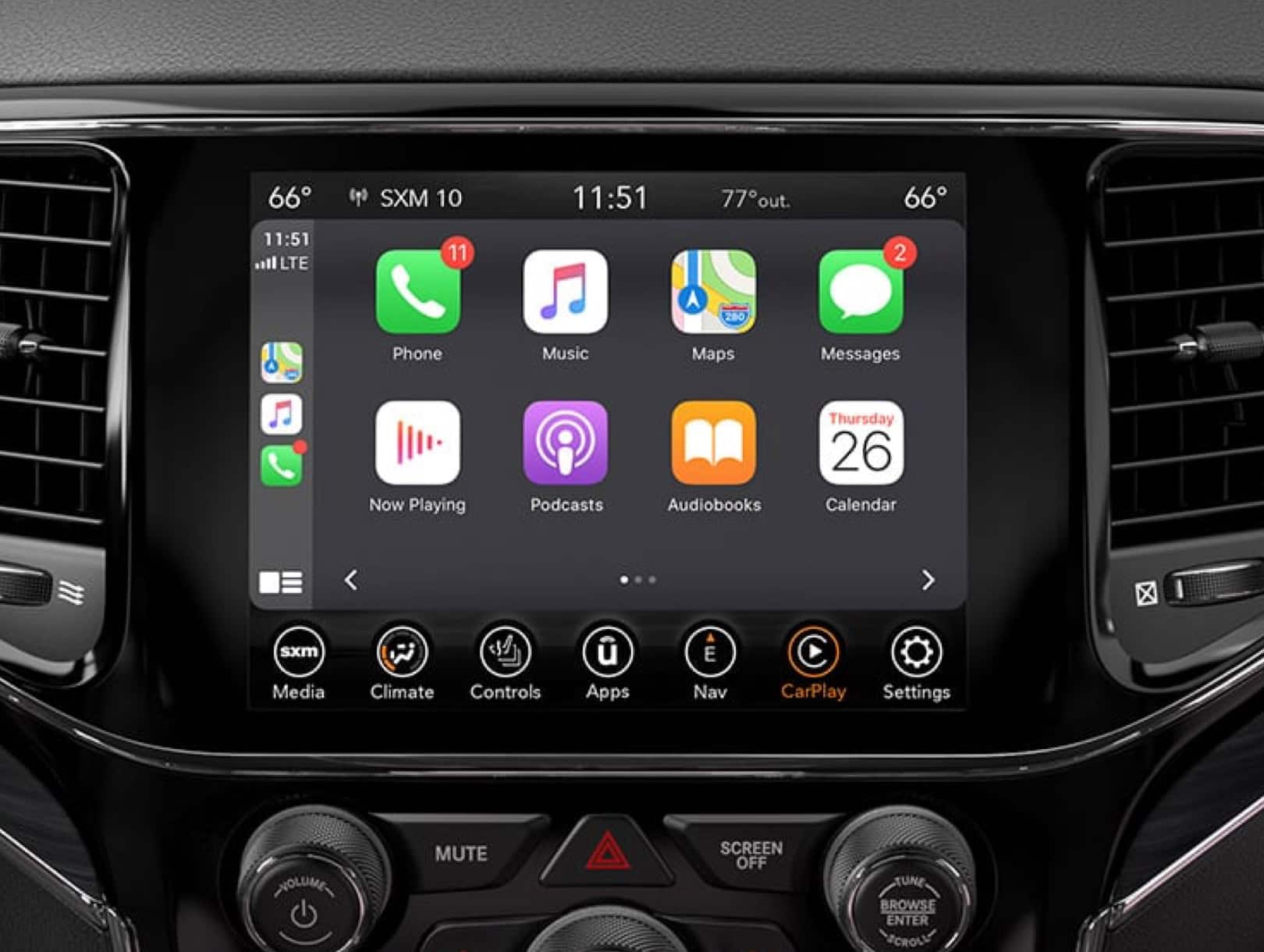
Customizing Your Carplay Experience
Apple CarPlay is flexible. You can:
- Rearrange app icons: On your iPhone, go to Settings > General > CarPlay, select your car, and drag apps into your preferred order.
- Hide or show apps: Remove apps you don’t use for a cleaner interface.
- Set Do Not Disturb While Driving: This can be enabled in the CarPlay settings for fewer distractions.
An easy tip: Download compatible apps like Waze or Spotify beforehand for more options on your drive.
Popular Carplay Apps For Jeep Compass
| App Name | Main Feature |
|---|---|
| Apple Maps | Navigation |
| Google Maps | Navigation |
| Spotify | Music streaming |
| Messaging | |
| Waze | Traffic alerts |
Most drivers stick with the basics, but exploring new apps can make your driving experience richer.
Useful Tips And Insights
- Use Siri for safety: Hold the voice button on your steering wheel to talk to Siri. This keeps your hands on the wheel and eyes on the road.
- Update regularly: Check for iOS and Uconnect updates every few months. These updates often fix bugs and add new features.
- Limit distractions: Only add apps you really need. Too many apps can clutter the CarPlay screen and distract you while driving.
A non-obvious insight: If you often switch drivers, each person can set up their own iPhone with CarPlay. The system will recognize the device and load your preferred settings automatically.
Is Carplay Safe And Secure?
Apple CarPlay is designed with safety in mind. Your iPhone stays locked while driving, and most tasks can be done with voice commands. Personal data, like contacts and messages, are not stored in the car—they stay on your phone. For more technical details on privacy and security, you can check the official Apple CarPlay page.
Frequently Asked Questions
How Do I Know If My Jeep Compass Supports Apple Carplay?
Most Jeep Compass models from 2018 and newer support Apple CarPlay. Check your owner’s manual or the Uconnect screen for the CarPlay icon.
Can I Use Apple Carplay Wirelessly In My Jeep Compass?
Wireless CarPlay is available in the 2021 and newer Jeep Compass models. For older models, you need to connect your iPhone with a USB cable.
Why Is My Iphone Not Connecting To Carplay?
This can be due to a faulty cable, unsupported model, or outdated software. Try another cable, restart your devices, and make sure CarPlay is enabled in your iPhone’s settings.
What Apps Can I Use With Apple Carplay In My Jeep Compass?
You can use navigation, music, messaging, and podcast apps like Apple Maps, Google Maps, Spotify, WhatsApp, and Waze. Check the App Store for more compatible apps.
Is Apple Carplay Free To Use In Jeep Compass?
Yes, there is no extra cost for using Apple CarPlay. However, some apps may require a subscription or data connection to function fully.
Setting up Apple CarPlay in your Jeep Compass is simple once you know the steps. With this feature, your drives become safer and more enjoyable, letting you focus on the road while staying connected.
Take a few minutes to set it up, explore the available apps, and keep your system updated for the best experience.