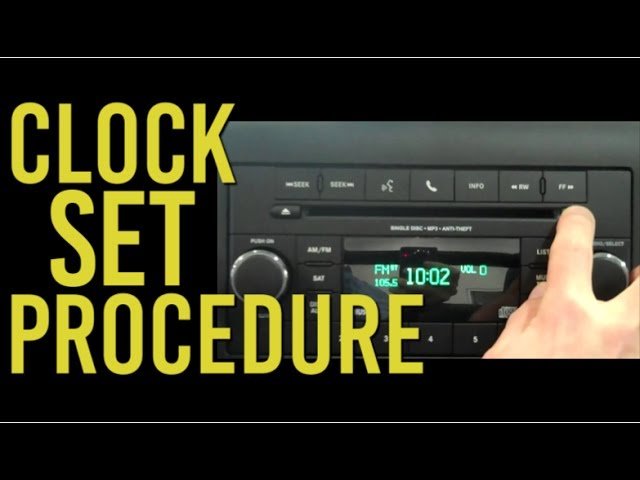
Owning a Jeep means enjoying adventure, freedom, and sometimes a little bit of DIY maintenance. One small but important task is keeping your Jeep’s clock accurate.
Whether you just bought your Jeep, changed the battery, or noticed the clock is off after daylight saving time, knowing how to change the time can save you from confusion on the road.
This guide will help you set the correct time on most Jeep models, highlight differences by year, and give tips for common problems.
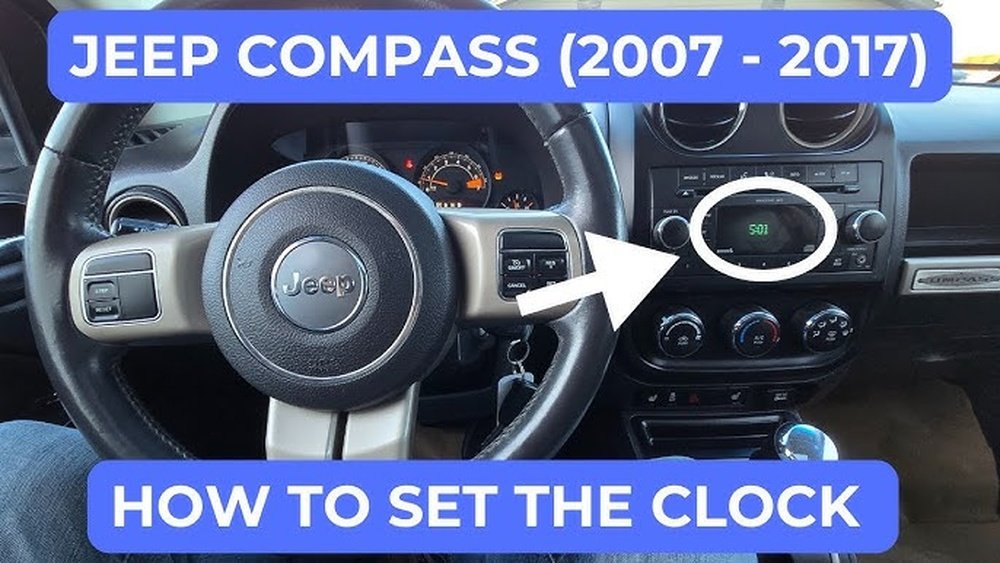
Understanding Jeep Clock Systems
Jeep vehicles have used different clock systems over the years. Older models use a simple analog or digital clock, while newer Jeeps integrate the clock with the infotainment system. The method to change the time depends on your model and year.
Common Jeep Clock Types
| Model Year | Clock Type | Adjustment Method |
|---|---|---|
| Before 2010 | Manual (Analog/Digital) | Physical Buttons |
| 2011–2017 | Basic Digital/Infotainment | Radio/Screen Settings |
| 2018–Present | Uconnect Touchscreen | Touchscreen Menus |
Always check your owner’s manual for exact instructions, as features can vary.
Step-by-step: Changing Time On Different Jeep Models
Let’s break down the steps for the most common Jeep types: manual clock, basic infotainment, and Uconnect system.
1. Manual Clock (pre-2010 Models)
These Jeeps have a simple digital or analog clock, usually near the radio.
Steps:
- Locate the clock buttons – Usually labeled “H” (hour), “M” (minute), or with a clock icon.
- Turn the ignition on – You don’t need to start the engine.
- Press and hold the “H” button to set the hour. Release when the correct hour appears.
- Press and hold the “M” button to set the minutes.
- Some models require holding both buttons at once to reset.
Example: 2007 Jeep Wrangler owners use small buttons just below the radio display.
2. Basic Infotainment System (2011–2017)
These systems use a radio display, often without a touchscreen.
Steps:
- Turn the ignition to ON/RUN.
- Press the “Menu” or “Clock” button on the radio panel.
- Use the tune knob or arrow keys to adjust hours and minutes.
- Save by pressing “Set” or waiting a few seconds.
Tip: Not all radios are the same. Some require holding the time display button until it blinks before adjusting.
3. Uconnect Touchscreen (2018–present)
Modern Jeeps like the Wrangler JL, Grand Cherokee, and Compass use the Uconnect system. This touchscreen system is user-friendly but has more steps.
Steps:
- Turn on the ignition.
- Tap the “Settings” icon on the Uconnect screen.
- Select “Clock & Date” or similar option.
- Tap “Set Time”.
- Adjust hours and minutes using the +/– buttons.
- Tap “Save” or exit the menu.
Automatic Option: Some Uconnect systems allow syncing with GPS or your phone for automatic time updates. Turn this on to avoid manual changes.
Key Differences Between Jeep Models
It’s easy to get confused if you switch between different Jeeps. Here’s a quick comparison of how time adjustment works in three popular models:
| Model | Adjustment Location | Special Feature |
|---|---|---|
| Wrangler JL (2018+) | Uconnect Touchscreen | Automatic GPS Sync |
| Grand Cherokee (2015–2021) | Touchscreen Settings | Daylight Saving Toggle |
| Cherokee (2014–2019) | Radio Display Menu | 12/24 Hour Format |
Tips For Common Problems
Even with clear steps, you may run into issues. Here are some practical solutions:
- If the clock resets after turning off the engine, check your car battery. Weak batteries often cause time loss.
- For touchscreen freezes, turn off your vehicle and restart. If problems continue, consider a software update.
- If your Jeep’s clock is off by exactly one hour, check if daylight saving time is set correctly.
- For radio-based clocks, a blown fuse can sometimes cause the display to go blank. Replace the fuse if needed.
- Some Uconnect systems have a “Sync with GPS” option. If the time is always wrong, try turning sync off, set the time manually, then turn it back on.
Pro Insight: Many owners forget that the Uconnect system may need a software update to fix persistent clock issues. Visit your dealership or the official Jeep website for updates.
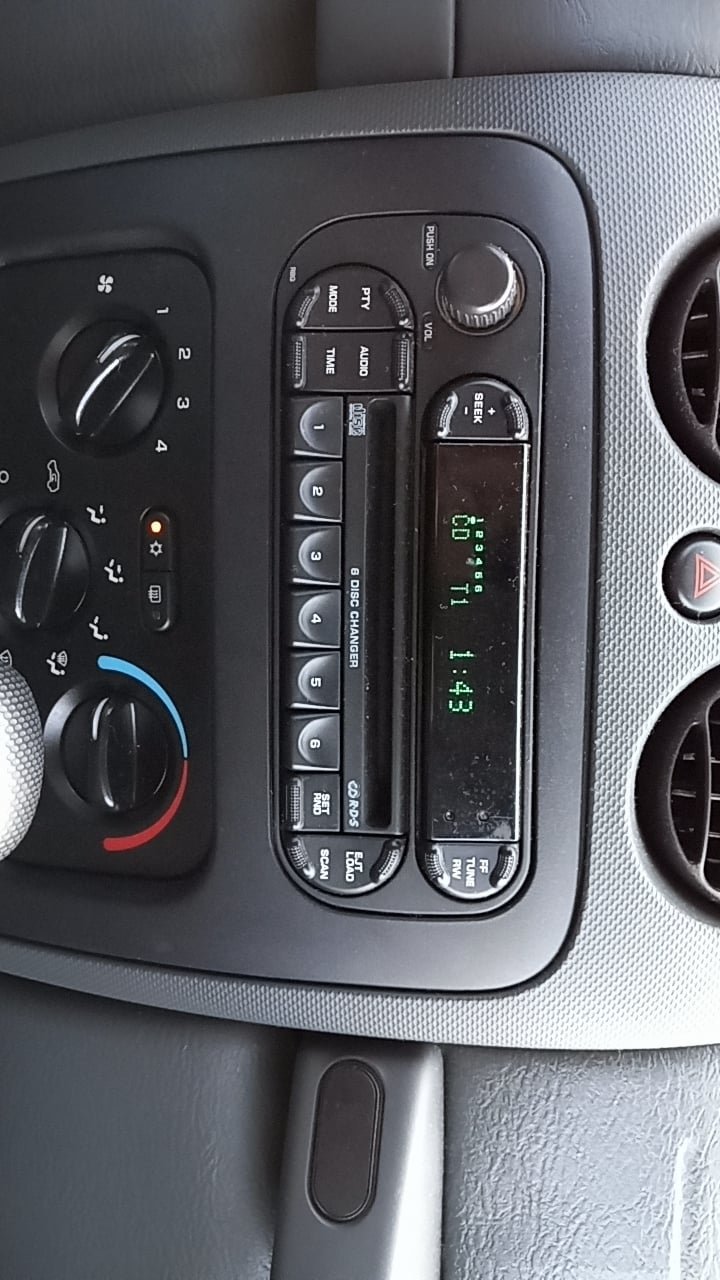
Why Keeping The Time Correct Matters
Having the right time on your Jeep’s clock is more than just convenience. Here’s why it’s important:
- Navigation accuracy: GPS-based directions and arrival times depend on the correct time.
- Scheduled maintenance: Some reminders for oil changes or service use the clock.
- Bluetooth functions: Phone syncing, call logs, and messages can show wrong timestamps if your clock is off.
Even a small error can create confusion, especially if you rely on your Jeep’s system for trip planning or work.
Non-obvious Tips Most Owners Miss
- Time Format Change: Many Jeeps allow you to switch between 12-hour and 24-hour format. This is useful if you travel internationally or prefer military time.
- Hidden Reset Option: On some older radios, you can reset the clock by disconnecting the vehicle’s battery for a few minutes. This is a last resort if the clock won’t set.
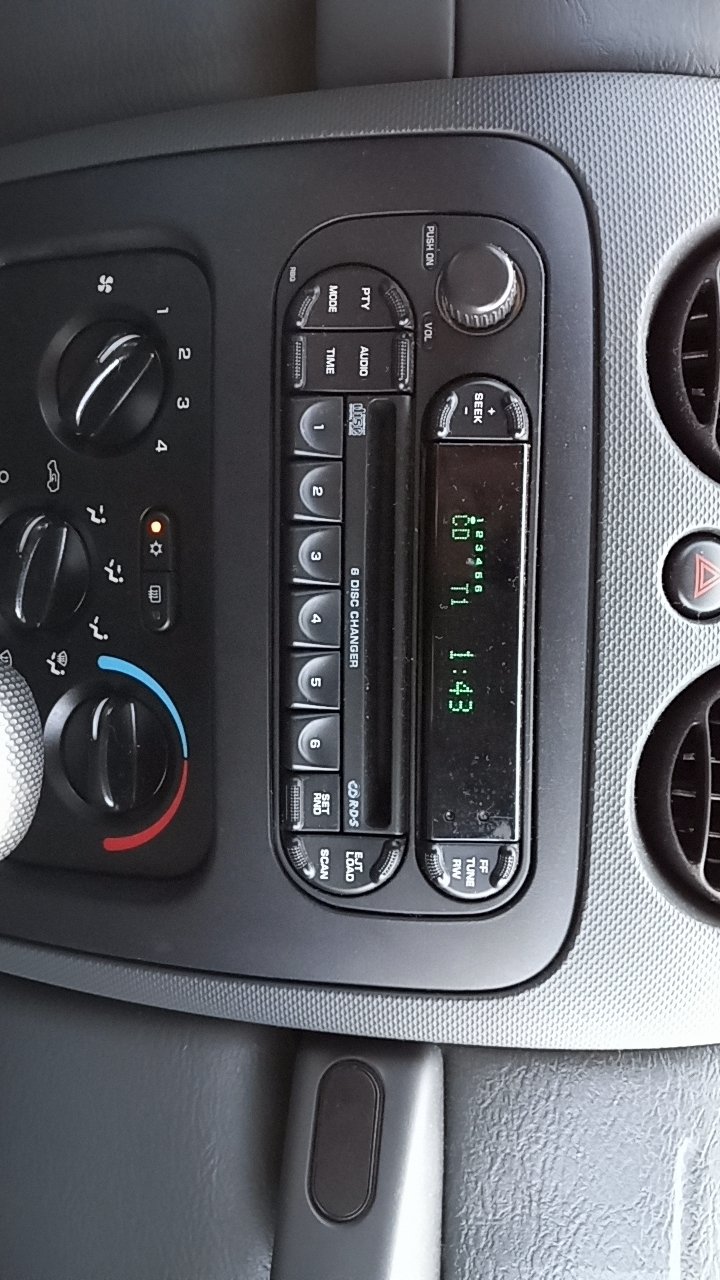
When To Ask For Help
If you’ve followed these steps and your Jeep’s clock still won’t set, it might be time to visit a certified technician. Electrical issues, failed infotainment units, or software glitches can cause persistent problems.
Most Jeep dealerships can diagnose and fix these quickly.
For more details about Uconnect updates and troubleshooting, the official Jeep Uconnect site has useful resources.
Frequently Asked Questions
How Do I Change The Time On A 2020 Jeep Wrangler?
Use the Uconnect touchscreen: Tap “Settings,” then “Clock & Date.” Adjust the time and save your changes.
My Jeep Clock Keeps Resetting. What’s Wrong?
Often this means your battery is weak or a fuse is blown. Check both and replace if needed.
Can I Set My Jeep Clock To Update Automatically?
Yes, most newer Jeeps with Uconnect can sync time automatically using GPS. Turn on the “Sync with GPS” setting.
Why Is My Jeep’s Clock Off By One Hour?
This usually happens if daylight saving time is not set correctly. Check the clock settings and toggle the daylight saving option.
Where Can I Get Help If My Jeep Clock Won’t Set?
Visit your local Jeep dealership or check the Jeep Uconnect site for support and software updates.
A few minutes spent setting the right time can make your trips smoother and your Jeep even more enjoyable. Keeping your clock accurate is a simple skill that every Jeep owner should have.