Changing the clock on your 2024 Jeep Wrangler might sound like a small task, but it’s important for staying on schedule and making sure your car’s features work as expected. Many drivers are surprised how technology in vehicles continues to change, including even simple things like adjusting the time. Whether you just bought your Wrangler or daylight saving time just started, knowing how to set the clock quickly can save you frustration.
This guide will walk you through step-by-step instructions for changing the time on different Jeep Wrangler 2024 models. You’ll also find useful tips, practical examples, and answers to common questions.
By the end, you’ll feel confident handling this task even if you’re not a tech expert.
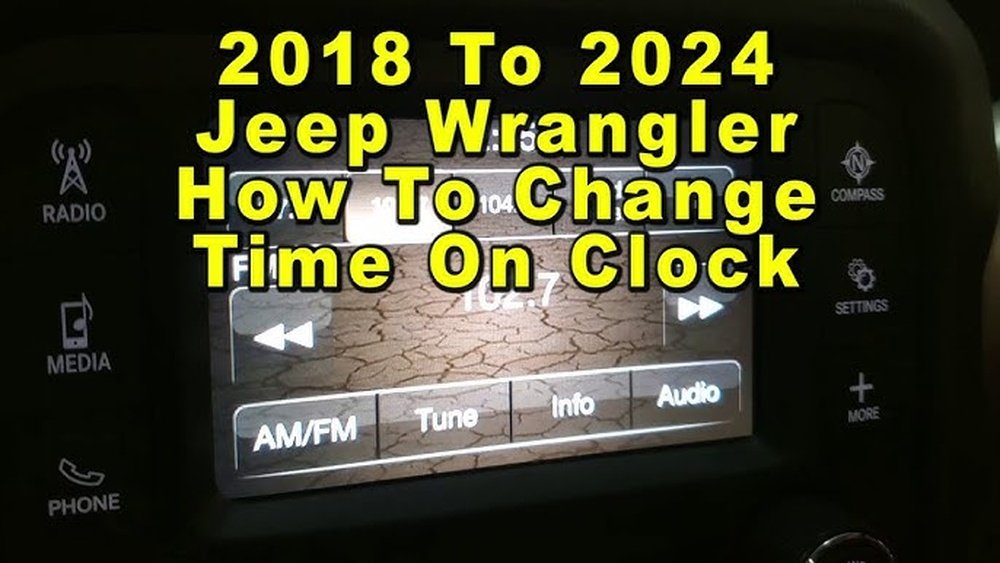
Understanding Your Jeep Wrangler 2024 Clock System
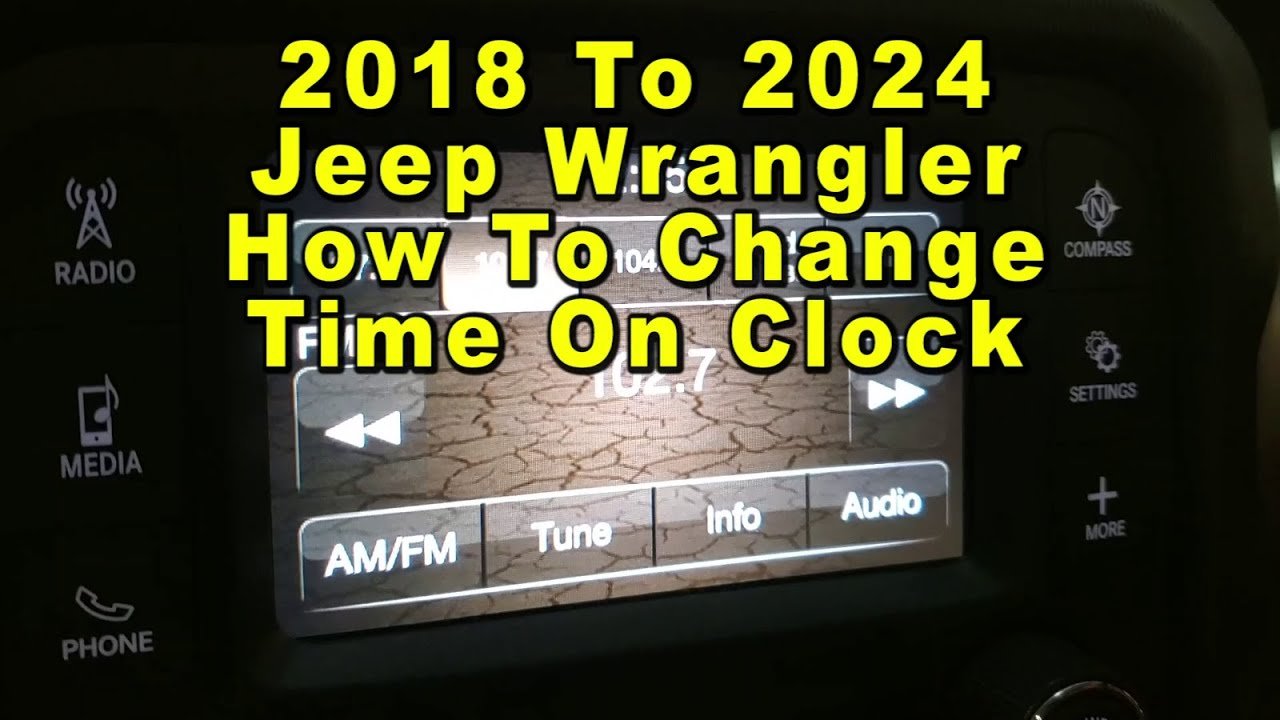
The 2024 Jeep Wrangler comes with the Uconnect infotainment system. Depending on your trim level, you might have a 7-inch or a larger 8.4-inch touchscreen. Both systems use a similar process for setting the time, but small differences can exist. Higher trims may also include navigation, which sometimes allows the clock to update automatically by GPS.
One thing many drivers miss is that the system can sometimes sync time automatically if you enable that setting, but it’s not always on by default. If your clock drifts or doesn’t match your phone, manual adjustment is usually the answer.
How To Manually Change The Time
Follow these steps to set the clock on your 2024 Jeep Wrangler:
- Start your Jeep and wait for the Uconnect system to fully load.
- On the touchscreen, tap the “Settings” icon (usually a gear symbol).
- In the settings menu, select “Clock & Date.”
- If your system offers “Set Time Automatically,” you can toggle this on or off. To set the clock yourself, toggle it off.
- Tap on “Set Time.”
- Use the plus and minus buttons or touch the numbers directly to adjust the hour and minutes.
- Choose AM or PM if your system uses a 12-hour format.
- Press “Save” or “Set” to confirm.
Your Jeep’s display should now show the correct time.
Example: Setting For Daylight Saving Time
If you live in a region with daylight saving time, you only need to adjust the hour setting twice a year.
Remember, if your Jeep is set to “Automatic,” it might adjust the time for you but always double-check since GPS sync can sometimes be slow.
Automatic Clock Settings: When And How To Use
The Uconnect system includes an option to set the time automatically. This uses either the radio signal or GPS data. For most drivers, keeping this on is simplest. Here’s when you might want to adjust it yourself:
- You live in a region where the radio signal is weak.
- The time zone doesn’t update after crossing state lines.
- You prefer manual control for accuracy.
To enable automatic updates:
- Go to “Settings.”
- Select “Clock & Date.”
- Turn on “Set Time Automatically.”
If you ever notice your clock is wrong after a long trip or power loss, check this setting first.
Comparing Uconnect 7-inch Vs 8.4-inch Clock Adjustment
While both screen sizes use similar steps, there are a few small differences. This comparison will help you know what to expect:
| Feature | Uconnect 7-inch | Uconnect 8.4-inch |
|---|---|---|
| Touch Sensitivity | Standard | More responsive |
| Menu Layout | Simple, fewer icons | More options visible |
| Automatic Time | Available | Available + GPS Sync |
| Speed of Changes | Normal | Faster load times |
Most users find the process almost identical, but if you have the larger screen, options might be grouped differently.
Tips To Prevent Common Mistakes
Setting the clock is easy, but these tips will help you avoid frustration:
- Double-check AM/PM: Many users accidentally set their clocks 12 hours off.
- Save your settings: Some systems need you to hit “Save” or “Set” or changes won’t apply.
- Check time zone settings: If your Jeep crosses time zones often, make sure the correct one is chosen.
- Don’t rush: Touchscreens can lag for a moment after starting the car.
A surprising issue: sometimes, after a software update, the clock might reset. If you notice this, just repeat the steps above.
Comparing Manual Vs Automatic Time Setting
Wondering which method is better? Here’s a quick comparison:
| Setting Method | Pros | Cons |
|---|---|---|
| Manual | Full control, works anywhere | Needs resetting for DST, time zones, power loss |
| Automatic | Hands-off, adjusts with GPS/radio | Can be inaccurate in low signal areas |
If you often drive in areas with poor radio or GPS, manual might be more reliable.
When To Seek Professional Help
Most Jeep owners can set the clock themselves. However, if the Uconnect system freezes, the touchscreen won’t respond, or the clock keeps resetting, it could be a sign of a software glitch. In rare cases, a trip to your Jeep dealer or a call to support is the safest option.
Practical Example: Resetting After Battery Replacement
After replacing your Jeep’s battery, the clock may show the wrong time or reset to 12:00. Don’t panic—this is normal. Simply repeat the manual time-setting steps. If your Uconnect system still won’t keep time, check for software updates or consult your dealer.

Frequently Asked Questions
How Do I Change The Time If My Uconnect Screen Is Frozen?
If the touchscreen is frozen, try restarting your Jeep and waiting a few minutes. If the problem continues, hold the volume and tuner knobs together for about 10 seconds to force a system reboot. If the screen still doesn’t work, you may need to visit a dealer for a software update.
Can I Set The Clock From My Steering Wheel Controls?
No, the steering wheel controls on the 2024 Jeep Wrangler do not allow direct clock setting. All time adjustments must be done through the Uconnect touchscreen.
Why Does My Jeep Clock Keep Resetting?
Frequent clock resets can happen after a battery change, software update, or if the system loses power. If your Jeep keeps losing the correct time, check for loose battery connections or ask your dealer about possible Uconnect issues.
Is There A Way To Sync Jeep Time With My Smartphone?
Currently, Jeep does not offer a feature to sync the clock with your phone. The closest option is enabling “Set Time Automatically” using GPS or radio signals. For more information on Uconnect features, visit the official Jeep Uconnect page.
Does The Wrangler Adjust For Daylight Saving Time Automatically?
If you have automatic time set and GPS reception is good, your Wrangler should update for daylight saving time. However, always check after the time change, as some areas or signal issues can cause delays.
Changing the time on your Jeep Wrangler 2024 is a quick and simple process once you know where to look. With these steps and tips, you’ll be able to keep your clock accurate all year round—without making repeat trips to the dealership. Taking control of small details like this helps you get the most from your vehicle and avoid unnecessary headaches on the road.


















