Activating Uconnect in your Jeep is one of the best ways to enjoy modern tech features while driving. With Uconnect, you can access navigation, hands-free calling, music streaming, and even vehicle health reports—all from your dashboard or smartphone. If you’ve just bought a Jeep or never used Uconnect before, the activation steps can feel confusing. But don’t worry: it’s simpler than you think, and you don’t need to be a tech expert to get started.
This guide covers every step you need to activate Uconnect in your Jeep, explains the different Uconnect options, and highlights practical tips that most beginners miss. By the end, you’ll know exactly how to make the most of your vehicle’s infotainment system.
What Is Uconnect And Why Activate It?
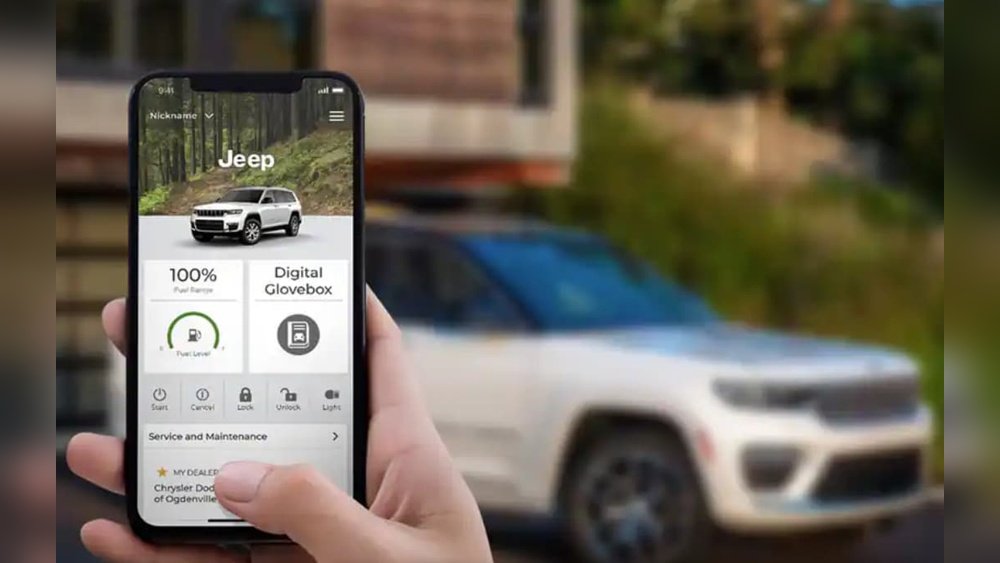
Uconnect is an infotainment system used in many Jeep vehicles. It brings together navigation, communication, entertainment, and vehicle control features on a touchscreen. Once activated, you can:
- Make hands-free calls
- Use real-time navigation
- Stream music and podcasts
- Access emergency assistance
- Control some vehicle features remotely
Many features require an active subscription, but basic functions often work without it. Activating Uconnect is key to unlocking all benefits and keeping your car connected.
Checking If Your Jeep Supports Uconnect
Not all Jeeps have the same Uconnect version or features. Here’s how you can check your vehicle’s compatibility:
- Look for a touchscreen in the center of your dashboard.
- Tap the screen. If it shows “Uconnect,” your Jeep is equipped.
- Check your Jeep’s manual for the Uconnect version (e.g., 4, 4C NAV, 5).
- Some older Jeeps may require a dealer update for full features.
If you are unsure, enter your Vehicle Identification Number (VIN) on the official Uconnect website to see supported features.
Preparing For Uconnect Activation
Before starting, gather the following:
- Your Jeep’s VIN
- A smartphone with an active data connection
- Your email address (for account setup)
- Access to your Jeep (with ignition on or in accessory mode)
Pro tip: Make sure your Jeep is parked in an area with good cellular or Wi-Fi signal for a smoother activation process.
Step-by-step: How To Activate Uconnect In Jeep
Here’s a simple walkthrough for the most common activation process. The exact steps may vary by model and year, but these cover most Jeep vehicles from 2017 onward.
1. Register For A Uconnect Account
- On your smartphone, go to the official Uconnect website.
- Click on “Register” and create an account using your email.
- Enter your VIN when prompted.
2. Download The Uconnect App
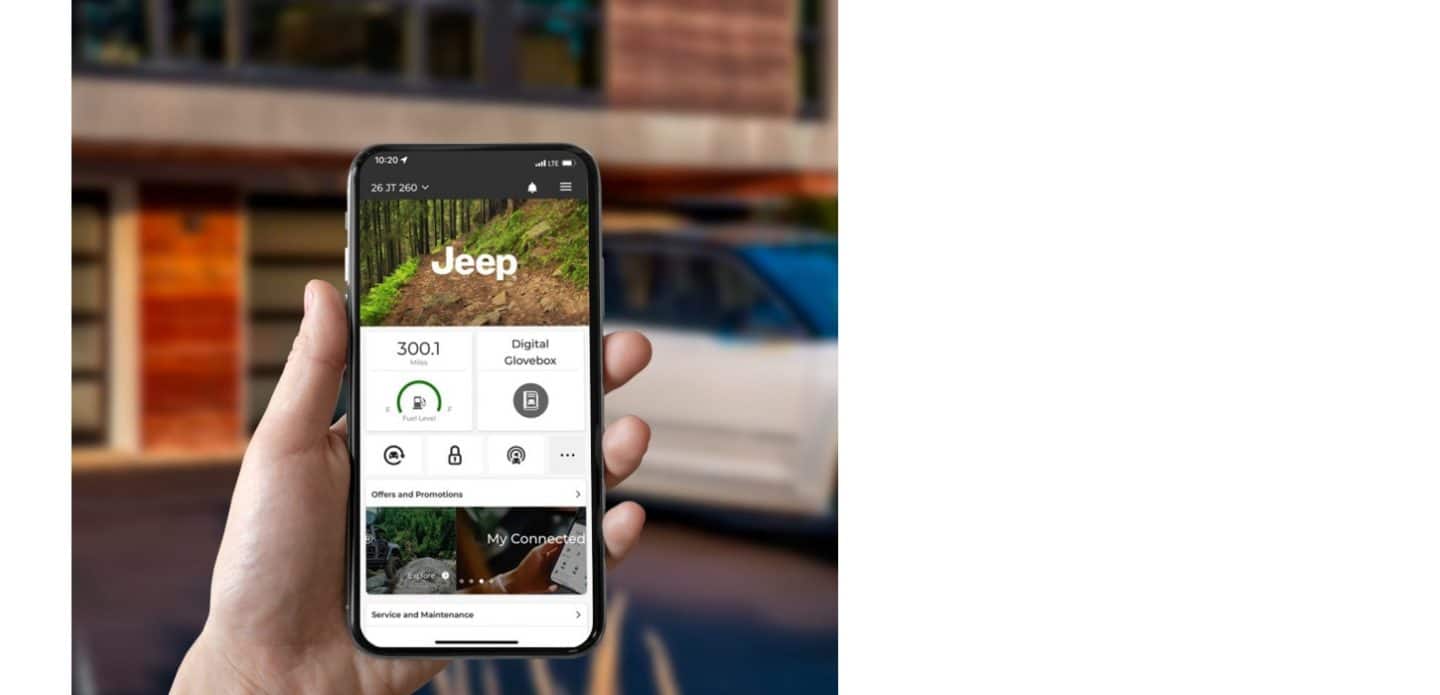
- Search for the “Uconnect” app in your app store.
- Download and open the app.
- Log in with the account you just created.
3. Add Your Jeep To The App
- Follow the on-screen prompts to add your vehicle using the VIN.
- The app may ask for a security code sent to your email or phone.
4. Connect Your Jeep To Uconnect Services
- In your Jeep, turn on the ignition (engine does not need to run).
- On the touchscreen, tap the “Apps” or “Uconnect” icon.
- Select “Activate Services” or “Uconnect Services.”
- Follow the prompts to start activation.
Most Jeeps will send a signal to the Uconnect server and begin syncing. This usually takes a few minutes.
5. Confirm Activation
- Once activation is complete, you’ll see a confirmation message on the screen.
- The Uconnect app will now show your Jeep as “connected.”
- Try using a feature, such as remote lock/unlock, to test connectivity.
6. Subscription And Optional Features
Some services, like navigation or Wi-Fi hotspot, require a paid subscription. You can activate trials or purchase plans directly in the Uconnect app or on the website.
Common Activation Problems And Solutions
- No confirmation message: Try restarting your Jeep and repeating the steps.
- Weak signal: Move to an area with better cellular coverage.
- App not syncing: Log out and log back in, or reinstall the app.
- Old Uconnect version: Visit your Jeep dealer for a software update.
Comparing Uconnect Versions In Jeep
Different Jeep models come with different Uconnect versions. Here’s a quick comparison:
| Uconnect Version | Screen Size | Key Features | Wireless Apple CarPlay/Android Auto |
|---|---|---|---|
| Uconnect 4 | 7″ or 8.4″ | Bluetooth, Voice Command | No |
| Uconnect 4C NAV | 8.4″ | Navigation, SiriusXM | No |
| Uconnect 5 | 8.4″ or 10.1″ | Personal Profiles, Advanced Navigation | Yes |
Uconnect Features And Subscription Options
After activation, here are the most popular Uconnect features and the services you may need to subscribe for:
| Feature | Available with Activation | Requires Subscription |
|---|---|---|
| Bluetooth Audio | Yes | No |
| Remote Start | Yes | Sometimes |
| Navigation | No | Yes |
| Wi-Fi Hotspot | No | Yes |
| Vehicle Health Report | Yes | No |

Tips For A Smooth Uconnect Experience
- Keep your system updated. Jeep releases new software to improve performance and add features.
- Create driver profiles. On Uconnect 5, you can set up profiles for different drivers and save preferences.
- Check for free trials. Many new Jeeps come with trial periods for premium services.
- Use voice commands. This helps you stay focused on the road and avoid distractions.
- Pair your phone before driving. This reduces setup time and keeps you safe.
A common mistake is skipping the app setup. Even if you don’t plan to use remote features, the app is needed for some updates and services.
Another overlooked step is checking your subscription status some features stop working when trials expire.
When To Contact A Dealer
If your Uconnect system fails to activate after several tries, or if you see error messages, it’s best to visit your Jeep dealer. They can check for software updates, hardware problems, or network issues.
In some cases, activation is only possible after a dealer reset.
Staying Secure With Uconnect
Uconnect services use strong encryption to protect your data. However, always use a secure password for your account and never share your login details.
If you sell your Jeep, remove your vehicle from the Uconnect app to prevent access by new owners.
Frequently Asked Questions
How Do I Know If My Jeep Has Uconnect?
Most Jeeps from 2014 onward have Uconnect. Look for a touchscreen with the Uconnect logo on startup. Your manual will also list infotainment features.
Can I Activate Uconnect Without A Smartphone?
You can activate some features from the Jeep’s touchscreen, but a smartphone and the Uconnect app are required for full remote services and setup.
Is Uconnect Free To Use?
Basic features like Bluetooth and media are free. Navigation, Wi-Fi, and remote start may need a paid subscription after a trial period.
What Should I Do If Activation Fails?
First, check your mobile and Wi-Fi signals. Restart your Jeep and try again. If problems continue, contact your dealer or visit Jeep’s official Uconnect support.
Does Uconnect Work Outside The Us?
Uconnect works in most countries where Jeep is sold, but some services (like Wi-Fi hotspot) may not be available everywhere. Always check regional availability.
Activating Uconnect in your Jeep opens a world of convenience and safety. With the right setup, you’ll enjoy advanced features that make driving smarter and more enjoyable.
Take your time during the activation process, follow each step, and you’ll be ready to explore everything Uconnect has to offer.