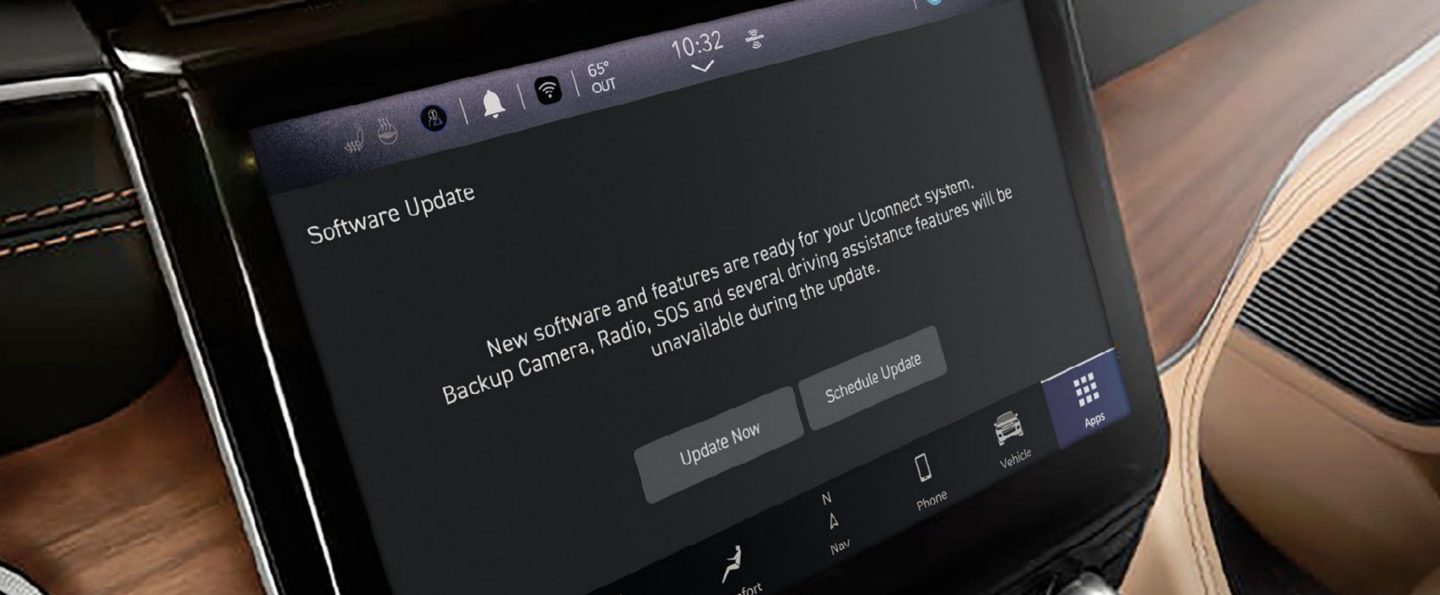
If you drive a Jeep, you probably rely on the built-in navigation system to get you where you need to go. But over time, roads change, new addresses appear, and old routes disappear.
If you don’t update your Jeep navigation, you might miss important changes, or get stuck with outdated maps.
Many Jeep owners ask, “How do I update my Jeep navigation? ” The process can seem confusing, but it’s actually simple if you know the steps.
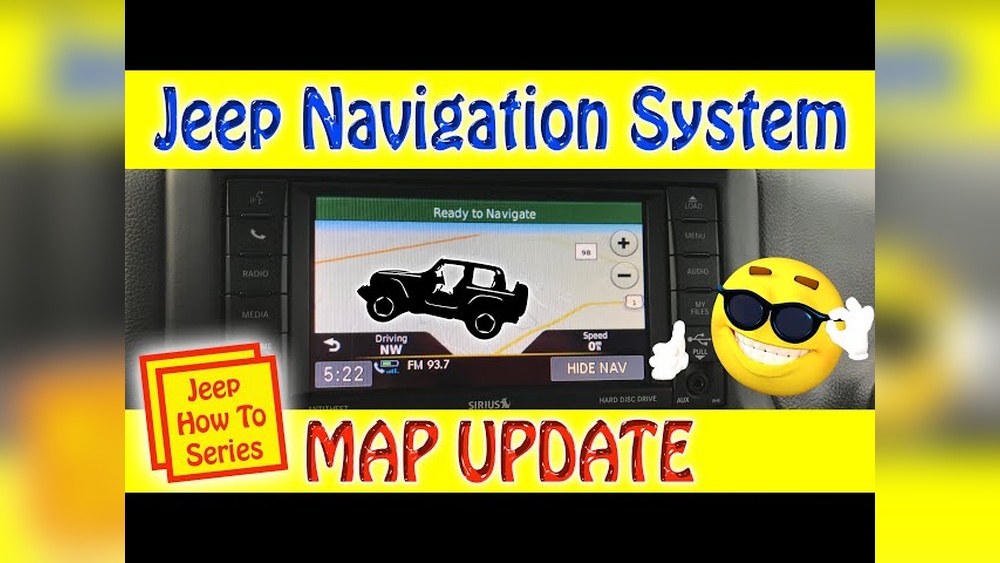
This guide explains everything you need to keep your Jeep’s navigation system accurate and reliable.
Jeep uses different navigation systems depending on the model and year. Most modern Jeeps use the Uconnect system, which comes with a touchscreen, maps, and voice guidance. Some older models use a different system, but the update process is similar.
Why update? Roads, points of interest, and traffic rules change every year.
An updated system helps you avoid closed roads, find new businesses, and reach your destination faster.
Before updating, you need to know which version of the navigation map you have. Here’s how:
- Turn on your Jeep and open the Uconnect navigation screen.
- Go to “Settings” or “Navigation Settings.”
- Look for “Map Information” or “About.”
- Write down the map version number.
Compare this with the latest version on the official Jeep or Uconnect website. If your version is old, it’s time for an update.
Updating your Jeep navigation usually involves these main steps:
1. Buy Or Download The Update
- Visit the official Jeep navigation update site or the Uconnect store.
- Enter your Jeep’s VIN (Vehicle Identification Number) to see if an update is available.
- Some updates are free for newer vehicles; others require payment.
- Download the update file to your computer or buy a map update USB drive.
2. Prepare A Usb Drive
If you download the update, you’ll need a USB flash drive:
- Use a drive with at least 16 GB of space.
- Format the drive to FAT32 or exFAT.
- Copy the downloaded map update files onto the USB drive.
3. Install The Update In Your Jeep
- Start your Jeep and keep it running.
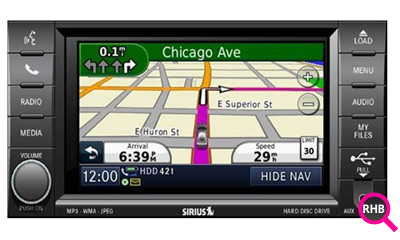
- Insert the USB drive into the navigation USB port (usually in the center console).
- Follow on-screen instructions. The system will ask you to confirm the update.
- The process can take 30 to 90 minutes. Do not turn off your Jeep during this time.
4. Complete And Verify
- Once finished, the system will restart.
- Check the map version in “Settings” to confirm the update was successful.
Comparing Update Options
Not sure if you should update at the dealer or do it yourself? Here’s a quick comparison:
| Option | Cost | Time Needed | Convenience |
|---|---|---|---|
| Dealer Update | $120–$200 | 2–3 hours | Professional, no tech skills needed |
| Self-Update | $0–$150 | 30–90 minutes | Do at home, needs basic tech skills |
Self-updating saves money, but a dealer visit offers peace of mind if you’re unsure.
Common Problems And Solutions
While updating, Jeep owners sometimes run into issues. Here are the most common:
| Problem | Possible Cause | Solution |
|---|---|---|
| Update fails to start | Wrong file format or USB type | Check file format, use FAT32/exFAT drive |
| System freezes during update | Power loss or bad USB drive | Keep engine running, try another USB |
| No update option in menu | Model not supported | Contact Jeep support or dealer |
One thing beginners miss: Always use a high-quality USB drive. Cheap or old drives can cause update failures.
Tips For A Smooth Update
- Fully charge your Jeep’s battery before starting.
- Use a USB drive with no other files.
- Turn off Bluetooth and other apps during the update.
- Don’t remove the USB drive until the system says it’s safe.
Many Jeep owners forget to check if their navigation system supports the newest maps. On some older models, map updates may not be available.
Always confirm support before buying or downloading any files.
When Should You Update?
Most experts recommend updating your navigation maps every 1–2 years. If you drive in fast-growing areas or use your Jeep for business, update more often.
If you mainly use your phone for navigation, you might update less. But the built-in system is always available even when your phone has no signal.
Some drivers prefer using a smartphone for navigation. Apps like Google Maps or Waze update automatically and are often free. However, Jeep’s built-in system works without a data connection and integrates with your vehicle’s display and controls.
If you’re happy with your phone, you can skip Jeep updates. But if you want full integration and offline navigation, keeping your Jeep’s maps up to date is best.
Where To Find Official Map Updates
Always use official sources for your Jeep navigation update. Third-party websites may offer cheap files, but these can cause errors or damage your system. For the safest updates, go directly to the Uconnect official site.
Frequently Asked Questions
The price can range from free (for new vehicles under warranty) to $150–$200 for older models. Dealer installation adds extra cost.
How Long Does The Update Process Take?
Most updates finish in 30–90 minutes. Larger updates or slow USB drives can take longer.
Do I Need To Go To The Dealer To Update?
No, most Jeep owners can update at home using a USB drive and files from the official website. Dealers are helpful if you’re uncomfortable with tech.
Will Updating Erase My Saved Addresses?
Usually, no. Map updates do not remove your favorites or recent destinations. But it’s smart to back them up just in case.
What If I Skip The Update?
You can still use the navigation, but you’ll miss new roads, updated routes, and points of interest. Old maps can lead to wrong directions, especially in new areas.
Updating your Jeep navigation keeps your driving experience smooth and stress-free. With clear steps and careful preparation, you can enjoy accurate maps and reliable guidance wherever the road takes you.