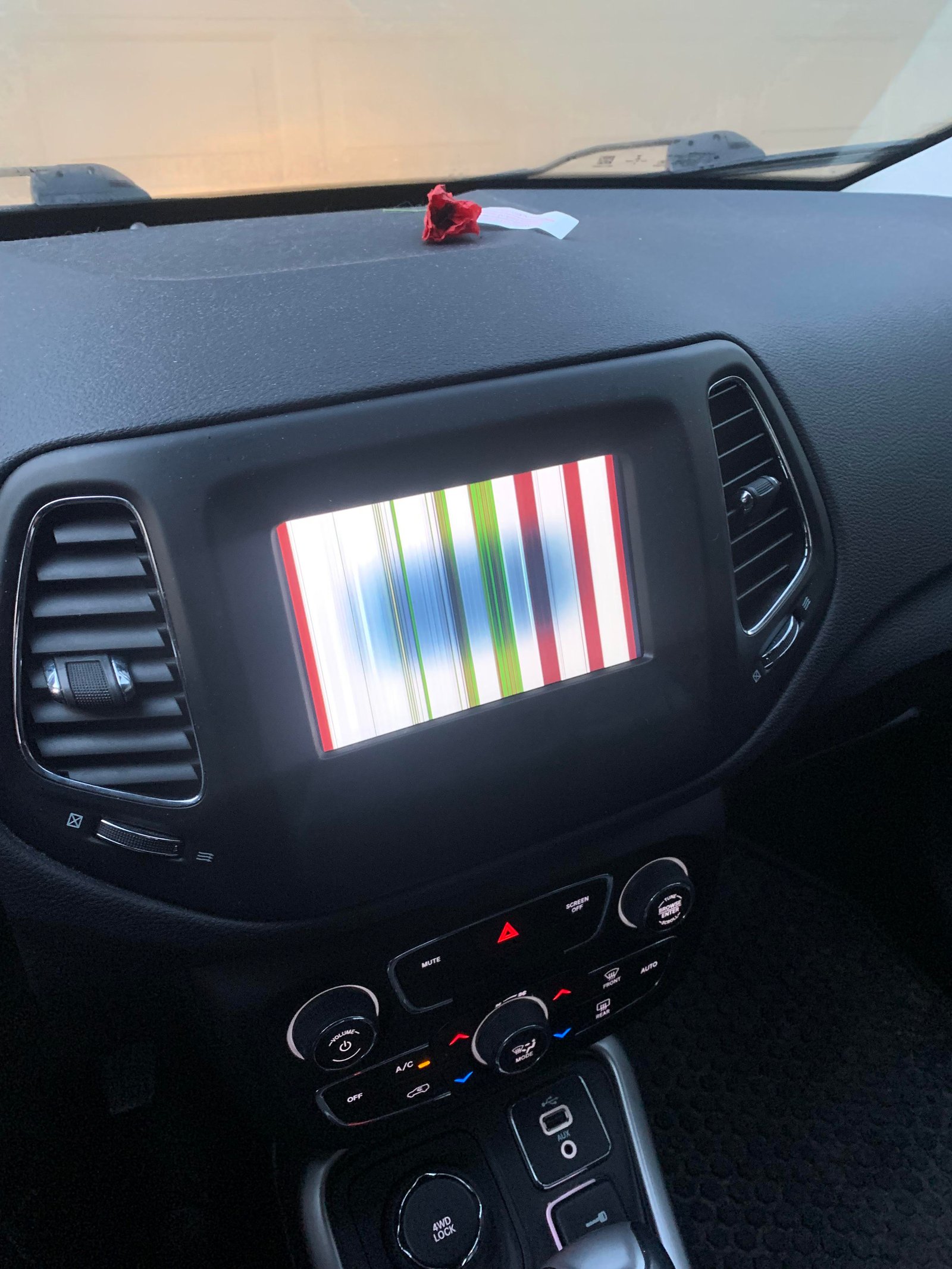
If your Jeep Compass screen is acting up, you’re not alone. Many drivers experience glitches with their infotainment system—sometimes it freezes, goes black, or just won’t respond. A non-working screen can be frustrating, especially if you rely on it for navigation, music, or backup camera. The good news? Most issues can be fixed by a reset, which is simple and safe to do at home. This guide will walk you through every step of resetting your Jeep Compass screen, explain why these problems happen, and help you avoid common mistakes. Even if you’re not a car expert, you’ll find clear, practical advice here.
Understanding Your Jeep Compass Screen
The Jeep Compass uses the Uconnect infotainment system, which controls music, navigation, phone calls, and vehicle settings. Most models from 2017 and newer have a touchscreen in the center of the dash, usually 7-inch or 8.4-inch. This screen is like a mini-computer, and—like any device—it can sometimes freeze or fail.
Common Screen Problems
- Screen freezes: Touch functions stop working, but the display stays on.
- Black screen: The display is dark, though the car is on.
- Slow response: The system lags when you tap icons.
- Bluetooth issues: Can’t connect your phone or play music.
- Camera or navigation errors: Features fail to load or crash.
Understanding what’s normal and what’s not helps you decide when a reset is needed.
When Should You Reset The Screen?
A reset is not always the first solution, but it’s a good step when you notice:
- The screen freezes and won’t respond to touch.
- The display is black but the radio or climate still works.
- Apps or connections (like Bluetooth) fail repeatedly.
- The system is much slower than usual.
- You’ve tried restarting the car with no effect.
If the screen shows a warning or “software update” message, sometimes a reset helps complete the process.
Types Of Jeep Compass Screen Resets
There are three main types of resets:
- Soft reset: Like rebooting a computer; fixes minor glitches.
- Hard reset (factory reset): Erases personal settings and returns system to original state.
- Battery disconnect: Power cycle for deeper issues, but not always recommended.
Here’s a simple comparison:
| Reset Type | What It Does | When to Use | Risks |
|---|---|---|---|
| Soft Reset | Restarts system, keeps settings | Minor glitches, freezes | None |
| Hard Reset | Erases settings, restores default | Major problems, software errors | Personal data lost |
| Battery Disconnect | Resets all electronics | Severe or repeated failures | Radio presets, time lost; rare risk to electronics |
How To Do A Soft Reset On Your Jeep Compass Screen
A soft reset is usually enough for most screen issues. It won’t delete your apps, contacts, or radio presets.
Step-by-step Soft Reset (2017+ Jeep Compass)
- Turn ignition to “Run” (do not start the engine). The screen should be powered on.
- Hold the volume and tuner (browse/enter) knobs together for 10–20 seconds. These knobs are below the screen.
- The display will go black and restart with the Jeep logo.
- Release the knobs. Wait for the system to fully boot up (can take up to 1 minute).
Tip: If your model has only touchscreen buttons, hold the “Screen Off” and “Mute” buttons together instead.
Non-obvious insight: Some screen freezes look like software crashes, but are actually caused by a stuck Bluetooth connection. Try turning off Bluetooth on your phone before resetting the screen for a quicker fix.
Performing A Hard (factory) Reset
If the soft reset doesn’t solve your problem, a hard reset is the next step. This will erase paired phones, saved addresses, and personal settings. Use only if you’re okay with starting fresh.
Hard Reset Steps
- Turn on the vehicle (engine running is best).
- On the home screen, tap “Settings.”
- Scroll and select “System Information” or “System Settings.”
- Find and select “Reset” or “Restore Factory Defaults.”
- Confirm your choice. The system will restart and all personal data will be cleared.
Note: The exact menu names may change with software updates or trim levels.
Caution: You’ll need to re-pair your phone and reset preferences after this process.
Non-obvious insight: Back up any important contacts or navigation favorites before a hard reset. These usually aren’t saved anywhere else.
Battery Disconnect Method
If the screen is completely unresponsive no lights, no sound a battery disconnect can sometimes bring it back.
How To Safely Disconnect The Battery
- Turn off the vehicle and remove the key.
- Open the hood and locate the battery.
- Use a wrench to loosen the negative (-) battery cable.
- Remove the cable and wait at least 5 minutes.
- Reconnect the cable and tighten it.
- Start the vehicle. The system will reboot.
Warning: This method resets other electronics (like clock and radio presets) and should be a last resort. If you’re not confident, ask a professional.
Troubleshooting After A Reset
Most Jeep Compass screens work normally after a reset. If your problems continue, try these steps:
- Update Uconnect software: Outdated software can cause glitches.
- Check for phone compatibility: Some older phones don’t work well with newer Uconnect versions.
- Inspect for loose connections: If you recently had dashboard work done, a loose cable could cause screen issues.
- Visit a certified mechanic: If resets don’t help, there might be a hardware problem.
Avoiding Common Reset Mistakes
Resetting your Jeep Compass screen is usually safe, but mistakes can make things worse. Watch out for these:
- Not waiting long enough: After a reset, the system may take up to 1 minute to fully start. Don’t press buttons too soon.
- Forgetting to back up important data: Navigation favorites, paired devices, and custom settings are lost after a hard reset.
- Repeating resets too often: If you reset your system every day, you might have a bigger problem (like a faulty screen or wiring).
- Using the wrong menu: Double-check your screen size and Uconnect version. Instructions can vary slightly.
- Disconnecting the battery carelessly: If you drop the cable or touch both terminals, you could damage electronics. Always use the right tools.
Real-world Examples
Many Jeep Compass owners have shared their experiences online. For example, drivers in colder states report more frequent screen freezes after overnight parking.
Others notice problems after a phone software update.
A 2021 Jeep Compass owner reported that a soft reset fixed a frozen backup camera, but the problem returned weekly until a dealer updated the Uconnect software. This shows that, while resets help, sometimes a deeper software update is the real solution.
When To See A Professional
If your Jeep Compass screen:
- Remains black after all resets
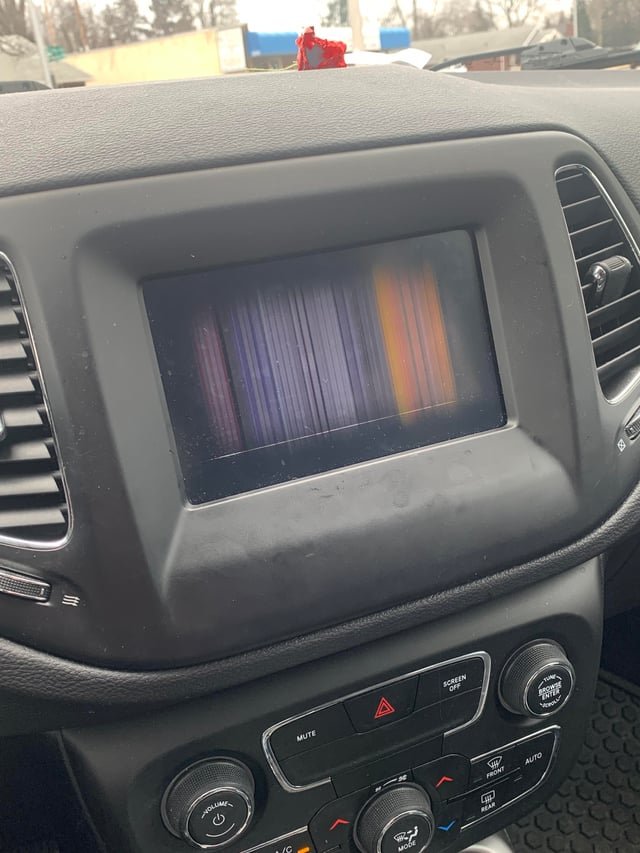
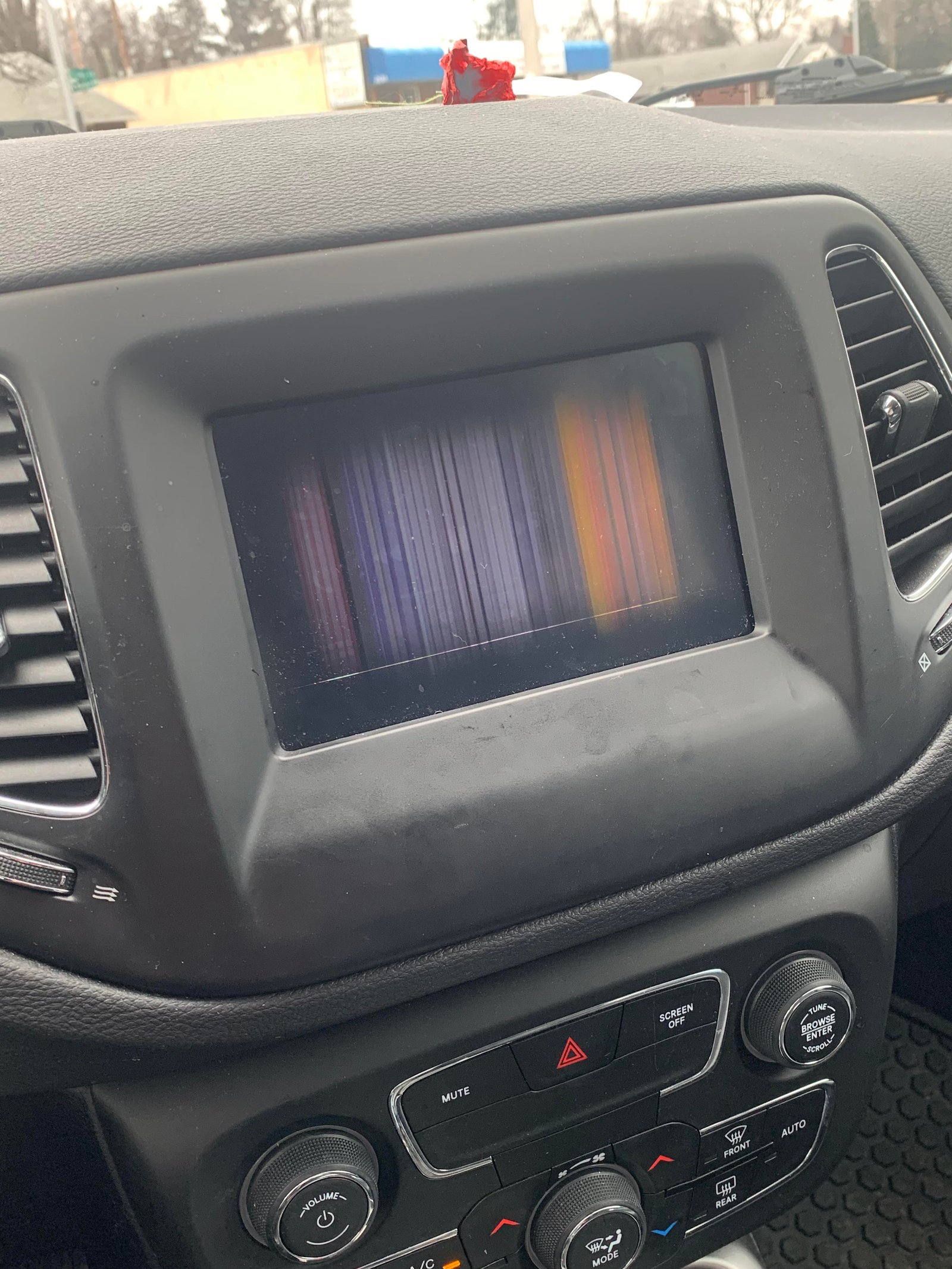
- Flickers, shows lines, or displays error codes
- Works, but you smell burning or see smoke
You should visit a dealership or certified mechanic. These signs may mean a hardware failure, not just a software glitch.
A screen that fails after a water spill or accident may need replacement. Most infotainment repairs are covered under Jeep’s basic warranty for new vehicles.
Comparing Jeep Compass Models (uconnect Versions)
Which screen do you have? Different Jeep Compass years and trims use different Uconnect versions. Here’s a quick guide:
| Model Year | Screen Size | Uconnect Version | Reset Method |
|---|---|---|---|
| 2017–2020 | 7-inch / 8.4-inch | Uconnect 4 | Knob hold or menu reset |
| 2021–2023 | 7-inch / 8.4-inch | Uconnect 5 | Menu-based reset |
| 2024+ | 10.1-inch | Uconnect 5+ (newest) | Menu-based reset, more options |
Always check your owner’s manual or the Jeep website for the latest instructions, as software and hardware change each year.
Useful Tips For A Smooth Screen Experience
- Keep software updated: Check for Uconnect updates at least once a year.
- Clean your screen gently: Use a microfiber cloth. Avoid harsh cleaners that can damage touch sensors.
- Limit background apps: Disconnect unused Bluetooth devices to reduce system load.
- Park in moderate temperatures: Extreme cold or heat can slow down electronics.
- Pair compatible devices: Some older phones or USB drives may not work well with newer Uconnect systems.
How To Check For Uconnect Software Updates
Jeep releases regular updates to fix bugs and add features. To check for updates:
- Go to the official Jeep or Uconnect website.
- Enter your Vehicle Identification Number (VIN).
- Download any available updates to a USB drive.
- Plug the USB into your Jeep Compass and follow the on-screen prompts.
Pro tip: Updating your software can prevent screen freezes and improve Bluetooth reliability. If you’re unsure, your Jeep dealer can update it for you.
You can find official instructions at the Mopar Uconnect support page.
Frequently Asked Questions
How Often Should I Reset My Jeep Compass Screen?
You should only reset your screen when there’s a problem. If you find yourself resetting it every week, there may be a bigger issue that needs a software update or professional repair.
A soft reset will not erase your data. A hard (factory) reset will remove all personal settings, paired devices, and saved addresses.
Always back up important data before a hard reset.
My Screen Is Black And Won’t Turn On After A Reset. What Should I Do?
Try disconnecting the battery for 5 10 minutes, then reconnect. If the screen stays black, it could be a hardware failure visit a dealership or certified mechanic for diagnosis.
Can I Reset My Jeep Compass Screen While Driving?
It is not safe to reset the screen while driving. Some systems disable reset features while the vehicle is moving. Always park safely before attempting a reset.
Is There A Difference Between A Reset And A Software Update?
Yes. A reset restarts the system or returns it to default settings, while a software update installs new code to fix bugs and add features. Updates are important for long-term reliability.
Resetting your Jeep Compass screen is a simple way to solve most minor glitches. With these steps, you can get your infotainment system working smoothly again no tech skills required.
If problems continue, don’t hesitate to seek professional help. A working screen means safer, easier driving every day.