The 2011 Jeep Grand Cherokee is a popular midsize SUV. Many drivers want to know if it has Bluetooth features.
Technology in cars changed quickly during the 2010s, so not every vehicle from that era offers the same options. Let’s explore if the 2011 Grand Cherokee comes with Bluetooth, how it works, and what owners can expect.
Bluetooth Availability In The 2011 Jeep Grand Cherokee
Most 2011 Jeep Grand Cherokees were designed with modern technology in mind. But Bluetooth was not standard on every trim. Jeep offered Bluetooth mainly in higher trims and as part of special packages.
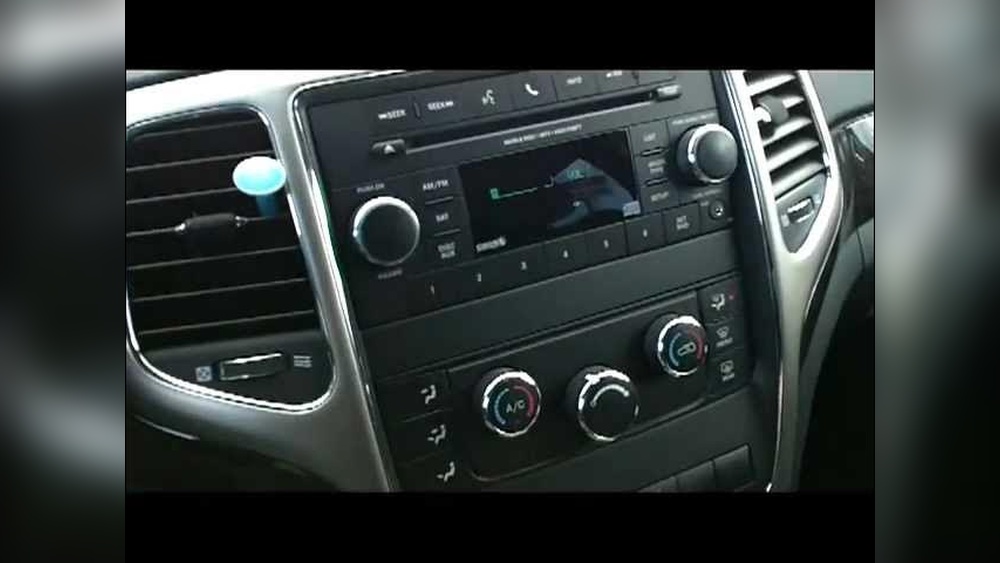
- Laredo Base: The entry-level Laredo usually did not include Bluetooth.
- Laredo E and X: These trims sometimes had Bluetooth, especially if equipped with the popular Uconnect system.
- Limited, Overland, Summit: Most of these models included Bluetooth as standard, thanks to their advanced infotainment systems.
It’s important to check your vehicle’s trim and equipment. Many used Grand Cherokees are sold with optional upgrades. If you see a Uconnect logo on your media system, Bluetooth is likely included.
How Bluetooth Works In The Grand Cherokee
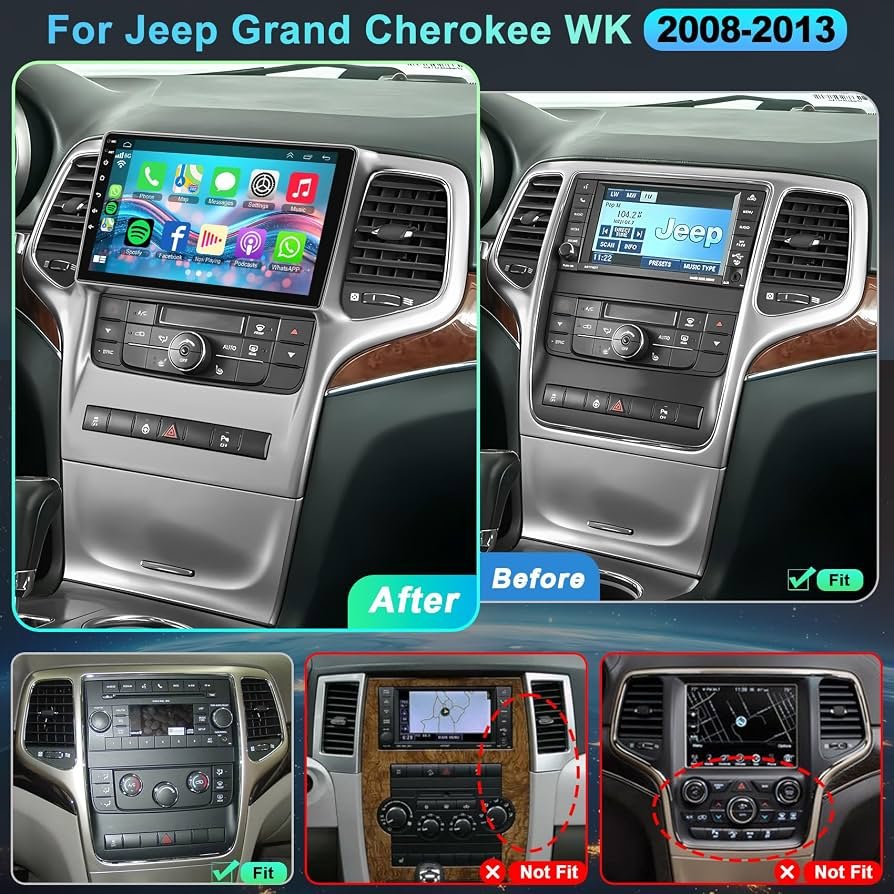
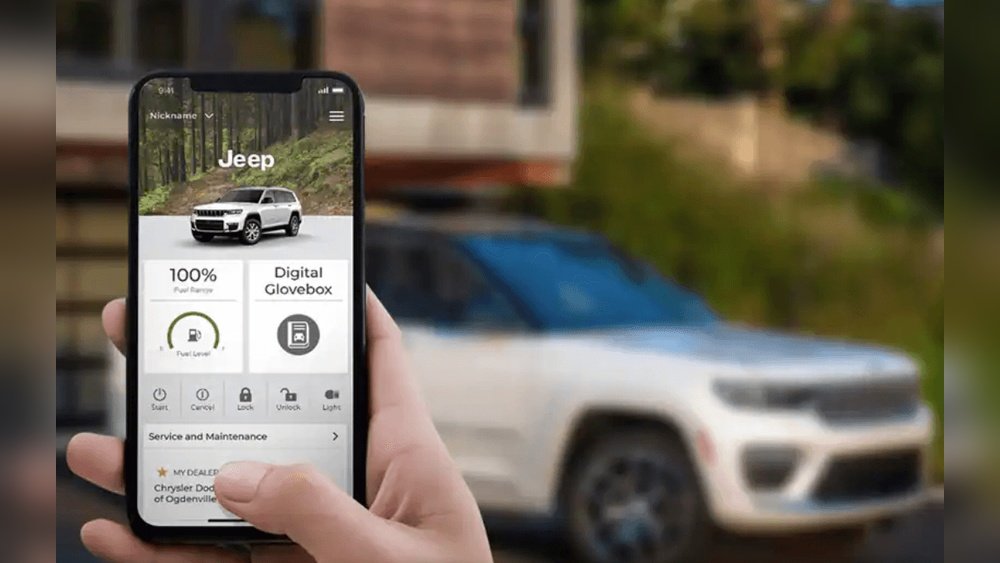
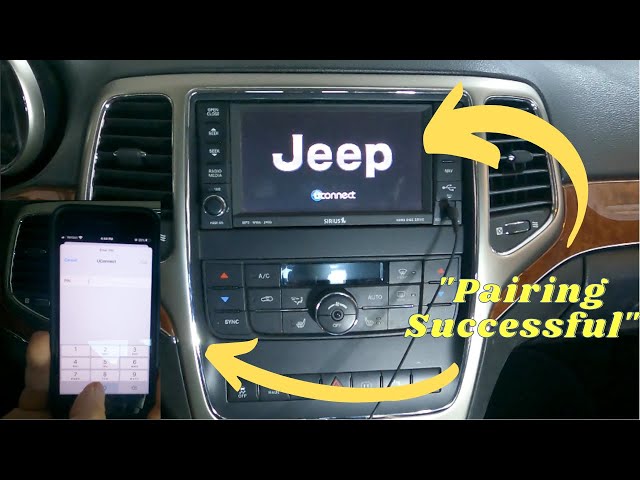
The 2011 Grand Cherokee uses the Uconnect system for Bluetooth pairing. Uconnect allows drivers to connect their phone for hands-free calls and audio streaming.
- Pairing Process: Turn on Bluetooth on your phone. Press the Uconnect button on your Jeep’s dashboard. Follow the voice prompts to search for the Jeep on your phone’s Bluetooth menu. Enter the PIN provided by Uconnect to finish pairing.
- Hands-Free Calls: After pairing, you can make and receive calls using steering wheel controls or voice commands.
- Audio Streaming: Some Uconnect systems in 2011 models allow you to stream music from your phone. This feature depends on the specific Uconnect version.
Many drivers miss the fact that Bluetooth audio streaming was not universal in 2011. Some systems only let you use Bluetooth for calls.
To check if your Jeep supports streaming, look for “Media” or “Bluetooth Audio” on your Uconnect screen.
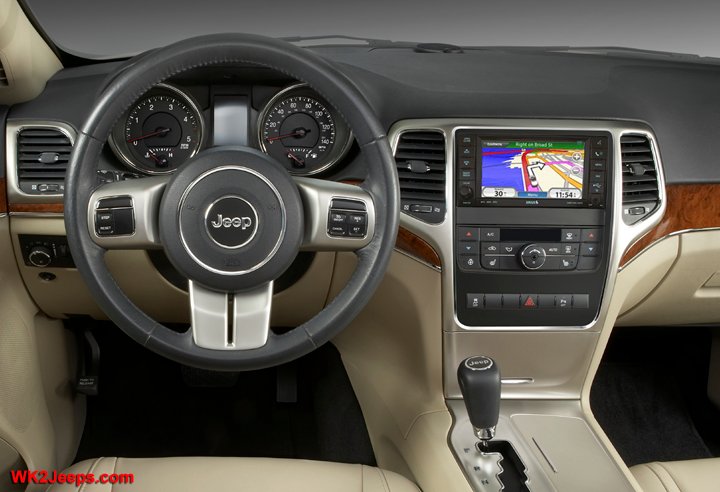
Comparing Bluetooth Features By Trim
Here’s a comparison of Bluetooth options across different 2011 Grand Cherokee trims:
| Trim | Bluetooth Calling | Bluetooth Audio | Uconnect System |
|---|---|---|---|
| Laredo Base | No | No | Basic |
| Laredo E/X | Optional | Optional | Standard/Upgraded |
| Limited | Yes | Yes | Advanced |
| Overland/Summit | Yes | Yes | Premium |
Checking your trim is the fastest way to know if you have Bluetooth. If your Jeep has the Uconnect 430N or Uconnect 730N system, you get both Bluetooth calling and audio.
Common Issues And Solutions
Some owners find Bluetooth difficult to set up or unreliable in their 2011 Grand Cherokee. Here are a few common problems:
- Pairing errors: Sometimes the phone and Uconnect don’t connect. Restart both devices and try again.
- Audio drops: If music stops playing, check the phone’s Bluetooth settings. Updating your phone’s software can help.
- Voice commands not working: Make sure your Uconnect microphone is not blocked.
A non-obvious tip: Older phones may pair more easily than newer smartphones, especially if your Uconnect software is not updated.
Upgrading Bluetooth In Older Grand Cherokees
If your 2011 Grand Cherokee does not have Bluetooth, there are ways to add it:
- Aftermarket Kits: Many companies sell Bluetooth kits that plug into your car’s auxiliary port or connect behind the radio.
- Uconnect Upgrades: Some Jeep dealers can upgrade your Uconnect system, but this can be expensive.
- Professional Installation: Hiring a specialist ensures your new Bluetooth works smoothly.
A common mistake is buying a cheap Bluetooth kit that does not work with your Jeep’s wiring. Always check compatibility before buying.
Data: Bluetooth Popularity In 2011 Suvs
Let’s compare the 2011 Grand Cherokee to other midsize SUVs for Bluetooth features:
| Model | Bluetooth Calling | Bluetooth Audio | Standard on Base Trim |
|---|---|---|---|
| Jeep Grand Cherokee | Optional | Optional | No |
| Ford Explorer | Yes | Yes | Yes |
| Toyota Highlander | Yes | No | No |
| Honda Pilot | Optional | No | No |
The Grand Cherokee was a bit behind competitors in Bluetooth standardization. Ford and Toyota offered more Bluetooth options on base trims.
Practical Tips For Using Bluetooth
- Keep your phone’s Bluetooth turned on while driving.
- Use voice commands to stay safe and avoid distractions.
- If your Jeep does not support audio streaming, try using an aux cable for music.
One insight many owners miss: Uconnect can store multiple paired phones. You can switch between devices without re-pairing every time.
Frequently Asked Questions