Losing access to your car can be stressful, especially when you need to be somewhere quickly. If you drive a Jeep, you might wonder, “Can Jeep unlock my car remotely?
” With more vehicles moving towards smart technologies, remote unlocking has become a common request.
Understanding what’s possible, what you need, and how it works can save you time and hassle. Let’s explore how remote unlocking works for Jeep vehicles, which models support it, and what to do if you’re ever locked out.
How Remote Unlocking Works For Jeep
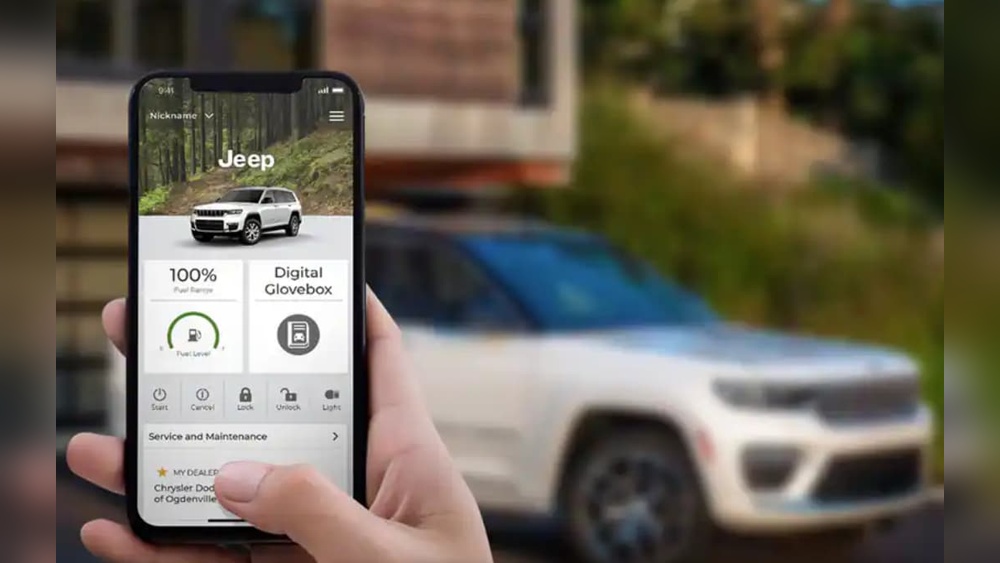
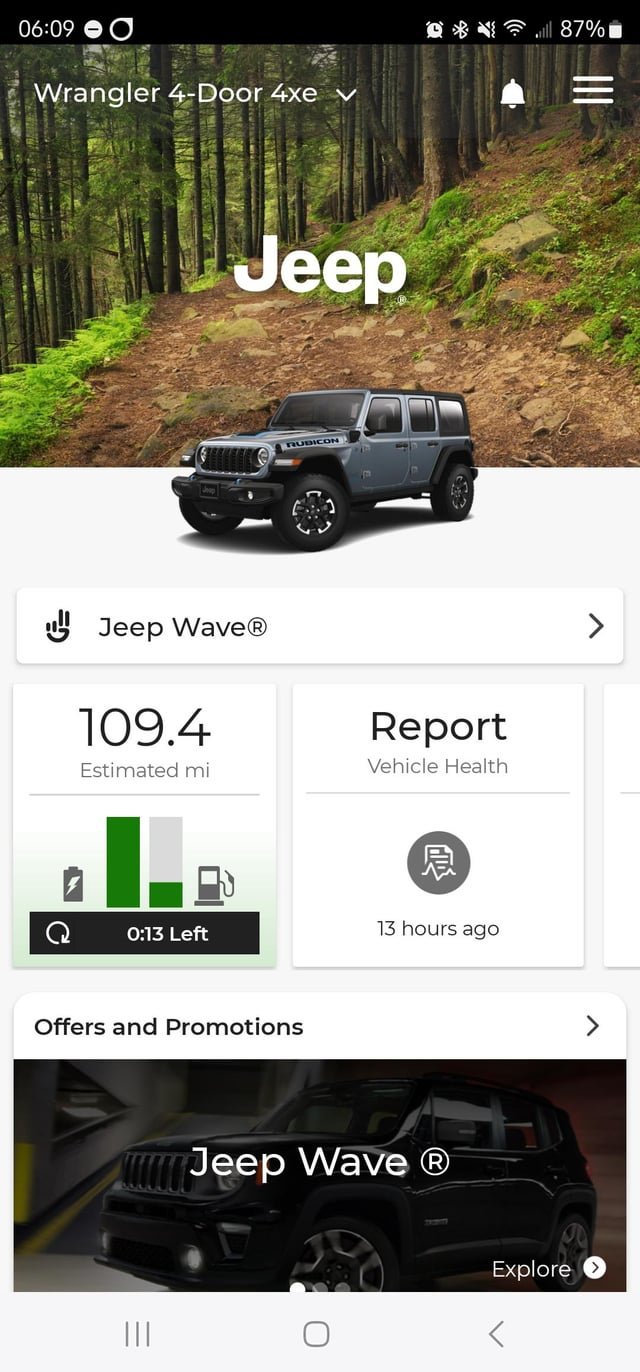
Modern Jeeps come with smart technology that allows owners to unlock their vehicles from almost anywhere. The main tool for this is the Uconnect system. This technology connects your Jeep to your smartphone through an app. If you have the right features and an active subscription, you can send a signal to your Jeep to unlock the doors remotely.
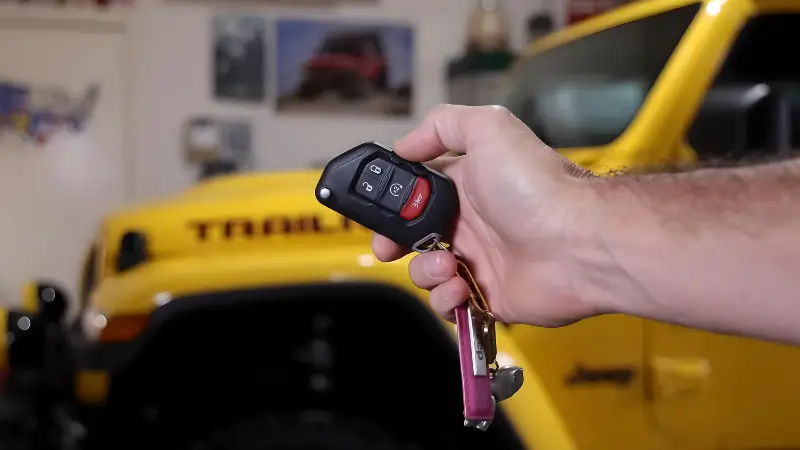
Older Jeeps, or those without Uconnect, don’t support remote unlocking through an app. Instead, they rely on traditional key fobs.
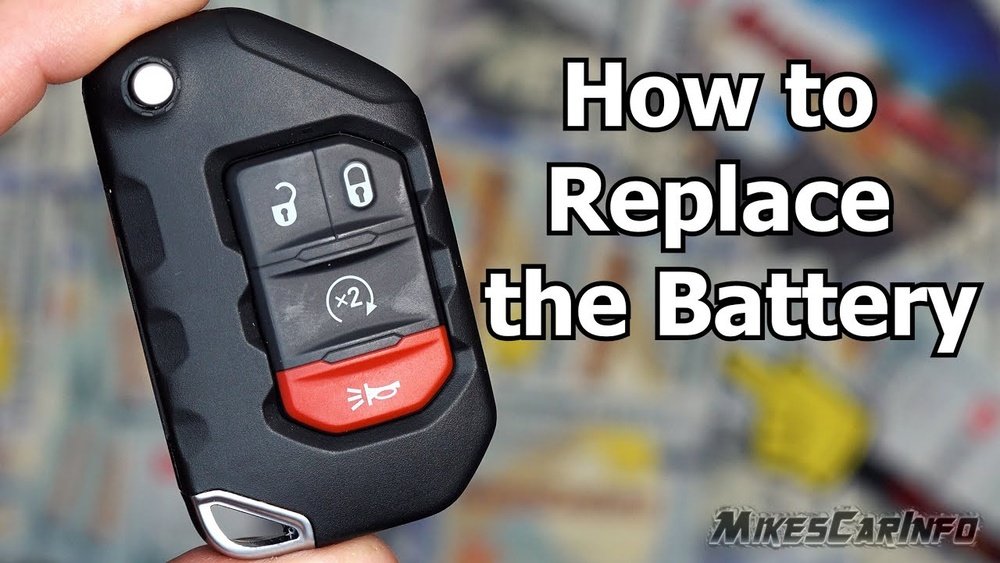
Some key fobs offer a remote unlock button, but you need to be within a certain distance, usually around 50-100 feet.
Here’s a quick comparison between Uconnect and traditional key fobs:
| Feature | Uconnect App | Key Fob |
|---|---|---|
| Unlock distance | Anywhere with cellular/data | Up to 100 feet |
| Subscription needed | Yes | No |
| Works if keys are locked inside | Yes | No |
Which Jeep Models Support Remote Unlock?
Not every Jeep can be unlocked remotely. Support depends on the year, model, and installed features.
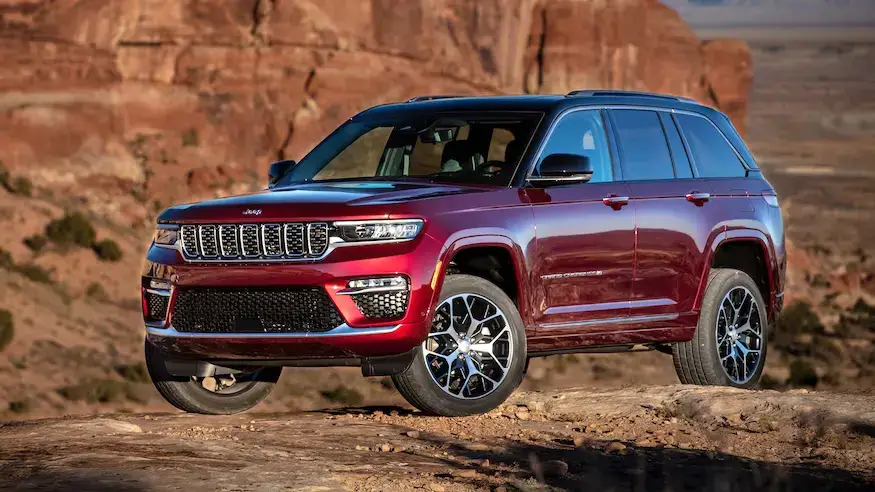
Most Jeep vehicles from 2018 onward offer Uconnect capabilities. Popular models like the Jeep Grand Cherokee, Wrangler, and Cherokee often include the option for remote services, but only if the correct package is purchased or active.
Here’s how some common Jeep models compare:
| Model | Years with Uconnect | Remote Unlock Possible? |
|---|---|---|
| Grand Cherokee | 2018-present | Yes (with subscription) |
| Wrangler | 2018-present | Yes (with subscription) |
| Cherokee | 2019-present | Yes (with subscription) |
| Compass | 2019-present | Yes (with subscription) |
| Older models | Before 2018 | No (key fob only) |
Insight: Even with Uconnect, not all trims or regions include remote services by default. Always check your Jeep’s manual or with your dealer.
Steps To Unlock Your Jeep Remotely
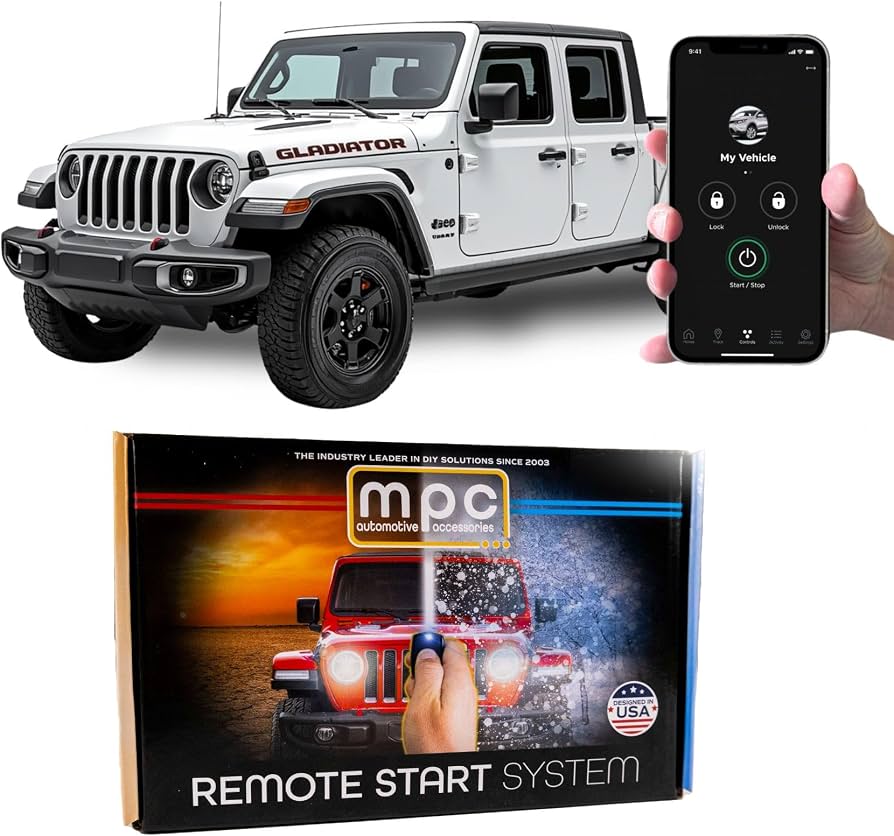
If your Jeep supports remote unlocking, follow these steps:
- Download the Uconnect app on your smartphone (available for iOS and Android).
- Register your vehicle in the app using your VIN (Vehicle Identification Number).
- Subscribe to Uconnect services if not already active. Some Jeeps come with a free trial.
- Sign in to the app and select your vehicle.
- Tap the Unlock button. Your Jeep should respond within seconds.
If you haven’t set up Uconnect or your subscription has expired, you’ll need to do that first. The process usually takes a few minutes but may require a call to customer service.
Tip: Make sure your phone has internet access. The app sends the unlock request through cellular data.
What If Remote Unlock Isn’t Available?
If your Jeep doesn’t support remote unlocking, there are still options:
- Use the spare key: Always keep a spare in a safe place outside your vehicle.
- Contact roadside assistance: Jeep’s official roadside service can send help, but you’ll need to verify ownership.
- Call a locksmith: Professional locksmiths can unlock your car, but prices vary.
- Try your insurance: Some insurance companies offer lockout services as part of your plan.
Non-obvious tip: If your key fob battery dies, you can often remove a hidden physical key from inside the fob to open the driver’s door.
Costs And Limitations
Remote unlocking through Uconnect is not always free. After any trial period, monthly or yearly fees apply. Prices range from $15 to $30 per month for the full suite of features, including remote start and vehicle location.
Some limitations to keep in mind:
- Subscription lapses: If your Uconnect subscription ends, remote unlocking stops working.
- Cellular coverage: If your Jeep is parked underground or somewhere with no signal, the unlock command might not reach it.
- Technical glitches: Occasionally, the app or car system might have bugs. Restarting your phone or contacting support can help.
Insight: Many owners forget to renew their subscription, only realizing it when locked out. Set a reminder for your renewal date.
Security And Privacy
Remote unlocking is generally safe, but it’s important to set a strong password for your Uconnect account. Don’t share your login details with others.
Jeep uses encrypted communication to keep your data secure. Still, if your phone is lost or stolen, change your password immediately to prevent unwanted access to your vehicle.
For more details on Jeep’s security measures, visit the official Jeep Uconnect page.
Frequently Asked Questions
Can Jeep Unlock My Car If I Call Customer Support?
Jeep customer support cannot unlock your car remotely without an active Uconnect subscription. They may guide you on using the app or send roadside assistance, but they don’t have the ability to bypass security directly over the phone.
Is Remote Unlocking Safe To Use?
Yes, remote unlocking uses encrypted signals to communicate between your phone and Jeep. Always use a secure password and keep your app updated for best security.
What If My Phone Has No Internet Connection?
If your phone is offline, you cannot send unlock commands through the Uconnect app. You’ll need to find internet access or use another method like your key fob or contacting a locksmith.
Can I Unlock Someone Else’s Jeep With The App?
No, you must register your own Jeep’s VIN in the Uconnect app. You cannot control vehicles that aren’t linked to your account, even if you have the app.
What Happens If I Lose My Key Fob And My Phone?
If both your key fob and phone are lost, contact Jeep roadside assistance or a locksmith. For better security, set up backup phone numbers or trusted contacts in the app if possible.
Getting locked out of your Jeep is never fun, but with the right technology and knowledge, you can get back in quickly and safely. Make sure your subscriptions are current, your app is working, and you know your options—because a little preparation goes a long way.