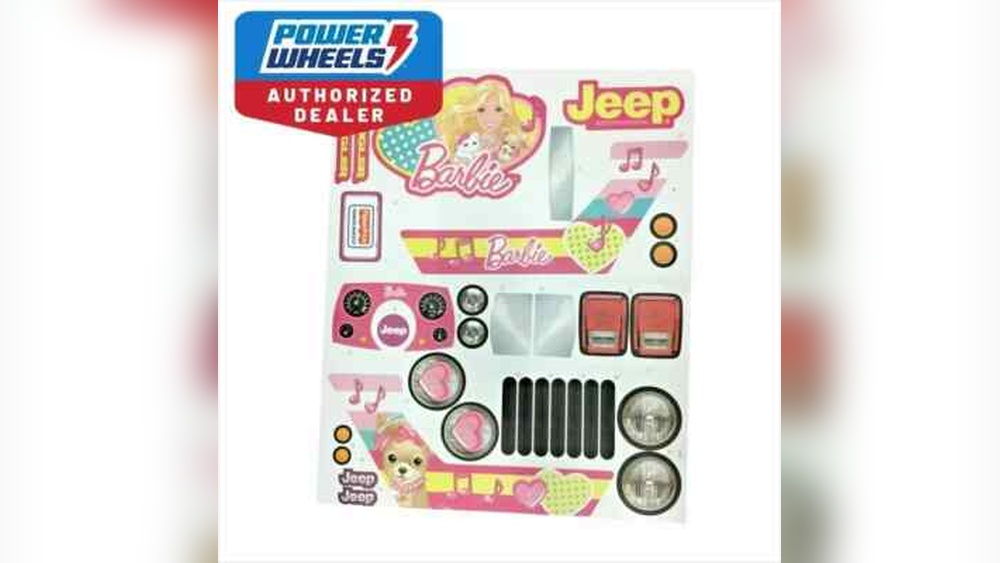
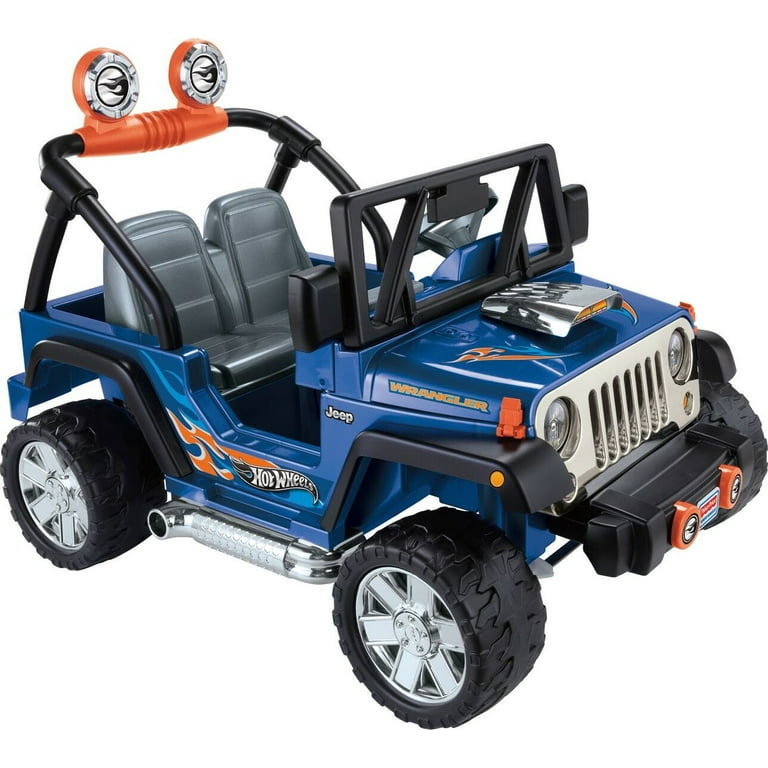
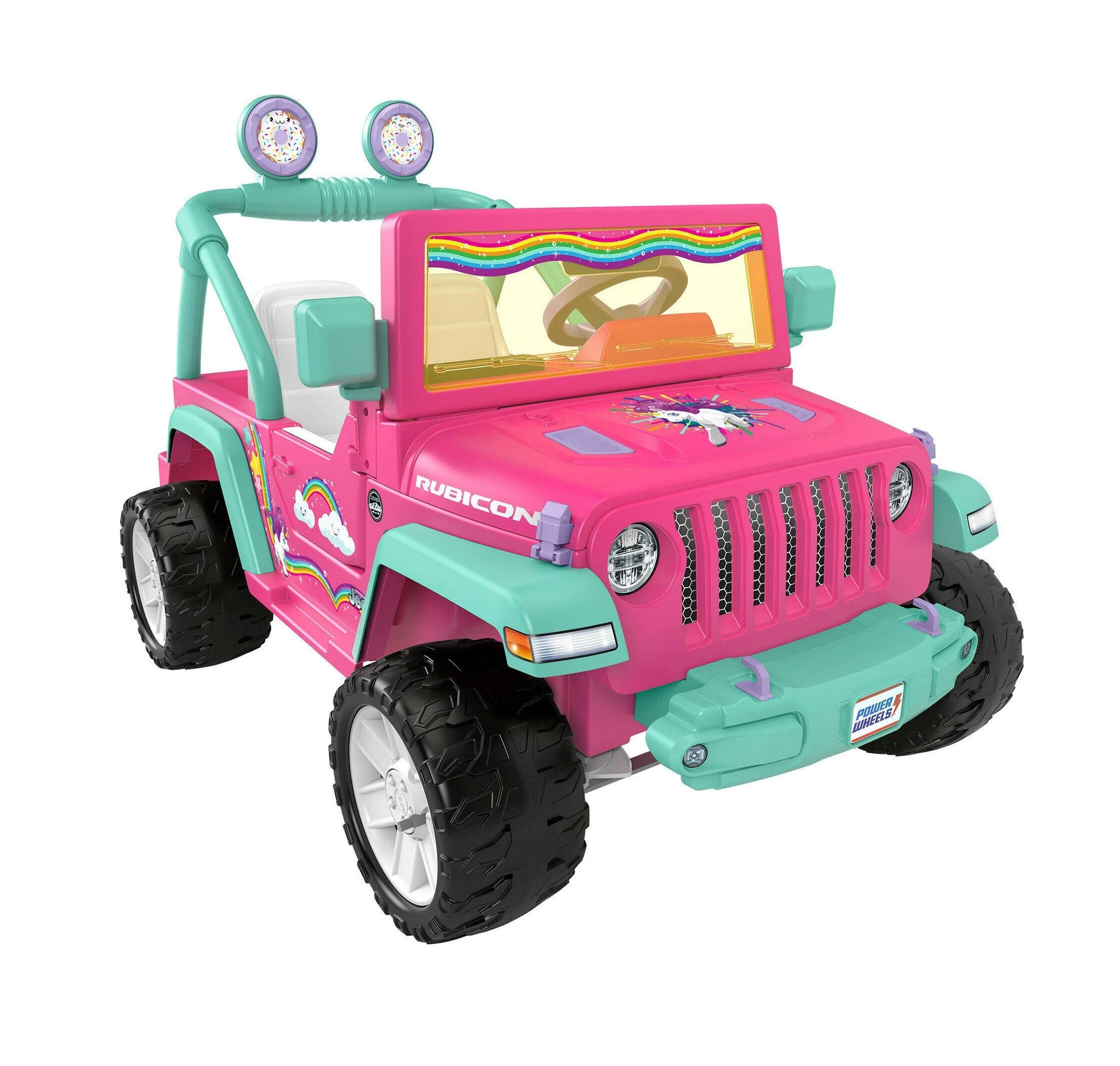
Making your own Jeep Power Wheels stickers is a great way to personalize your child’s ride-on toy and make it unique. Whether you want to replace old decals, add a name, or create a whole new look, custom stickers are the answer. Many parents think it’s complicated, but with the right tools and steps, you can make high-quality stickers at home—even if you’re not a crafty person. This guide walks you through the process, points out common beginner mistakes, and shares some professional tips for a durable finish.
Why Customize Jeep Power Wheels Stickers?
Kids love seeing their names, favorite colors, or cartoon characters on their toys. Custom stickers turn a regular Power Wheels Jeep into something special. Personalization can boost a child’s pride in their toy and even encourage them to take better care of it. It’s also an affordable way to refresh a faded or scratched Jeep, making it look new again.
Some parents also create custom stickers to match a real family Jeep or to stand out at community events. Whatever your reason, learning to make your own stickers gives you endless design freedom.
What You Need Before You Start
Before making stickers, gather the right materials. Here’s a list of essentials:
- High-quality printable vinyl (waterproof and UV-resistant is best)
- Inkjet printer (color, with good-quality ink)
- Cutting tool (scissors, craft knife, or cutting machine like Cricut)
- Clear laminate sheets (for added protection)
- Measuring tape or ruler
- Computer with design software (like Canva, Photoshop, or even Word)
- Plastic squeegee or old credit card (for smooth application)
- Isopropyl alcohol and cloth (for cleaning surfaces)
You can find most of these items at craft stores or online. For best results, use printable vinyl made for outdoor or automotive use, as regular sticker paper may fade or peel quickly.
Measuring And Planning Your Sticker Design
A common mistake is skipping the measuring step. Take time to measure the areas where you’ll place stickers. Write down the width and height of each spot—doors, hood, sides, or back. If you want to cover existing stickers, measure those exactly.
Use a flexible measuring tape for curved areas. Take photos of the Jeep and sketch your ideas on paper.
This extra planning helps avoid wasted materials and ensures your stickers fit perfectly.
Table: Typical Sticker Placement Areas And Sizes
| Location | Average Size (inches) | Notes |
|---|---|---|
| Doors | 10 x 3 | Great for names or stripes |
| Hood | 8 x 5 | Perfect for logos or large graphics |
| Rear Panel | 7 x 2 | Often used for license plate or slogans |
| Wheel Arches | 3 x 8 | Usually curved; measure carefully |
Designing Your Jeep Power Wheels Stickers
You don’t need graphic design skills to make great stickers. Free online tools like Canva offer easy templates. Start by choosing bright, bold colors that stand out on your Jeep’s body. Avoid very thin lines or tiny text—these can get lost from a distance.
If you want to use official logos (like Jeep, Rubicon, or licensed characters), check if you have the rights or use free alternatives. Many parents create custom “license plates” with their child’s name and a favorite number.
When sizing your design, add an extra 1/8 inch around the edge. This “bleed” prevents white borders after cutting.
Table: Design Software Options
| Software | Skill Level | Pros | Cons |
|---|---|---|---|
| Canva | Beginner | Free, easy templates, online | Limited advanced features |
| Adobe Photoshop | Intermediate/Advanced | Full control, pro results | Expensive, steep learning curve |
| Microsoft Word | Beginner | Accessible, simple shapes | Few design tools |
| Cricut Design Space | Beginner/Intermediate | Integrates with cutting machines | Requires Cricut hardware |
Printing Your Stickers
Once your design is ready, it’s time to print. Make sure your printer is set to high-quality photo mode and use the right printable vinyl for inkjet printers. Print a test page on normal paper first to check colors and size.
Let the ink dry completely before moving to the next step. This usually takes about 10 20 minutes.
Rushing this can cause smears or poor adhesion.
If you want extra protection, cover the printed sticker sheet with a clear laminate sheet. This step is especially important if the Jeep will be used outdoors or washed often.
The laminate keeps colors bright and prevents scratches.
Cutting And Preparing The Stickers
Carefully cut out your stickers using sharp scissors or a craft knife. For complex shapes or many stickers, a cutting machine like Cricut or Silhouette saves time and produces clean edges. Always cut slightly outside the design if you added a bleed area.
If you laminated your stickers, make sure to cut through both the vinyl and the laminate. Don’t rush crooked cuts or rough edges can make even the best design look messy.
Here’s a quick comparison of cutting methods:
| Method | Best For | Skill Needed | Result Quality |
|---|---|---|---|
| Scissors | Simple shapes, few stickers | Beginner | Good, but less precise |
| Craft Knife | Curves, details | Beginner/Intermediate | Very good, careful hands needed |
| Cutting Machine | Many stickers, complex shapes | Intermediate | Excellent, professional finish |
Surface Preparation: The Secret To Long-lasting Stickers
Even the best sticker will peel if the surface isn’t clean. Use isopropyl alcohol and a lint-free cloth to wipe down the Jeep where stickers will go. Remove all dirt, grease, and old sticker residue.
Avoid using household cleaners that leave a film they can stop stickers from sticking well. Let surfaces dry completely before applying stickers.
This is a step many beginners skip, but it makes a huge difference. Clean surfaces help stickers last much longer, even outdoors.
Applying Your Jeep Power Wheels Stickers
Peel off the sticker backing carefully. Align the sticker over the target area and stick down one edge first. Use a plastic squeegee or old credit card to press out air bubbles as you smooth the sticker in place.
If you make a mistake, lift the sticker gently and try again. Most vinyl stickers allow for a little repositioning in the first minute.
For large stickers, ask someone to help you hold one side while you apply the other.
Work slowly and avoid stretching the sticker. Once in place, press down all edges firmly.
If you see small bubbles, use a pin to pop them and smooth out the air.
Pro Tips For Perfect Application
- Apply stickers at room temperature (60–80°F) for best results.
- Let the stickers “cure” for 24 hours before washing or using the Jeep outside.
- For curved surfaces, make small cuts along the edge of the sticker to help it bend without wrinkles.
How To Maintain And Protect Your Stickers
To keep your Jeep looking great, avoid power washing or harsh chemicals on the stickers. Wash gently with a sponge and mild soap.
If the stickers start to lift, press down the edges again or replace as needed.
Most quality vinyl stickers last 2 3 years outdoors, especially if laminated and applied to a clean surface. Store extra stickers in a cool, dry place.
Common Mistakes Beginners Make
- Skipping surface cleaning – This leads to peeling and poor adhesion.
- Using the wrong sticker paper – Regular sticker paper isn’t waterproof or UV-resistant.
- Not letting ink dry – Applying laminate too soon causes smudges.
- Incorrect measurements – Guessing sizes means wasted materials or poor fit.
- Rushing application – Hurrying leads to bubbles, wrinkles, and crooked stickers.
Avoid these mistakes for professional-looking results.
Creative Ideas For Jeep Power Wheels Stickers
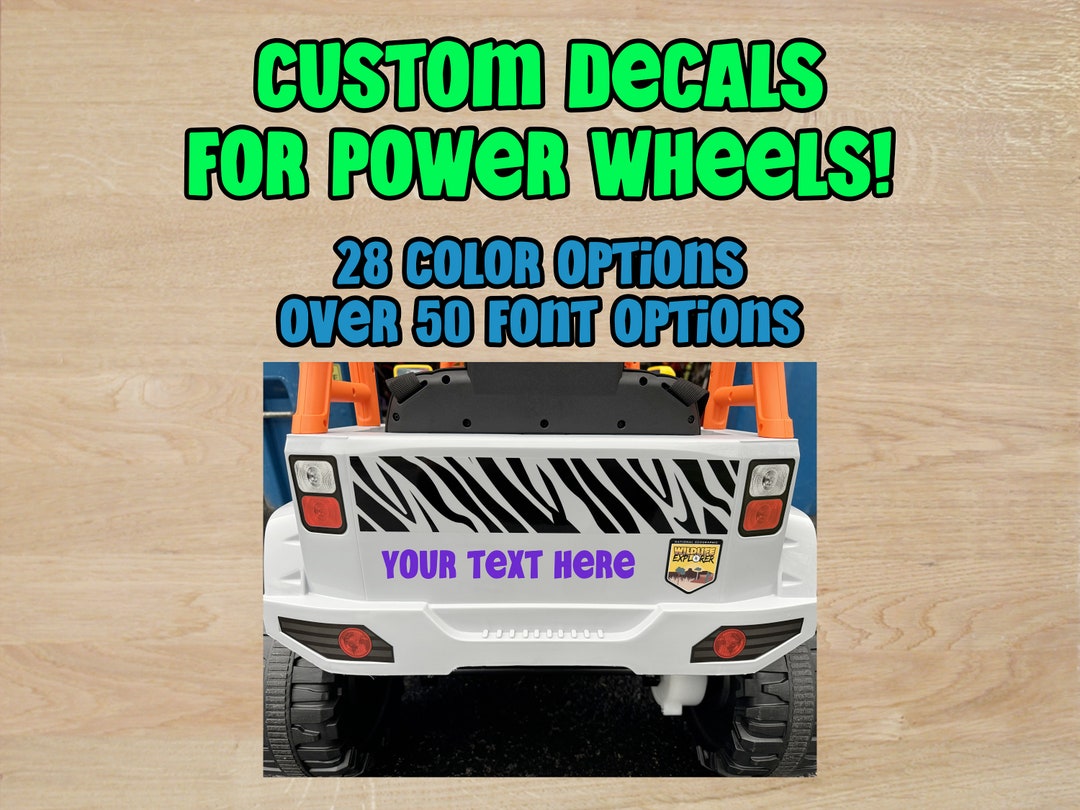
- Name Decals: Personalize with your child’s name in bold, fun fonts.
- Race Stripes: Add sporty stripes down the sides or hood.
- Cartoon Themes: Print favorite cartoon characters (check copyright rules).
- Custom License Plates: Make a mini plate with a nickname or special number.
- Adventure Badges: Create “off-road” or “4×4” badges for realism.
Adding reflective vinyl can also improve safety by making the Jeep visible at night.
When To Use Professional Printing Services
Sometimes, home printers can’t produce the colors or quality you want. For large or complex designs, or if you want dozens of identical stickers (for a party or event), consider using a professional print shop.
They have special machines for weatherproof, fade-resistant stickers.
Many online services let you upload your design and order custom stickers. Check reviews, compare prices, and ask about outdoor durability. For more about materials and sticker technology, visit this Wikipedia article on stickers.
How Long Do Homemade Jeep Power Wheels Stickers Last?
With good materials and proper application, stickers can last 2 3 years outdoors. Using waterproof, UV-resistant vinyl and laminating the stickers helps them last even longer.
Can I Remove Or Replace Stickers Later?
Yes, most vinyl stickers can be peeled off. Use a hairdryer to warm the sticker and soften the adhesive, then lift carefully.
Clean any residue with isopropyl alcohol before adding new stickers.
Do I Need A Special Printer For Vinyl Stickers?
No, most modern inkjet printers work with printable vinyl. Just be sure to use inkjet-compatible vinyl and select the highest quality print setting.
For best results, allow ink to dry fully before handling.
What Should I Do If My Sticker Has Bubbles?
Use a squeegee or credit card to press out bubbles during application. If bubbles remain, use a pin to pop them and smooth out the air.
Applying stickers slowly and from one edge helps prevent bubbles.
Is It Okay To Wash The Jeep After Applying Stickers?
Wait at least 24 hours before washing. Use mild soap and a soft sponge.
Avoid power washers or harsh chemicals, as these can damage or lift the stickers.
Creating your own Jeep Power Wheels stickers is rewarding and lets you show off your creativity. With careful planning, the right materials, and a bit of patience, you’ll give your child’s ride a fresh, personal touch that stands out wherever they go.