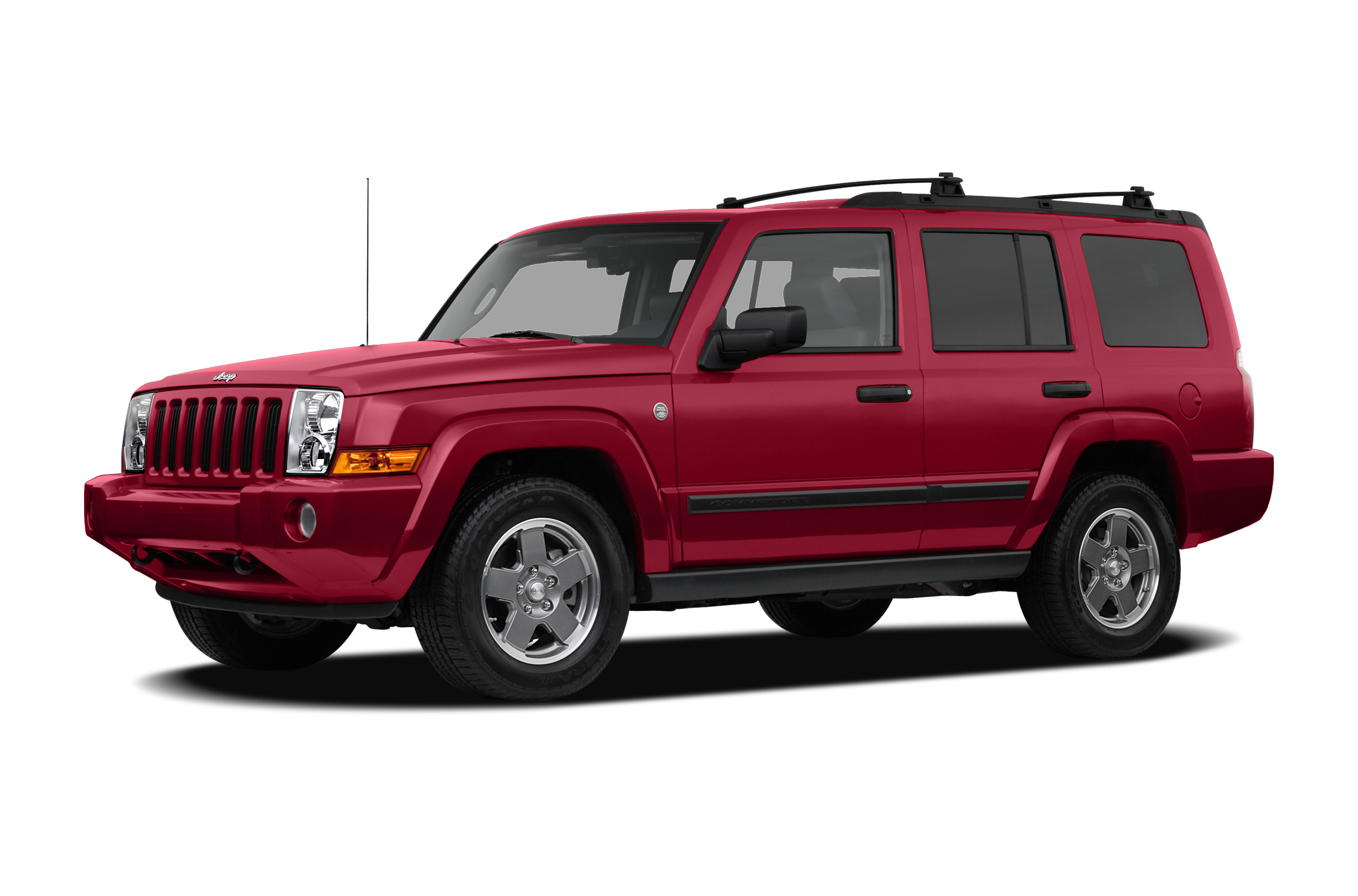
If you own a 2008 Jeep Commander, you probably know it’s built for both city streets and tough trails. But many new owners—and even some who’ve driven Jeeps for years—aren’t sure how to use its 4 wheel drive system correctly. This guide will help you put your Jeep Commander in 4WD safely and easily. Whether you’re heading out for a snowy drive or planning some off-road adventures, understanding your 4WD is key. Let’s break down what you need to do, common mistakes to avoid, and how to get the most from your Commander’s capabilities.
Understanding The 2008 Jeep Commander 4wd System
The 2008 Jeep Commander comes with different types of 4WD systems. Some models have Quadra-Trac I, while others have Quadra-Trac II or Quadra-Drive II. Each system works a bit differently, but all are designed to help your Jeep handle rough or slippery conditions.
Quadra-Trac I is a full-time 4WD system. You don’t need to do anything; it’s always on and adjusts power automatically.
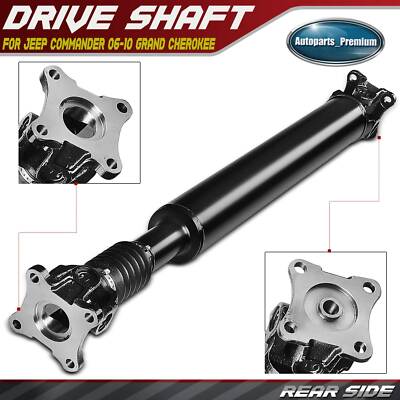
Quadra-Trac II lets you choose between 4WD modes. You can switch between 4WD High and 4WD Low for different driving needs.
Quadra-Drive II is more advanced, offering extra traction and control. It can automatically send power to the wheels that need it most.
Knowing which system your Commander has is important. Check your owner’s manual or look for badges on your Jeep.
Why Use 4 Wheel Drive?
4WD isn’t just for off-roading. It helps you stay safe in snow, mud, sand, and even on wet roads. When you use 4WD, power goes to all four wheels, improving grip and stability. But it’s important to use the right mode at the right time. Using 4WD on dry pavement can cause damage to your vehicle, so only use it when needed.
How To Put 2008 Jeep Commander In 4 Wheel Drive
Step 1: Identify Your 4wd System
First, find out which 4WD system you have. Look for a shifter, switch, or dial near your gear lever or dashboard. It will show the modes available: 2WD, 4WD High (4H), 4WD Low (4L), or Auto.
Step 2: Choose The Right Mode
- 4WD High is for normal off-roading, snow, or slippery roads.
- 4WD Low is for deep mud, sand, or steep hills.
Quadra-Trac I users don’t need to switch modes—it’s always ready.
Step 3: Engage 4wd High
For most conditions, 4WD High is enough.
- Make sure your Commander is stopped or driving under 55 mph.
- Turn the 4WD selector to 4H or push the button for 4WD High.
- You’ll see a 4WD indicator light on your dashboard.
If you’re driving, take your foot off the gas briefly as you switch modes. This helps the gears engage smoothly.
Step 4: Engage 4wd Low
For tough conditions, like deep mud or steep hills, use 4WD Low.
- Stop your Jeep completely.
- Shift the gear lever to Neutral (N).
- Turn the 4WD selector to 4L or press the button for 4WD Low.
- Wait for the 4WD Low indicator to light up.
- Shift back to Drive (D) or Reverse (R) and go slowly.
Step 5: Returning To Normal Driving
When you’re back on dry roads:
- Stop or slow down.
- Shift to 2WD (if your system has it) or turn the selector back to Auto/4WD High.
- Make sure the 4WD light turns off.
Never drive on dry pavement in 4WD Low. It’s bad for your tires and can damage the drivetrain.
Common Mistakes And How To Avoid Them
Many drivers make mistakes when using 4WD. Here are a few to watch for:
- Switching to 4WD Low while moving: Always stop first.
- Using 4WD on dry roads: Only use it when needed.
- Ignoring indicator lights: These show if 4WD is engaged.
- Not shifting to Neutral for 4WD Low: This is required for the system to work.
If you hear grinding noises or the indicator doesn’t light up, stop and check your steps. Forcing the gears can cause expensive damage.
Practical Tips For Using 4wd
- Practice in a safe area: Try switching modes in a parking lot before heading out.
- Check your tires: Good tires help 4WD work better.
- Regular maintenance: Keep your 4WD system in top shape with regular checks.
- Don’t overuse 4WD: Only use it when conditions demand.
- Know your limits: Even with 4WD, your Jeep can get stuck. Carry recovery gear if going off-road.
Data: Jeep Commander 4wd System Comparison
Here’s a look at how the 2008 Jeep Commander’s systems compare:
| System | Type | Modes | Best Use | Driver Control |
|---|---|---|---|---|
| Quadra-Trac I | Full-time | Auto | Daily driving, light snow | None |
| Quadra-Trac II | Selectable | 4H, 4L | Off-road, heavy snow | Manual |
| Quadra-Drive II | Advanced | 4H, 4L | Tough terrain, deep mud | Manual & automatic |

Jeep Commander: 4wd Activation Speed & Conditions
How fast can you switch modes? What should you watch for? Here’s a quick overview:
| Mode | Activation Speed | Indicator Light | Recommended Condition |
|---|---|---|---|
| 4WD High | Up to 55 mph | Yes | Light snow, rain |
| 4WD Low | Stopped | Yes | Deep mud, sand |
| Auto | Any speed | Yes | Daily driving |
Real-world Example: Using 4wd In Snow
Imagine you’re driving your Commander and hit a patch of snow. The road is slippery, and your tires start to spin. You slow down, turn the selector to 4WD High, and see the dashboard light. Suddenly, your Jeep grips the road better and you continue safely.
If you face a steep hill with deep snow, stop and shift to 4WD Low. This gives extra torque and helps you climb without spinning your wheels.
Advanced Tips Most Drivers Miss
Many Jeep owners think 4WD means they can go anywhere. But there are two important things to remember:
- 4WD helps you move forward, not necessarily stop faster. You still need to brake carefully.
- Using 4WD in sand or mud requires slow, steady driving. High speed can dig your wheels in deeper.
Also, if you hear clicking or grinding sounds when switching modes, don’t force the shifter. Wait, check your steps, and try again gently.
Maintenance For Your 4wd System
Keeping your 4WD system healthy is vital. Regularly check for leaks, listen for strange noises, and make sure the indicator lights work. Change the transfer case fluid every 30,000 miles or as your owner’s manual suggests.
If you notice that 4WD doesn’t engage, or if the dashboard lights don’t come on, have your system checked by a mechanic. Catching issues early prevents costly repairs.
Jeep Commander Vs. Other 4wd Suvs
The 2008 Jeep Commander stands out for its strong 4WD options. Compared to similar SUVs, it offers more modes and better traction. Here’s a quick comparison:
| Model | 4WD Options | Terrain Capability | Ease of Use |
|---|---|---|---|
| Jeep Commander | Auto, 4H, 4L | High | Easy |
| Ford Explorer | Auto, 4H | Medium | Moderate |
| Toyota 4Runner | 4H, 4L | High | Easy |
Safety Reminders
Always drive carefully when using 4WD. You may have better traction, but your stopping distance doesn’t change.
Slow down in snow, mud, and sand. If you get stuck, don’t spin your wheels this can damage your Jeep.
Carry a tow strap or shovel when off-roading.
Where To Learn More
If you want deep technical details, the Jeep Commander Owner’s Manual is a great resource. For more info on 4WD systems, visit Jeep Life.
How Do I Know If My Jeep Commander Is In 4wd?
Look for the 4WD indicator light on your dashboard. When you switch modes, this light will come on. If you don’t see it, try shifting again or check your manual.
Can I Switch To 4wd While Driving?
You can switch to 4WD High at speeds up to 55 mph. For 4WD Low, always stop and shift to Neutral before switching.
Is It Safe To Use 4wd On Dry Pavement?
No, avoid using 4WD Low on dry roads. It’s meant for slippery or rough terrain. Using it on dry pavement can damage the drivetrain.
What’s The Difference Between 4wd High And 4wd Low?
4WD High is for normal slippery conditions and light off-roading. 4WD Low gives extra torque for deep mud, sand, or steep hills. Use 4WD Low only at slow speeds.
How Often Should I Maintain My 4wd System?
Check your transfer case fluid every 30,000 miles. If you use 4WD often, do it more frequently. Also, inspect for leaks, listen for noises, and make sure indicator lights work.
Getting to know your 2008 Jeep Commander’s 4WD system will help you drive safely and confidently—whether you’re facing tough weather or planning an adventure. Take time to practice, keep your Jeep well maintained, and you’ll enjoy all the benefits of 4WD without worry.