Most Jeep owners love driving with style and adventure. But sometimes, the simplest feature—like turning on your interior lights—can feel confusing, especially if your Jeep is new or you’re not familiar with American cars. Whether you want to read a map at night, find your phone, or make your cabin brighter, knowing how to control your Jeep’s interior lights is important. This guide will show you exactly how to turn on your Jeep’s interior lights, step-by-step, for both older and newer models. You’ll also learn what to do if your lights don’t work, how to adjust brightness, and how to avoid common mistakes. With clear explanations, practical tips, and real examples, you’ll feel confident using your Jeep’s interior lighting system.
Understanding Jeep Interior Lights
Every Jeep, from the classic Wrangler to the modern Grand Cherokee, has some kind of interior lighting. These lights are not only for comfort—they also help you drive safely, find items, and make your ride enjoyable.
Most Jeeps include:
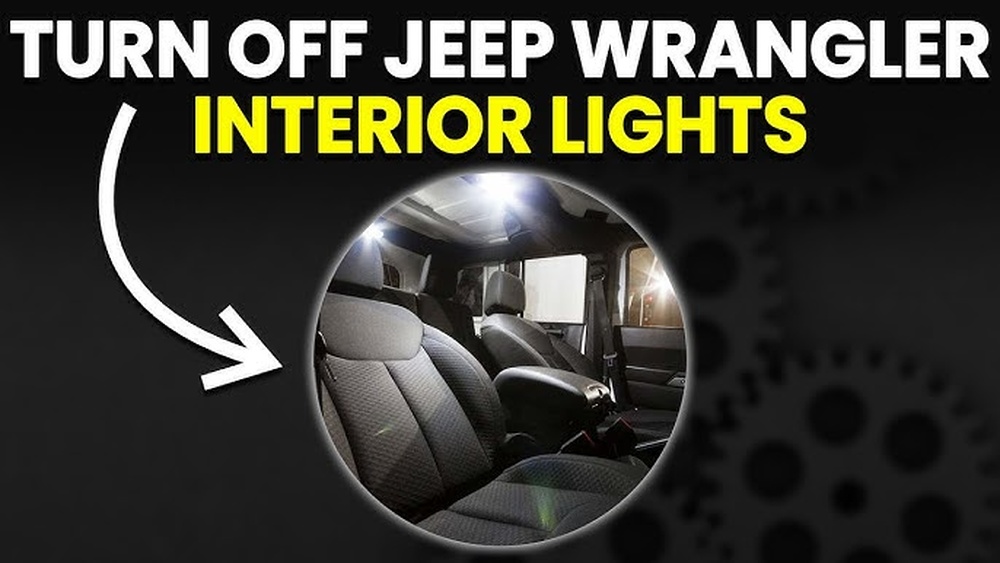
- Dome lights: Usually in the center of the roof, they light up the whole cabin.
- Map lights: Near the front seats, often built into the overhead console.
- Courtesy lights: Sometimes near the floor or doors.
- Cargo lights: In the trunk or rear area, for loading at night.
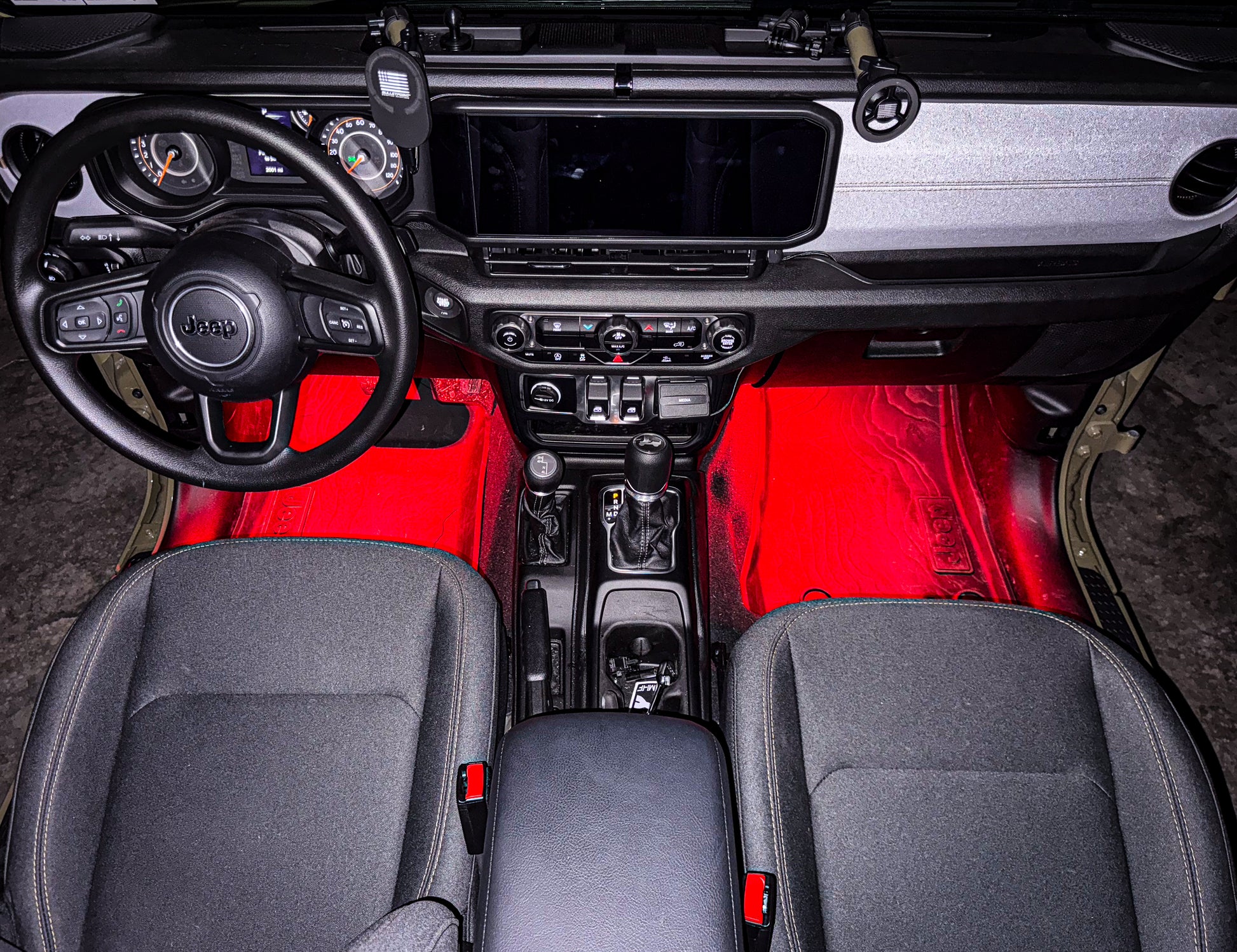
- Ambient lights: Subtle, colored lights in newer Jeeps, often in the dash or doors.
The way you turn these lights on depends on your Jeep’s model, year, and trim. Older Jeeps use simple switches, while newer ones have more advanced controls.
How To Turn On Jeep Interior Lights: Step-by-step
No matter the model, the basic methods are similar. Let’s break down the steps for different Jeep types.
For Most Jeep Models (wrangler, Cherokee, Grand Cherokee)
- Manual Switch (Dome Light)
- Look for the dome light in the middle of the ceiling.
- You’ll see a small switch or button. Slide or press it. The light turns on.
- To turn it off, slide or press the switch back.
- Overhead Console (Map Lights)
- Above the front seats, find the overhead console.
- Press the buttons marked with a light symbol. This turns on individual map lights.
- Press again to turn them off.
- Door Activation
- When you open any door, most Jeeps automatically turn on the dome and courtesy lights.
- Closing the door turns the lights off after a few seconds.
- Dashboard Dimmer Control
- On the dashboard, near the headlight controls, find a rotary knob or slider.
- Rotate or slide it upward until you feel a click. This “click” usually turns on all interior lights.
- Adjust the brightness by moving the knob or slider.
For Newer Jeep Models (2020 And Up)
Newer Jeeps have more electronic controls:
- Touchscreen Menu
- Some models (like Grand Cherokee L) let you control interior lights using the infotainment screen.
- Go to Settings > Lights > Interior Lights. Tap to turn on/off or adjust brightness.
- Ambient Lighting
- Use the touchscreen or special buttons to change the color or intensity of ambient lights.
- Some models allow you to set the mood, such as blue for calm or red for sporty.
For Jeep Wrangler (special Notes)
Wranglers are famous for their removable roofs and doors. If you remove doors, some lights may not work automatically. You’ll need to:
- Use manual switches for dome/map lights.
- Install door-jamb switches if you want automatic lighting with doors off.
Common Mistake: Not Finding The Dimmer Click
Many beginners miss the dimmer switch’s “click”. Simply dimming the dash lights won’t turn on the dome light. You must rotate or slide the dimmer until you feel the click—this is the signal to activate all interior lights.
Adjusting Interior Light Brightness
Jeep lets you change how bright the inside lights are, which is useful for night driving or reading.
Using The Dashboard Dimmer
- Find the dimmer knob/slider (usually left of the steering wheel).
- Move it up for more brightness, down for less.
- After the “click,” dome and map lights will stay on.
Touchscreen (new Models)
- Go to Settings > Lights.
- Choose brightness level for ambient or interior lights.
Example: Jeep Grand Cherokee 2022
- Dimmer knob adjusts the instrument panel and interior brightness.
- After you rotate past the click, dome lights come on even if doors are closed.
Troubleshooting: When Jeep Interior Lights Don’t Work
Sometimes, you try all the switches, but lights don’t turn on. Here are common reasons and fixes.
- Bulb Burned Out
- Dome or map light bulbs can burn out after years.
- Replace with the correct bulb type (check manual).
- Dimmer Switch Not Clicked
- If you only dim the dashboard, dome lights stay off.
- Rotate the knob until you feel the click.
- Door Jamb Switch Faulty
- If doors don’t trigger lights, the door switch may be broken.
- Easy fix: Replace the switch.
- Fuse Blown
- Interior lights share a fuse. If all lights stop working, check fuse box.
- Replace the fuse with the same rating.
- Settings Changed
- On newer Jeeps, interior lights can be disabled in the touchscreen menu.
- Check settings if lights don’t turn on automatically.
- Roof/Doors Removed (Wrangler)
- Removing doors on a Wrangler disables some automatic lights.
- Use manual switches or install aftermarket solutions.
Example Table: Common Jeep Interior Light Problems And Solutions
| Problem | Likely Cause | Solution |
|---|---|---|
| Lights not turning on | Blown fuse | Replace fuse in fuse box |
| Only dashboard lights work | Dimmer not clicked | Rotate dimmer until you hear a click |
| Lights stay off with doors open | Door switch faulty | Replace door jamb switch |
| Dome light dead | Burned out bulb | Install new bulb |
| No automatic lights (Wrangler) | Doors removed | Use manual switch or add aftermarket kit |
Comparing Jeep Interior Lighting Features
Different Jeeps have different lighting systems. Here’s a comparison to help you understand what your model offers.
| Model | Dome Light | Map Lights | Ambient Lighting | Touchscreen Control |
|---|---|---|---|---|
| Wrangler (2010) | Manual switch | Button on console | No | No |
| Cherokee (2018) | Manual & door-activated | Button & door-activated | Limited | No |
| Grand Cherokee (2022) | Touchscreen & manual | Touchscreen & manual | Customizable colors | Yes |
| Compass (2020) | Manual & door-activated | Button on console | Basic | No |
How To Replace Jeep Interior Light Bulbs
If your lights are dim or don’t work, changing the bulb is simple.
- Locate the Light
- Find the dome or map light housing.
- Remove the Cover
- Use a flat screwdriver or your fingers to pop off the cover gently.
- Remove Old Bulb
- Pull out the bulb. Some bulbs twist, others pull straight out.
- Install New Bulb
- Insert the new bulb (check manual for type: Usually 194 or 578).
- Replace Cover
- Snap the cover back in place.
- Test Lights
- Turn on using the switch or dimmer.
Practical Tip
Always use the correct bulb type. Using the wrong size or wattage can cause overheating or damage. If you want brighter lights, consider LED upgrades but check if your Jeep supports them.
Jeep Interior Lighting Upgrades
Many Jeep drivers want brighter or colorful interior lights. Upgrading is popular and easy.
Led Bulbs
- LED bulbs are brighter, last longer, and use less power.
- Many brands make “plug-and-play” bulbs for Jeeps.
- Upgrade dome, map, and cargo lights.
Ambient Light Kits
- Aftermarket kits let you add colored LED strips or accent lights.
- Kits usually fit under dash, seats, or doors.
- Choose kits with remote or smartphone control.
Example Table: Traditional Vs Led Interior Bulbs
| Feature | Traditional Bulb | LED Bulb |
|---|---|---|
| Brightness | Moderate | High |
| Lifespan | 1-2 years | 5-10 years |
| Power Use | Higher | Lower |
| Color Options | White/yellow | Multiple colors |
Installation Tips
- Use bulbs from trusted brands.
- Test after installation. If new bulbs don’t work, check polarity (LEDs only work one way).
- For ambient kits, follow instructions for wiring and placement.
Jeep Interior Light Settings And Customization
You can customize how your interior lights behave.
Automatic Lighting
- Most Jeeps turn on lights when doors open.
- Some models let you set delay (how long lights stay on after closing doors).
- Settings found in owner’s manual or touchscreen.
Ambient Light Colors (new Models)
- Choose colors for mood or visibility.
- Set brightness and timing.
Practical Example: Jeep Grand Cherokee L
- Go to Settings > Interior Lights on touchscreen.
- Select color (red, blue, green, etc. ).
- Set brightness for each area (front, rear, doors).
- Choose auto-off delay (10, 30, or 60 seconds).
Non-obvious Insight
If you park in dark places often, set longer light delays. This gives you more time to gather things without rushing.
Safety And Energy Tips
Using interior lights wisely keeps your battery healthy and avoids accidents.
- Turn off lights when not needed. Leaving them on drains the battery.
- Use dim settings while driving at night to avoid glare.
- If you’re camping or parked, avoid using interior lights for long periods.
Real-world Fact
A dome light left on overnight can drain your Jeep’s battery, especially in cold weather. Always check before locking up.
How Do I Turn On My Jeep’s Interior Lights Manually?
You can turn on the dome light by pressing or sliding the switch on the light itself. For map lights, press the button on the overhead console. If your Jeep has a dashboard dimmer, rotate it upward until you hear a click—this turns on all interior lights.
Why Won’t My Jeep Interior Lights Turn On When I Open The Door?
Usually, this means the door jamb switch is faulty or the fuse is blown. On newer Jeeps, check if automatic lighting is disabled in the settings. If your doors are removed (Wrangler), use the manual switch.
Can I Change The Color Of My Jeep Interior Lights?
Some newer Jeeps, like the Grand Cherokee, offer ambient lighting with color options. Older models don’t. You can add aftermarket ambient light kits for more colors.
How Do I Make My Jeep Interior Lights Brighter?
Adjust the dashboard dimmer or use the touchscreen settings (on new models). Upgrading to LED bulbs also increases brightness. Always use the correct bulb type to avoid damage.
Will Leaving Interior Lights On Drain My Jeep’s Battery?
Yes. If you leave dome, map, or cargo lights on for hours, your battery can drain. Always turn off lights before locking your Jeep, especially if you’ll be away overnight.
Turning on your Jeep’s interior lights is easy once you know where to look and how the controls work. Whether you drive a classic Wrangler or a high-tech Grand Cherokee, you have options for manual, automatic, and customizable lighting. Take time to explore your Jeep’s features and settings. Upgrading bulbs or adding ambient kits makes your cabin even better. And remember, smart use of interior lights keeps your battery safe and your ride comfortable. For more Jeep tips and official details, check your owner’s manual or visit the Jeep Owners Site.