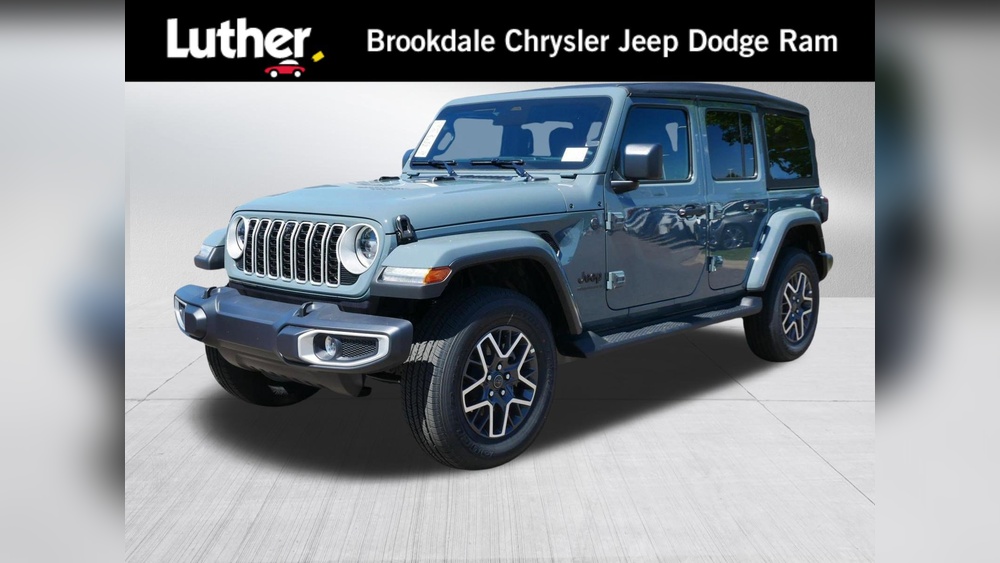
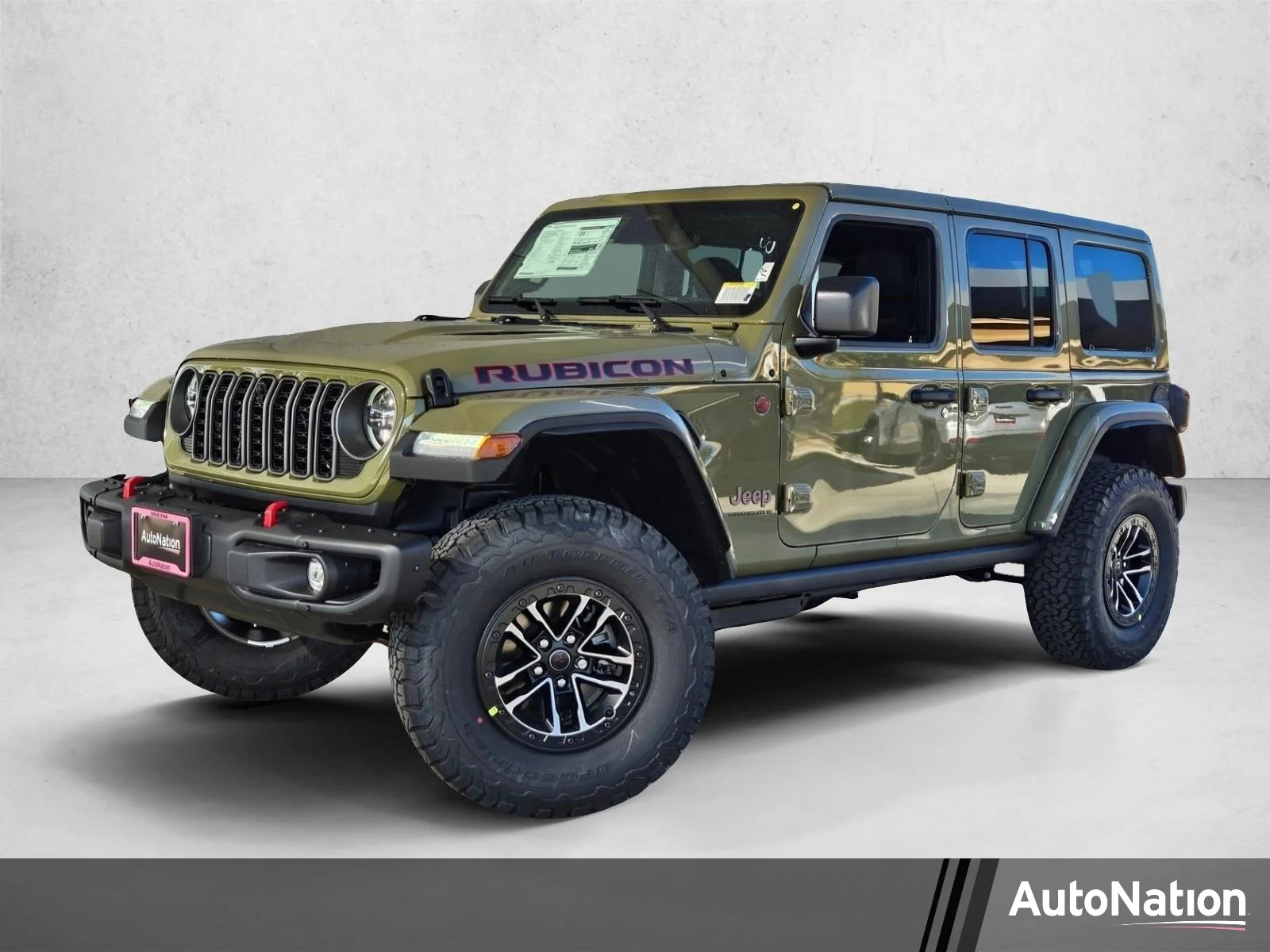
If you own a 2008 Jeep Sahara, you know its interior lighting is important for night driving, finding lost items, or simply creating a comfortable atmosphere. But turning on the interior lights can sometimes confuse even experienced drivers, especially if you’re used to modern cars with automatic lighting systems. Understanding the exact steps and features for the 08 Jeep Sahara saves you time and keeps your vehicle feeling safe and welcoming.
This guide will walk you through every method to turn on the interior lights in your Jeep Sahara. You’ll learn not only the basic switch operation, but also how to use advanced settings, troubleshoot common issues, and avoid mistakes that can drain your battery.
Each section covers one of the eight main ways to control the interior lighting, with practical examples and tips. By the end, you’ll feel confident lighting up your Sahara’s cabin whenever you need, day or night.
Using The Dome Light Switch
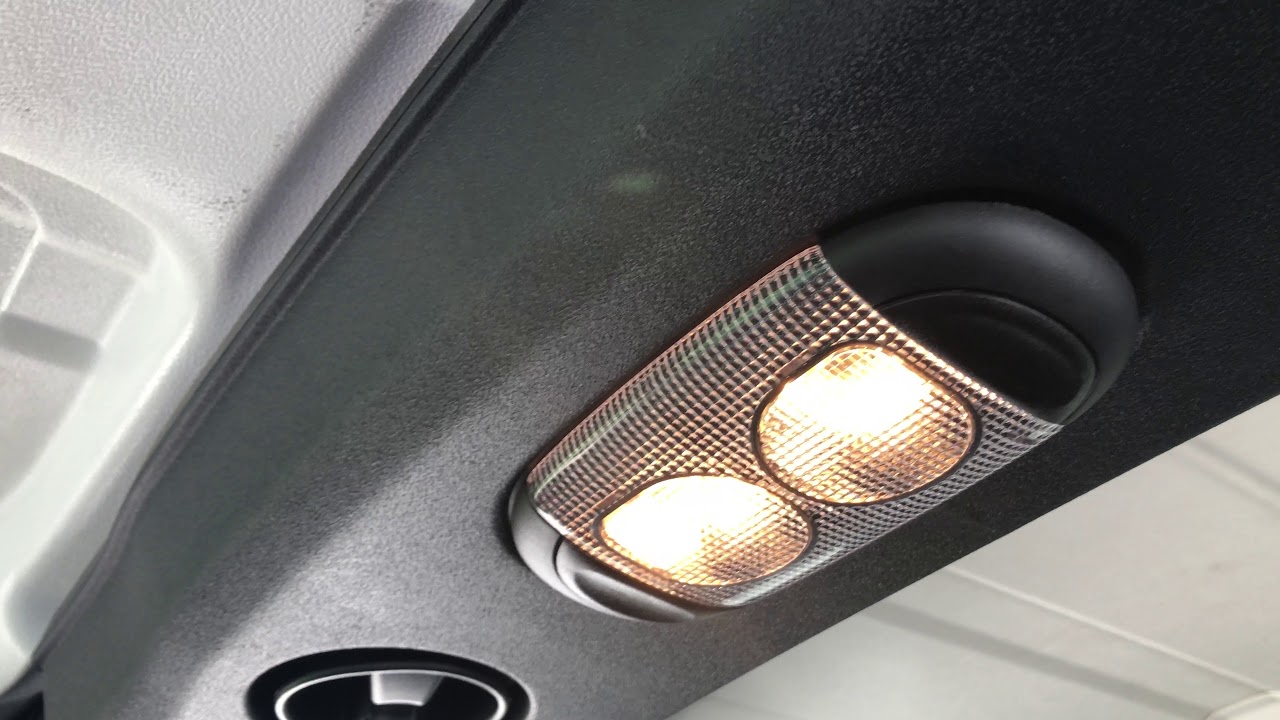
The dome light switch is the primary way to turn on interior lights in your Jeep Sahara. The switch is usually located on the overhead console, right above the front seats. It’s easy to miss, especially if you’re new to the vehicle, but once you know where to look, it becomes a simple habit.
To use it, press or slide the dome light switch. Some models require a gentle push, while others use a sliding mechanism.
When you activate this switch, the main dome light illuminates the cabin. This is perfect for reading maps, checking belongings, or just creating a brighter environment.
Tip: If the dome light doesn’t turn on, check if the bulb is burnt out or if the switch is stuck. Sometimes, dust or grime can prevent proper contact, so cleaning the switch may help.
Opening The Doors
Another automatic way to turn on the interior lights is by opening the doors. When you open any door in your Jeep Sahara, a sensor signals the lights to activate. This feature helps you enter or exit the vehicle safely, especially in dark parking lots or at night.
There are small switches, often called door jamb switches, located near the hinges. These sensors detect if a door is open or closed. If the interior lights do not turn on when you open a door, the sensor may be faulty or disconnected.
Non-obvious insight: Sometimes, aftermarket modifications or repairs can accidentally disconnect these switches, causing the lights to stay off. Always check the door sensor wiring if you notice problems.
Using The Dimmer Control
The dimmer control lets you adjust the brightness of your interior lights. This control is usually found on the dashboard, next to the headlight switch. In the 08 Jeep Sahara, it’s a dial or slider you can rotate or move up and down.
To turn on the interior lights using the dimmer control, rotate the dial past its highest setting. On many Jeeps, pushing the dimmer all the way up activates the dome light, even if the doors are closed.
Example: You’re parked and need extra light without opening the door. Just push the dimmer control up, and the dome light turns on.
Common mistake: Many drivers forget that the dimmer control also turns on the dome light when pushed past the top. If you only adjust brightness but never go all the way up, you might miss this feature.
Using The Key Fob (remote Entry)
The key fob is not only for locking and unlocking your Jeep Sahara—it also controls the interior lights. When you unlock the doors using the remote, the vehicle’s interior lights turn on automatically for a few seconds, welcoming you inside.
This feature is handy when approaching your Jeep in the dark. It provides a brief light period, helping you see inside and check for anything unusual.
Practical tip: If the lights don’t activate with the key fob, check the remote’s battery or ensure you’re within range. Some settings in the vehicle’s computer can also disable this feature, so consult your owner’s manual if needed.
Manual Activation With Map/reading Lights
Your Jeep Sahara may have map lights or reading lights near the front seats. These are smaller, focused lights for individual use. To turn them on, simply press the lens or the small button next to each light.
These lights are designed for tasks like reading documents or checking directions without lighting the whole cabin. They offer a more targeted approach, and you can control them separately from the dome light.
Data point: Many Jeep owners report that map lights use less power than the main dome light, so they’re good for quick tasks without draining the battery.
Interior Light Fuse Check
Sometimes, the interior lights won’t turn on even after trying all the switches. In this case, the problem may be a blown fuse. The fuse box in the 08 Jeep Sahara is usually located under the dashboard, near the driver’s side.
To check the fuse:
- Open the fuse panel.
- Find the fuse labeled “Interior Lights” or “Dome.”
- Pull the fuse out and inspect it. If the metal strip inside is broken, replace it with a fuse of the same rating.
Here’s a comparison of common fuse ratings for interior lights:
| Fuse Location | Rating (Amps) | Function |
|---|---|---|
| Dashboard | 10A | Dome Light |
| Underhood | 15A | Accessory Lights |
| Rear Panel | 7.5A | Map Lights |
Non-obvious insight: If you replace the fuse and it blows again quickly, it’s a sign of a wiring problem or a short circuit. Don’t keep replacing the fuse—investigate the wiring to prevent damage.
Battery Saving Mode
The 08 Jeep Sahara has a battery saving mode that turns off the interior lights after a set time, even if a door is left open. This prevents your battery from draining overnight or during long stops. If your interior lights suddenly turn off while you’re inside, it’s likely the battery saving feature.
To reset the lights, simply close all doors and turn the ignition off and on. The system will reset, and the lights should function normally.
Example: If you’re loading items and the lights turn off, close the doors and restart the vehicle to reactivate interior lighting.
Common mistake: Some users think the lights are broken, but it’s just the battery saving mode protecting your Jeep’s battery.
Using The Headlight Switch
In some Jeeps, the headlight switch can also control interior lights. When you turn the headlights on, the dashboard and some cabin lights may activate. On the 08 Sahara, rotating the switch or pulling it out slightly can trigger additional interior lighting.
Here’s how headlight switch settings compare:
| Switch Position | Interior Lighting | Effect |
|---|---|---|
| Off | No lights | Cabin is dark |
| Parking Lights | Dash lights | Dim interior |
| Headlights On | Dash + some cabin lights | Brighter interior |
Tip: Experiment with the headlight switch to see how it affects interior lighting. Sometimes, rotating or toggling the switch gives you more control than you expect.
Comparing Light Activation Methods
If you’re unsure which method to use, here’s a quick comparison:
| Method | Ease of Use | Best For | Limitations |
|---|---|---|---|
| Dome Light Switch | Simple | General lighting | Bulb failure |
| Door Opening | Automatic | Entry/exit | Sensor issues |
| Dimmer Control | Adjustable | Custom brightness | Missed max setting |
| Key Fob | Remote | Approaching vehicle | Battery/range |
| Map Lights | Individual | Focused tasks | Limited coverage |
| Fuse Check | Maintenance | Troubleshooting | Technical skill |
| Battery Saving Mode | Automatic | Protect battery | Unexpected shutoff |
| Headlight Switch | Integrated | Night driving | Limited to dash |
Common Mistakes To Avoid
Many Jeep owners overlook simple steps or make mistakes that cause frustration. Here are some to watch for:
- Forgetting the dimmer control’s max setting – Always push it to the top to activate the dome light.
- Ignoring fuse issues – If lights don’t work, check the fuse before assuming the bulbs are dead.
- Leaving doors open – This can drain the battery if the battery saving mode fails.
- Not replacing burnt bulbs – Old bulbs can fail unexpectedly; keep spares handy.
- Overlooking door sensors – If lights don’t turn on with doors, check sensors and wiring.
Practical Tips For Reliable Lighting
- Keep spare bulbs and fuses in your glove box.
- Clean switches and lenses regularly to avoid dust buildup.
- Check the battery often, especially after using interior lights for long periods.
- If you modify your Jeep, ensure all wiring remains connected to avoid sensor problems.
- Read your owner’s manual for any model-specific instructions.
How Do I Turn On The Dome Light Manually In My 08 Jeep Sahara?
To manually turn on the dome light, locate the dome light switch on the overhead console and press or slide it. You can also push the dimmer control to its highest setting on the dashboard, which activates the dome light.
Why Don’t My Interior Lights Turn On When I Open The Door?
If interior lights don’t activate when you open the door, check the door jamb switches near the hinges. They may be faulty or disconnected. Also, inspect the fuse labeled for interior lights in the fuse box.
Can I Adjust The Brightness Of The Interior Lights?
Yes, use the dimmer control located near the headlight switch on the dashboard. Rotating or moving the dial lets you adjust brightness. Pushing the dimmer control to its maximum setting turns on the dome light.
What Should I Do If The Interior Lights Stay On And Drain My Battery?
If the lights remain on, check for stuck door sensors or switch problems. Use the battery saving mode by closing all doors and restarting the ignition.
If the problem persists, inspect wiring or consult a mechanic.
Are There Any Official Resources For Jeep Sahara Lighting Problems?
You can visit the official Jeep website or trusted automotive forums for guidance. For more technical details and troubleshooting, check the Jeep Owner’s Manual online.
Turning on the interior light in your 08 Jeep Sahara is simple once you know the methods and avoid common mistakes. Whether you need light for safety, comfort, or maintenance, understanding these eight features gives you control and confidence.
Use the tips and comparisons in this guide to make your Jeep’s interior lighting reliable every time you drive.